Why SEO Matters for Every Website
When you created your website, you probably designed it with your visitors in mind, making sure it looks good, loads fast, and feels easy to use. But there’s one more “visitor” who plays a huge role in how people discover you: the search engine.
Google can’t see your website like humans do. It doesn’t admire your colors, layout, or images. Instead, it reads your pages like a book. It tries to figure out:
- What topics you cover
- Whether your information is helpful
- How your pages are connected
- If people would find value in visiting your site
SEO is simply the process of making that job easier for Google. When Google understands your content better, your site stands a much better chance of showing up in search results.
How Google Decides Which Sites to Show
Google uses a simple rulebook called Search Essentials to determine whether a website is allowed to appear in search results at all. Think of these essentials as the “basic requirements” every site must meet. They don’t guarantee that you’ll rank at the top, but they ensure Google can access, understand, and trust your website enough to show it to users.
Once your website meets these basic requirements, SEO steps in to help improve your visibility and rankings. This involves focusing on several important factors:
Making Your Content Clear and Meaningful
Google’s first job is to figure out what your page is about and whether it offers real value. When your content is simple, organized, and directly answers what users are searching for, Google is more confident recommending it. Clear content helps both humans and search engines understand the purpose of your page instantly.
Organizing Your Site Properly
Your website should be structured like a well organized book. If Google can move from one page to another smoothly, it understands your site better. Proper internal linking, logical menus, and clean navigation make it easier for Google to crawl your website and index your pages.
When your site is well-organized:
- Google finds your content faster
- Your pages are easier for visitors to explore
- Search engines treat your website as more reliable
Using the Right Words and Structure
Keywords are the bridge between your content and the people looking for it. When you use the words your audience is searching for—and place them naturally in headings, subheadings, and main content—Google gets a clearer picture of when your page should appear in search results.
Good keyword structure helps Google understand:
- What problem your content solves
- Who the content is meant for
- Which search queries your page is relevant to
Improving the Overall Experience
A positive user experience is a top priority for Google. If your website loads quickly, works smoothly on mobile devices, and is easy to read and navigate, visitors stay longer, and Google sees this as a sign of quality.
Key experience factors include:
- Fast loading speed
- Mobile-friendly responsiveness
- Easy-to-read fonts and spacing
- Clean layout without distracting elements
Google wants to show users the best possible results, and a website that provides a great experience is far more likely to earn higher rankings.
What Good SEO Actually Does
SEO isn’t about gaming the system or trying shortcuts. It’s about building a website that genuinely helps people and gives them a smooth experience. When you improve your site with SEO, you’re doing things like:
- Writing content that answers real questions
- Making sure your pages load quickly
- Ensuring your site works well on all devices
- Creating titles and descriptions that make sense
- Organizing your content so users don’t get lost
These improvements help both humans and search engines trust your website more.
There’s No Magic Button, But There Is a Smart Approach
A lot of people hope for a “secret formula” to get to the #1 spot on Google. The truth is, there is no magic or shortcut. But the good news is: you don’t need one.
If you follow good SEO practices, focus on quality, clarity, user experience, and helpful content, Google is much more likely to show your site to the right audience. It might not happen overnight, but it creates long-term, steady growth for your website.
Why SEO Is Worth the Effort
At the end of the day, SEO is about connecting your website with the people who are already searching for what you offer. When you invest in SEO, you’re investing in:
- More people discovering your business
- Stronger credibility and trust
- Long-term organic growth
- Better user experience
- Higher chances of turning visitors into customers
SEO is like planting a tree, you care for it consistently, and over time, it grows into something valuable.
1. On-Page SEO
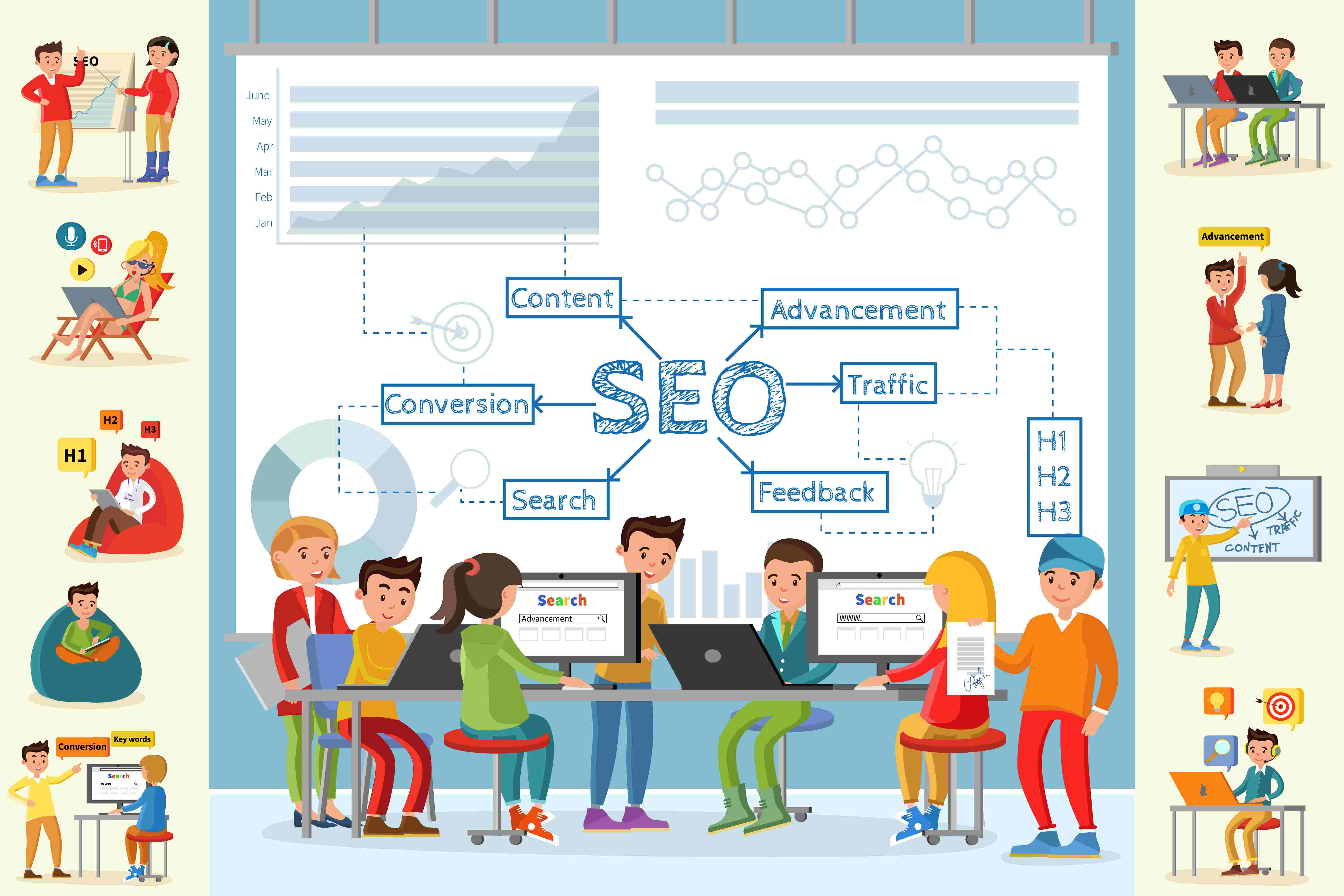
On-page SEO focuses on improving the content and structure within your website pages. The goal is simple: help Google clearly understand what each page is about while also giving users a helpful, enjoyable experience.
When someone visits your page, they should instantly know what information you are offering. And when Google crawls the page, it should be able to read and interpret your content easily. That is what good on-page SEO achieves.
A well-optimized page:
- Answers a user’s question
- Provides clear and useful information
- Has proper formatting so both humans and Google can scan it easily
Using the Right Keywords
Keywords are the phrases people type into Google. When you include relevant keywords naturally in your content, you help Google match your page with the right search queries.
Writing Clear, Helpful, and Valuable Content
Google prefers content that is clear, detailed, useful, and well-explained. The more valuable your content is, the better your chances of ranking well.
Adding Headings (H1, H2, H3…)
Headings organize your content and help Google understand your structure.
- H1 is your main title
- H2 is for main sections
- H3 is for subsections
This structure helps both users and search engines read your content easily.
Adding Images with Alt Text
Google cannot see images, so it relies on alt text. Alt text describes the image so search engines understand what it represents. This improves accessibility and helps your images appear in Google image searches.
Creating User-Friendly URLs
Clean and clear URLs help both users and Google understand your page.
Example:
Good: yourwebsite.com/healthy-breakfast-ideas
Bad: yourwebsite.com/p=49283?x=home
Short and simple URLs perform better.

2. Off-Page SEO
Off-page SEO is all about proving to Google that your website is trustworthy, credible, and worth showing to people. While on-page SEO focuses on what you do inside your website, off-page SEO focuses on everything that happens outside of it.
Google looks at signals from other websites and platforms to understand how valuable your site is. When other websites mention you, link to you, or talk about your brand, it tells Google that people trust your content. These external signals help improve your rankings and overall authority.
Some of the most important off-page SEO activities include:
Backlinks from Other Websites
Links from high-quality, reputable sites act like endorsements. The more credible the site linking to you, the more trust you gain in Google’s eyes.
Social Media Sharing
When people share your content on social platforms, it increases visibility and signals strong engagement. This helps your brand appear more popular and relevant.
Brand Mentions
Even if there is no link, mentions of your business name across the web help build credibility and visibility.
Guest Posting
Publishing helpful content on other websites allows you to gain exposure, earn backlinks, and establish authority in your industry.
Online Directories
Being listed in trusted directories improves your online presence and helps people find your business more easily.
All these activities work together to build your website’s reputation. Google sees them as votes of confidence. The more high-quality mentions, shares, and backlinks your website earns, the more trustworthy and authoritative it becomes.
3. Technical SEO
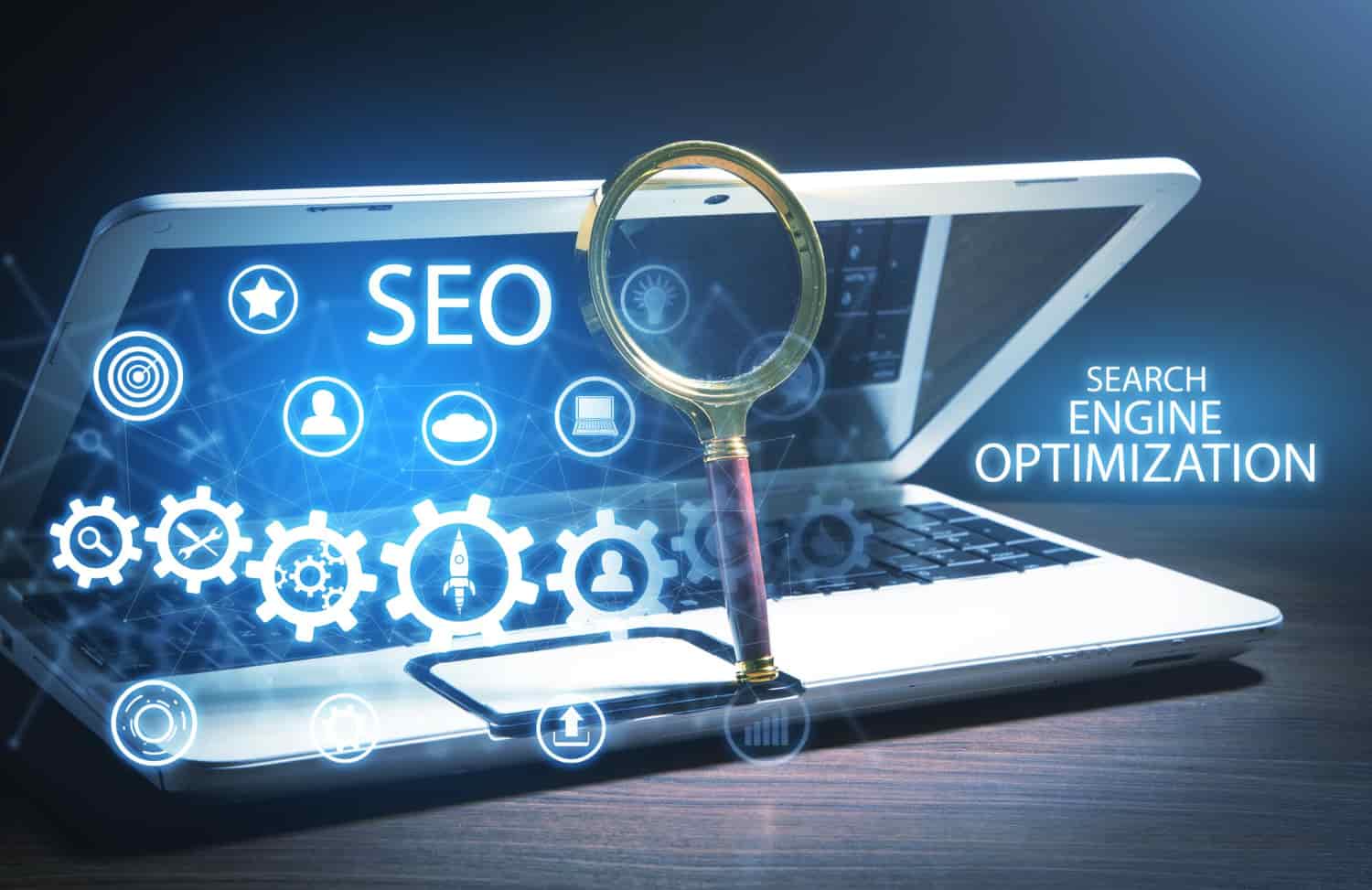
Technical SEO focuses on the backend structure of your website. Even if your content is excellent, Google cannot rank your site well if it cannot crawl, understand, or load your pages properly. Technical SEO ensures that your website is smooth, fast, and accessible for both users and search engines.
Key elements of technical SEO include:
Making Your Site Mobile-Friendly
Google uses mobile-first indexing, which means it looks at the mobile version of your website first. A mobile-friendly site improves rankings and user experience.
Improving Website Speed
Slow websites frustrate users and lead to higher bounce rates. A fast-loading site is essential for better search performance and user satisfaction.
Fixing Broken Links
Broken links create a negative experience and make it harder for search engines to crawl your website. Fixing or redirecting them keeps your site clean and functional.
Adding XML Sitemaps
An XML sitemap helps Google discover and understand all the important pages on your website, making crawling more efficient.
Ensuring Google Can Index Your Pages
Proper indexing means Google can store and display your pages in search results. Technical SEO ensures there are no errors blocking this process.
Using HTTPS Security
HTTPS keeps your site secure and builds trust with both users and search engines. Google prefers secure websites and prioritizes them in rankings.
Technical SEO is like building a strong foundation for your website. Without it, even the best content and design cannot perform well in search results.
Optional: Other Helpful Types of SEO
Beyond on-page, off-page, and technical SEO, there are additional SEO categories that help different types of websites attract the right audience more effectively.
4. Local SEO
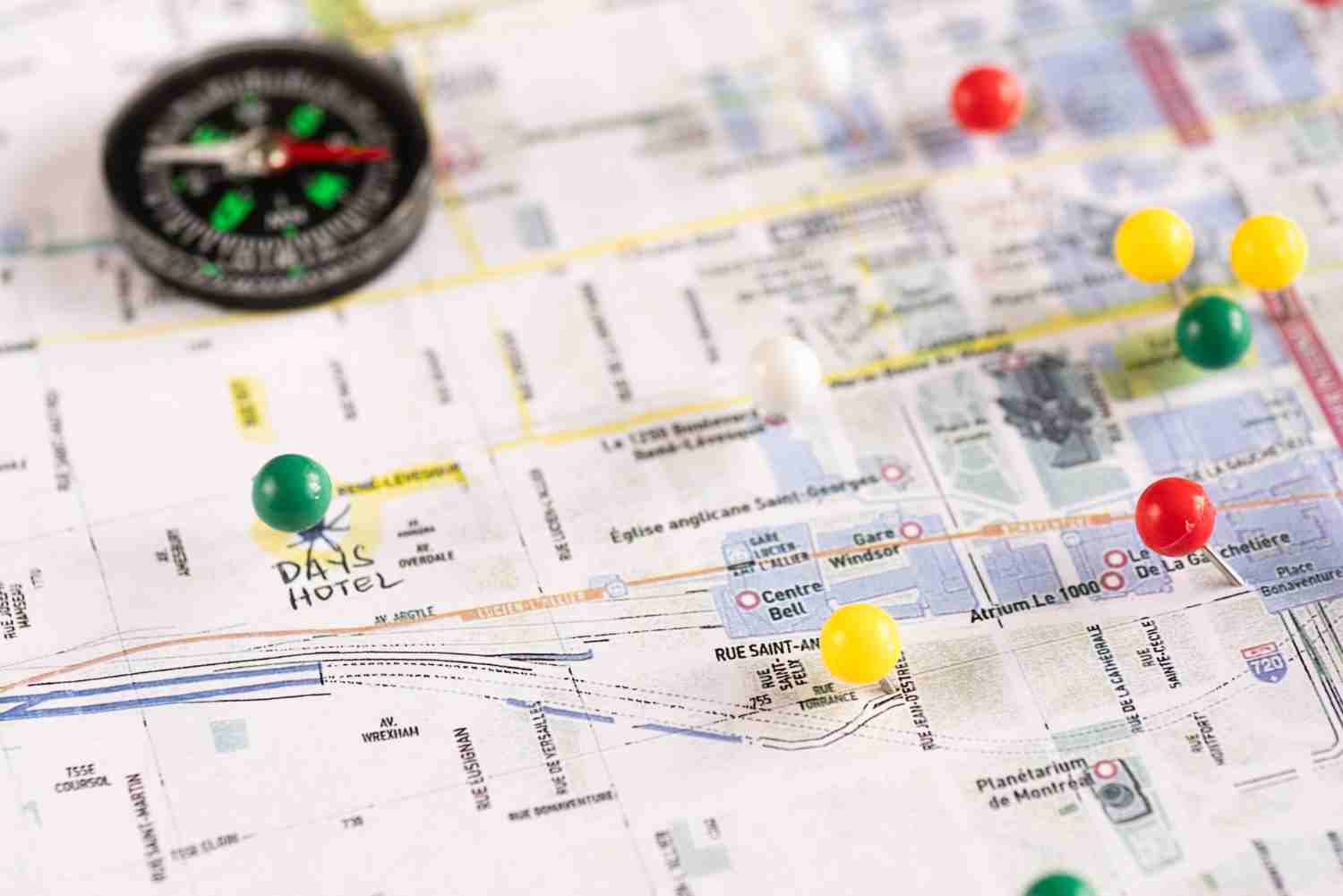
Local SEO is essential for any business that serves customers in a specific area or city. It helps your business appear in searches like “dentist near me,” “best pizza shop in Chicago,” or “car repair shop near me.” Google prioritizes local results when users search for nearby services, and Local SEO helps your business show up in Google Maps and the Local Pack.
Local SEO includes:
- Optimizing your Google Business Profile
- Getting customer reviews
- Adding accurate NAP (Name, Address, Phone) details
- Using local keywords
- Building local backlinks
- Posting local updates or offers
With strong Local SEO, nearby customers can find your business faster and trust you more easily.
5. Content SEO
Content SEO focuses on creating high-quality, valuable, and informative content that answers people’s questions. Google ranks websites that offer real value, and content is the strongest way to prove your website’s usefulness.
Content SEO includes:
- Writing helpful blogs, guides, and articles
- Structuring content clearly with headings and sections
- Creating content that matches search intent
- Using naturally placed keywords
- Adding images, videos, and infographics
- Updating old content to keep it fresh
Good content SEO builds authority and helps attract long-term organic traffic.

6. E-commerce SEO
E-commerce SEO is specifically designed for online stores with many product pages, categories, and filters. It helps users and search engines understand your products more clearly.
E-commerce SEO focuses on:
- Optimizing product titles and descriptions
- Adding unique product content
- Improving product images and alt text
- Enhancing category pages
- Managing filters and faceted navigation properly
- Encouraging user reviews
- Creating SEO-friendly URLs
- Ensuring fast loading and mobile-friendly design
Strong e-commerce SEO helps products stand out, improves visibility, and boosts conversion rates through a smoother shopping experience.
How Search Engines Really Work Behind the Scenes
Search engines like Google seem simple, you type a question, and instantly millions of results appear. But behind the scenes, Google is working nonstop, scanning billions of webpages to understand what’s out there. Everything Google does is based on three major steps: Crawling, Indexing, and Ranking (Serving Results).
Let’s break these down in a simple, human-friendly way so you truly understand how your website becomes visible on Google.

1. Crawling: How Google Finds Your Website
Google uses special automated bots called Googlebots. Think of them as tiny digital explorers moving across the internet, clicking links, and discovering new pages. Google can find your website through:
- Links from other sites
- Your sitemap
- Google Search Console
- Social media mentions
- Sometimes directly from hosting providers
In most cases, you don’t have to submit your website manually, Google usually discovers it automatically.
In simple words: Crawling is like Google walking through the internet, visiting websites, and taking notes.

2. Indexing: How Google Stores and Understands Your Content
After Google finds your website, it tries to understand it. It looks at:
- Your written content
- Images and alt text
- Headers
- Keywords
- Internal links
- Page layout
Once Google figures out what your page is about, it saves it in a huge database called the index.
Think of it like this: Google adds your page to its massive online library so it can show it to people later.
In simple words: Indexing is like Google filing your webpage into its library so users can find it.

3. Ranking: How Google Chooses What to Show First
When someone searches for something, Google doesn’t go out to browse the internet live. Instead, it searches its own index and chooses the best, most helpful results. Google looks at hundreds of factors, including:
- Relevance to the search
- Helpful and high-quality content
- Mobile friendliness
- Page speed
- User experience
- Backlinks
- Trust and authority
Google’s main goal is simple: Show the most helpful content to the right user at the right moment.
In simple words: Ranking is Google choosing the best answers and listing them in the perfect order.
Why This Matters for You
If Google can’t crawl or index your website, it cannot show it in search results, no matter how good your content is. That’s why SEO focuses on:
- Making your site easy for Googlebots to crawl
- Fixing technical issues
- Writing clear, helpful content
- Improving your site’s speed and mobile experience
The easier your site is for Google to understand, the higher your chances of showing up in search.
The Role of Keywords in SEO
Keywords are one of the most basic, yet most important, parts of SEO. They help search engines understand what your content is about, and they help users find your website. Let’s break it down in the simplest way possible.
What Are Keywords?
Keywords are the words and phrases people type into Google when they are looking for something. Examples include:
- “best pizza near me”
- “how to fix neck pain”
- “car accident lawyer in Chicago”
If your website uses the same words that people are searching for naturally and in context, Google understands that your page might be a good match.

Why Are Keywords Important in SEO?
Keywords tell Google:
- What your page is about
- Who should see your page
- What type of problem your content solves
In simple words: Keywords are like signs that help Google match your website with the right people.
How Keywords Affect SEO
- They Help Google Understand Your Topic For example, if you’re writing about car accident claims, Google expects to see related terms like:
- car accident
- injury lawyer
- insurance claim
- compensation
- They Help Match Your Page With User Searches When someone types a query like “back pain treatment,” Google tries to find pages with similar words or meaning. If your page talks about “how to treat back pain at home,” it’s relevant, so Google may show it.
- They Help You Attract the Right Visitors Good keywords bring people who are already looking for what you offer. For example, a lawyer writing about “Chicago car accident claim process” will attract people who need legal help in Chicago. This means more qualified traffic, not random visitors.
Types of Keywords
- Short-tail keywords (1–2 words): Very general, high competition. Example: “shoes”
- Long-tail keywords (3+ words): More specific, easier to rank. Example: “best running shoes for beginners”
- Local keywords: Used for specific locations. Example: “dentist in Delhi”
- Intent-based keywords: Show what the user wants.
- Informational: “how to cut onions”
- Commercial: “best laptop for students”
- Transactional: “buy gaming chair”
How to Use Keywords the Right Way
Here’s how to use keywords naturally without overdoing it:
- Include them naturally in your content
- Add them in headings (H1, H2)
- Use them in the first paragraph
- Add them in image alt text
- Use related keywords and synonyms
- Do not stuff or repeat them unnaturally
Write for people first, and let keywords support your content, not control it.
Why Keywords Still Matter Today
Even with advanced AI and smarter algorithms, keywords remain crucial because:
- They show search intent
- They guide your content topic
- They help search engines categorize your page
- They help you reach the right audience
Keywords act as clear signals to Google about your content.

How Internal Linking Helps Google Understand Your Website
Internal links connect one page of your website to another. They are more than navigation; they help SEO by guiding both users and search engines.
Think of your website as a city and each page as a building. Internal links are the roads connecting everything.
Why Internal Linking Is Important
- Discover New Pages: Internal links point Google to new posts or pages.
- Understand Content Relationships: Shows Google how pages belong to the same topic cluster.
- Determine Page Importance: Pages with more internal links are considered more important.
- Improve Crawling: Helps Google index pages efficiently.
- Enhance User Experience: Helps visitors navigate naturally to related content.
What Good Internal Linking Looks Like
- Link to relevant content only
- Use descriptive anchor text
- Link important pages more often
- Create topic clusters for related pages

What Are Backlinks and Why They Matter
Backlinks are links from other websites to yours. They act as votes of trust, showing Google your content is reliable and valuable.
Types of Backlinks
- High-Quality Backlinks: From trusted and relevant sites, boosting rankings.
- Low-Quality Backlinks: From spammy or irrelevant sites, which can harm rankings.
Why Backlinks Matter
- Improve Google rankings
- Increase website authority
- Bring referral traffic
- Help Google discover new pages faster
How to Get Quality Backlinks
- Create helpful, in-depth content
- Write guest posts on relevant websites
- Share content on social media
- Build connections in your industry
- Use HARO or journalist requests
- Create infographics or data studies for references
Difference Between SEO and Paid Ads
SEO (Search Engine Optimization)
- Free traffic
- Takes time to rank
- Results are long-term
- You don’t pay per click
- Depends on content quality, backlinks, and website optimization
Paid Ads (Google Ads, Facebook Ads)
- Paid traffic
- Gives instant results
- Traffic stops when you stop paying
- You pay per click or per view
- Works fast for promotions or new websites
In short: SEO = slow but free and long-term. Paid Ads = fast but costs money.