Using Google Analytics for Local SEO to Improve Your Local Rankings Fast

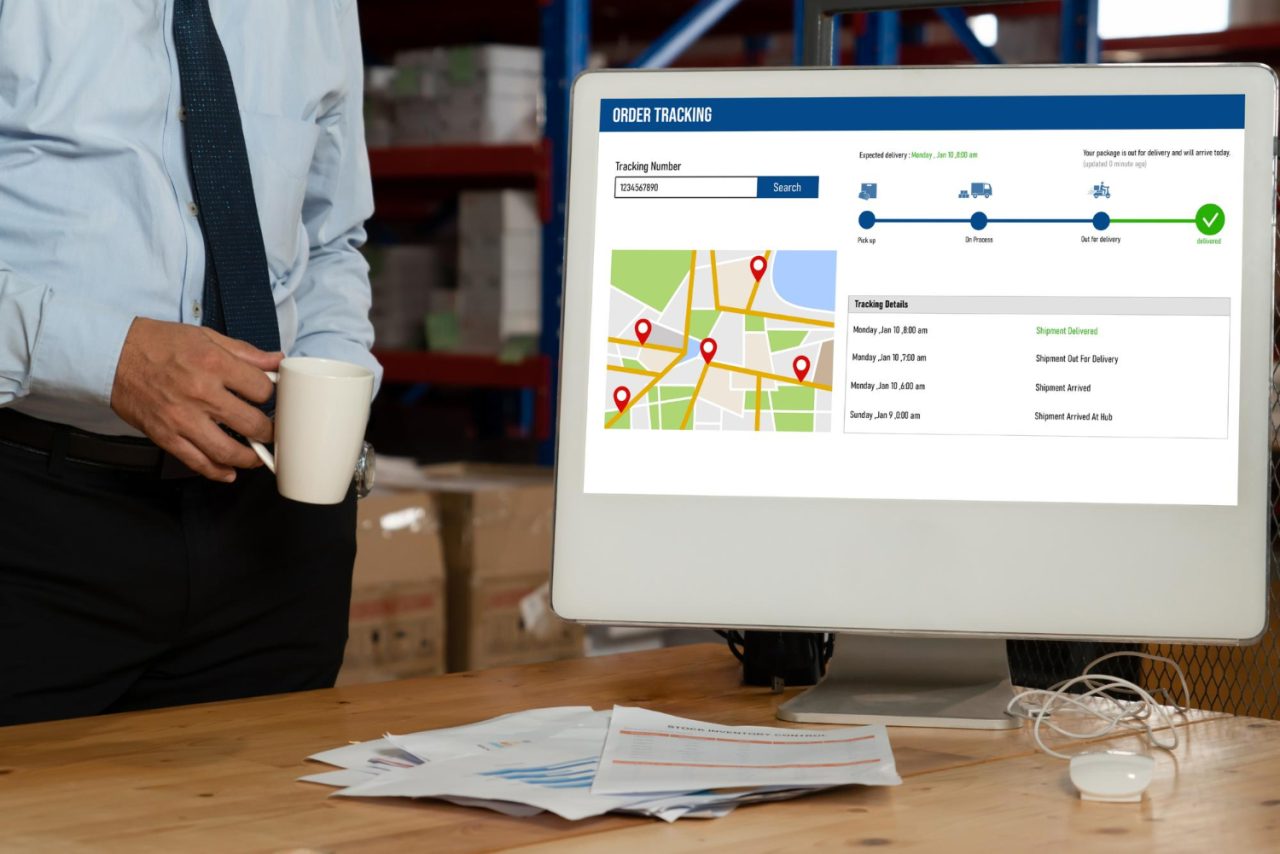
Every small business owner eventually asks the same question: how do I actually know if my local SEO is working? You can publish blog posts, tweak your Google Business Profile, and collect a handful of reviews, but without a way to measure the results, you’re basically driving with your eyes closed. That’s exactly where Google Analytics earns its keep. Using Google Analytics for local SEO turns guesswork into a genuine feedback loop, one that tells you what’s working, what’s not, and where to spend your next hour of effort.
Google Analytics isn’t reserved for big brands with dedicated marketing teams. Whether you run a neighborhood bakery, a boutique law practice, or a home services company, this free tool hands you the same data the largest companies use to make decisions, just scaled to your business.

What Using Google Analytics for Local SEO Actually Involves
At its core, Google Analytics tracks and reports on website traffic. When we talk about using Google Analytics for local SEO specifically, we mean pulling out the parts of that data that tell you how nearby customers, the people most likely to actually walk through your door, are finding and behaving on your site.
Think of it as a digital roadmap that answers:
- Who is visiting your website
- Where they’re located
- How they found you
- Which pages they spend time on
- How long they stick around before leaving
All of that data feeds directly into smarter marketing decisions, especially when your goal is reaching people within driving distance rather than a national audience.
Here’s a purely illustrative example to show how the pieces connect. Imagine a pizza shop in downtown Phoenix that notices, through Analytics, that most of its website visitors are coming from a handful of nearby zip codes. That’s a strong sign the local SEO work is landing where it should. If instead people were bouncing off the site within seconds or never reaching the contact page, that would be the signal that something in the experience needs fixing, not the strategy itself.
What to Look for in Google Analytics for Local SEO
The first time you open Google Analytics, the sheer volume of data can feel like drinking from a fire hose. The good news: for local SEO purposes, you only need to watch a handful of reports closely.
1. Geographic Data
Found under your audience or demographic reports, this tells you exactly where your visitors are physically located, down to city or region. If you’re targeting a specific service area, this is the single most direct confirmation of whether your local strategy is reaching the right people.
2. Traffic Source and Channel Reports
This shows how people are actually arriving at your site. Are they coming from organic Google search, from social platforms, or from a local directory listing? Knowing the split helps you double down on whichever channel is already earning its keep.
3. Landing Pages
This report reveals which pages people land on first. If your “local services” page or a specific city landing page pulls in consistent traffic, you’re on the right track and probably have room to build more content in that same vein.
4. Mobile Traffic Breakdown
With most local searches happening on phones, understanding how mobile visitors specifically behave, separate from desktop, matters. A page that performs beautifully on desktop but frustrates mobile users is quietly costing you local conversions.
5. Engagement Rate and Session Duration
These metrics tell you whether your content is actually holding attention. A visitor who lands and leaves within a few seconds usually didn’t find what they expected. A visitor who sticks around and explores multiple pages is a much stronger signal of genuine interest.
6. Goals and Conversion Events
Set up tracked events for form submissions, phone number clicks, and contact page visits. This is how you move past raw traffic numbers and start measuring actual leads coming from your local area.
Why Bother Using Google Analytics for Local SEO
If you’re still deciding whether it’s worth the setup time, here’s the honest case for why this pays off.
1. You Measure What Actually Matters
Instead of guessing whether a blog post or a service page is pulling in local traffic, you get hard numbers in front of you. That alone changes how you prioritize your time.
2. You Can Double Down on What’s Working
Once you know which pages attract local visitors, you can build more content around those same topics. If a “plumbing services in Chicago” page is quietly outperforming everything else, that’s your cue to write three more pages just like it.
3. You Understand Your Audience Better
Knowing where people live, what devices they use, and how they move through your site lets you tailor both content and design to serve them more directly.
4. You Can Actually Track Conversions, Not Just Clicks
Traffic alone doesn’t pay the bills. Tracking goals shows you which specific pages lead to phone calls, form fills, or booking requests, the actions that turn into revenue.
5. You Save Money by Cutting the Guesswork
Instead of throwing budget at ads or an agency and hoping something sticks, clear data tells you exactly where to put your next dollar. Every marketing budget stretches further once you know what’s actually converting.
How to Start Using Google Analytics for Local SEO
Ready to actually set this up? Here’s the step by step path.
Step 1: Install Google Analytics
If you haven’t already, create an account at analytics.google.com and install the tracking code on your site. Most WordPress setups make this simple through plugins like Site Kit.
Step 2: Connect Google Search Console
Linking these two tools unlocks even more detail, particularly around which local search queries are actually bringing people to your listing before they click through.
Step 3: Set Up Location-Based Goals
Track the actions that matter most for a local business:
- Visits to your contact or directions page
- Clicks on your phone number, tracked as an event
- Form submissions coming from local visitors
Google Tag Manager, or a WordPress plugin that handles event tracking, makes setting these up straightforward even without a developer.
Step 4: Filter Traffic by City or Region
Use segments or comparisons to isolate visitors from a specific area. This shows you directly whether your content resonates with the exact audience you’re trying to reach, rather than an average across everyone who happens to land on your site.
Step 5: Monitor Trends Over Time
Check your local traffic on a regular cadence, weekly or monthly works for most businesses. Steady growth from your target area is confirmation your strategy is on track. A flat or declining trend is your signal to revisit content, meta tags, or your directory listings.
Step 6: Refresh Underperforming Pages
Pages with high bounce rates or low engagement from local visitors usually need attention: more specific local keywords, a clearer call to action, or a mobile layout overhaul.
Step 7: Track Local Campaigns Separately
Running a local promotion or event page? Build custom UTM links so you can see exactly how that specific campaign performed, separate from your regular organic traffic.

Reading Beyond the Basic Numbers
Once you’re comfortable with the core reports, a few deeper habits separate businesses that treat Analytics as a checkbox from ones that actually use it to grow.
Compare Weekday Versus Weekend Behavior
Local search behavior often shifts depending on the day. A restaurant might see weekend traffic spike from mobile “near me” searches while weekday traffic skews toward desktop research for group bookings. Segmenting by day of week can reveal patterns that a flat monthly average completely hides.
Watch New Versus Returning Visitors From Your Service Area
A healthy local SEO strategy usually shows a mix: new visitors discovering you for the first time, and returning visitors coming back to check hours, read updated reviews, or revisit a service page before booking. If you’re only seeing new traffic and no repeat visits, that can point to a site that isn’t giving people a reason to come back.
Cross-Reference With Google Business Profile Insights
Google Business Profile has its own set of insights covering calls, direction requests, and profile views. Comparing those numbers against your website Analytics gives you the full picture of how customers move between your listing and your site, rather than looking at either one in isolation.
Building a Simple Monthly Local SEO Report
You don’t need a fancy dashboard to make Analytics useful. A simple recurring report, built once and reused every month, keeps you honest about progress instead of relying on a vague sense that “things seem better lately.”
A workable monthly report for a local business usually includes:
- Total sessions from your primary service area, compared to the prior month
- Top five landing pages by local traffic, with engagement rate next to each
- Conversion count for calls, form fills, and direction requests
- Mobile versus desktop session split
- Any noticeable spike or drop, and a one-line note on the likely cause
That last line matters more than people expect. A traffic spike without an explanation is easy to forget about a month later. Writing down “spike coincided with a Google Business Profile post about our spring promotion” turns a random blip into a repeatable tactic.
Connecting Analytics Data to Real Business Decisions
Data on its own doesn’t grow a business. It only matters once it changes what you actually do. A few practical examples of that translation, purely illustrative rather than drawn from a specific client:
Say a local landscaping company notices, through Analytics, that its “spring cleanup” service page gets strong local traffic but a weak conversion rate compared to other pages. That’s a prompt to look closely at that specific page rather than the site as a whole; maybe the pricing isn’t clear, or the contact form asks for too much information upfront. Or imagine a dental practice sees that mobile users bounce heavily from the booking page while desktop users convert normally; that’s a strong hint the booking widget itself isn’t rendering well on smaller screens, a fix that has nothing to do with content and everything to do with the mobile experience.
In both cases, the value of the analytics wasn’t the traffic number itself. It was the specific, actionable question the number raised.
Common Mistakes Businesses Make With Local Analytics
A few patterns show up again and again when local businesses first start digging into their data.
Looking at Traffic Without Looking at Intent
A spike in visitors means nothing on its own if none of them are converting. Always pair traffic numbers with engagement and conversion data before deciding a page is “working.”
Ignoring Bot and Spam Traffic
Referral spam and bot traffic can quietly inflate your numbers and skew your sense of what’s actually happening. Filter these out in your reporting views so you’re making decisions on real human behavior.
Checking the Data Once and Never Again
Analytics is only useful as an ongoing habit. A single glance after setup tells you almost nothing; the value comes from watching trends develop over weeks and months.
Analytics 4 Versus Older Reporting Habits
If you set up analytics on your site years ago and haven’t looked closely since, the reporting interface has changed shape. Older, session-based reporting counted things in ways that don’t map cleanly onto how GA4 measures engagement today, which is built around events rather than sessions alone. Practically, that means a couple of habits are worth updating.
First, don’t panic if your bounce rate looks completely different than it used to. GA4 calculates engagement differently, and a single-page visit that lasted two minutes and included a scroll is treated very differently than one that lasted two seconds. Second, spend time setting up custom events for the specific actions that matter to a local business: phone clicks, direction requests, form starts versus form completions. The default event set catches a lot automatically, but the events that actually tell you about local intent usually need to be configured deliberately.
None of this requires becoming a data analyst. It requires about an hour of setup, once, followed by a habit of checking the same handful of reports on a schedule you’ll actually stick to.
What Good Local SEO Data Looks Like Over Time
One report, taken in isolation, rarely tells the full story. The real value shows up when you look at trends across several months. A single strong week could be a fluke, a seasonal bump, or a competitor’s site going down temporarily. A steady upward trend across a quarter, especially one that lines up with specific changes you made, like publishing a new local landing page or fixing a slow-loading mobile template, is much stronger evidence that your strategy is actually working.
This is also where patience pays off. Local SEO changes rarely show results within days. Give any meaningful change at least six to eight weeks before judging whether it moved the needle, and always compare against the same period last year when seasonal businesses are involved, rather than just last month.
Frequently Asked Questions
Do I need to hire someone to set up Google Analytics for my local business?
Not necessarily. Most WordPress sites can get basic tracking running in under an hour using a plugin like Site Kit. Advanced event tracking for phone clicks or form submissions may benefit from some technical help, but the core setup is well within reach for most business owners.
How often should I check my local SEO analytics?
A weekly glance at your key reports and a deeper monthly review works well for most local businesses. Checking daily usually just adds noise, since local search behavior tends to shift gradually rather than day to day.
What’s the difference between traffic and conversions in local SEO?
Traffic tells you how many people visited your site. Conversions tell you how many of those visitors actually took a meaningful action, a call, a form submission, a direction request. For a local business, conversions matter far more than raw visitor counts.
Can I use Google Analytics if I don’t have a large marketing budget?
Yes, and this is actually where it matters most. Google Analytics itself is free. The value it provides, showing you exactly which pages and channels bring in local customers, means every dollar you do spend on marketing gets pointed at something you already know works, rather than spread thin across untested guesses.
Pairing Analytics With Search Console for the Full Picture
Analytics tells you what happened after someone landed on your site. Search Console tells you what happened before that, which specific queries showed your listing, how often people clicked, and where you ranked for each one. Used together, they answer a question neither tool can answer alone: are you showing up for the right local searches, and once you do show up, does your page actually earn the click and hold the visitor’s attention?
A quick habit worth building: once a month, pull your top ten local queries from Search Console and cross-reference them against your top landing pages in Analytics. If a high-impression query isn’t driving meaningful traffic to a relevant page, that’s often a sign your title tag or meta description isn’t compelling enough to earn the click, even though you’re already ranking for the right term.
Local Success Starts With What You Measure
Using Google Analytics for local SEO isn’t about staring at numbers for their own sake. It’s about uncovering what your local audience genuinely wants and giving them more of exactly that. The insights you gather can reshape your entire online strategy, helping you rank higher, attract better-qualified traffic, and ultimately grow the business.
Local SEO doesn’t have to stay a mystery. A little time spent inside Google Analytics gives you the confidence to make informed decisions instead of educated guesses, and that confidence compounds into faster rankings and more customers over time.
So if you’re serious about improving your local search visibility, stop guessing and start tracking. Your future customers are already searching. Make sure they find you.
Interesting Reads:
How to Start Building Local SEO Outside Your Core Location