How AI is Changing Website Design

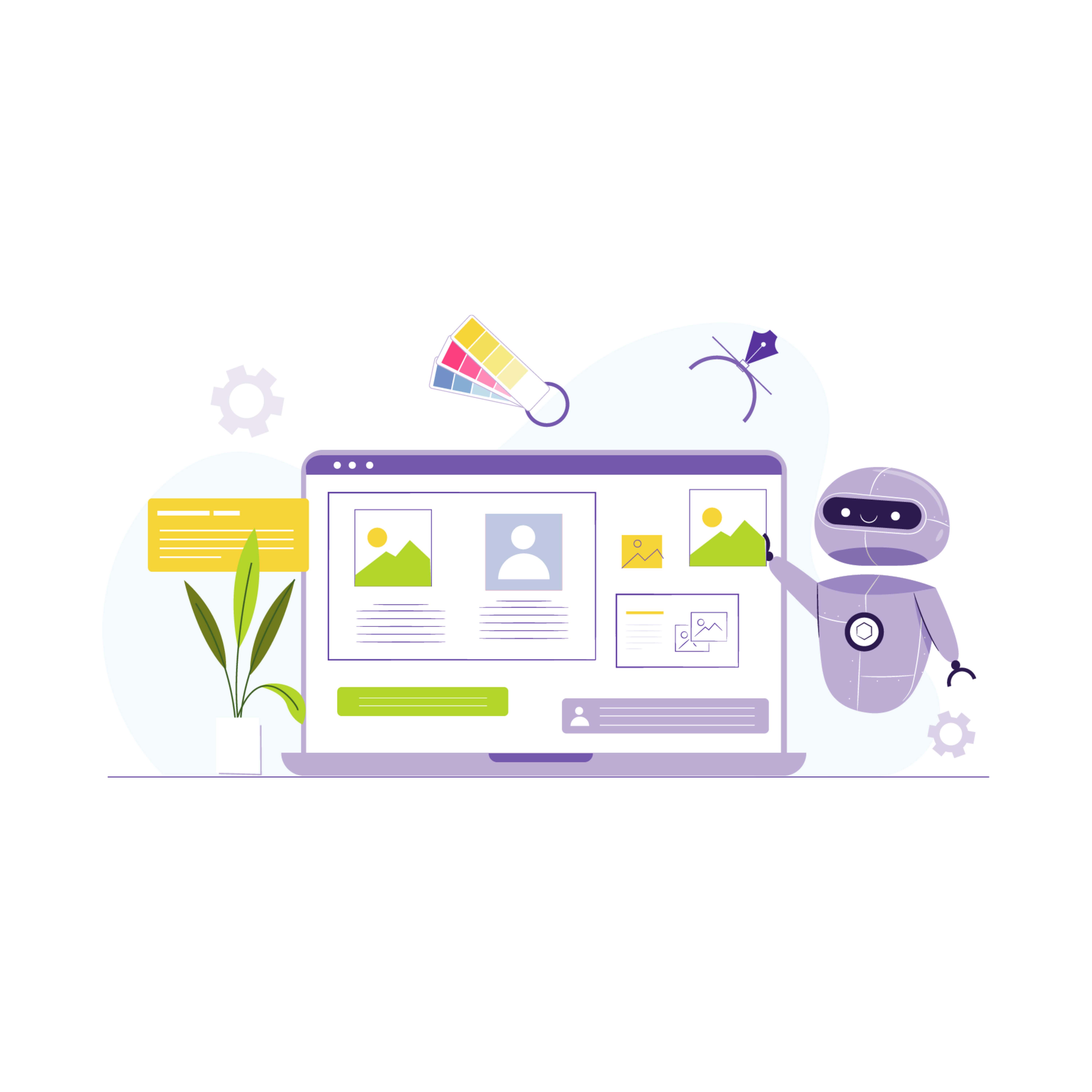
Two years ago, building a website meant weeks of back-and-forth with a designer, a developer, or a stack of YouTube tutorials if you were doing it yourself. You picked a template, fought with the layout, wrote copy nobody was happy with, and hoped the final result looked half as good as the mockup. That process hasn’t disappeared, but it’s no longer the only path. A growing share of new websites now start with a conversation: you describe the business, the audience, the tone you want, and an AI tool produces a working draft in minutes rather than days.
I’ve watched this shift happen from the inside, building sites for WooCommerce clients who used to budget a month for a new storefront and now expect a usable version within a week. The tools aren’t magic. They still need a human to catch mistakes, fix tone, and make the judgment calls that separate a generic site from one that actually converts. But the balance of who does what has moved, and it’s worth understanding exactly where.
AI website builders have collapsed the setup phase
The most visible change is in how fast a site goes from idea to draft. Tools like Durable, 10Web, and Wix’s AI builder ask a handful of questions, your business name, industry, a rough description, maybe a logo, and generate a full multi-page site with copy, a color scheme, and stock imagery already placed. Durable claims it can produce a working site in under 30 seconds, and while the first draft usually needs real editing, it gives you something concrete to react to instead of a blank canvas.
That matters more than it sounds. Staring at an empty page is where most DIY website projects stall. Having a rough version, even a mediocre one, turns the task into editing rather than creating, and editing is a much easier habit to sustain. Small business owners who would never have finished a from-scratch build now have a live site within a weekend, then spend the following weeks tightening the copy and swapping out photos that don’t quite match their brand.
If you’re weighing whether one of these tools fits your situation, our rundown of website design software built for beginners covers the ones that get out of your way fastest, along with a few that look simple but hide a steep learning curve once you try to customize past the defaults.
Personalization is no longer a luxury feature
Before AI made behavioral analysis cheap, personalization meant hiring a data team to build recommendation engines, the kind of thing only Amazon and Netflix could justify. Now a mid-size WooCommerce store can run product recommendations, dynamic homepage content, and abandoned-cart triggers using plugins that cost less than a month of hosting.
The mechanism is straightforward even if the math underneath isn’t: the system watches what a visitor clicks, how long they linger on a product page, whether they scroll past the fold, and adjusts what they see next. A first-time visitor gets a broad introduction to the brand. Someone who’s browsed running shoes three times this week sees running shoes on the homepage the fourth time they show up. It sounds obvious once you say it out loud, but most sites built even five years ago couldn’t do this without custom development.
The payoff shows up in numbers stores actually track: time on site, pages per session, and eventually conversion rate. We cover the mechanics of this in more depth in our piece on how design choices affect SEO and user experience, because personalization only helps if the underlying site architecture is fast enough to support it. A recommendation engine bolted onto a slow theme just adds more load time to an already sluggish page.
Content generation changed who gets to launch a site at all
Writing has always been the bottleneck for small business websites. Plenty of business owners can describe what they do in conversation but freeze up the moment they need to write it down for a homepage. AI writing tools didn’t solve the underlying discomfort with self-promotion, but they gave people a starting draft to react against, which turns out to be enough for most people to finish the job.
ChatGPT, Jasper, and Writesonic now handle everything from product descriptions to full landing page copy, and the newer versions are noticeably better at avoiding the stiff, over-formal tone that made early AI copy easy to spot. On the visual side, Midjourney and DALL·E generate custom illustrations and hero images in seconds, which matters most for niche businesses that can’t find relevant stock photography. A pet grooming service in a small town used to be stuck choosing between generic stock photos of golden retrievers or paying for a photoshoot. Now they can generate imagery that actually matches their specific service offering.
None of this replaces the judgment of knowing what to say and what to leave out. AI-generated copy still tends toward the safe middle ground, technically correct, emotionally flat. If you’re trying to figure out where the line sits between tools that speed up your workflow and the craft that still needs a human eye, our comparison of professional web design tools for developers and designers breaks down which parts of the process still reward real expertise.
Chatbots and voice interfaces are quietly doing the heavy lifting
The flashiest AI website features get the headlines, but chatbots have arguably done more to change day-to-day site performance than anything else on this list. A well-configured chatbot on a WooCommerce store answers sizing questions, shipping timelines, and return policy questions instantly, at 2am on a Tuesday, without a support ticket ever getting created. Store owners who’ve implemented this well report meaningful drops in cart abandonment tied directly to pre-purchase questions that used to go unanswered until business hours.
Voice search is the quieter cousin of this trend. Fewer people are typing full sentences into a search bar than a decade ago; more are speaking to a phone or a smart speaker and expecting a direct answer. That shift changes how content needs to be structured, shorter, more conversational answers near the top of a page rather than long paragraphs that bury the useful information three scrolls down.
For stores selling products online, this combination of automated support and voice-friendly content adds up to fewer abandoned carts and faster paths to checkout. If ecommerce is where you’re focused, our guide to website design software for online stores walks through which platforms handle this kind of automation natively versus which ones need a third-party plugin bolted on.
Where AI still falls short, and why that’s not going to change soon
Every AI tool on this list is good at pattern-matching against what already exists. That’s exactly what makes them useful for speed and exactly what limits them creatively. AI can produce a competent, on-brand website in minutes. It cannot tell you why your specific business deserves to exist, what makes your version of this product different from the fifty competitors selling something similar, or how to phrase the one sentence that makes a skeptical visitor trust you enough to buy.
I’ve seen this play out with clients who leaned entirely on AI-generated copy and ended up with a site that read like every other site in their category. Technically fine. Grammatically perfect. Completely forgettable. The businesses that get the most out of these tools treat them as a first draft generator, not a final decision-maker. You let the AI handle the scaffolding, the layout options, the initial copy pass, and then a human goes back through and injects the specific details that only someone who actually knows the business would think to include.
That division of labor, AI for structure and speed, human for judgment and voice, is likely to stay stable even as the tools themselves keep improving. The technology gets better at mimicking a competent generalist. It doesn’t get better at being your specific brand, because that requires context the model simply doesn’t have access to.
The maintenance side nobody mentions in the demo videos
Every AI website builder demo shows the exciting part: describe your business, watch a full site appear. Nobody shows what happens six months later when you need to update your pricing page, add a new product line, or fix a broken layout after a theme update. That ongoing maintenance is where a lot of the early AI-generated sites start to show cracks, because the AI that built the site doesn’t necessarily understand the changes you’re trying to make afterward.
This is the part that catches business owners off guard most often. They generate a slick-looking site in an afternoon, feel great about it, and then six weeks later try to add a seasonal promotion banner and can’t figure out why the layout breaks every time they touch it. The AI made fast decisions about spacing, font pairing, and section order that weren’t documented anywhere a human could easily follow. Reverse-engineering someone else’s, or something else’s, design logic is slower than building from a clear structure in the first place.
The stores that avoid this problem tend to do one of two things. Either they keep using the same AI platform for every future edit, staying inside its guardrails rather than trying to hand-edit the output, or they treat the AI-generated version as a rough prototype and rebuild the final version on a more conventional, better-documented foundation like WordPress with a maintained theme. For WooCommerce specifically, that second path usually pays off once a store starts adding plugins, because generic AI-built sites tend to have compatibility issues that a standard, well-supported theme doesn’t run into.
Five mistakes stores make when they let AI drive the whole redesign
After watching a few dozen of these projects go sideways and just as many go well, the failure pattern is pretty consistent. It’s rarely the AI tool itself that causes problems, it’s how it gets used.
- Publishing the first draft without reading it out loud. AI copy reads fine on screen and sounds strange the moment you say it in your own voice. Reading every page aloud before launch catches at least half the awkward phrasing that slips through.
- Letting the AI choose the product photography strategy. Generated imagery works well for illustrations and abstract concepts. It’s a poor substitute for actual photos of your actual products, especially for anything customers need to judge by texture, fit, or scale, clothing, furniture, food.
- Skipping the mobile pass. Most AI builders default to a desktop-first preview, and the mobile layout that gets auto-generated underneath is rarely checked closely enough. Given that most WooCommerce traffic now arrives on a phone, this is the single most expensive shortcut to skip.
- Treating the SEO fields as optional. AI builders often leave meta titles and descriptions at generic defaults unless you go in and set them manually. A site that looks finished but has empty SEO fields is invisible to search traffic no matter how good the design is.
- Never testing the checkout with a real card. This applies specifically to ecommerce builds. AI-assisted setup handles the visual layer well; it does not reliably catch a misconfigured payment gateway or a shipping calculation that’s quietly charging the wrong amount. Run an actual test purchase before you announce the store is live.
None of these mistakes are really about AI being unreliable. They’re about treating a fast first draft as a finished product, which was always a risk with any shortcut, long before AI tools existed.
What this means if you’re building or rebuilding a site right now
If you’re starting from scratch, use an AI builder to get past the blank-page problem, then budget real time for editing rather than assuming the first draft is close to done. If you’re running an existing WooCommerce store, look first at where AI can remove friction customers already complain about: slow support responses, generic product recommendations, checkout questions that go unanswered. Those are the areas where AI tools deliver measurable results fastest, because you’re not trying to invent something new, you’re automating a process that already existed but ran too slowly with a human doing it manually.
The businesses seeing the best results aren’t the ones chasing every new AI feature that launches. They’re the ones picking two or three tools that solve an actual bottleneck, integrating them properly, and then spending their remaining time on the parts of the site that genuinely need a human, the story, the trust signals, the details that make a visitor believe this business is run by people who care about getting it right.
Motion design, 3D product views, and more natural voice interfaces are all coming next, and each will follow the same pattern: fast to adopt, easy to overuse, valuable only when paired with someone who knows when to stop adding features and start editing them down. We track these shifts as they develop in our ongoing look at upcoming trends in website design software, which is a useful bookmark if you’d rather not relearn your toolkit every six months.
A quick gut-check before you commit to an AI-first rebuild
Not every business needs to rush into an AI-driven redesign just because the option exists now. Before committing budget and time to it, it’s worth asking a few honest questions about what you actually need versus what’s simply available.
If your current site is functional, converting reasonably well, and just looks a little dated, an AI tool is a poor use of effort. Dated design is a styling problem, not a structural one, and a targeted refresh of colors, imagery, and a few layout tweaks solves it faster than starting over. Full AI-driven rebuilds make more sense when you’re launching something genuinely new: a first website for a business that’s never had one, a pivot into a different product category that the old site wasn’t built for, or a store that’s outgrown its original platform entirely.
It’s also worth being honest about your own tolerance for editing. If you’re the type of person who will actually sit down and rewrite the generated copy, swap in real photography, and test the mobile version properly, an AI builder can save you real time. If you’re more likely to publish the first draft and move on, you’ll end up with a site that looks like a hundred others in your category, because that’s exactly what the underlying model is trained to produce when nobody pushes it further.
The honest answer for most established WooCommerce stores is a hybrid one: use AI tools for the parts that are genuinely tedious, first-draft product descriptions, layout variations to test, basic customer support responses, and keep a human firmly in charge of anything that touches brand voice, pricing strategy, or the checkout flow. That split isn’t a compromise. It’s closer to how the tools were meant to be used from the start, before the marketing around them got ahead of what they can actually do on their own.
Interesting Reads
Upcoming Trends in Website Design Tools
How to Choose the Best Website Builder for Custom HTML Editing