
Running a WooCommerce store is more than just listing products and accepting payments. Once a customer completes an order, the post-purchase experience plays a crucial role in how professional and trustworthy your store appears. One key element that often gets overlooked? Invoices.
WooCommerce, by default, doesn’t generate downloadable or email-ready PDF invoices automatically, which is why WooCommerce PDF Invoice Plugins are essential for any serious eCommerce business. Whether you’re running a small niche store or managing a high-volume retail operation, having automated, professional-looking PDF invoices sent to customers can make your store look polished and even help with compliance and record-keeping.

Why You Need a PDF Invoice Plugin for WooCommerce
Here’s why a PDF invoice plugin is non-negotiable in 2025:
- Professionalism: Customers expect a formal invoice, especially for business-related purchases.
- Automation: Manually generating and emailing invoices isn’t sustainable if you’re processing dozens or hundreds of orders daily.
- Compliance: In many countries, businesses are legally required to issue invoices with specific tax and company details.
- Record Keeping: Helps both you and your customer keep track of transactions, refunds, and taxes.
In short, if you’re not using a PDF invoice plugin yet, you’re likely missing out on efficiency and credibility.
Top WooCommerce PDF Invoice Plugins
Here’s a closer look at the top tools worth considering:
1. YITH WooCommerce PDF Invoice and Shipping List
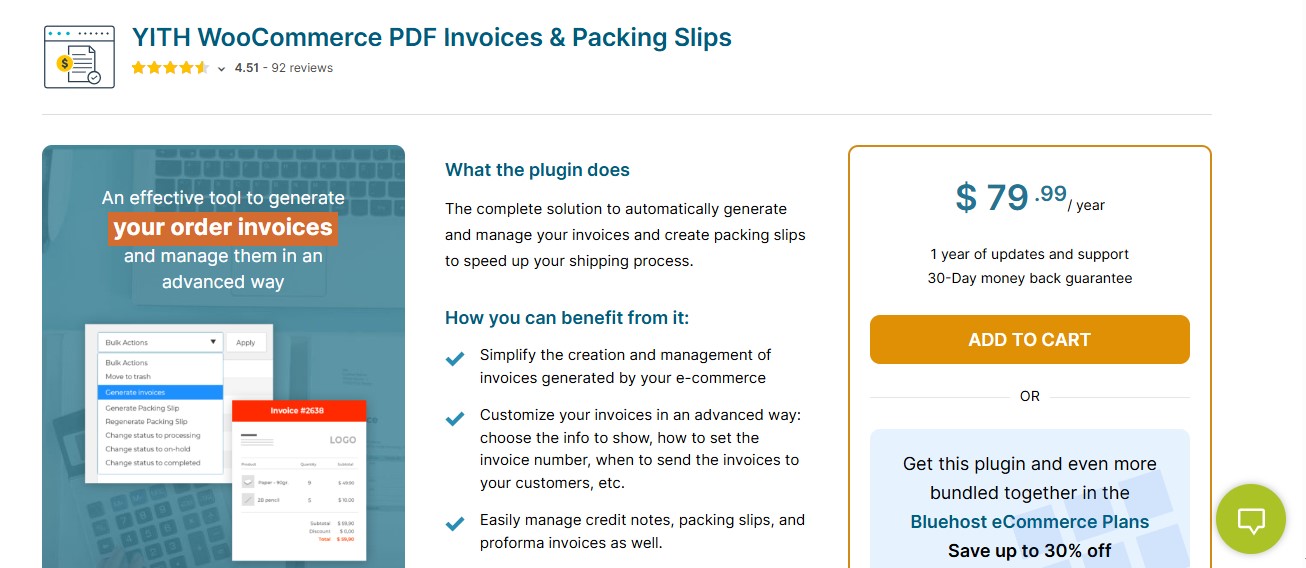
YITH WooCommerce PDF Invoice and Shipping List is a full-featured plugin designed for store owners who want complete control over their invoicing process. It not only creates professional PDF invoices but also generates packing slips and lets you customize every detail of the invoice layout to match your brand.
This plugin automatically generates and attaches PDF invoices and shipping lists to customer emails. You can customize templates, set up automatic numbering, insert tax and business info, and comply with legal requirements (especially in the EU). It supports bulk invoice generation, credit notes, and refunds, making it ideal for high-volume stores.
Key Features:
- Customizable invoice and packing slip templates with company logo and footer.
- Automatic invoice generation based on order status.
- Sequential invoice numbering to meet local tax authority standards.
- Credit notes for refunded orders.
- Support for multi-language stores using WPML.
- Downloadable invoices from both customer and admin dashboards.
Pros:
- Extremely powerful and feature-rich.
- Helps meet legal and tax standards in various countries.
- Bulk invoice generation and detailed documentation.
Cons:
- Has a learning curve for beginners.
- On the higher side of pricing.
Pricing:
Starts at €94.99/year for a single site. Includes 1 year of updates and support.
Recommendation:
Perfect for medium to large WooCommerce stores that want full control, high-quality templates, and legal compliance.
2. WooCommerce PDF Invoice Builder
WooCommerce PDF Invoice Builder is a powerful and visually flexible plugin designed for store owners who want full creative control over their invoice layout and structure. Unlike many other plugins that offer just a few template tweaks, this one is perfect for users who want to build pixel-perfect invoices using a drag-and-drop visual editor no coding required.
WooCommerce PDF Invoice Builder allows you to generate dynamic, fully customized PDF invoices automatically or manually. You can use its intuitive drag-and-drop builder to create professional invoices that include your store logo, order details, tax information, barcodes, QR codes, shipping info, and much more.
The plugin supports multi-language content, conditional logic, and design elements that make your invoices not only compliant but visually appealing. It’s especially useful for businesses that want to maintain strong branding and design consistency across every customer touchpoint even their invoices.
Key Features:
- Drag-and-Drop Invoice Builder: Customize every inch of your invoice layout using a visual editor no technical skills required.
- Element Library: Add images, tables, barcodes, QR codes, custom fields, tax details, and payment information.
- Conditional Logic: Display or hide elements based on order data (e.g., hide shipping info on digital products).
- Multiple Templates: Create and manage multiple invoice designs for different product types, customer groups, or order statuses.
- Automatic PDF Generation: Invoices are created and attached to order confirmation emails based on the rules you define.
- Multilingual & RTL Support: Fully compatible with WPML and supports right-to-left languages for global usage.
- Custom CSS & HTML Support: Developers can further refine invoice appearance and functionality if needed.
Pros:
- Unmatched Design Flexibility: The visual builder gives you control over the smallest design details.
- Great for Branding: Makes it easy to create unique, on-brand documents that look professional.
- Supports Conditional Logic: Adds intelligent behavior to invoice content based on order data.
Cons:
- Slight Learning Curve: The visual builder offers advanced features that may require time to explore for first-time users.
- Overkill for Simple Needs: Stores looking for just basic invoice functionality might find it more than necessary.
Pricing:
- Premium-only plugin (no free version).
- Starts at $59/year for a single site license.
- Includes updates, premium support, and access to the full builder functionality.
Recommendation:
WooCommerce PDF Invoice Builder is best suited for WooCommerce store owners who want total creative control over their invoices and packing slips. It’s an excellent choice for brands that prioritize visual presentation and customer experience. If you’re a designer, marketer, or brand manager running an online store, this plugin gives you the toolkit to create invoices that leave a lasting impression.
3. Checkout Field Editor for WooCommerce
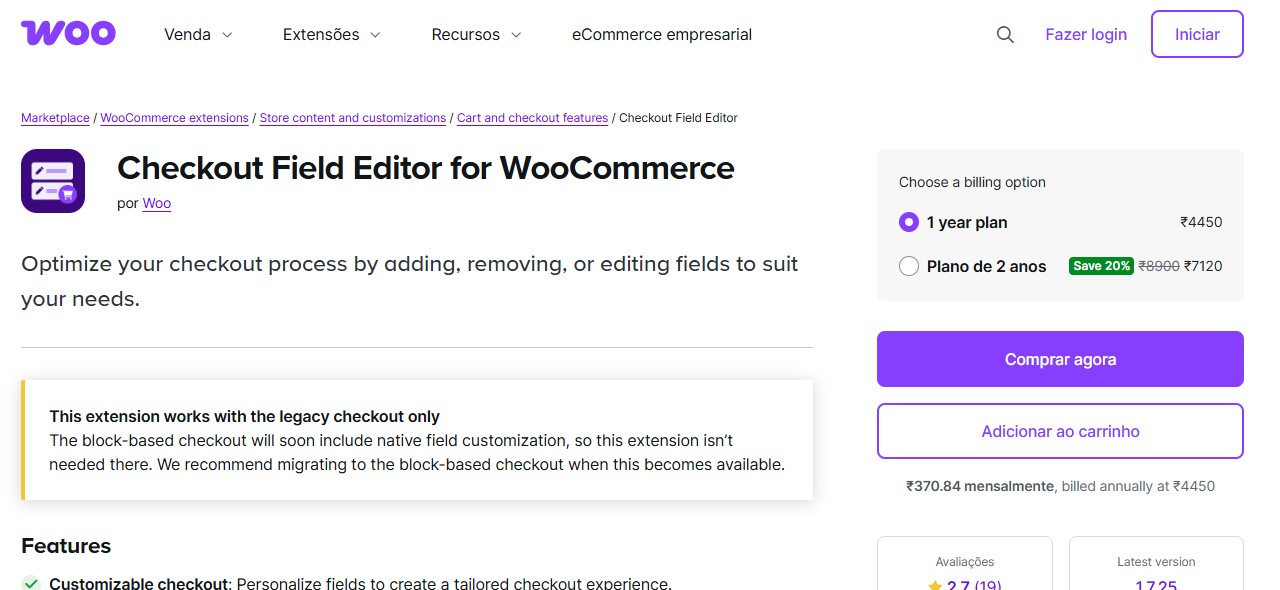
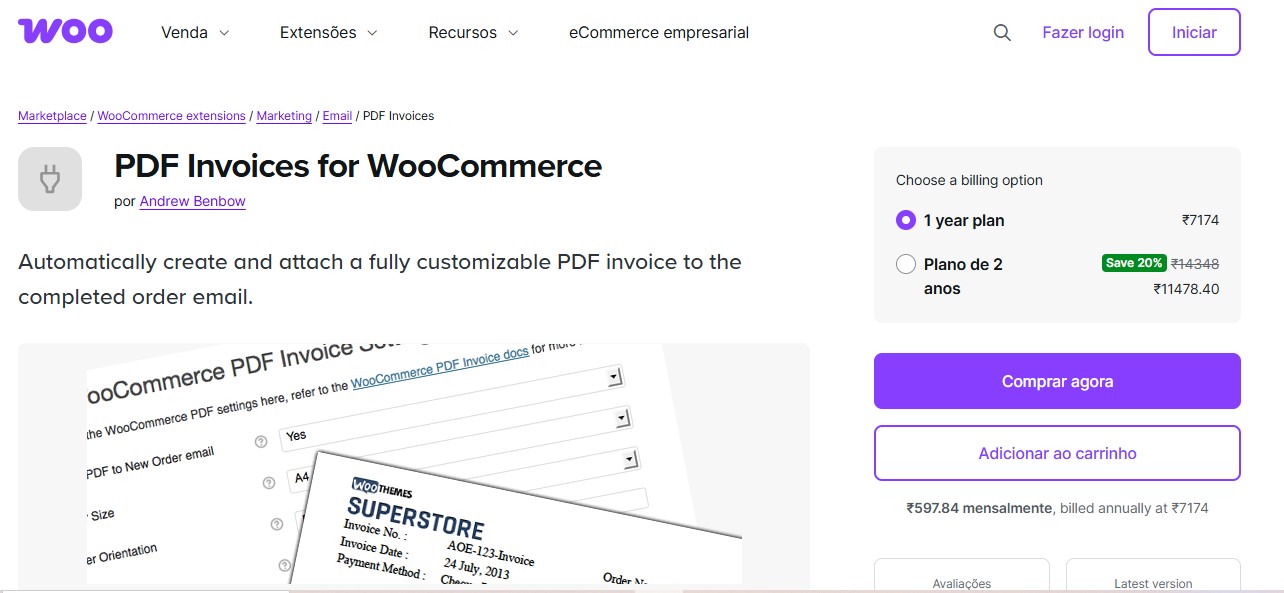
Checkout Field Editor for WooCommerce deserves mention for users who need more flexibility at the checkout stage especially when you want specific fields to show up in your WooCommerce invoices or packing slips later.
Checkout Field Editor lets you modify the default billing and shipping fields and add new custom fields to your checkout form. You can choose from field types like text, select boxes, date pickers, checkboxes, and more. These fields can be conditionally displayed based on other inputs and order logic.
When paired with an invoicing plugin like WooCommerce PDF Invoices & Packing Slips or WooCommerce PDF Invoice Builder, the data captured via Checkout Field Editor can be shown dynamically on your PDF documents making the checkout-to-invoice flow smooth and personalized.
Key Features:
- Add/Remove/Modify Checkout Fields: Manage default fields or add custom ones with ease.
- 15+ Field Types: From text and dropdowns to checkboxes and radio buttons.
- Field Positioning: Arrange fields in billing, shipping, or additional sections.
- Conditional Logic : Show or hide fields based on user input or order data.
- Developer Friendly: Easily integrate new fields into invoices using meta keys and hooks.
- Label and Placeholder Customization: Modify frontend text to match your store’s tone.
Pros:
- Perfect for Collecting Custom Invoice Data: Easily gather GST numbers, company names, or special requests during checkout.
- Improves Checkout UX: Allows you to streamline or expand checkout based on business needs.
Cons:
- Not an Invoice Plugin on Its Own: Needs to be paired with a compatible PDF invoicing plugin for document generation.
- Advanced Features Require Pro Version: Features like conditional logic and file uploads are locked behind the paid plan.
Pricing:
- Free version available on WordPress.org with core field editing capabilities.
Recommendation:
If your invoice or packing slip requirements depend on gathering more information at checkout, Checkout Field Editor for WooCommerce is a must-have companion plugin. It’s especially valuable for B2B stores, customized product sellers, or any business that needs more than the standard name, address, and email fields.
4. Sliced Invoices
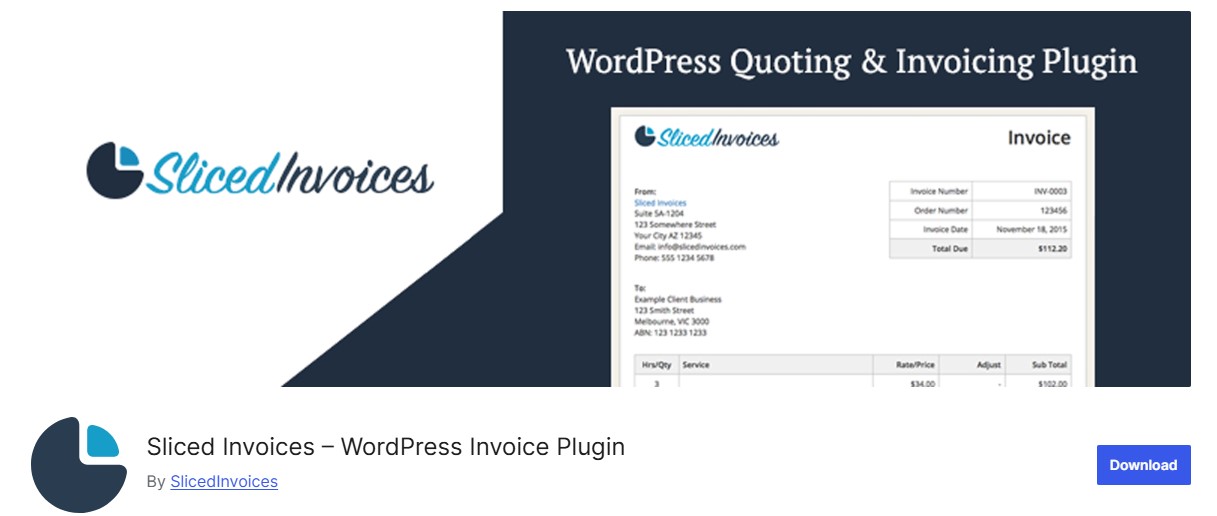
Sliced Invoices is more than just a WooCommerce invoice plugin it’s a full WordPress invoicing system. When paired with the WooCommerce extension, it allows for seamless invoice generation tied to store purchases, making it great for businesses offering both services and products.
You can manually or automatically create detailed PDF invoices for WooCommerce orders or other off-platform services. It’s especially handy for agencies, freelancers, or service-based businesses that also sell products via WooCommerce.
Key Features:
- Create and send custom invoices.
- Accept payments directly from the invoice.
- Templates with dynamic fields and branding.
- Quote-to-invoice functionality.
- Email automation and payment reminders.
Pros:
- Ideal for hybrid business models.
- Can be used for non-WooCommerce billing as well.
- Strong quote-to-invoice workflow.
Cons:
- Requires multiple add-ons to unlock WooCommerce features.
- Not built exclusively for WooCommerce use.
Pricing:
- Base plugin is free.
- WooCommerce integration is part of the paid bundle starting at $79/year.
Recommendation:
Perfect for service-based businesses that use WooCommerce alongside client billing or quoting.
5. Challan
Challan, formerly known as “WooCommerce PDF Invoices & Packing Slips Generator,” is an underrated gem. It offers a sleek interface with essential features like RTL support, multilingual compatibility, and customizable invoice layouts. Challan generates PDF invoices automatically and attaches them to order-related emails.
Key Features:
- RTL and multilingual support for international stores.
- Fully customizable invoice layout: upload logo, change headers, fonts, and colors.
- Packing slips and credit notes supported.
- Automatic invoice sending with order emails.
- GDPR-ready with control over personal data.
Pros:
- Designed with global users in mind (supports RTL and multiple languages).
- Easy layout customization without coding.
- Offers credit notes and refunds in Pro version.
Cons:
- Slightly less polished UI than premium competitors.
- Some essential features are locked behind Pro.
Pricing:
- Free version available.
- Pro version starts at $49/year for a single site.
Recommendation:
A great option for stores targeting international markets or needing RTL text compatibility.
6. WooCommerce PDF Invoices and Packing Slips by Ewout Fernhout
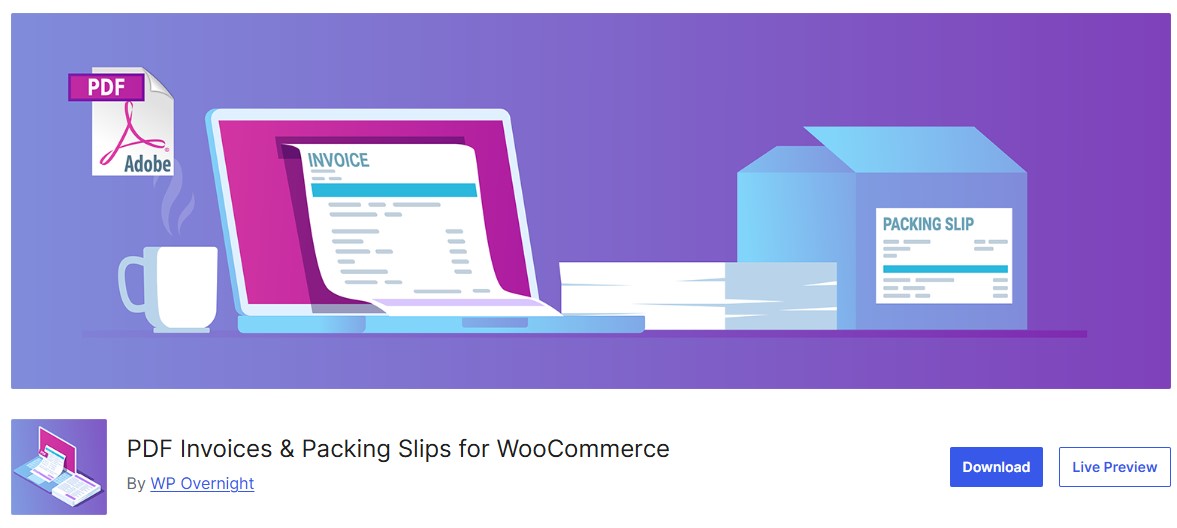
This is one of the most popular and widely trusted free WooCommerce invoice plugins, used by thousands of store owners worldwide. It automatically generates professional PDF invoices and packing slips for every WooCommerce order and seamlessly attaches them to order-related emails, such as order confirmation and completed order emails.
The plugin is designed to work out of the box with minimal setup, making it ideal for beginners and small to medium-sized stores. Once installed, invoices are generated instantly based on order status, ensuring customers receive accurate documentation without any manual effort.
Key Features
- Automatic PDF invoice and packing slip generation
- Simple and clean templates
- Customizable invoice numbering
- Pro version adds credit notes and advanced layouts
Pros
- Free and reliable
- Easy to set up
Cons
- Limited design customization
- Advanced features require Pro
Pricing: Free, with a Pro version available.
Recommendation: Perfect for small stores that need a simple and stable invoicing solution.
7. WP Overnight WooCommerce PDF Invoices Professional
WP Overnight’s professional version takes WooCommerce invoicing to the next level by offering advanced automation, multiple document types, and deep customization options designed for growing and high-volume online stores.
With the Pro version, store owners can automatically generate multiple invoice types, including PDF invoices, packing slips, credit notes, and pro-forma invoices, all based on customizable order status rules. This automation ensures that the right document is created and sent at the right time reducing manual work and eliminating invoicing errors.
Key Features
- Multiple document types including invoices, packing slips, and credit notes
- Advanced invoice numbering
- Email attachment rules
- Bulk invoice downloads
Pros
- Well documented and stable
- Trusted developer support
Cons
- Premium features only
- Limited visual design options
Pricing: Starts at 69 euros per year.
Recommendation: Great for stores that want reliability and automation.
8. Sprout Invoices
Sprout Invoices is a feature-rich invoicing solution built for businesses that need advanced billing workflows, making it especially useful for agencies, freelancers, and service-based companies that also sell through WooCommerce.
Unlike basic invoice plugins, Sprout Invoices focuses on the entire billing lifecycle from estimates and proposals to invoices, payments, and reporting. When integrated with WooCommerce, it allows store owners to generate professional invoices tied to orders while also managing non-WooCommerce billing in one unified system.
Key Features
- Estimates and invoices
- WooCommerce integration
- Payment tracking
- Custom templates
Pros
- Strong billing features
- Good for service based sales
Cons
- Complex for beginners
- Not WooCommerce first
Pricing: Paid plans start at 39.50 dollars per year.
Recommendation: Ideal for businesses with advanced billing needs.
9. PDF Invoices for WooCommerce by WebToffee
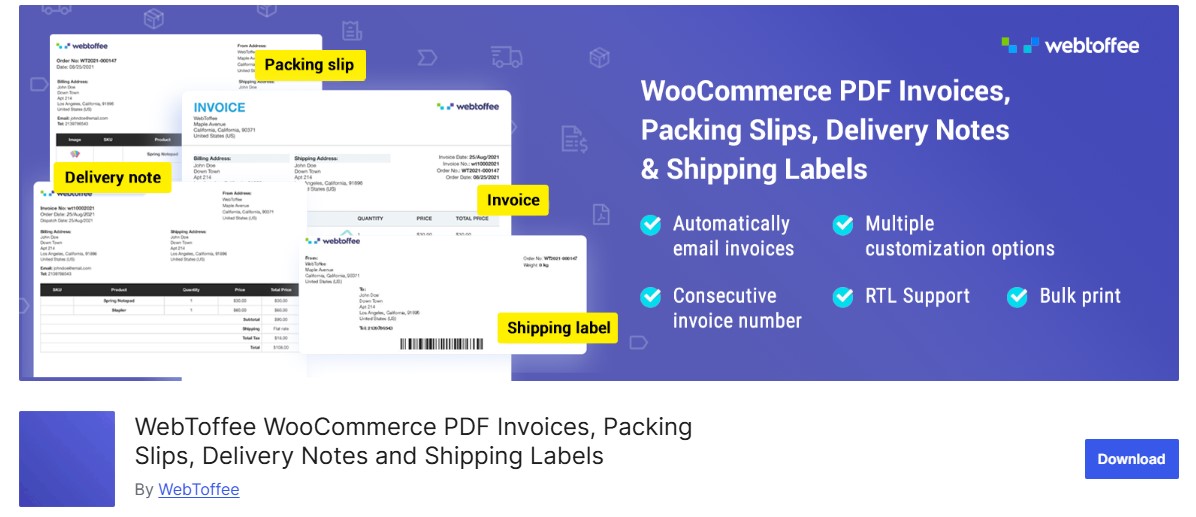
WebToffee’s WooCommerce PDF Invoices, Packing Slips, Delivery Notes & Shipping Labels plugin strikes an excellent balance between ease of use and advanced functionality, which is why it’s especially popular among growing WooCommerce stores.
Designed to scale with your business, WebToffee’s plugin automates invoice generation while still giving you enough customization options to stay compliant and on-brand. It’s suitable for small stores just getting started as well as medium-sized businesses managing higher order volumes.
Key Features
- Automatic invoice generation
- Custom invoice templates
- Tax and shipping support
- Bulk download options
Pros
- User friendly
- Good compliance features
Cons
- Some features locked behind Pro
Pricing: Free version available, Pro starts at 69 dollars per year.
Recommendation: A solid mid range solution for growing stores.
10. Flexible Invoices for WooCommerce
Flexible Invoices is a clean, no-nonsense WooCommerce invoice plugin that prioritizes simplicity, speed, and legal compliance. It’s especially well-suited for store owners who don’t want overly complex builders but still need precise control over tax settings and invoice numbering to meet regional regulations.
Unlike design-heavy invoice plugins, Flexible Invoices focuses on doing the essentials exceptionally well making sure every invoice is accurate, compliant, and automatically generated without manual effort.
Key Features
- Automatic invoice generation
- Advanced tax handling
- Custom numbering formats
- EU VAT support
Pros
- Strong compliance features
- Clean interface
Cons
- Limited design flexibility
Pricing: Free and premium versions available.
Recommendation: Best for stores focused on tax compliance and clean invoicing.

What Really Matters When Choosing a PDF Invoice Plugin
Choosing the right PDF invoice plugin for your WooCommerce store comes down to understanding your business’s specific needs. If you’re looking for simplicity and automation, a lightweight tool with basic features will do the job. But if branding, layout control, or regulatory requirements matter more, you’ll need something more flexible and feature-rich.
Think about how you want your invoices to look, what data needs to be included, and whether you’ll need options like multilingual support, tax fields, or design customization. Also, consider how the plugin fits into your current workflow and if it can scale with your store’s growth.
Interesting Reads:
Top 10 WooCommerce Tickets Plugins to Power Your Event Website
12 Essential WooCommerce Virtual Products Plugins for Your Online Store in 2025