Top 10 WooCommerce Tickets Plugins to Power Your Event Website in 2026


Selling event tickets through WooCommerce can be simple and fully customizable, provided you pick the right plugin. A WooCommerce tickets plugin lets you create and sell tickets, manage attendees, handle payments, and even track check-ins, all from your WordPress dashboard.
Whether your events are virtual webinars, live concerts, workshops, or hybrid conferences, these plugins streamline the entire process. They provide automated ticket generation and QR code check-ins, plus email notifications and attendee management tools that save you time and cut administrative headaches. Most integrate cleanly with the WooCommerce extensions you already run for payments and coupons, plus subscriptions where relevant, so pricing and promotions stay under your control instead of a third party’s.

Table of Contents
Top 10 WooCommerce Tickets Plugins
1. YITH Event Tickets for WooCommerce
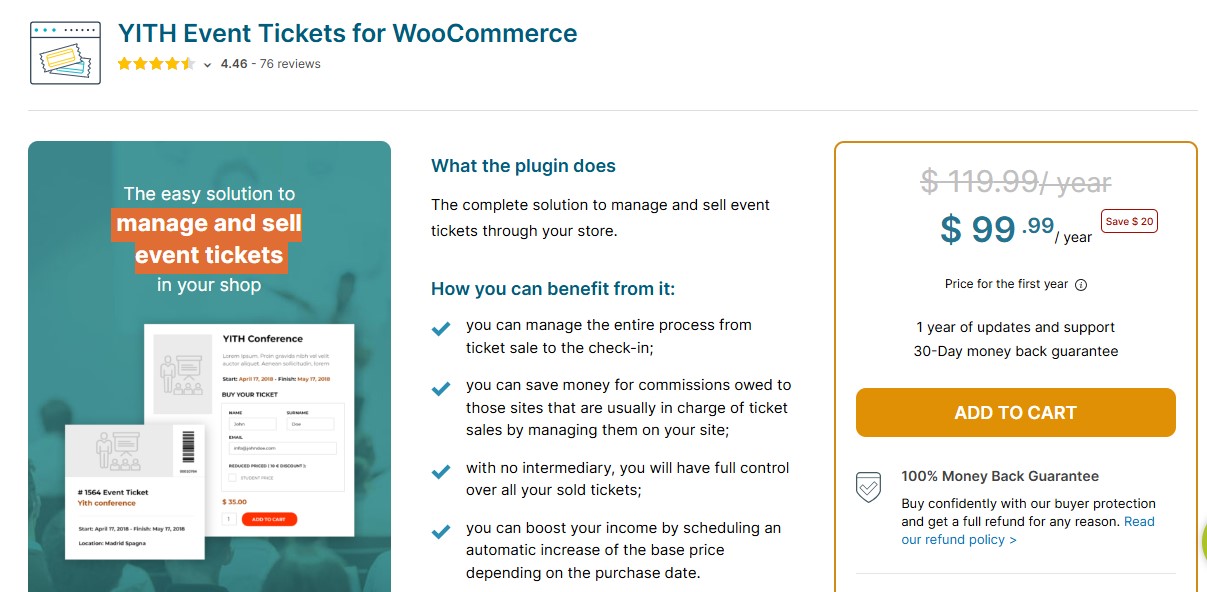
YITH Event Tickets for WooCommerce is a user-friendly ticketing plugin that sells event tickets directly as WooCommerce products. Designed by the trusted YITH team, it integrates cleanly with the rest of YITH’s plugin lineup if you already run their other extensions, so ticket sales and attendee management sit inside a familiar admin structure rather than a bolted-on interface.
With this plugin, you can create multiple ticket types and send digital tickets via email, with QR codes built in for smooth on-site scanning. Attendee tracking and check-ins run through the same order screen you already use for physical products, which cuts the learning curve considerably. The tradeoff is that the free version covers only the basics; anything beyond a single ticket tier and a simple QR scan sits behind the premium unlock.
Pros
- Seamless integration with WooCommerce
- QR code support for ticket validation
- Customizable ticket templates and PDF downloads
Cons
- Most advanced features are locked behind the premium version
Pricing: Free version available; Premium starts at 129.99 EUR/year
Recommendation: Ideal for WooCommerce users who want a solid ticketing solution with strong documentation behind it.
Also Read: 5 Best WooCommerce Plugins PayPal Express Checkout
2. WooCommerce Box Office
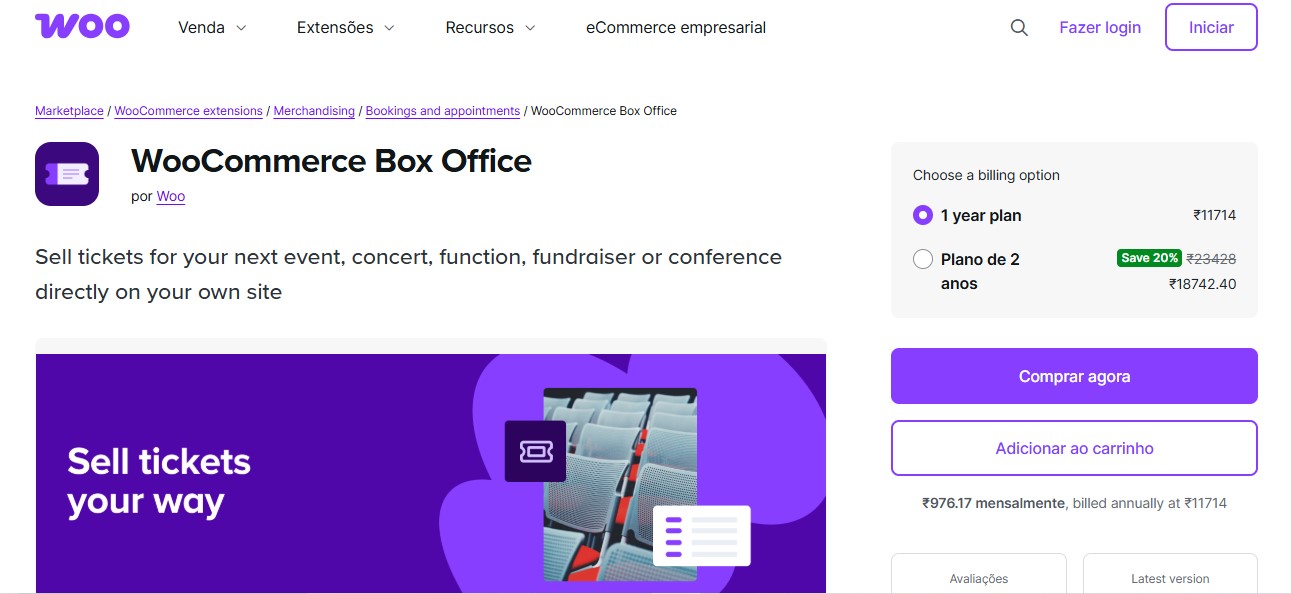
WooCommerce Box Office is a ticketing plugin built and maintained by Automattic, which counts for something if you want a tool that tracks WooCommerce core updates closely rather than lagging a version behind. It keeps everything inside WooCommerce, so ticket sales and attendee data never leave the store you already operate, and neither does order management.
With WooCommerce Box Office, you can add custom fields for ticket buyers and collect additional attendee information, with tickets emailed automatically on purchase. Check-in management lets organizers track attendance at the door. Because it is officially maintained rather than a third-party add-on, payment processing and refunds inherit WooCommerce’s native reliability, and reporting comes along for free. The feature set stays deliberately narrow compared to dedicated ticketing suites.
Pros
- Native WooCommerce functionality
- Supports custom registration forms for each event
Cons
- Limited to basic ticketing features without additional plugins
Pricing: Starts at $129/year
Recommendation: Best suited for store owners who want a straightforward, officially supported ticketing option without third-party dependencies.
3. Event Tickets Plus by The Events Calendar
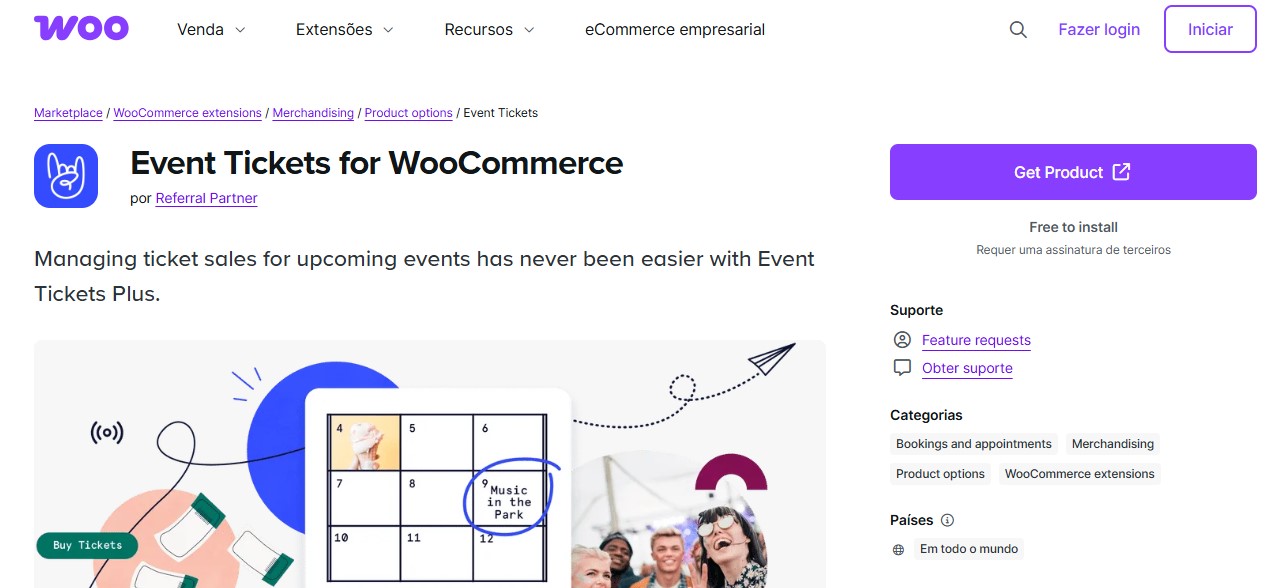
Event Tickets Plus is a premium add-on for The Events Calendar plugin that enables WooCommerce-powered ticket sales directly from your WordPress site. It enhances The Events Calendar by letting organizers sell multiple ticket types and manage attendees, with a check-in experience layered on top of the calendar’s existing event data rather than duplicating it.
With Event Tickets Plus, you can collect custom attendee information during checkout and generate QR-coded tickets, then use a companion mobile app for on-site scanning. Payments and refunds stay inside the familiar WooCommerce workflow, order management included. The catch: this plugin only earns its keep if you are already committed to The Events Calendar as your event backbone. Running it without that plugin defeats the purpose.
Pros
- Strong integration with The Events Calendar and WooCommerce
- Great for recurring events and multiple ticket types
Cons
- Requires both Events Calendar and Event Tickets Plus for full features
Pricing: Starts at $99/year
Recommendation: Ideal for users who already use The Events Calendar and want to extend it with powerful ticketing.
4. Tickera
Tickera is a standalone WordPress ticketing plugin built for full-featured event ticket management. It operates independently of WooCommerce by default, offering WooCommerce compatibility through a separate WooCommerce Bridge add-on. That separation is deliberate: Tickera was designed as a ticketing system first, with WooCommerce bolted on for stores that want unified checkout.
One of Tickera’s standout features is barcoded and QR-coded ticket support, which streamlines check-ins at the door. Organizers can use Tickera’s mobile apps for scanning at the event, making the process fast even with long lines. Multiple ticket types and customizable designs round out the core plugin, with automated email delivery included. Budget for the WooCommerce Bridge separately if store integration is the whole point of buying it.
Pros
- Custom ticket design with barcode and QR support
- Mobile apps for iOS and Android check-in
Cons
- WooCommerce functionality requires a paid add-on
Pricing: Core plugin from $49/year; WooCommerce add-on sold separately
Recommendation: Great choice for physical events that require mobile check-ins and ticket scanning.
Also Read: 5 Best WooCommerce Popup Plugins for Sales Growth in 2026
5. Event Tickets Manager for WooCommerce Pro
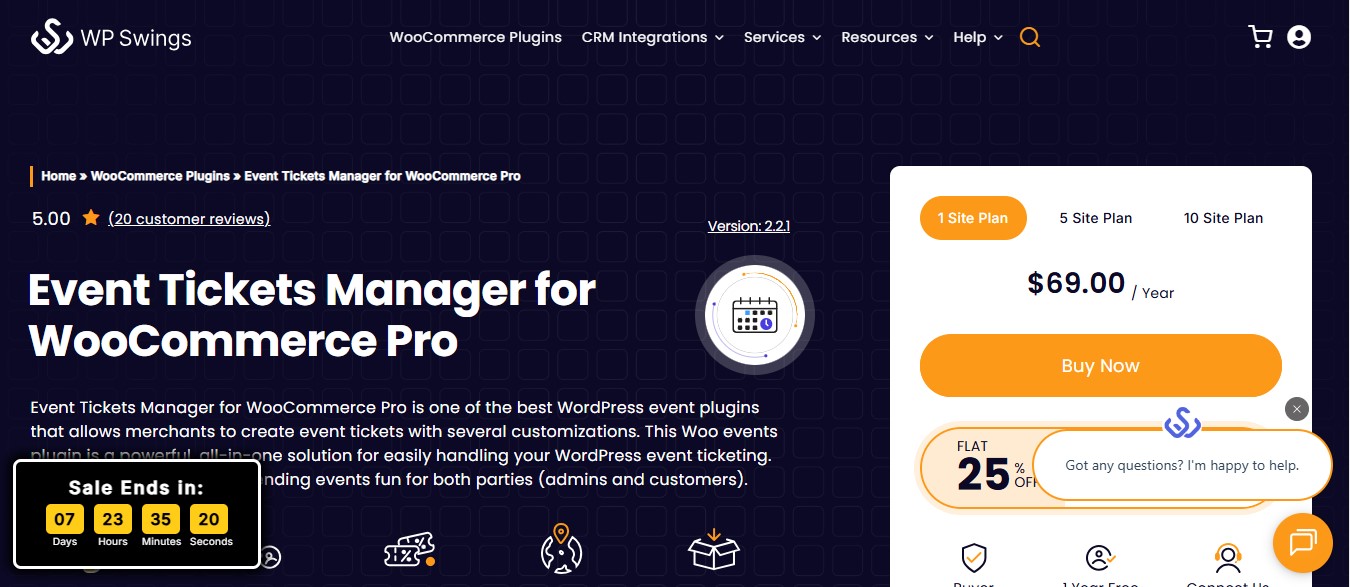
Event Tickets Manager for WooCommerce Pro simplifies event ticket sales directly through your WooCommerce store. You can create multiple ticket types, manage attendee information, set ticket stock, send digital tickets, and generate QR codes for check-ins, all inside the WooCommerce framework you already know. The interface leans beginner-friendly without giving up the advanced options a professional organizer eventually needs.
Pros
- Supports multiple ticket types with stock management
- Generates QR codes for digital and on-site ticket validation
- Easy to set up and manage within the WooCommerce environment
Cons
- Free version is limited in features
Pricing: Free version available on WordPress.org; Pro version starts at $59/year
Recommendation: Best for WooCommerce store owners who want an all-in-one ticketing plugin that stays easy to use as event count grows.
6. FooEvents
FooEvents is a WooCommerce-powered ticketing solution that sells and manages event tickets, delivering them directly from your WordPress store. Unlike systems that rely on external ticketing platforms, FooEvents keeps everything inside WooCommerce, so a support ticket about a refund and a support ticket about an event ticket both land in the same order history.
The plugin supports digital and printable tickets, complete with QR codes or barcodes for fast on-site scanning. You can customize ticket designs and automate email delivery while tracking attendees efficiently. Its dedicated mobile scanning app genuinely earns its place at check-in time, though first-time setup involves enough moving parts (ticket types, event dates, scanning permissions) that it rewards a slow first pass rather than a rushed one the night before an event.
Pros
- Full control with WooCommerce-based ticketing
- Includes mobile apps for ticket scanning
Cons
- Setup can be a bit overwhelming for beginners
Pricing: Starts at $99/year
Recommendation: Excellent for businesses that want to run everything from within WooCommerce and need real customization depth.
7. WP Event Manager
WP Event Manager WooCommerce Tickets Add-On is a modular extension that enhances the core WP Event Manager plugin by enabling ticket sales through WooCommerce. It suits organizers who want control over their ticketing setup without bloating the site with features they will never touch.
With this add-on, you can create multiple ticket types and set pricing, then manage stock and handle payments through WooCommerce’s secure checkout. Because the architecture is modular, you add functionality like attendee management or discount codes only when you need it, through separate WP Event Manager add-ons. That keeps the base install lightweight, but it also means the “full” ticketing experience is spread across several plugins you will need to install and keep updated individually.
Pros
- Modular architecture for custom functionality
- Easy WooCommerce checkout integration
Cons
- Requires multiple plugins and add-ons for full capability
Pricing: Paid Tickets add-on starts at $39/year
Recommendation: Suitable for developers or agencies who want a customizable ticketing system with WooCommerce compatibility.
Also Read: 10 Best WooCommerce SEO Plugins
8. Events Manager Pro + WooCommerce Add-on
Events Manager Pro is a comprehensive event booking plugin for WordPress that handles complex event schedules and attendee management well. Its scheduling engine is built for organizers running recurring events across multiple locations, or large conferences, not for a single one-off ticket page.
When paired with the WooCommerce add-on, Events Manager Pro sells tickets through WooCommerce, using its checkout and payment gateways as the transaction layer, order management included. RSVP tracking and custom registration forms give organizers real control, though this combination is heavier than most sites on this list and probably overkill if you are running a single annual event rather than a recurring calendar.
Pros
- Advanced event and booking management features
- WooCommerce-powered checkout for smooth transactions
Cons
- Slight learning curve for beginners
Pricing: Pro starts at $75/year; WooCommerce add-on priced separately
Recommendation: Best for organizations managing large-scale or multi-venue events that recur on a schedule and need strong scheduling tools.
9. Modern Events Calendar + WooCommerce
Modern Events Calendar (MEC) is a feature-rich, WooCommerce-compatible event plugin built around a genuinely polished front end. MEC lets you create professional-looking event listings while handling ticket sales and payments directly through WooCommerce, and it is one of the few plugins here where the calendar itself looks like a finished product rather than a plugin default.
This plugin suits organizers who want more than ticket sales. Frontend event submissions let users or vendors submit events for approval, which turns your site into a shared calendar rather than a one-way listing. RSVP management and multiple layout styles round it out, though the settings panel is large enough that a first-time setup benefits from a checklist rather than clicking around.
Pros
- Elegant design and calendar templates
- Supports recurring and multi-day events
Cons
- Some features can be buried within deep settings menus
Pricing: Free version available; Pro starts at $79/year
Recommendation: A stylish option for creatives or businesses who value visual design alongside WooCommerce ticketing.
Also Read: 10 Best WooCommerce Subscriptions Plugins
10. Event Tickets by WP Event Partners
Event Tickets by WP Event Partners is a lightweight, beginner-friendly WooCommerce plugin for selling event tickets online. It simplifies ticket management while covering the essentials most small-to-medium events actually need, rather than a feature list built to win comparison charts.
With this plugin, you can create tickets for individual events and collect attendee details, then deliver tickets digitally by email. It handles payments and refunds just like any other WooCommerce product, order management included. What you give up for that simplicity is scanning hardware support: there is no QR code check-in here, so this is a plugin for pre-registration lists and door check-offs, not a scanner-at-the-gate operation.
Pros
- Straightforward and beginner-friendly
- Works well with WooCommerce themes
Cons
- No advanced features like QR code scanning or mobile apps
Pricing: Free version available; Premium upgrades optional
Recommendation: A good entry-level plugin for bloggers and small business owners running limited-capacity events.
WooCommerce Tickets Plugins Comparison Table
| Plugin | QR Codes | Mobile App | Free Version | Starting Price | Best For |
|---|---|---|---|---|---|
| YITH Event Tickets | Yes | No | Yes | 129.99 EUR/yr | WooCommerce users |
| WooCommerce Box Office | No | No | No | $129/yr | Official WooCommerce solution |
| Event Tickets Plus | Yes | Yes | Yes | $99/yr | Events Calendar users |
| Tickera | Yes | Yes | No | $49/yr | Physical events with check-ins |
| Event Tickets Manager | Yes | No | Yes | $59/yr | Budget-friendly option |
| FooEvents | Yes | Yes | No | $99/yr | Full WooCommerce control |
| WP Event Manager | Add-on | No | Yes | $39/yr | Developers and agencies |
| Events Manager Pro | Add-on | No | Yes | $75/yr | Recurring and multi-venue events |
| Modern Events Calendar | Yes | No | Yes | $79/yr | Design-focused sites |
| Event Tickets WP Partners | No | No | Yes | Free | Beginners and small events |
Launch Your Event Website Today
Skip the setup hassle. Get a professionally designed WordPress starter site with WooCommerce and event ticketing pre-configured.

Common Mistakes When Setting Up WooCommerce Ticket Sales
Most ticketing problems on WooCommerce sites trace back to setup decisions, not plugin quality. A few show up repeatedly.
Selling tickets as a single product with a quantity field. This looks fine until a general-admission and a VIP tier need different prices and different check-in rules. Set up distinct ticket products or ticket types from day one, even for a small event. Retrofitting tiers after tickets have already sold is messy.
Not testing the QR scanner before doors open. Scanning apps behave differently depending on phone camera and lighting, plus the network connection at the venue. Test the actual check-in flow at the actual location a day ahead, not from your desk on office WiFi.
Skipping stock limits on ticket types. Without a cap, WooCommerce will happily sell 400 tickets to a room that holds 150. Set inventory limits per ticket type, not just a total event cap, since a sold-out VIP tier should not silently push buyers into general admission stock that does not exist.
Forgetting refund and cancellation rules before the first sale. Ticket buyers ask about refunds more than product buyers do, especially for events with a specific date. Decide your policy and put it on the product page before launch, not in response to the first support email.
Ignoring email deliverability. A ticket that never reaches an inbox is a ticket that never gets used, and a support ticket you will definitely receive. Confirm your WooCommerce transactional email setup (SMTP plugin, sender domain) works reliably before a big event, not after buyers start asking where their tickets went.
Finding the Best Ticketing Tool for Your WooCommerce Events
Choosing the right ticketing solution for your WooCommerce site depends on your event needs and the features you value most. If you want something that works seamlessly with WooCommerce and offers strong ticket management, look for tools built for deep integration rather than ones bolted on as an afterthought.
For professional setups, opt for solutions that offer calendar views and recurring events, with virtual meeting support if you need it. If you are handling complex bookings or frequent events, flexible tools with advanced scheduling are worth the extra setup time.
If you are just starting out, a simple and beginner-friendly option gets you up and running fast without a settings panel to fight through first.
One note if your events do not need to sit inside a WooCommerce catalog at all: Eventonomy is a free standalone events and RSVP plugin with ticketing built in, worth a look for organizers who want a dedicated events system without wiring it through a full ecommerce checkout.
Frequently Asked Questions
What is a WooCommerce tickets plugin?
A WooCommerce tickets plugin is an extension that sells event tickets directly through your WooCommerce store. It handles ticket creation and payment processing, plus attendee management, and often includes QR code generation for check-ins.
Can I sell tickets for virtual events with WooCommerce?
Yes, most WooCommerce ticket plugins support virtual events. They can integrate with platforms like Zoom or Google Meet, or with a custom streaming solution. Event Tickets Plus and FooEvents both offer built-in virtual event support.
Do I need a separate plugin for QR code check-ins?
Not necessarily. YITH Event Tickets, Tickera, FooEvents, and Event Tickets Manager all include built-in QR code generation. Some also offer companion mobile apps for scanning tickets at the venue.
Which plugin is best for recurring events?
Event Tickets Plus (with The Events Calendar) and Events Manager Pro are strong choices for recurring events. Modern Events Calendar also handles recurring schedules well through its flexible event settings.
Can I customize the ticket design?
Yes, most premium ticket plugins allow customization. Tickera and FooEvents offer the deepest ticket design options, including custom templates and branded layouts.
Are there free WooCommerce ticket plugins?
Yes. YITH Event Tickets, Event Tickets Manager, WP Event Manager, and Modern Events Calendar all offer free versions. Advanced features typically require the premium upgrade.
How do refunds work with ticket plugins?
Since tickets are sold through WooCommerce, refunds follow the standard WooCommerce refund process. Most plugins also include ticket cancellation features that automatically invalidate refunded tickets.
Can I limit the number of tickets sold?
Yes, all major ticket plugins support stock management. You can set limits per ticket type and overall event capacity, down to time-based availability windows.
Do ticket plugins work with WooCommerce payment gateways?
Yes. Since these plugins integrate with WooCommerce, they work with any payment gateway you have configured, whether that is PayPal, Stripe, Square, or a local payment method.
Can I collect attendee information during checkout?
Yes. WooCommerce Box Office and Event Tickets Plus both let you add custom fields to collect attendee details, and so does FooEvents, whether that is a name, a dietary requirement, or an emergency contact.
Which plugin is best for large-scale events?
For large events with thousands of attendees, FooEvents and Event Tickets Plus are the more robust choices. Both hold up under a few thousand attendees without slowing down, and both ship mobile check-in apps built for that volume, not just a demo scenario.
Can I offer early bird or discount pricing?
Yes, most plugins work with WooCommerce coupons. Event Tickets Plus and Modern Events Calendar also support time-based pricing tiers built specifically for early bird discounts.
What happens if I need to cancel or reschedule an event after tickets have sold?
Most plugins do not automate this well, since it is an edge case rather than the core workflow. Plan for it manually: export your attendee list before making any changes, issue refunds or credits through WooCommerce’s standard order tools, and email affected buyers directly rather than relying on the plugin to notify them. FooEvents and Event Tickets Plus at least keep the attendee export straightforward.
12 Best WooCommerce Promotions and Gift Plugins