12 Best WooCommerce Catalog Plugins for 2026

In the evolving world of e-commerce, not every store wants or needs a traditional shopping cart experience. Sometimes, showcasing products without selling them directly is more effective, especially for B2B sellers, wholesale businesses, or product showcase portfolios. That’s where WooCommerce Catalog Plugins come in. These tools allow you to transform your online store into a sleek, browsable catalogue without the complexities of online transactions.
In 2026, the demand for catalog-mode functionality continues to rise, and choosing the right plugin is crucial. They help create a focused user experience by hiding prices, disabling the cart, or offering quote requests instead of direct checkout. Whether you’re launching a new collection or targeting specific customer segments, the right plugin can elevate your store’s professionalism and purpose.
Table of Contents

Top 12 WooCommerce Catalog Plugins
Looking to showcase products without enabling direct purchases? Here are the top WooCommerce Catalog Plugins that can transform your store into a sleek, sales-free product showcase.
1. YITH WooCommerce Catalog Mode
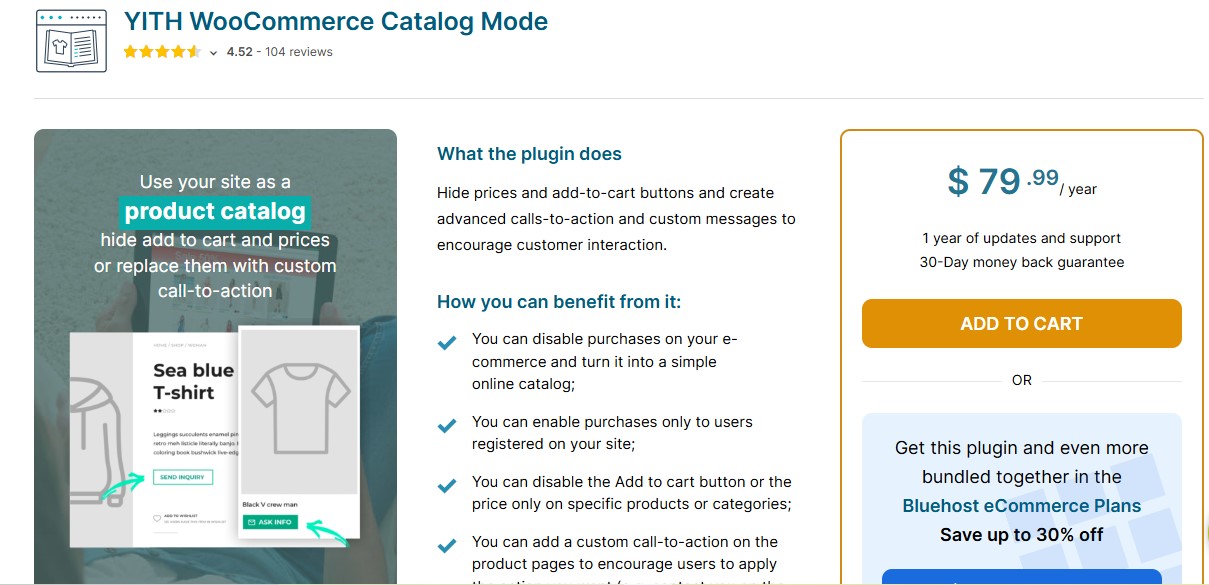
Topping our list is YITH WooCommerce Catalog Mode, and for good reason. This plugin has long been trusted by thousands of WooCommerce users for its ease of use and robust features. Whether you want to hide prices, remove the “Add to Cart” button, or tailor different catalog experiences for specific user roles, YITH makes it effortless.
Its flexibility allows you to display your product catalog exactly the way you want. You can activate catalog mode across your entire store or just for select categories. Plus, it supports conditional logic, perfect for targeting specific audiences or locations.
What sets YITH apart is its balance of functionality and user experience. It doesn’t just disable cart functionality it reimagines the product display for a cleaner, more engaging browsing experience.
2. Advanced Catalog Mode by WooCommerce
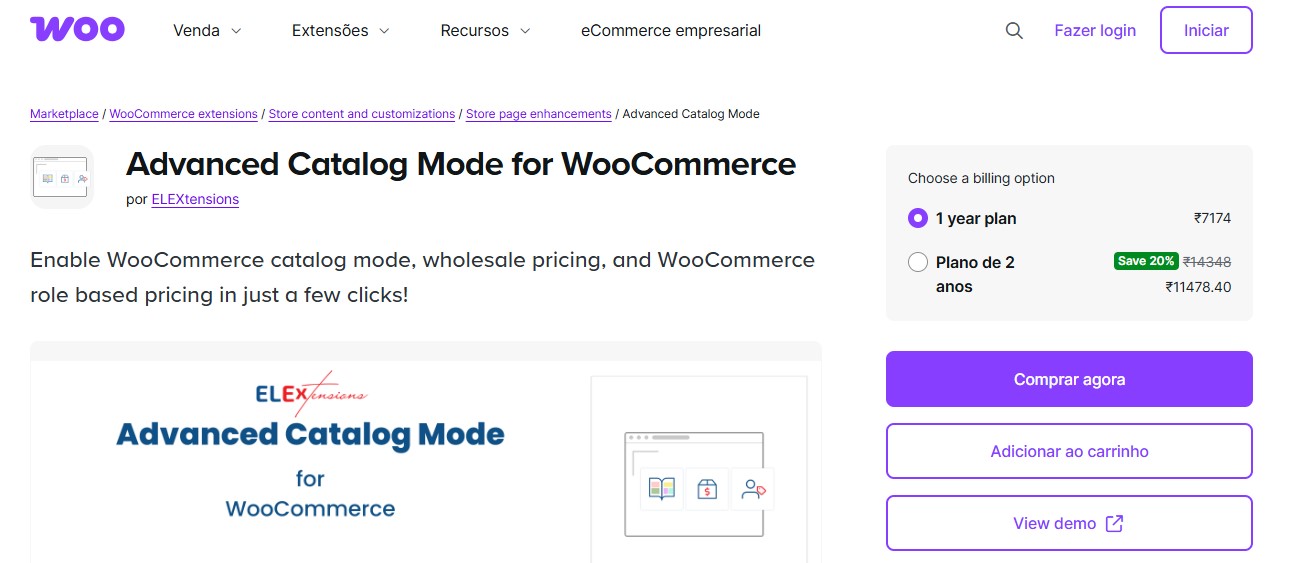
Advanced Catalog Mode for WooCommerce is an ideal plugin for turning your store into a product catalog. It allows you to hide prices, remove the “Add to Cart” button, and disable purchasing, making it perfect for B2B stores or businesses using an inquiry-based sales model. With options to apply catalog mode globally or by user role, it provides full control over product visibility and interactions, seamlessly integrating with WooCommerce.
Also Read: 10 Best WooCommerce SEO Plugins
3. ELEX WooCommerce Catalog Mode Plugin
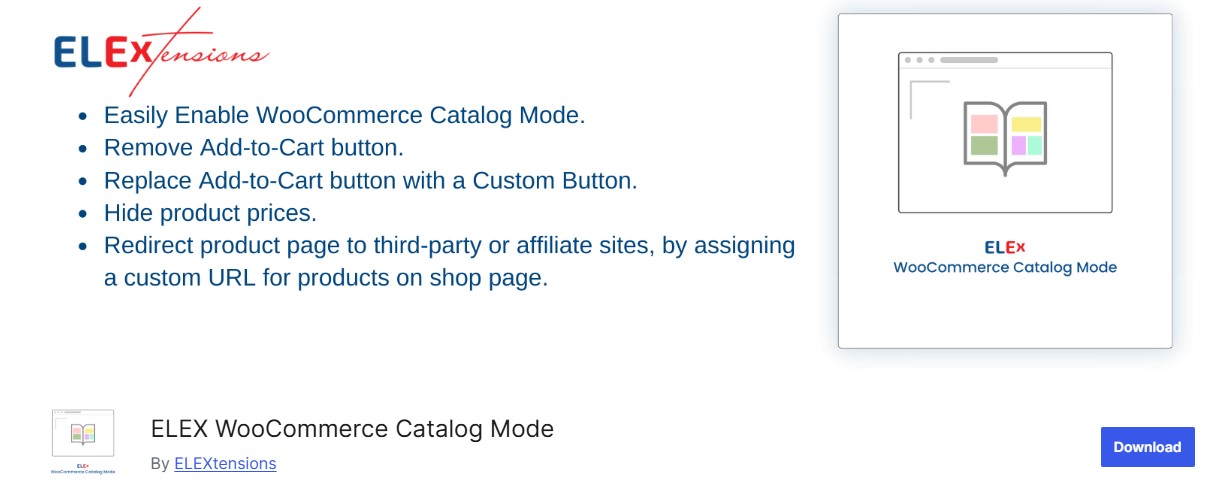
ELEX offers a powerful solution for creating a catalog experience while preserving WooCommerce’s backend capabilities. You can selectively disable cart functionalities for specific users or globally across your store.
This plugin is ideal for businesses that want a controlled and private shopping experience. You can also customise messages in place of pricing, allowing you to invite customers to contact you for quotes or availability a key feature for B2B operations.
4. Catalog Visibility Options by Iconic
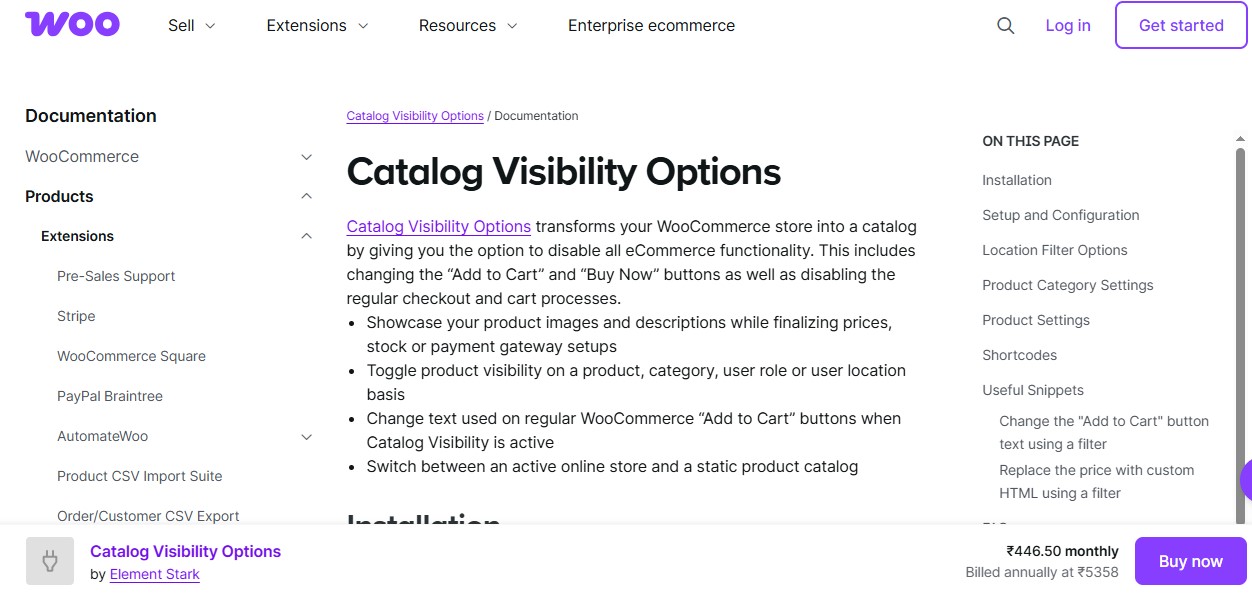
One of the more premium options on the market, Catalog Visibility Options by Iconic gives you granular control over what visitors see. You can manage product visibility per user role and even schedule when catalog mode is active.
Its user-friendly interface and lightweight performance ensure your site runs smoothly. It’s especially useful for stores that toggle between catalog and eCommerce modes during sales campaigns or pre-launch phases.
5. Premmerce WooCommerce Catalog Mode
Premmerce delivers a streamlined plugin that focuses on the essentials: disabling pricing and cart features to showcase your catalog.
The plugin allows you to customise how products are presented and who they are visible to. It’s a solid choice for minimalist stores or product portfolio sites that want clean design with minimal configuration overhead.
Also Read: 5 Best WooCommerce Popup Plugins for Sales Growth in 2026
6. WooCommerce Catalog Mode and Inquiry Form
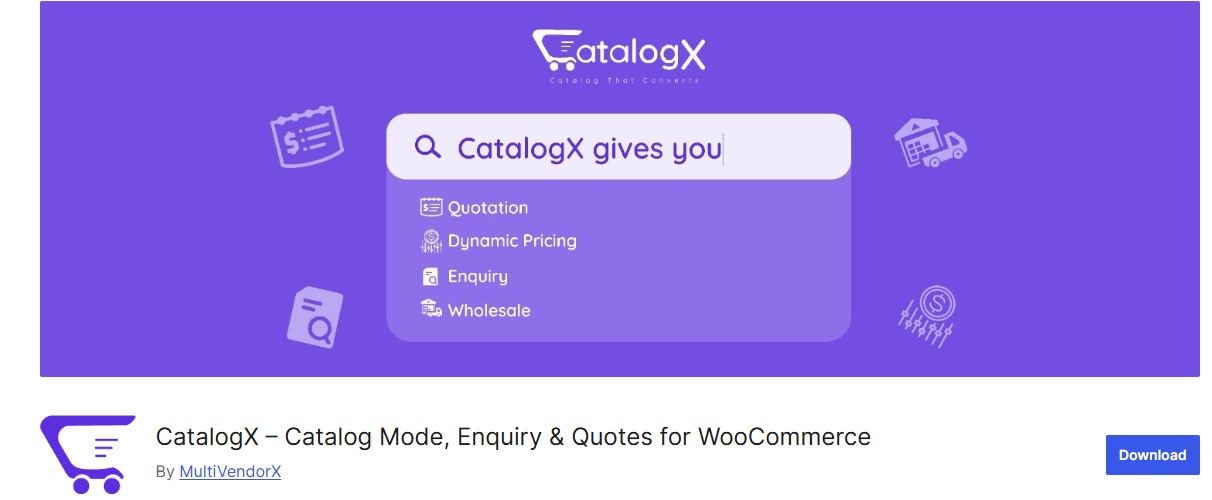
Combining catalog functionality with lead generation, this plugin is perfect for service providers or product manufacturers. Not only can you hide pricing and purchase options, but you can also add a custom inquiry form directly on the product page.
This makes it easy for visitors to ask questions or request quotes without leaving the product context. It’s a smart approach that blends marketing and catalog use cases.
7. WC Catalog Enquiry

With WC Catalog Enquiry, WooCommerce users gain a tool that’s more than just a catalog plugin it also integrates a strong communication channel.
You can disable checkout features while enabling customers to send inquiries via contact forms. Additionally, the plugin supports Google reCAPTCHA, GDPR compliance, and email notifications, making it a comprehensive option for businesses handling high-value or bespoke items.
8. Catalog for WooCommerce by XfinitySoft
As a rising star among Catalog Plugins for WooCommerce, this plugin by XfinitySoft is ideal for those looking to separate their catalog and eCommerce audiences. It enables catalog mode for non-logged-in users while preserving the shopping cart for approved or logged-in customers.
Its interface is intuitive, and setup is quick, making it an attractive option for stores wanting frictionless segmentation.
Also Read: 5 Best WooCommerce Plugins PayPal Express Checkout
9. WooCommerce Product Catalog Mode and Role-Based Pricing
Blending catalog functionality with dynamic pricing, this plugin caters to stores that serve multiple user types. You can create unique catalog views and set pricing rules based on user roles, location, or purchase history.
This is particularly advantageous for wholesalers, distributors, or manufacturers managing tiered pricing and controlled access.
10. Catalog Mode for WooCommerce by Addify
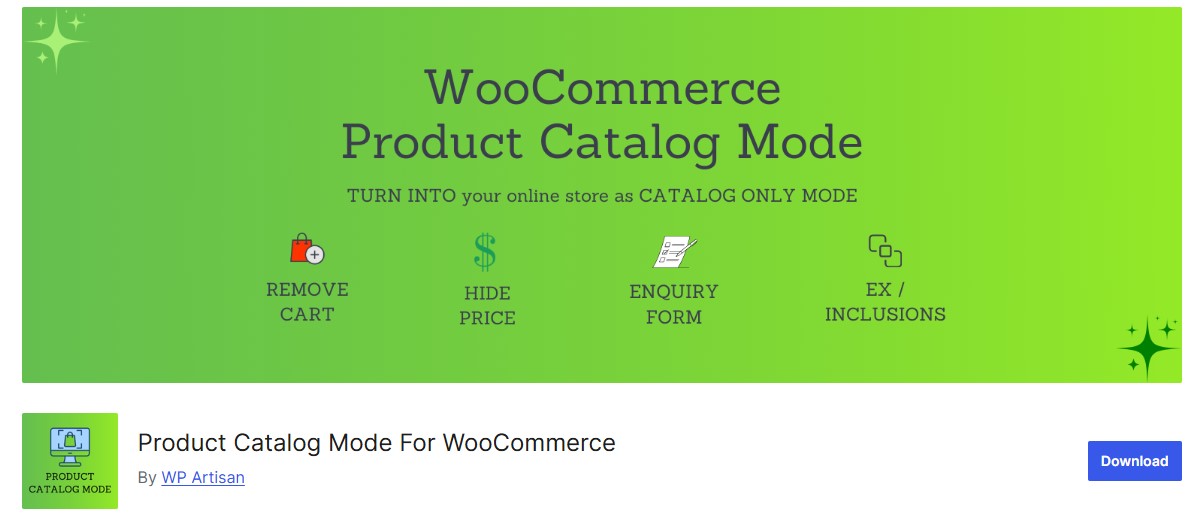
This plugin lets you hide product prices and the “Add to Cart” button while displaying custom messages like “Call for Price” or “Login to View.”
It also supports selective application, so catalog mode can be enabled on specific products or categories. The plugin is frequently updated and has responsive support, making it a dependable solution for growing businesses.
11. WooCommerce Catalog Mode Pro by CedCommerce
CedCommerce offers a robust catalog plugin with enterprise-grade capabilities. It allows complete customization of the product display, messaging, and access control.
For larger businesses or websites managing multiple brands or customer groups, this plugin provides essential flexibility. You can even integrate it with quote-request systems to support your sales funnel.
Also Read: 10 Best WooCommerce Plugins for Multiple Sales Channels
12. Product Catalog Mode for WooCommerce by PI Websolution
Rounding out our list is this versatile plugin from PI Websolution. Its primary strength lies in simplicity and performance. It focuses on hiding shopping functionality while allowing customers to browse products easily.
Great for fashion lookbooks, design portfolios, or car dealerships, it offers a no-frills approach that gets the job done.
WooCommerce Catalog Plugin Comparison Table
Compare the key features of each catalog plugin to find the best fit for your store:
| Plugin | Hide Prices | Hide Cart | Inquiry Form | Role-Based | Free Version | Best For |
|---|---|---|---|---|---|---|
| YITH Catalog Mode | Yes | Yes | No | Yes | Yes | General catalog mode |
| Advanced Catalog Mode | Yes | Yes | No | Yes | No | B2B stores |
| ELEX Catalog Mode | Yes | Yes | No | Yes | Yes | Private shopping |
| Catalog Visibility Options | Yes | Yes | No | Yes | No | Scheduled catalog mode |
| Premmerce Catalog | Yes | Yes | No | No | Yes | Minimalist stores |
| Catalog Mode + Inquiry | Yes | Yes | Yes | No | Yes | Lead generation |
| WC Catalog Enquiry | Yes | Yes | Yes | Yes | No | High-value products |
| XfinitySoft Catalog | Yes | Yes | No | Yes | Yes | Guest vs member access |
| Role-Based Pricing | Yes | Yes | No | Yes | No | Wholesale/tiered pricing |
| Addify Catalog Mode | Yes | Yes | No | Yes | Yes | Custom messages |
| CedCommerce Catalog | Yes | Yes | Yes | Yes | No | Enterprise needs |
| PI Websolution Catalog | Yes | Yes | No | No | Yes | Simple showcases |

Catalog Mode and Google Shopping: What Changes
Store owners running Google Shopping or Merchant Center feeds alongside a catalog-mode setup need to think through one detail before flipping the switch: Google Shopping requires visible pricing and a working purchase path on the landing page, or listings get suppressed for policy violations. If catalog mode hides prices or disables checkout sitewide, disconnect any Shopping feed first or scope catalog mode to specific categories that are not part of the feed.
For stores running catalog mode only for logged-out visitors while showing full pricing to approved wholesale accounts, this is less of an issue since the crawler generally sees the logged-out version. Test this directly by fetching a product URL as Googlebot (Search Console’s URL Inspection tool) rather than assuming the feed and the catalog-mode rules will not conflict. A five-minute check now saves a suppressed feed and a confusing support ticket from Google Merchant Center later.
Catalog Mode and Existing Cart Contents
A detail that trips up stores switching an already-live shop into catalog mode: customers with items already sitting in their cart before the switch may still be able to reach checkout through a saved cart URL or a cached page, even after Add to Cart buttons disappear sitewide. Clear all active carts (most plugins offer a bulk clear option, or you can manually expire WooCommerce sessions) at the same time you enable catalog mode, not after, to avoid a handful of customers slipping through with a completed order the plugin was configured to prevent.
Choosing the Right WooCommerce Catalog Plugin
With a wide range of WooCommerce Catalog Plugins available, choosing the right one boils down to your specific business needs. Are you aiming to create a wholesale storefront, a product showcase, or a hybrid experience with inquiry forms and dynamic pricing?
YITH WooCommerce Catalog Mode and the plugin by WooCommerce are excellent starting points for maximum reliability and functionality. Both offer broad compatibility and trusted support.
If your strategy includes lead generation, inquiry forms, or user segmentation, consider more advanced plugins like WC Catalog Enquiry or WooCommerce Product Catalog Mode and Role-Based Pricing.
At the end of the day, the right catalog plugin doesn’t just remove eCommerce features, it elevates your brand’s presentation, customer experience, and business agility.
Frequently Asked Questions
Interesting Reads
12 Best WooCommerce Third-Party Data Integration Plugins in 2025
