Top 10 Best WordPress Plugins for 2026


WordPress continues to dominate as the world’s most flexible content management system, and in 2026 its plugin ecosystem is more refined and performance-focused than ever, AI-assisted features included. Whether you’re running a personal blog, a growing business website, or a full-scale WooCommerce store, the right plugins can dramatically improve speed, SEO, security, conversions, and user experience. Below is a fully updated, human-written overview of the 10 best WordPress plugins for 2026, rewritten with fresh insights and modern use cases.

What Are WordPress Plugins
A WordPress plugin is a software extension that adds new features or improves performance, extending the overall functionality of a WordPress website either way. In simple terms, plugins allow you to customize and expand what your website can do without changing the core WordPress files. They are primarily built using PHP, along with JavaScript, CSS, and HTML, and they integrate seamlessly with the WordPress ecosystem. In 2026, plugins have gotten smarter and faster, more user focused too, often including AI powered features, automation, and performance optimizations out of the box.
Every plugin, whatever it does, plugs into the same core system through the same hook architecture. That’s why a plugin from a solo developer and a plugin from a large company both install and activate the same way, even though the quality of what happens after activation varies enormously.
How WordPress Plugins Work
WordPress plugins work by hooking into WordPress core system and modifying or extending its behavior. Once installed, either directly from the official WordPress Plugin Directory or via manual upload, they can be activated with a single click. After activation, a plugin begins performing its assigned tasks automatically or through configurable settings in the dashboard.
For example, an eCommerce plugin can add product pages and payment gateways, order management tools too, while a performance plugin can optimize loading speed using caching and file compression, image optimization included. Modern plugins in 2026 are designed to be modular, allowing users to enable only the features they actually need, which helps keep websites fast and efficient.
The hook system matters more than most site owners realize. Two plugins that both modify the same part of a page, say, the checkout form or the comment box, can conflict even when each one works perfectly on its own. That’s the root cause behind most “plugin conflict” support tickets: not broken code, but two plugins racing to control the same hook.
What Plugins Can Do for Your Website
Plugins allow WordPress websites to go far beyond basic blogging. They can add complex features like online stores, membership systems, learning platforms, booking systems, and multilingual support. Performance focused plugins help reduce page load times and improve Core Web Vitals, enhancing user experience across devices in the process.
Security plugins protect websites from malware and brute force attacks, along with the vulnerabilities that outdated software tends to leave open. SEO plugins guide users in optimizing content for modern search engines by focusing on intent and structure rather than keyword density alone. In 2026, many plugins also integrate with third party tools such as analytics platforms, CRMs, payment gateways, and marketing automation systems.
Types of WordPress Plugins
WordPress plugins generally fall into two main categories: free and premium. Free plugins are available through the official WordPress Plugin Directory and are maintained by developers or companies who offer essential functionality at no cost. These plugins are ideal for beginners and small websites, or anyone testing features before committing financially.
Premium plugins are paid tools that offer advanced features, priority support, frequent updates, and deeper customization options. In 2026, many premium plugins operate on subscription models, ensuring compatibility with the latest WordPress updates and security standards.
The free-versus-premium decision isn’t really about budget. It’s about how far the free tier gets you before you hit a wall. Some plugins on this list, Rank Math especially, give away enough in the free version that a small site may never need to upgrade. Others, WP Rocket among them, don’t offer a free tier at all, because the entire product lives behind the paywall.
Common Use Cases of WordPress Plugins
Bloggers often use plugins to optimize content for search engines, improve readability, manage comments, and create contact forms for audience interaction. Business owners rely heavily on plugins to sell products or services online, manage customer data, accept payments, and automate backups to protect their websites.
Developers and designers frequently use page builders and performance tools to create custom layouts and improve site speed, delivering a quality user experience without writing extensive code. As WordPress continues to evolve, plugins remain the backbone that transforms simple websites into powerful and scalable digital platforms.
How to Choose the Right Plugins for Your Site
Before installing anything from this list, check four things on the plugin’s WordPress.org page or vendor site: last updated date, active install count, support forum response pattern, and compatibility with your current WordPress version. A plugin last updated two years ago is a real risk, not a minor detail, regardless of how good its feature list reads.
Read the support forum before the reviews. Reviews skew positive because happy users rarely bother leaving one. The support forum shows you how the developer responds when something breaks, which is the situation you actually care about six months into using the plugin.
Test on staging first. Every plugin on this list is well maintained, but “well maintained” doesn’t mean “guaranteed compatible with your specific theme and the other 14 plugins already running on your site.” A five-minute staging test catches most conflicts before they reach a live visitor.
Best WordPress Plugins
1. Yoast SEO

Yoast SEO is one of the most widely trusted WordPress plugins for search engine optimization, and in 2026 it continues to evolve with smarter, more intent-focused features. The plugin helps website owners optimize on-page SEO by guiding them through keyword usage, content structure, internal linking, and metadata optimization in real time. Its readability analysis keeps content clear and easy to follow, for readers and search engines alike. Yoast also automatically generates XML sitemaps and manages canonical URLs, with structured data support built in to improve search visibility.
Key Features:
- Real-time page analysis for SEO and readability
- XML sitemap generation
- Social media previews
- Keyword optimization and internal linking suggestions
- Integration with Google Search Console
Pros:
- Simple interface with clear instructions for optimizing posts
- Improves website search ranking
- Free version is packed with features
- Constant updates based on Google’s algorithm changes
Cons:
- The premium version is expensive
- Can be overwhelming for complete beginners
Also Read: 10 Best WordPress Plugins for SEO in 2026
2. Elementor

Elementor is a powerful drag-and-drop page builder plugin that makes WordPress website design simple and flexible, visually engaging as well. It provides a real-time visual editing interface where users can build professional layouts and customize sections, adjusting responsive settings without writing a single line of code.
In 2026, Elementor continues to stand out with performance-focused updates and dynamic content support, backed by an expanded library of widgets and templates. Beginners appreciate its intuitive controls and ready-made design blocks, while advanced users benefit from custom styling options and animations, plus full theme-building capabilities.
Key Features:
- Live drag-and-drop editor
- 300+ pre-designed templates
- Mobile editing and responsive design
- Extensive library of widgets
- Theme Builder to customize headers and footers, archives included
Pros:
- Intuitive and user-friendly interface
- Large template library
- Works well with any theme
- Excellent customization and flexibility
Cons:
- Advanced features are behind a paywall
- Can slow down website loading times if overused
3. WooCommerce
For anyone running an eCommerce website on WordPress, WooCommerce remains an essential plugin in 2026. It transforms a standard WordPress site into a fully functional online store, allowing you to sell physical products and digital downloads, services included, with ease. WooCommerce provides complete control over product listings, pricing, inventory management, taxes, shipping options, and secure payment gateways.
Its flexibility allows store owners to customize every aspect of the shopping experience while integrating seamlessly with thousands of extensions and themes. Whether you’re launching a small online shop or scaling a large eCommerce business, WooCommerce offers the reliability and scalability needed to grow confidently on WordPress.
Key Features:
- Seamless WordPress integration
- Support for physical and digital products
- Customizable store design
- Multiple payment gateway options
- Inventory and tax management tools
Pros:
- Free to use for basic store functionality
- Huge ecosystem of extensions
- Regularly updated with new features
- Scales with your business growth
Cons:
- Extensions can get costly
- Requires some technical knowledge to set up fully
4. WPForms
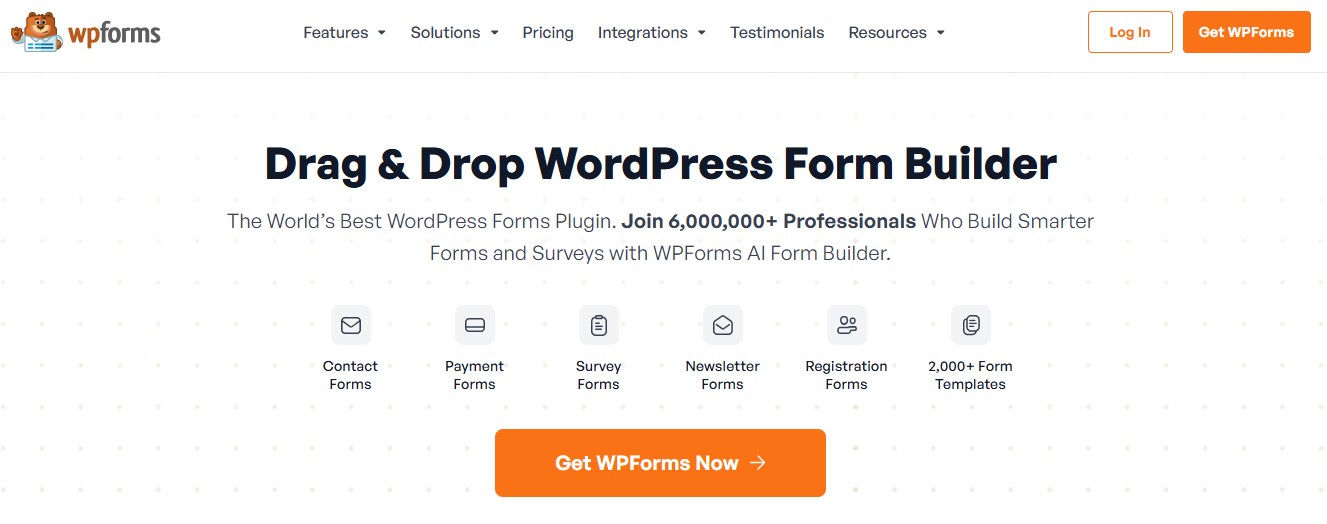
WPForms is a beginner-friendly yet powerful WordPress form plugin designed to make form creation fast and hassle-free. With its intuitive drag-and-drop editor, users can easily build custom contact forms, surveys, feedback forms, and newsletter signups without any technical knowledge. In 2026, WPForms continues to focus on performance and accessibility, spam protection included, ensuring forms load quickly and work reliably across all devices. It also integrates smoothly with popular email marketing tools and payment platforms, making it a practical choice for blogs and business websites, growing online brands as well, that need flexible and professional form solutions.
Key Features:
- Drag-and-drop form builder
- Pre-built templates
- Smart conditional logic
- Spam protection with reCAPTCHA
- Email marketing integrations
Pros:
- Easy to use, even for beginners
- Integrates with popular email marketing services
- Mobile-friendly forms
- Fast customer support
Cons:
- The free version is limited
- Advanced features require a paid plan
Also Read: 10 Best Google Reviews Plugins for WordPress in 2024
5. Rank Math

Rank Math is a powerful and feature-rich SEO plugin that has become a leading alternative to Yoast SEO, especially in 2026. It offers advanced optimization tools such as built-in schema markup, local SEO settings, keyword tracking, and seamless integration with Google Search Console all available within a single, well-organized dashboard. One of Rank Math’s biggest advantages is the generous range of features included in its free version, making advanced SEO accessible to beginners and small businesses alike. At the same time, its modular setup and detailed controls appeal to experienced users who want deeper customization without compromising website performance.
Key Features:
- Multiple keyword optimization
- Google Search Console integration
- Built-in schema markup
- SEO analysis tool
- Local SEO features
Pros:
- Highly feature-rich even in the free version
- Easy-to-use setup wizard
- Better performance in some areas than Yoast SEO
- Lightweight and fast
Cons:
- Fewer integrations compared to Yoast
- Interface can be overwhelming for beginners
6. UpdraftPlus
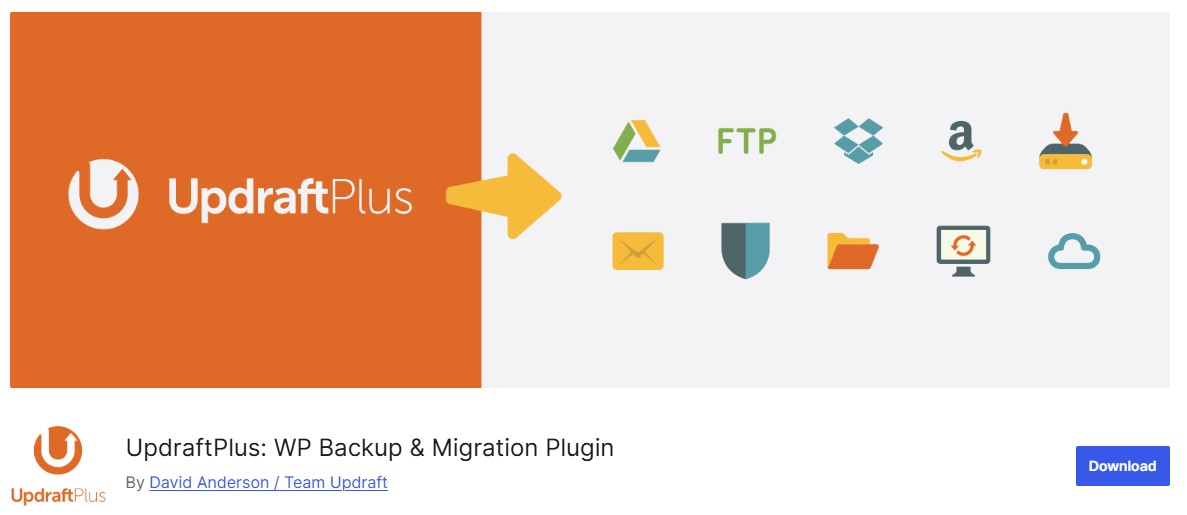
UpdraftPlus is one of the most reliable and widely used backup plugins for WordPress, making it an essential tool for website security and peace of mind. It allows users to create scheduled and on-demand backups of their entire website, including files, databases, themes, and plugins. In 2026, UpdraftPlus continues to stand out with seamless integration to cloud storage services such as Google Drive and Dropbox, Amazon S3 among the supported options, ensuring backups are stored safely off-site. Its easy restoration process makes recovering a website after data loss or a failed update quick and stress-free, even for non-technical users.
Key Features:
- Automated backups to multiple cloud storage services
- Easy restore options
- Incremental backups to save server resources
- Compatible with multisite installations
- Database encryption
Pros:
- Free version offers plenty of backup features
- Regular updates ensure compatibility with WordPress
- Great support for cloud integrations
Cons:
- The premium version is expensive
- Some users report a steep learning curve for advanced features
7. WP Rocket

WP Rocket is a premium WordPress caching and performance optimization plugin built to significantly improve website speed with minimal setup. It features an intuitive interface that automatically applies best-practice optimizations as soon as the plugin is activated. In 2026, WP Rocket continues to lead the performance space by offering page caching, browser caching, lazy loading for images and videos, file minification, and database optimization all managed with just a few clicks.
Key Features:
- Page caching
- Browser caching
- Lazy loading images and videos
- Database optimization
- CDN integration
Pros:
- Boosts website speed significantly
- User-friendly interface
- Works with most themes and plugins
- No technical knowledge required for basic setup
Cons:
- No free version
- Some features require external services (like CDN)
Also Read: 10 Best WordPress Plugins for Website Speed in 2026
8. Sucuri Security

Sucuri Security is a trusted WordPress security plugin designed to protect websites from online threats without requiring advanced technical expertise. It offers comprehensive features such as website monitoring, malware scanning, file integrity checks, and real-time alerts to help detect suspicious activity early. In 2026, Sucuri continues to stand out with its powerful web application firewall, which blocks malicious traffic and helps prevent hacking attempts before they reach your site. Its clean interface and automated protection make it an ideal choice for WordPress users who want strong, reliable security while keeping site management simple and stress-free.
Key Features:
- Malware scanning and removal
- File integrity monitoring
- Website firewall protection
- Brute force attack prevention
- Security activity auditing
Pros:
- Comprehensive security features
- Free version offers solid protection
- Regular security updates
- Excellent customer support
Cons:
- Some advanced features require a premium plan
- Initial configuration can be a bit tricky
9. Smush
Smush is a popular image optimization plugin that helps WordPress websites load faster by reducing image file sizes without sacrificing visual quality. It automatically compresses images as they are uploaded to the media library, ensuring performance improvements happen in the background. In 2026, Smush continues to support modern optimization techniques such as lazy loading and bulk image compression, with compatibility for next-generation image formats built in. By minimizing page load times and improving overall site speed, Smush enhances user experience while also contributing positively to SEO and Core Web Vitals performance.
Key Features:
- Lossless image compression
- Bulk optimization
- Automatic resizing and scaling
- Lazy loading for images
- Supports multiple file formats
Pros:
- Improves website loading times
- Easy to use with a simple interface
- Works automatically in the background
- Free version offers great features
Cons:
- Bulk optimization can be slow
- Some features are locked behind the pro version
10. Akismet Anti-Spam

Akismet Anti-Spam is a reliable and widely used WordPress plugin designed to keep spam comments and form submissions under control. It works automatically in the background by analyzing user behavior and content patterns to detect suspicious activity before it reaches your site. In 2026, Akismet remains highly effective at filtering out spam comments and moving them directly to the spam folder, saving site owners valuable time and effort. Less spam in the comment section means a cleaner site overall. Akismet handles that quietly, without requiring constant manual moderation from whoever runs the site.
Key Features:
- Automatic spam filtering
- Detailed comment history
- Status history for each comment
- Discards spam to save disk space
Pros:
- Reduces spam comments significantly
- Works automatically once set up
- Light on resources
- Free for personal use
Cons:
- Requires an API key for setup
- The paid version is necessary for commercial use
Also Read: What Are the Best Community Plugins for WordPress in 2026 ?
Best WordPress Plugins for 2026 at a Glance
| Plugin | Category | Free Version | Premium Price | Key Features | Best For |
|---|---|---|---|---|---|
| Yoast SEO | SEO | Yes | $99/year | SEO optimization, readability analysis, sitemaps | SEO optimization |
| Elementor | Page Builder | Yes | $49/year | Drag-and-drop editor, templates, theme builder | Page design and customization |
| WooCommerce | eCommerce | Yes | Varies by addon | eCommerce functionality, product pages, payment gateway | Online stores |
| WPForms | Forms | Yes | $39.50/year | Form builder, conditional logic, spam protection | Contact forms and surveys |
| Rank Math | SEO | Yes | $59/year | Multiple keyword optimization, schema markup | Advanced SEO |
| UpdraftPlus | Backup | Yes | $70/year | Cloud backups, incremental backups, restoration | Site backup and recovery |
| WP Rocket | Performance | No | $59/year | Caching, lazy loading, database optimization | Website performance optimization |
| Sucuri Security | Security | Yes | $199/year | Malware scanning, firewall, brute force prevention | Website security |
| Smush | Image Optimization | Yes | $60/year | Image compression, lazy loading, bulk optimization | Image-heavy websites |
| Akismet Anti-Spam | Anti-Spam | Yes | $100/year | Spam filtering, comment history | Reducing comment spam |

Common WordPress Plugin Mistakes to Avoid
Installing too many plugins is the most common mistake, and it’s rarely about any single plugin being bad. Every active plugin adds database queries, script loads, or both. Ten well-coded plugins can still slow a site down if five of them are doing overlapping jobs nobody remembers assigning.
Running two plugins from the same category is the specific version of that mistake. Yoast SEO and Rank Math active at once, for example, will fight over the same meta boxes and often duplicate sitemap output. Pick one SEO plugin. Pick one caching plugin. Pick one security plugin. Layering by category, not stacking within it, is what keeps a plugin list manageable at 20 or 30 active plugins on a busy site.
Ignoring update notifications is the second big one. An outdated plugin isn’t just missing new features, it’s often missing a security patch for a vulnerability that’s already public knowledge. Set a monthly reminder if the dashboard nag isn’t enough.
Deactivating instead of deleting unused plugins is a smaller but persistent mistake. A deactivated plugin still sits in the file system and still shows up in vulnerability scans. It still needs updates from time to time too. If you’re not using it, delete it.
Frequently Asked Questions
How many plugins should a WordPress site have?
There’s no fixed number. Quality and overlap matter more than count. A well-optimized site running 25 lightweight, well-maintained plugins can outperform a site running 8 poorly coded ones. That said, if you’re auditing a slow site, look first at anything duplicating another plugin’s job before you start removing things at random.
Can I use Yoast SEO and Rank Math together?
Not recommended. Both plugins try to control the same meta title and description fields, plus sitemap output. Running both active at the same time typically causes duplicate sitemaps and conflicting SEO meta data on the front end. Choose one and fully configure it, then deactivate the other rather than leaving it dormant.
Are free plugin versions enough for a small business site?
Often, yes, at least to start. Rank Math, WooCommerce, UpdraftPlus, and Akismet all ship enough in their free tiers to run a small business site properly. The upgrade decision usually comes later, once you hit a specific limit: more backup storage or advanced schema types, premium support response times sometimes, not before you actually need it.
Final Thoughts
Choosing the right WordPress plugins plays a crucial role in shaping your website’s performance and functionality, the overall user experience along with it. From strengthening your search visibility with Yoast SEO to building visually appealing pages effortlessly using Elementor, the right tools let you tailor your site to your exact goals.
Plugins like WP Rocket help ensure fast loading speeds. Sucuri Security protects your site from potential threats. For online stores, WooCommerce provides what’s needed to manage products and payments, customers too.
Install what you’ll actually configure and use, not what looks impressive on an activated-plugins list. Keep everything updated. Delete what you stop using. That habit alone, more than any single plugin on this list, is what keeps a WordPress site fast, secure, and easy to hand off to whoever runs it next.
Interesting Reads
10 Best Software to Write Up Data Analysis Reports