10 Best WordPress Plugins for Website Speed in 2026


If your website takes too long to load, visitors won’t wait. They’ll leave before your content even appears. In today’s fast-paced digital environment, speed isn’t just a technical metric; it’s a competitive advantage. Users expect websites to load almost instantly across mobile, tablet, and desktop, and search engines actively reward sites that deliver on that expectation.
A slow WordPress website can hurt your search rankings, increase bounce rates, and reduce conversions, sometimes all three at once. Even a one-second delay can measurably change how users engage with your pages, whether they complete a checkout, or how much they trust your brand on the first visit. For eCommerce stores, blogs, and service websites alike, performance directly influences revenue and credibility, not just a vague sense of “user experience.”

Understanding Why Website Speed Matters So Much
Website speed is one of the most consistently underestimated factors influencing user experience, search rankings, and conversion rates. Users now expect near-instant loading, and even a modest delay can frustrate a visitor enough to abandon the page before it finishes rendering. With mobile usage continuing to climb and attention spans shrinking further, performance has stopped being a nice-to-have and become table stakes for anyone running a serious website.
A slow-loading site directly impacts both engagement and revenue. Research on user behavior consistently shows that visitors expect a page to be usable within a few seconds, and every additional second of delay increases bounce rates while reducing conversions. For eCommerce stores, this translates into lost sales that never show up as a clear line item, you simply never see the customers who left. For service-based businesses and content sites, it usually means fewer leads and less trust in the brand behind the slow page.
Search engines factor performance heavily into rankings as well. Google treats page speed and Core Web Vitals (Largest Contentful Paint, Cumulative Layout Shift, and Interaction to Next Paint) as real ranking signals, which means poor load times can quietly cap your visibility no matter how strong your content is. Even genuinely excellent writing struggles to rank if the technical foundation underneath it can’t keep up.
Top WordPress Plugins for Website Speed
Choosing the right combination of plugins makes a measurable difference in how your site performs. With so many options on the market, it helps to understand what each category actually does rather than installing everything at once and hoping for the best.
1. WP Rocket
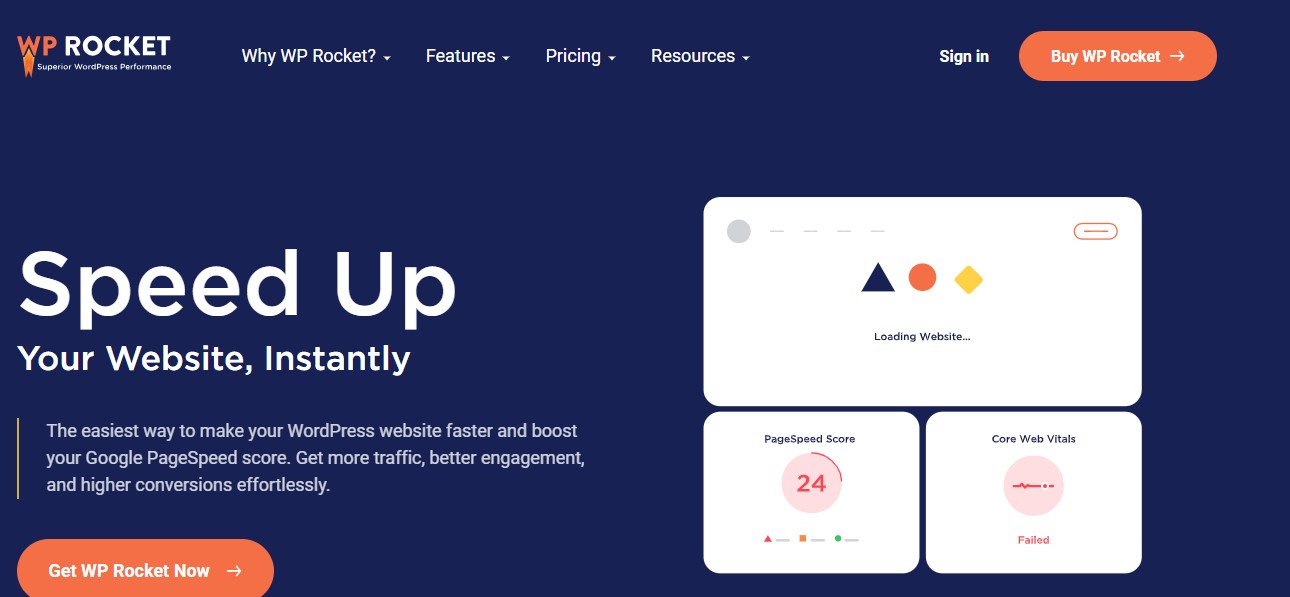
WP Rocket is one of the most reliable caching plugins available for WordPress, and it’s a common first choice for site owners who want visible speed gains without spending a weekend on configuration. Unlike caching plugins that demand a deep technical setup, WP Rocket is built for ease of use and produces a noticeable improvement almost immediately after activation.
It reduces page load times by generating static HTML files, minimizing database queries, and controlling how content gets served to visitors on repeat visits. Where speed directly affects both rankings and conversions, that kind of out-of-the-box performance gain, without needing a developer, is genuinely valuable.
Also Read: 12 Powerful Analytics and Statistics Plugins for WooCommerce
2. W3 Total Cache
W3 Total Cache is a powerful free caching plugin that offers far more granular control than most alternatives, which makes it well suited to developers and advanced users who want to fine-tune every layer of the caching stack rather than accept a one-size-fits-all default.
It improves speed by caching pages, database objects, and browser data, which reduces server load and improves response times under real traffic. For stores or publishers with visitors spread across different regions, that layered caching approach helps performance stay consistent instead of degrading for users farther from your server.
3. LiteSpeed Cache

LiteSpeed Cache is purpose-built for websites hosted on LiteSpeed servers, though it still delivers useful optimization even outside that environment. Paired with a LiteSpeed-powered host, it unlocks genuine server-level caching, which outperforms traditional file-based caching by a meaningful margin because the caching layer sits closer to the server itself.
That deep server integration lets LiteSpeed Cache absorb traffic spikes more gracefully, reduce load on the server during busy periods, and keep page loads fast, which matters especially for high-traffic sites and WooCommerce stores running flash sales or seasonal promotions.
4. WP Fastest Cache

WP Fastest Cache is a solid pick for site owners who want a straightforward, lightweight caching solution without wading through a long settings screen. It’s designed for simplicity and produces a noticeable speed improvement right after activation, without needing to understand what every toggle actually does.
It boosts performance by generating static HTML files, reducing server load, and optimizing how CSS and JavaScript get delivered. For small businesses, blogs, and informational sites that don’t need W3 Total Cache’s full complexity, this streamlined approach tends to be the better fit.
Also Read: Top WooCommerce Analytics Plugins to Understand and Grow Your Store
5. Autoptimize
Autoptimize is a lightweight but genuinely effective plugin focused on optimizing CSS, JavaScript, and HTML delivery rather than caching pages outright. Rather than replacing a caching plugin, it complements one, streamlining how your site’s assets actually reach the browser.
It improves performance by minifying and combining scripts, which cuts down the number of HTTP requests a browser needs to make and shortens overall page load time. Where efficient code delivery and fast rendering matter for Core Web Vitals, this kind of optimization plays a real role in pushing your performance scores up.
Autoptimize also supports lazy loading for images and embedded media, so visual content only loads once it actually enters the visitor’s viewport. That reduces the initial page weight, improves perceived speed, and makes for a smoother browsing experience, particularly on mobile connections.
6. Smush
Large image files are one of the single most common reasons a WordPress site loads slowly, especially now that high-resolution visuals are practically expected for branding and product photography. Without proper optimization, images can balloon page size dramatically, dragging load times, user experience, and search rankings down together.
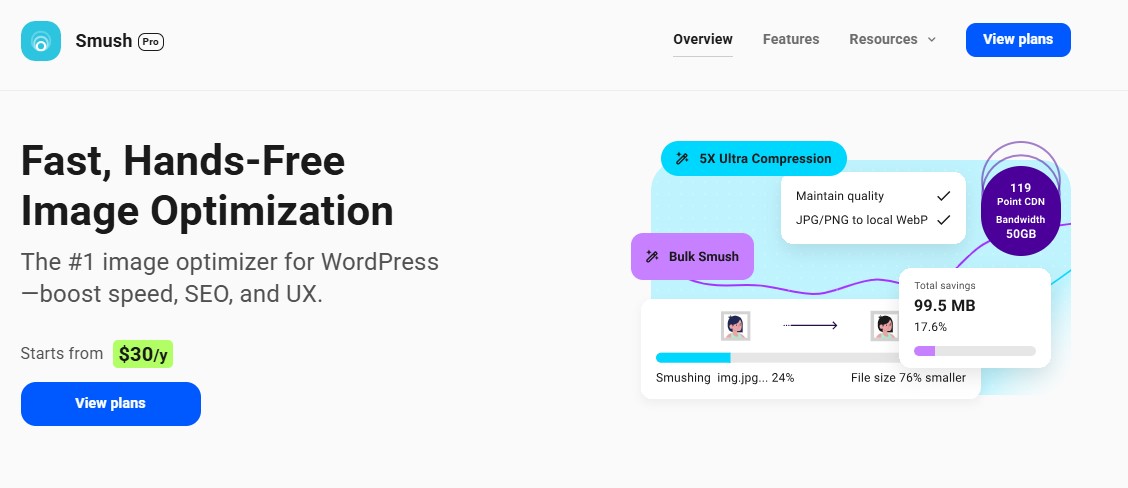
Smush is a leading WordPress image optimization plugin that compresses images without visibly degrading quality. It automatically optimizes new uploads the moment they land in your media library, and it can bulk-optimize an existing library too, which matters a lot for older sites carrying years of uncompressed images.
Beyond straightforward compression, Smush includes lazy loading and automatic WebP conversion, serving next-generation image formats to browsers that support them for faster delivery. These features together push Core Web Vitals scores up while keeping the visual quality your brand needs intact.
7. Imagify
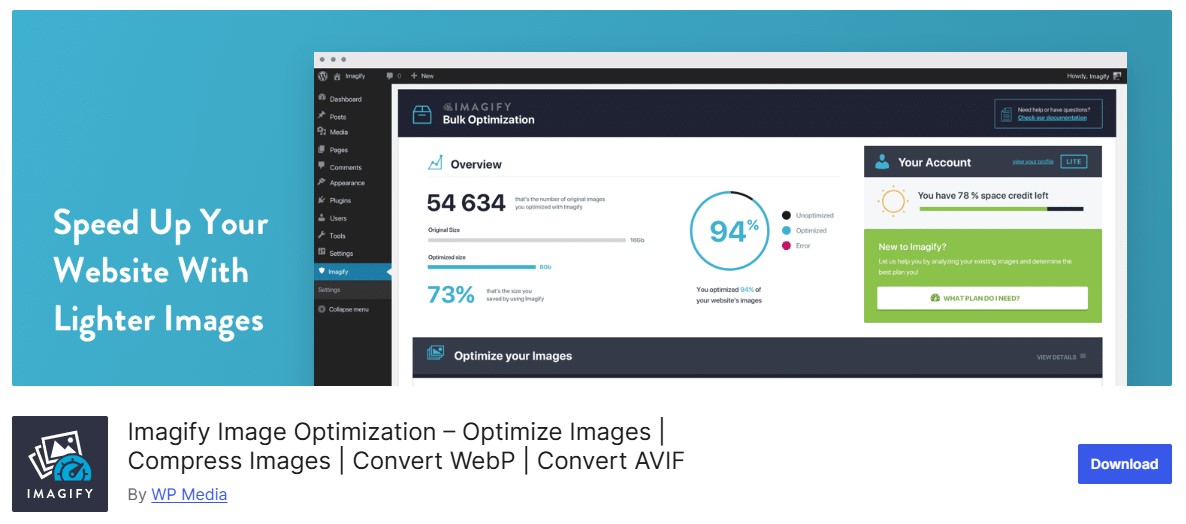
Imagify, from the same team behind WP Rocket, is a capable image optimization plugin designed to shrink file sizes meaningfully without hurting visual quality. On image-heavy sites, it strikes a genuinely useful balance between performance and appearance.
One of Imagify’s standout features is its three compression levels, Normal, Aggressive, and Ultra, which lets you tune the tradeoff between visual fidelity and file size to match what a specific page actually needs. A premium product page might warrant Normal compression to preserve every detail, while a blog thumbnail can safely go Aggressive without anyone noticing.
The plugin supports automatic optimization on upload alongside bulk optimization for existing libraries, and it includes WebP and next-gen format support for faster delivery and better Core Web Vitals scores across modern browsers.
Also Read: The Best Currency Converter Plugins for WordPress
8. Perfmatters
Perfmatters is a lightweight performance plugin built to strip out unnecessary bloat and give you fine-grained control over how WordPress loads resources by default. Rather than handling caching, it focuses on turning off the parts of WordPress most sites never actually use.
It lets you disable elements like emojis, embeds, XML-RPC, dashicons, and unused CSS or JavaScript on a page-by-page basis, ensuring WordPress only loads what’s genuinely needed for that specific page. Where Core Web Vitals and clean code delivery matter, this kind of selective trimming reduces page weight and speeds up rendering without touching your design.
Perfmatters also removes query strings from static resources and limits unnecessary HTTP requests, which is especially useful for business sites and WooCommerce stores running a stack of plugins that each add their own scripts to every page load.
9. Asset CleanUp
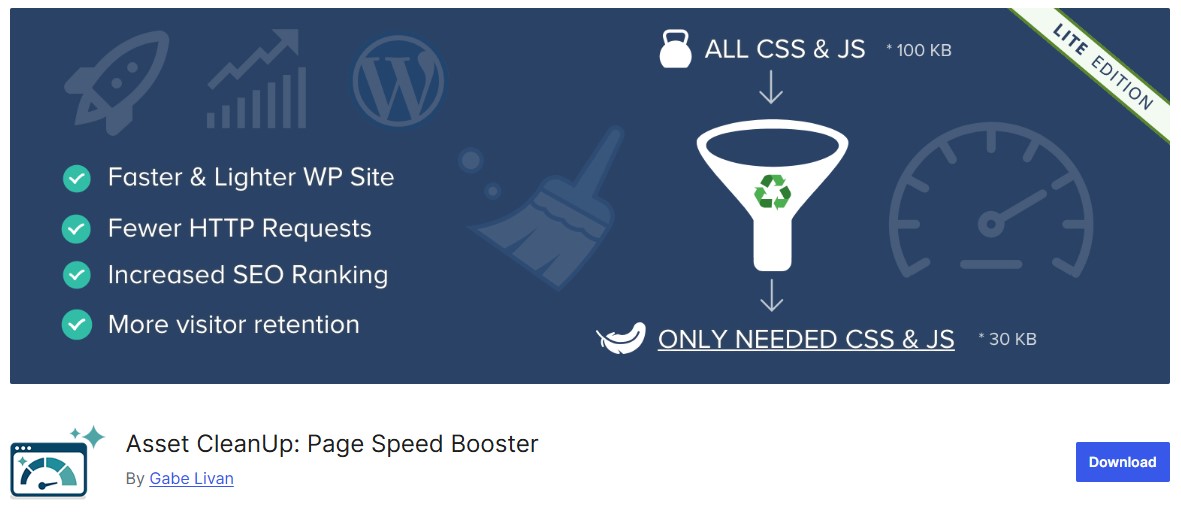
Asset CleanUp improves speed by identifying and managing unused CSS and JavaScript files across your site. As a site accumulates more plugins and features over time, unnecessary assets pile up quietly and drag page load times down without anyone noticing until they run a performance audit.
It scans individual pages and posts to flag scripts and styles that aren’t actually needed there, letting you selectively disable assets per page. That targeted approach means only the files a specific page genuinely requires get loaded, which cuts down on page size, HTTP requests, and render-blocking resources all at once.
By trimming unused code, Asset CleanUp improves both raw loading speed and Core Web Vitals, particularly on mobile. It also offers script minification, defer loading, and inline CSS options for further gains once you’ve handled the bigger, obvious wins.
Also Read: 5 Best WooCommerce Plugins Account Funds
10. FlyingPress
FlyingPress is a modern, all-in-one performance plugin built to improve site speed quickly with a strong focus on real-world Core Web Vitals results rather than synthetic benchmark scores. It’s a solid choice for site owners who want strong results without wading through a maze of settings.
It combines the essentials into one interface: page caching, CSS and JavaScript optimization, defer and delay execution controls, lazy loading for images and iframes, and CDN support. Where performance expectations keep climbing, having all of that in one plugin, rather than stitched together from three or four separate tools, tends to reduce conflicts and simplify maintenance.

How to Combine These Plugins Without Conflicts
A common mistake is installing several caching plugins at once, thinking more coverage equals more speed. In practice, it usually does the opposite: two caching plugins fighting over the same HTML output, or two image optimizers both trying to process the same upload, tends to create conflicts, duplicate processing, or, in worse cases, a genuinely broken layout.
A sensible stack usually looks like one caching plugin (WP Rocket, LiteSpeed Cache, or WP Fastest Cache, not more than one), one image optimizer (Smush or Imagify, again just one), and optionally a lean asset-management plugin like Perfmatters or Asset CleanUp for the finer trimming. If your caching plugin already handles CSS/JS minification well, adding Autoptimize on top rarely helps and sometimes causes double-minification bugs, so test carefully after each addition rather than stacking everything at once.
Common Mistakes That Undo Your Speed Gains
Even with the right plugins installed, a few habits quietly erase the gains. Uploading full-resolution camera images straight into a post without resizing first is one of the most common: an image optimizer compresses what’s uploaded, but a 6000-pixel-wide photo displayed at 800 pixels wastes bandwidth regardless of compression level. Resize images to the dimensions they’ll actually display at before uploading, and let the optimizer handle the rest.
Another frequent issue is enabling every available feature in a caching plugin without testing the results. Aggressive JavaScript deferral, for example, can break interactive elements like sliders, popups, or add-to-cart buttons if a script that depends on another script loads out of order. Enable one setting at a time, check the front end (particularly on mobile), and only move to the next setting once you’ve confirmed nothing broke.
Finally, plugin bloat outside the performance category itself is worth auditing periodically. A site running fifteen active plugins, several of which haven’t been touched or configured in over a year, is carrying weight that no caching plugin fully hides. Every additional active plugin adds its own database queries and, often, its own front-end scripts, so a periodic plugin audit belongs in the same conversation as caching and image optimization, not treated as a separate task.
Measuring the Impact of Speed Optimization
Installing plugins isn’t the finish line. Test your site before and after each change using Google PageSpeed Insights or GTmetrix, and pay attention to Core Web Vitals specifically, not just an overall score, since Google’s ranking signals key off those individual metrics rather than a single composite number.
Largest Contentful Paint tells you how quickly your main content becomes visible. Cumulative Layout Shift flags visual instability, elements jumping around as the page loads, which frustrates users even on a technically fast page. Interaction to Next Paint measures how responsive the page feels once a visitor actually starts clicking and scrolling. Improving all three, rather than chasing a single overall grade, produces a site that both ranks better and feels genuinely faster to real visitors.
Hosting Still Sets the Ceiling
No plugin, no matter how well configured, can fully compensate for hosting that’s simply undersized for your traffic. A caching plugin reduces how often your server has to do real work, but if the underlying hosting plan is a shared, oversold environment, you’ll hit a performance ceiling no amount of plugin tuning gets you past.
Managed WordPress hosting providers that build server-level caching, a modern PHP version, and object caching (Redis or Memcached) into the platform itself tend to outperform a budget shared host running every optimization plugin available. If you’ve worked through this entire list and your site still feels sluggish under real traffic, the next step usually isn’t another plugin, it’s a hosting upgrade or a conversation with your current host about resource limits.
A Sensible Order of Operations
Store owners often ask which plugin to install first, and the honest answer is to start with whatever’s causing the biggest bottleneck on your specific site, not a generic checklist. Run a PageSpeed Insights test before touching anything and read the diagnostics section carefully; it usually names the actual problem (render-blocking resources, unoptimized images, excessive DOM size) rather than leaving you guessing.
If images dominate your page weight, start with Smush or Imagify before anything else, since compressing a handful of oversized hero images can outperform an entire caching setup on its own. If your diagnostics point to render-blocking CSS and JavaScript instead, a caching plugin with built-in optimization (WP Rocket or FlyingPress) will move the needle faster than an image tool. Testing after each individual change, rather than installing five plugins in one sitting, is the only reliable way to know which change actually helped and which one quietly made things worse.
The Impact of Speed Optimization on Your Website’s Success
Website speed can genuinely make or break your online success. Slow-loading pages frustrate users, increase bounce rates, and push potential customers toward faster competitors who are often just one search result away. Fast, well-optimized websites keep visitors engaged, build trust, and send strong quality signals to search engines, which compounds into higher rankings and better long-term visibility.
By using the right combination of WordPress speed plugins, you can dramatically improve performance without rebuilding your entire site from scratch. Speed optimization enhances user experience, boosts conversion rates, improves Core Web Vitals, and strengthens your overall SEO strategy, all from changes that typically take an afternoon to implement properly.
Each plugin covered here plays a specific role in building a genuinely fast website. WP Rocket or LiteSpeed Cache deliver the caching and core performance gains, Smush and Imagify keep your images lightweight without sacrificing quality, and Perfmatters or Asset CleanUp strip out the scripts you don’t actually need. Combined thoughtfully, rather than all installed at once, these tools work together to deliver faster load times and a genuinely smoother browsing experience for every visitor who lands on your site.
Interesting Reads
10 Best AI Tools for Paraphrasing


