Top WooCommerce Analytics Plugins to Understand and Grow Your Store for 2026

Running a WooCommerce store without real analytics is a bit like throwing darts in a dark room. You might hit the target now and then, but most of the time you have no idea where your efforts actually landed. That’s the gap WooCommerce Analytics Plugins close: they turn a guess into a number you can act on.
These plugins take raw store data and turn it into something you can actually use, from your best-selling products to the specific point where carts get abandoned. With that information in front of you, decisions stop being guesses. You grow faster, convert more of the traffic you already have, and tighten up the shopping experience instead of tweaking it blind.

What Are WooCommerce Analytics Plugins
WooCommerce Analytics Plugins pull raw data out of your store and turn it into something you can actually read: traffic sources and product views, sales conversions and customer behavior, all rolled into one picture of how the store is actually performing.
Some plug into Google Analytics directly. Others run independently with their own dashboard. Either way, the point is the same, replacing gut feeling with real numbers so you can adjust marketing spend and catch what’s underperforming, then fix the checkout experience with evidence instead of hunches.
What to Look for in WooCommerce Analytics Plugins
Choosing a plugin comes down to which features actually move the needle for your store, not which one has the longest changelog.
Ease of use comes first. A good plugin integrates cleanly with WooCommerce, has a dashboard you can read without training, and gets you set up without a half-day detour into documentation. If the data takes longer to interpret than it took to collect, the tool has failed its one job.
Enhanced eCommerce tracking is the second thing to check. The strongest plugins follow customer interactions closely: product views and add-to-cart actions, right down to the individual steps inside checkout. Without that granularity, you can’t tell where customers actually drop off or which products are quietly underperforming. You’re left guessing at exactly the moment guessing is most expensive.
Why Use WooCommerce Analytics Plugins
Using WooCommerce Analytics Plugins gives you a clear read on your business instead of a hopeful one. These tools show you:
- Which marketing campaigns bring the most sales
- Where your customers drop off in the checkout process
- What products are underperforming
- How loyal your customers are
- When and why people abandon their carts
With that in front of you, fixing what’s broken and doubling down on what’s working stops being a guessing game.
How to Use WooCommerce Analytics Plugins
Getting one running is simpler than it looks:
- Install the plugin via your WordPress dashboard.
- Connect it to tools like Google Analytics or your ad accounts.
- Enable enhanced eCommerce tracking.
- Use the built-in dashboards and reports to monitor store performance.
- Apply what you find to product listings and pricing, or marketing and customer service.
Common Analytics Setup Mistakes
Most “the numbers don’t add up” complaints trace back to setup, not the plugin.
The most common one: enabling the plugin but never turning on enhanced eCommerce tracking. Basic install gives you pageviews. It won’t tell you where in checkout people bail, which is usually the number you actually installed the plugin to see.
Second: running two analytics tools that both fire the same GA4 event. Duplicate tracking inflates conversion numbers and makes every report look better than reality. If you switch plugins, fully deactivate the old one first.
Third: never checking the data against a real order. Place a test purchase and confirm it shows up correctly in the dashboard, with the right revenue and the right product attached, before you trust a month of reporting built on top of it.
Fourth: treating every metric as equally important. A dashboard with 150 numbers on it is not more useful than one with 8, if you only ever act on 3 of them. Pick the handful that map to decisions you’re actually going to make.
9 Best WooCommerce Analytics Plugins
1. MonsterInsights
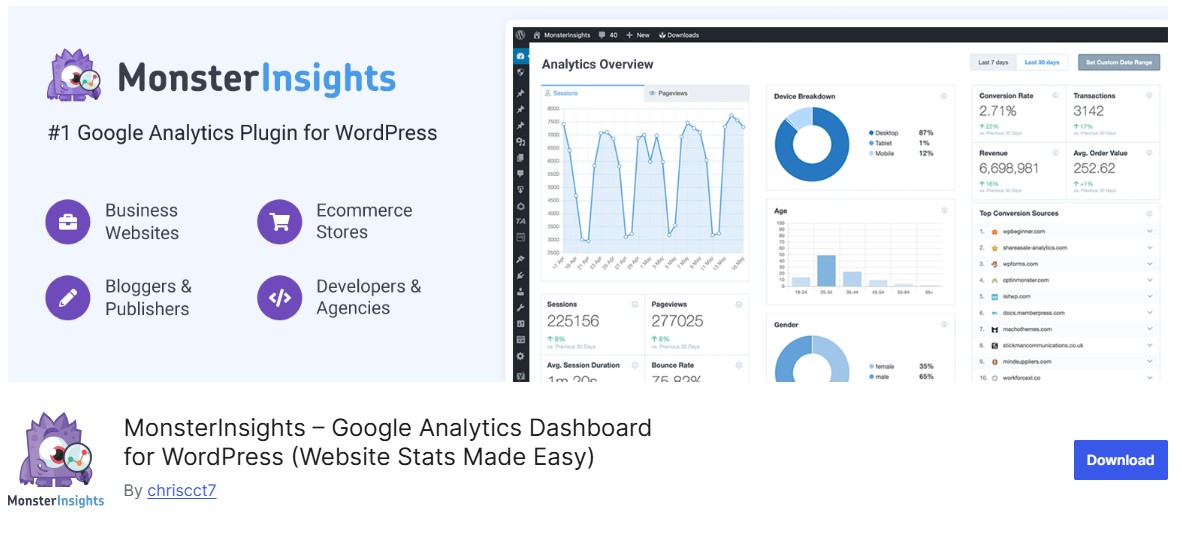
MonsterInsights is one of the more beginner-friendly WooCommerce Analytics Plugins, and it earns that reputation. A few clicks connects your store to Google Analytics, and your most important eCommerce metrics show up right in the WordPress dashboard (no separate GA4 login required).
What sets it apart is how it turns dense analytics data into reports you can actually read at a glance. Its enhanced eCommerce tracking follows everything from product impressions through completed purchases, giving you a full view of how the store is doing.
Key Features
- Track revenue and conversion rate, plus average order value
- Identify top-performing products and categories
- Monitor shopping behavior: add-to-cart actions and cart abandonment
- Analyze the customer journey and sales funnel
- View source/medium reports to see where your buyers are coming from
- Easy setup and beginner-friendly interface
Best For
- WooCommerce store owners new to analytics
- Users who want quick, actionable insights without navigating GA4
- Businesses looking for enhanced eCommerce tracking inside WordPress
Why It’s Valuable
- Simplifies analytics for beginners and non-technical users
- Provides actionable insights to optimize sales and marketing
- Tracks every step of the customer journey for smarter decisions
Also Read: 10 Best WooCommerce Referral Plugins
2. ExactMetrics
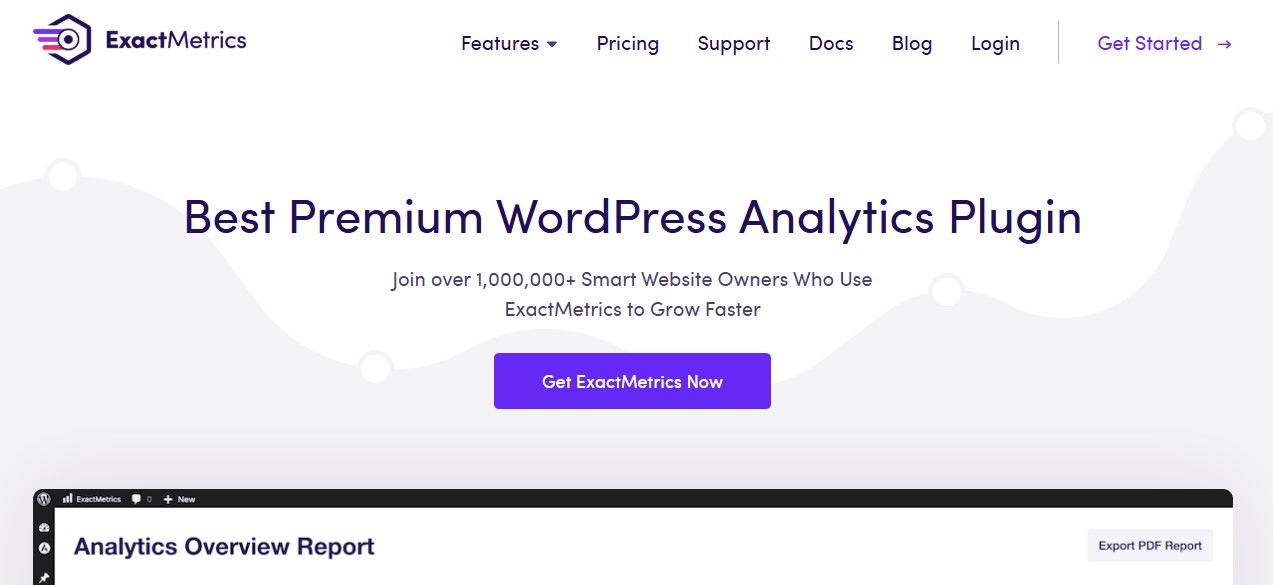
ExactMetrics brings your most important Google Analytics (GA4) data directly into the WordPress dashboard, without asking you to touch a line of code. It’s built for store owners who want clear, actionable numbers, not another tool to learn.
With enhanced eCommerce tracking enabled out of the box, ExactMetrics gives real-time visibility into how customers interact with your store. From tracking revenue and conversion rates to understanding product performance and cart behavior, it helps you spot what’s driving sales and where the gaps are.
Key Features
- One-click GA4 integration with automatic eCommerce tracking
- Track revenue and conversions, plus average order value
- Visual conversion funnels to spot drop-off points
- Traffic and revenue breakdown by source and channel
- Insights into product views and add-to-cart actions, cart behavior included
- Real-time analytics inside WordPress
Best For
- WooCommerce store owners who want accurate, easy-to-read analytics
- Beginners who want GA4 data without complexity
- Businesses focused on improving conversions and sales performance
Why It’s a Smart Choice
- No technical setup or coding required
- Clean dashboards that turn data into decisions
- Helps optimize marketing and product strategy, checkout flow included
3. LiveChat with Built-in Analytics

LiveChat is best known as a customer support platform, but it doubles as a genuinely useful WooCommerce analytics tool by turning live conversations into measurable sales data. What makes it different is how directly it ties support chats to conversions and revenue, so you can see the real business impact of your customer service, not just a satisfaction score.
Every conversation becomes data instead of just a transcript. You can see which chats lead to purchases, which agents actually drive sales, and where a slow or missed reply cost you an order.
Key Analytics Metrics
- Chat-to-sale conversion rate
- Revenue generated through live chat
- Missed sales from unanswered or abandoned chats
- Customer satisfaction scores (CSAT)
- Average response time and chat duration
- Agent performance and sales contribution
Best For
- WooCommerce stores using live chat to assist pre-sale customers
- Businesses with high-ticket or decision-based products
- Teams that want to measure ROI from customer support
Why It’s Valuable
- Links customer support directly to revenue
- Helps optimize staffing and response strategies
- Improves conversions through data-driven service improvements
4. WooCommerce Google Analytics Integration
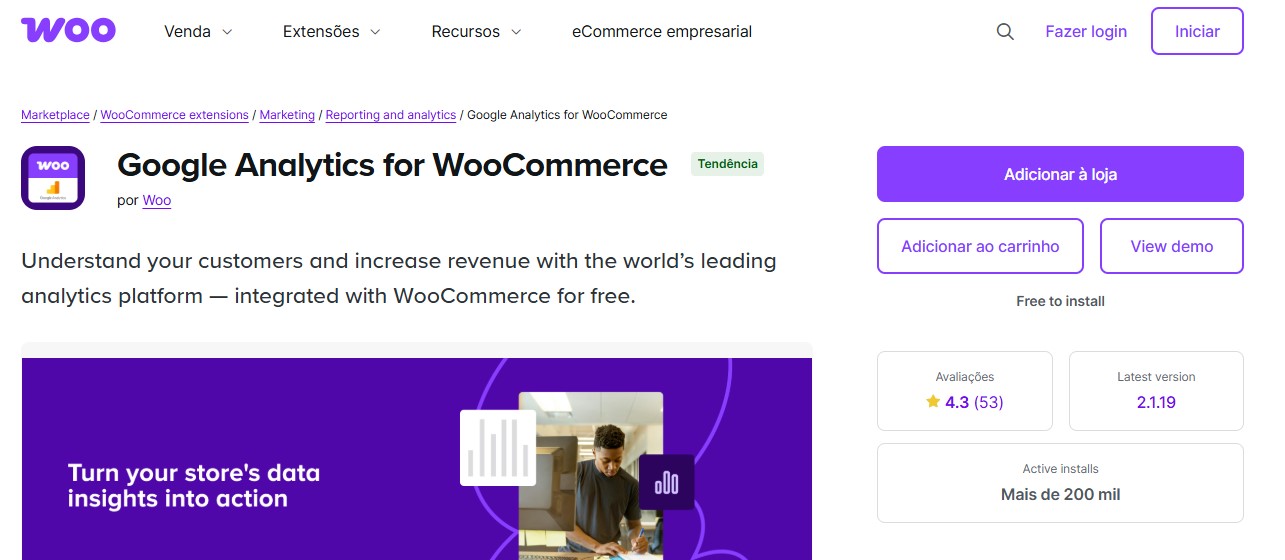
WooCommerce Google Analytics Integration is the official plugin from WooCommerce for connecting your store directly to Google Analytics (GA4). It’s less feature-heavy than some of the tools above, but it’s accurate when set up correctly, which makes it a solid pick for store owners who’d rather work inside GA directly than through a third-party dashboard.
Built-in support for GA4 enhanced eCommerce tracking means you can follow the full customer journey, from product discovery through purchase completion. It tracks product views and add-to-cart events, plus checkout steps and coupon usage, refunds included, so you can see exactly where users engage or drop off.
Key Features
- Official plugin built by WooCommerce for seamless compatibility
- GA4 enhanced eCommerce tracking support
- Track product impressions and clicks, add-to-cart actions included
- Monitor checkout steps, plus coupon usage and refunds
- Accurate traffic source and campaign attribution
- Lightweight and flexible, with a customizable setup
Best For
- Store owners who prefer working directly inside Google Analytics
- Businesses that want full control over raw analytics data
- WooCommerce stores needing a lightweight, no-frills tracking solution
Why It’s Relevant
- Fully aligned with GA4 standards
- Maintained by WooCommerce for long-term reliability
- Ideal for advanced users who want precise, customizable analytics
Also Read: Cloudflare Alternatives for Network Security and Website Protection
5. Metorik
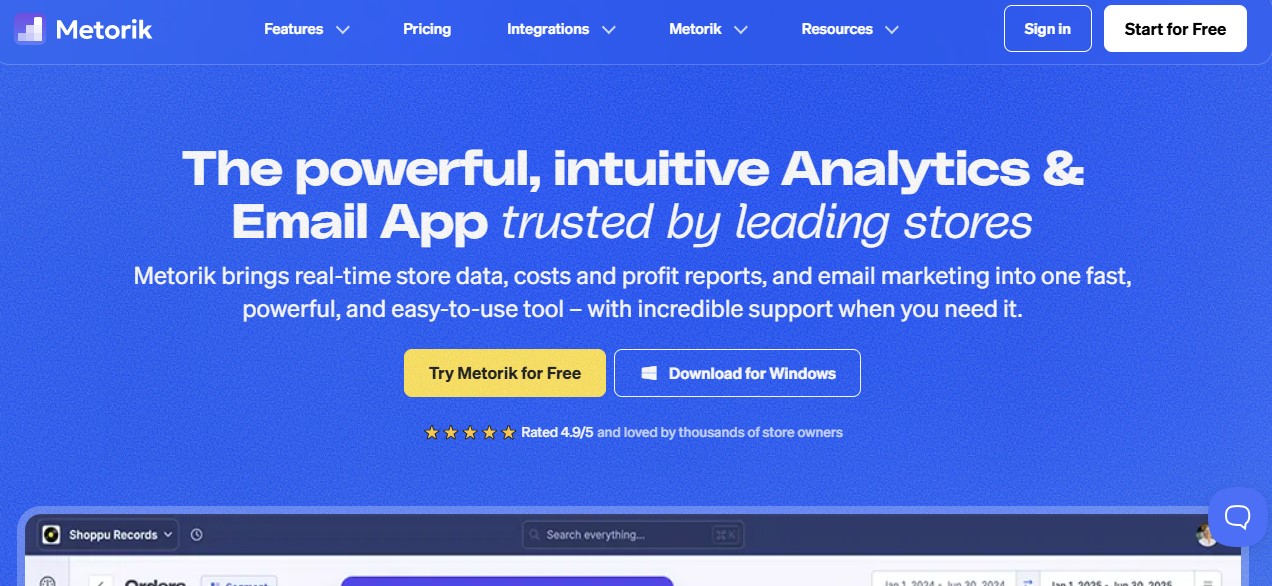
Metorik is one of the more advanced WooCommerce analytics plugins available, sometimes described as Google Analytics built specifically for eCommerce operators. Rather than just reporting sales totals, it turns WooCommerce data into interactive dashboards built around customer behavior and retention, not just raw revenue.
The plugin connects directly to WooCommerce and runs real-time reporting alongside cohort analysis and detailed retention metrics. What sets it apart is the built-in customer segmentation and email automation, which means store owners can act on what they find instead of just staring at a chart.
Key Features
- Customer lifetime value (CLV) and retention analysis
- Real-time tracking of sales and orders, revenue included
- Fully customizable analytics dashboards
- Advanced funnel reports with segmentation filters
- Abandoned cart tracking with automated recovery emails
- Customer tagging and smart audience segmentation
Best For
- Data-driven WooCommerce store owners
- Subscription and repeat-purchase stores, high-volume stores too
- Businesses focused on retention and lifetime value, scalable growth included
Why It’s a Top Choice
- Goes far beyond GA4 with WooCommerce-specific intelligence
- Combines analytics and segmentation, plus automation, in one platform
- Ideal for scaling WooCommerce businesses that rely on data-driven decisions
6. Conversios.io
Conversios.io is a solid pick for store owners who want organic and paid performance in one dashboard instead of two. It sets up Google Analytics 4 and Google Ads, plus Google Tag Manager, without the technical complexity usually attached to advanced tracking.
Built for growth-focused WooCommerce stores, Conversios.io tracks the full customer journey (first click through final purchase). That makes it particularly useful for stores running Google Ads or remarketing, or any other performance-driven marketing push.
Key Features
- GA4 enhanced eCommerce tracking
- Real-time tracking of ROAS and ad campaign performance
- Product-level analytics linked directly to ad campaigns
- UTM-based reporting for accurate attribution
- Multi-currency and international tracking support
- Centralized dashboard for ads and analytics
Best For
- WooCommerce stores actively running Google Ads
- Performance marketers and growth-focused businesses
- Stores aiming to optimize ad spend and improve ROI
Why It’s Valuable
- Combines analytics and ad tracking into a single platform
- Eliminates manual GA4 and Google Tag Manager setup
- Provides clear, actionable insights into paid revenue performance
7. Putler
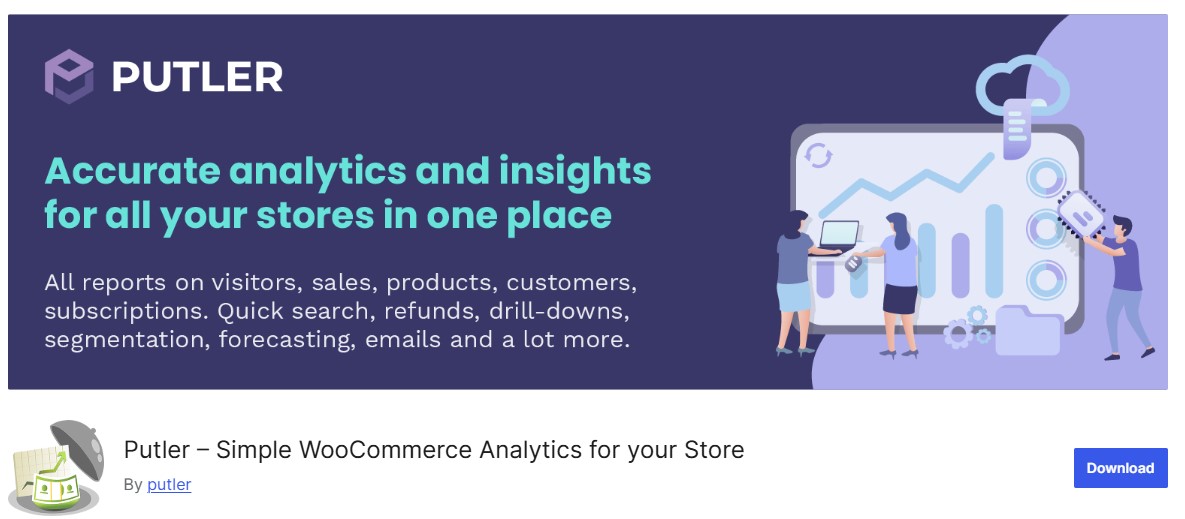
Putler is built for businesses selling across more than one platform. It connects to WooCommerce and PayPal or Stripe, plus other payment gateways, to pull everything into a single consolidated dashboard. With access to 150+ metrics, it tracks everything from sales trends to the finer points of customer behavior.
What sets Putler apart is how it unifies financial and customer data, operational data included, in one place. The interface is clean enough that you can monitor average order value or refund rates, and churn or retention, without bouncing between five different tools.
Key Features
- Deep insights into churn and repeat purchases, revenue growth included
- Predictive sales forecasting for smarter business planning
- Customer segmentation by lifetime value and purchase history
- Calendar-based analytics to identify seasonal trends and patterns
- Shared dashboard views for team collaboration
- Cross-channel performance tracking across payment platforms
Best For
- WooCommerce stores selling through multiple payment gateways
- Subscription or SaaS businesses, repeat-purchase stores too
- Teams that want unified financial and customer analytics
Why It’s a Strong Choice
- Eliminates data silos across platforms and payment systems
- Saves time with centralized, real-time reporting
- Enables confident, data-driven growth decisions
Also Read: 5 Best WooCommerce Membership Plugins
8. Actionable Google Analytics for WooCommerce

Actionable Google Analytics for WooCommerce extends your GA4 setup with precise event tracking and deeper user behavior analysis. It’s built for intermediate to advanced users who want real control over what’s tracked and how it’s measured, not a plugin for a first-week store owner.
Unlike a basic analytics install, this one captures granular actions across the whole shopping journey. From product interactions through checkout behavior and abandonment points, it surfaces the kind of detail that actually moves a conversion funnel.
Key Features
- Track product views and add-to-cart actions, completed purchases included
- Monitor checkout steps and identify drop-off points
- Capture button clicks and scroll depth, plus on-page interactions
- UTM-based campaign performance tracking
- Track refunds and order cancellations
- Full GA4 event integration with no coding required
Best For
- Store owners comfortable working inside Google Analytics
- Marketers focused on conversion rate optimization (CRO)
- WooCommerce stores needing detailed, event-level tracking
Why It’s Valuable
- Provides complete control over GA4 event flows
- Enables data-driven optimization of the customer journey
- Ideal for advanced analytics and funnel analysis, CRO strategies included
Also Read: 5 Best WooCommerce Delivery Date Plugins
9. WooCommerce Advanced Reporting
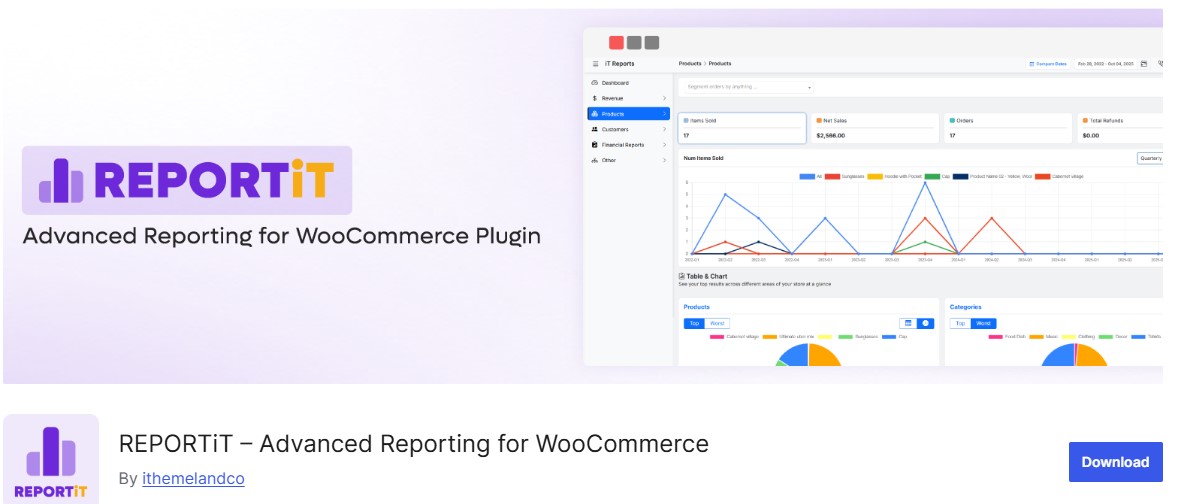
WooCommerce Advanced Reporting is built for store owners who’d rather look at a chart than a spreadsheet. It turns dense WooCommerce metrics into heatmaps and trend lines you can read at a glance, instead of a table you have to decode.
Rather than digging through raw numbers, this plugin surfaces revenue trends and best-selling products, and the customer behavior patterns behind them. Real-time updates and customizable reports mean you spend your time acting on the data instead of assembling it.
Key Features
- Detailed sales and tax reports, discounts and shipping included
- Product- and category-level performance insights
- Analytics by country and device type
- Custom date ranges with visual comparison charts
- Exportable reports for teams and stakeholders
- Real-time data updates
Best For
- Store owners who prefer visual dashboards
- Teams needing quick performance overviews
- Businesses sharing analytics with non-technical stakeholders
Why It’s Useful
- Makes complex analytics easy to understand
- Accelerates decision-making with real-time visuals
- Ideal for reporting and planning, performance reviews included

FAQ: WooCommerce Analytics Plugins
Do I really need a plugin, or is WooCommerce’s built-in Analytics report enough?
The built-in report covers basic sales totals. It won’t show you funnel drop-off or traffic source attribution, let alone customer lifetime value, that’s what these plugins add on top.
Will installing analytics tracking slow my store down?
A well-built plugin loads tracking scripts asynchronously, so checkout itself doesn’t wait on it. If you notice a slowdown, check whether you’re running two tracking tools simultaneously, that’s the usual culprit, not the plugin itself.
Can I use more than one of these at the same time?
You can, but watch for duplicate GA4 events between two plugins tracking the same actions. That double-counts conversions and skews every report built on top of it.
My revenue numbers in the plugin don’t match my payment processor. Why?
Usually refunds or partial payments, sometimes currency conversion timing. Check whether the plugin counts revenue at order-placed or order-completed, processors often use a different point in the timeline.
Do I need Google Analytics for these plugins to work?
Most do rely on a GA4 connection for full functionality. A few, like Metorik and Putler, run independently off your WooCommerce and payment data instead, worth checking if you’d rather not touch GA4 at all.
Make Smarter Choices
Whether you’re just launching or already clearing real monthly revenue, the right analytics plugin changes how you run the store. It replaces the guesswork with an actual answer.
Don’t install all nine. Pick one or two that match your actual bottleneck right now, whether that’s checkout drop-off or ad spend attribution, or something further down the funnel like customer retention.
Then set a recurring 15 minutes, weekly, to actually look at the dashboard. A plugin nobody checks is just a subscription. One you read every week is how you catch a broken funnel before it costs you a month of sales.
Interesting Reads
Top 10 WordPress Themes for Affiliate Marketing
The Best Currency Converter Plugins for WordPress
WooCommerce Registration & Ordering Process Plugins to Boost Your Store