5 Best WooCommerce Plugins Account Funds in 2026


In the competitive world of e-commerce, the difference between a one-time buyer and a loyal customer often comes down to convenience. That’s where WooCommerce account funds plugins come into play. By allowing users to deposit money into their accounts and use it for future purchases, you reduce friction at checkout, speed up the buying process, and build customer loyalty.
Whether you’re running a digital store, subscription-based business, or a product marketplace, offering a prepaid wallet system gives your users a reason to come back. These plugins are especially valuable in 2026 as customers expect faster transactions and flexible payment options, without needing to reach for their cards each time.
Table of Contents

Top 5 WooCommerce Plugins Account Funds
Offering account funds in your WooCommerce store boosts speed, loyalty, and repeat purchases. Here are the top 5 plugins in 2026 to streamline payments and enhance customer experience.
1. YITH WooCommerce Account Funds
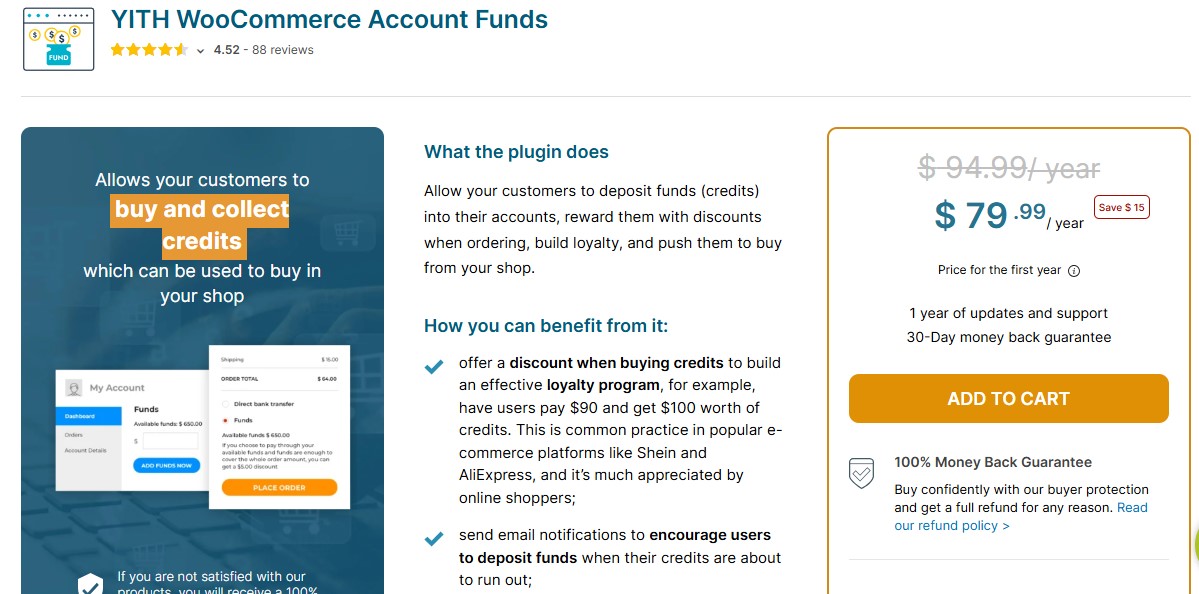
YITH is one of the most trusted names in WooCommerce extensions, and their YITH WooCommerce Account Funds plugin is the gold standard. It allows users to deposit funds into their accounts and spend them like a wallet in your store. Ideal for stores with regular buyers, membership sites, or shops offering exclusive discounts to wallet users.
Pros:
- Seamless integration with all YITH and WooCommerce systems
- Ability to offer exclusive discounts for payments made via funds
- Encourages customer retention with a wallet-like user experience
Cons:
- Limited design customization for wallet interfaces
Pricing:
Premium only. Starts at €129.99/year.
Best For:
Store owners who already use YITH plugins or want a reliable, feature-rich wallet system for WooCommerce.
Recommendation:
If you’re serious about creating a reward-driven store environment with prepaid accounts, this is the plugin to start with.
2. WooCommerce Deposits – Partial Payments Plugin
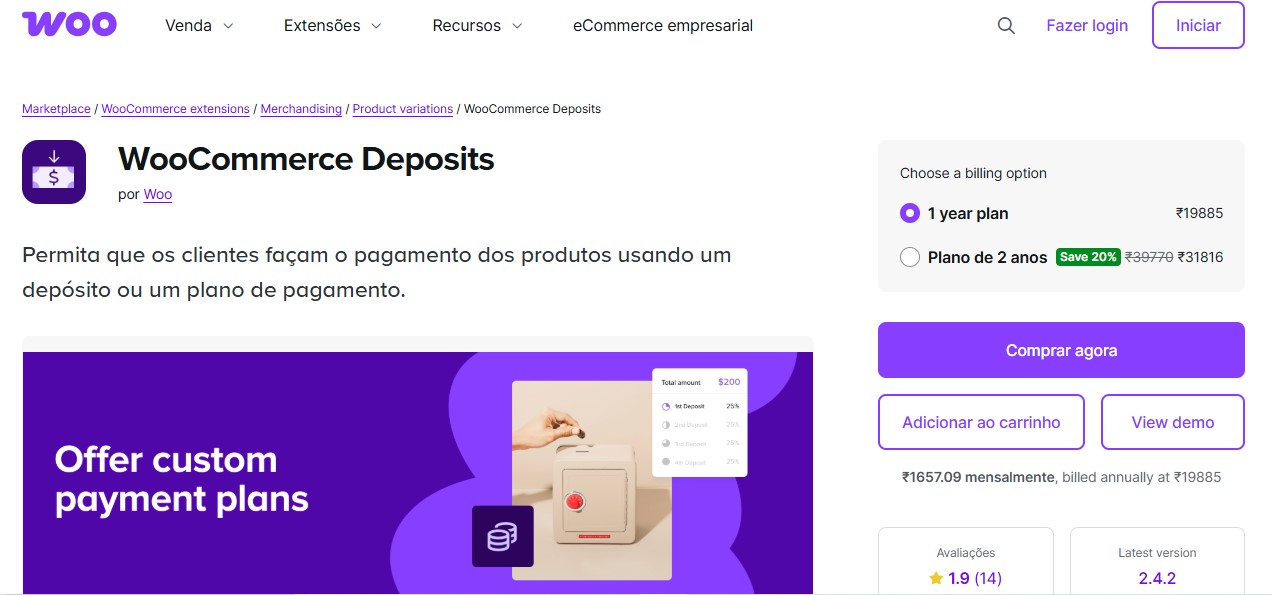
While not a classic wallet system, the WooCommerce Deposits plugin enables customers to make deposits or partial payments essentially letting them manage funds progressively. It’s perfect for high-ticket items, booking-based services, or any scenario where paying the full amount upfront may deter conversions.
Pros:
- Flexible payment model encourages more conversions
- Useful for services, bookings, or installment-based purchases
Cons:
- Doesn’t store actual funds like a wallet; more of a deposit mechanism
Pricing:
Premium plugin available via CodeCanyon for around $49 (one-time).
Best For:
Store owners selling expensive products or services where split payments make a difference.
Recommendation:
Ideal if your goal is to improve affordability without setting up a full wallet system.
3. WooCommerce Wallet – Credit, Cashback, and Refund System
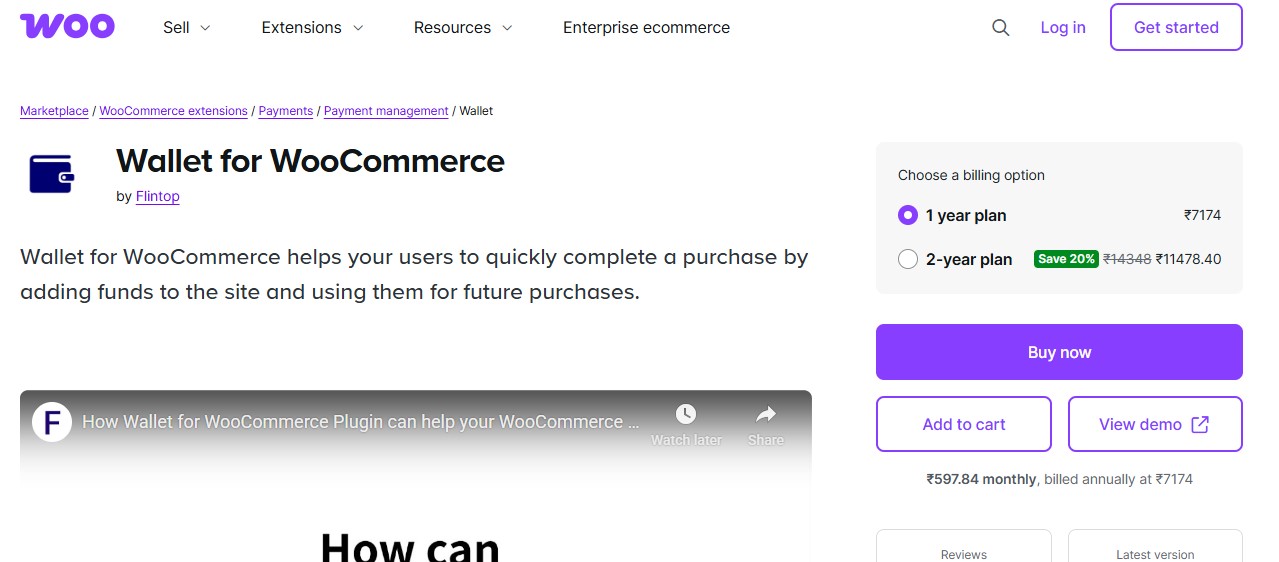
WooCommerce Wallet brings an all-in-one wallet solution with support for credit, cashback rewards, and handling refunds within the wallet itself. It’s built with flexibility in mind and supports partial payments, cashback limits, and transaction logs. For store owners focused on customer incentives and detailed transaction handling, it’s a solid option.
Pros:
- Supports multiple payment methods, including partial wallet usage
- Built-in cashback and refund options
Cons:
- Interface could feel a bit bulky for minimalistic themes
Pricing:
Paid. Available from CodeCanyon at approximately $39 (one-time fee).
Best For:
Stores offering cashback or refund incentives that want to centralize wallet management.
Recommendation:
Use this if you’re running a reward-heavy eCommerce model or want to cut down on manual refund handling.
4. TeraWallet – WooCommerce Wallet
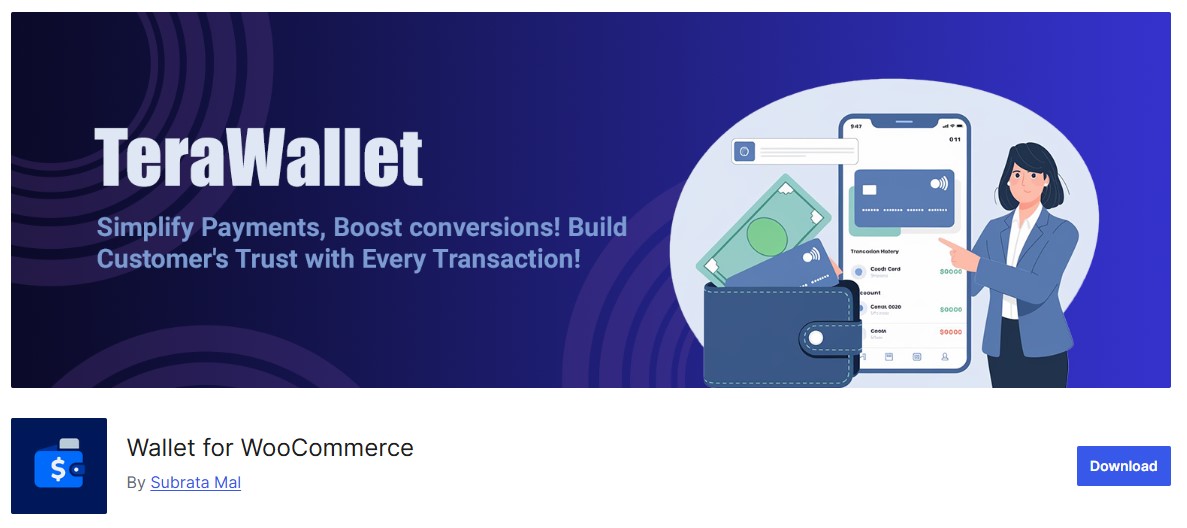
TeraWallet is one of the most popular free wallet systems for WooCommerce. It allows users to add funds, pay using wallet balance, and even send money to other users. While not as sleek as premium options, it’s quite powerful for small to mid-sized stores looking for budget-friendly tools.
Pros:
- Free and open-source with regular updates
- Supports basic fund transfer and payment tracking
Cons:
- Lacks the polish and advanced features of premium plugins
Pricing:
Free, with paid extensions available for advanced features.
Best For:
New store owners or developers are looking for a no-cost solution to test wallet features.
Recommendation:
Start here if you’re testing wallet systems before investing in a premium option.
5. WooCommerce Product Sender
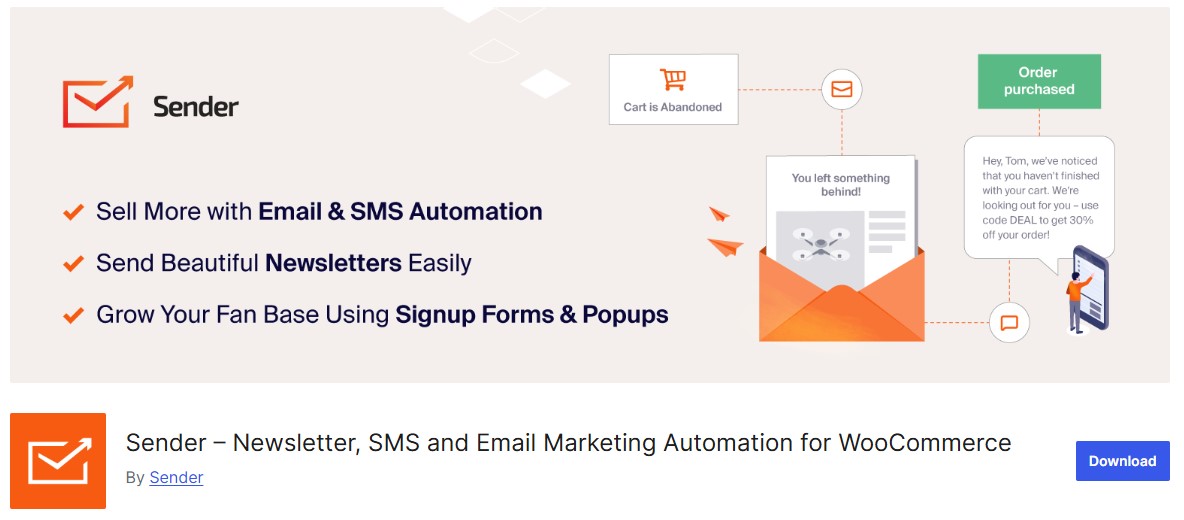
While not a traditional wallet plugin, WooCommerce Product Sender complements account funds setups in a very specific way. If you’re selling digital goods like software, license keys, or downloadable content this plugin helps automate the delivery after wallet-based purchases. It’s best used in tandem with a funds plugin to ensure seamless digital fulfillment.
Pros:
- Works well with prepaid account setups
- Ideal for stores selling downloadable products, licenses, or access codes
Cons:
- Requires proper configuration to pair with wallet systems
Pricing:
Usually part of custom development packages or available through specialized WooCommerce developers. Pricing varies.
Best For:
Stores delivering digital goods after wallet-based purchases.
Recommendation:
Use this alongside any wallet system if your store sells digital files or license keys and you want to automate delivery.

WooCommerce Account Funds Plugin Comparison
Here’s a quick comparison of all five plugins to help you make an informed decision:
How to Choose the Right WooCommerce Account Funds Plugin
Each of these plugins offers a different take on how account funds can power a better eCommerce experience. If you’re looking for something professional, seamless, and rich in features, YITH WooCommerce Account Funds is the top pick. For store owners prioritizing reward systems or internal refunds, WooCommerce Wallet and TeraWallet provide flexible wallet options. Selling high-ticket items? WooCommerce Deposits lets you offer manageable payment options. And if you’re dealing in digital goods, WooCommerce Product Sender rounds out your stack with automated fulfillment.
Ultimately, the best tool depends on your business model, average order value, and how you want to engage with your customers. Wallets can drive repeat purchases, reduce cart abandonment, and give loyal customers a reason to stick around. So choose a plugin that aligns with how you want to build trust, and boost your store’s long-term profitability.
Need a Ready-Made WooCommerce Store?
Skip the hassle of building from scratch. WP Starter Sites offers professionally designed WooCommerce starter templates with account funds, wallets, and payment systems pre-configured.
Frequently Asked Questions
The Accounting Side Store Owners Often Miss
A detail that catches new wallet-system operators off guard: money sitting in a customer’s account balance isn’t revenue yet, it’s a liability on your books until the customer actually spends it. When someone deposits $100 into their store wallet, that $100 is owed back to them in the form of goods or services, not income you can recognize immediately. Most small stores running a basic wallet plugin don’t separate this correctly in their bookkeeping, which becomes a real problem at tax time or during any kind of audit. If wallet deposits are a meaningful part of your revenue, not just an occasional refund credit, talk to an accountant about setting up a proper deferred revenue or customer liability account rather than letting WooCommerce’s order totals imply money is earned the moment a deposit clears. This matters more as balance volume grows; a store holding tens of thousands of dollars in unspent customer credit has a real financial obligation sitting there, not a cash windfall.
Fraud and Chargeback Considerations Specific to Wallet Systems
Stored-value systems attract a specific kind of fraud that a normal one-time checkout doesn’t see as often: a stolen card gets used to load a large wallet balance, the fraudster spends it quickly across several small orders before the chargeback lands, and the store is left holding both the shipped goods and the reversed payment. This is a genuine risk once a wallet system processes meaningful volume, and it’s worth setting a few guardrails from day one rather than after the first incident. Cap the deposit amount a brand-new account can add in its first 24 to 48 hours, require email verification before any deposit is usable for checkout, and watch for the classic pattern of a large deposit followed immediately by several rapid small orders to different shipping addresses. None of the plugins compared above build sophisticated fraud detection in natively, so pairing a wallet system with your payment gateway’s own fraud filters, Stripe Radar is the most common example, closes a gap that the wallet plugin alone won’t cover.
Real-World Scenarios: Which Setup Actually Fits
A subscription coffee roaster running a “refill credit” program, where a returned bag of unused beans converts to store credit instead of a cash refund, fits cleanly into TeraWallet’s free tier since the volume is modest and the feature need is simple: add credit, let it get spent on the next order. A membership-driven community site selling digital products and coaching calls benefits more from YITH WooCommerce Account Funds specifically because of its discount-for-wallet-payment feature, which gives members a real incentive to keep a balance topped up rather than paying per transaction. A service business running WooCommerce alongside a booking system, appointment slots, consultations, retainer-style work, tends to get more mileage out of WooCommerce Deposits paired with a lighter wallet plugin, since the deposit-then-balance model matches how service bookings actually get paid for in practice, half down to hold the slot, remainder due before or after the appointment.
Migrating Between Wallet Plugins Without Losing Customer Balances
Switching wallet plugins after a store has real customer balances on the books is riskier than switching almost any other WooCommerce extension, because you’re not just moving settings, you’re moving money customers are owed. Before deactivating an old wallet plugin, export every customer’s current balance to a spreadsheet, most plugins store this in user meta and can be exported via a database query if there’s no built-in export tool. Cross-check the total against your accounting records for outstanding customer liability before touching anything live. Once the new plugin is installed, manually import or re-credit each customer’s balance rather than trusting an automated migration between two different vendors’ plugins, since the underlying database structure practically never matches between competing wallet systems. Email affected customers when a migration happens; a customer who logs in and sees their balance moved or temporarily missing, even briefly, will assume something went wrong and file a support ticket or a chargeback dispute before checking with you first.
Do I need a business bank account set up differently to handle wallet deposits?
Not a separate bank account specifically, but you do need your bookkeeping to track wallet liability separately from recognized revenue, as covered above. Most standard small-business accounting software (QuickBooks, Xero) can handle this with a dedicated liability account; the discipline is in setting it up correctly and keeping it updated, not in the banking infrastructure itself.
Can a customer request a cash refund for an unused wallet balance?
This depends entirely on your store’s stated policy, not the plugin, none of the tools above enforce a refund policy automatically. State your position clearly at the point of deposit (store credit is non-refundable to cash, for example) since several US states have legal requirements around unused gift card and stored-value balance refunds after a certain dormancy period, and getting this wrong can create real compliance exposure.
What happens to wallet balances if I ever sell or shut down the store?
Outstanding customer balances are a liability that should be addressed explicitly in any sale or wind-down process, either by honoring them under new ownership, issuing cash refunds, or providing clear advance notice per applicable state law before closing. This is a legal and financial question worth a real conversation with an attorney or accountant well before any wind-down, not something a plugin setting resolves on its own.
Conclusion
Implementing an account funds or wallet system in your WooCommerce store is a smart move for 2026. Whether you choose the feature-rich YITH WooCommerce Account Funds, the flexible WooCommerce Wallet, the free TeraWallet, or the specialized WooCommerce Deposits plugin depends entirely on your specific business needs.
The key benefits remain consistent across all options: faster checkouts, increased customer loyalty, reduced cart abandonment, and simplified refund processing. Start by identifying your primary goal, whether that’s improving customer retention, simplifying payments, or offering cashback rewards, and choose the plugin that best aligns with that objective.
Interesting Reads
5 Best WooCommerce Plugins Wallet System in 2025
10 Best Bakery WordPress Themes for a Delicious Website in 2025
12 Best WooCommerce International and Localization Legal Plugins in 2025