5 Best WooCommerce Plugins Wallet System in 2026

Running a WooCommerce store in 2026 isn’t just about listing products and waiting for customers. It’s about delivering seamless, trust-based experiences that encourage loyalty and repeat purchases. One often-overlooked yet powerful way to achieve this is through a WooCommerce plugins wallet system. Think of it like giving your customers a prepaid balance they can use for quick checkouts, refunds, rewards, and more.
Whether you’re running a digital product marketplace, a subscription-based service, or a high-frequency eCommerce store, a wallet system can reduce payment friction and boost conversions. In this post, we’ll break down the best WooCommerce wallet plugins that let your store run like a finely tuned SaaS platform.
Top WooCommerce Plugins Wallet System Options
Give your customers a faster, smoother way to pay with a built-in wallet. These picks for 2026 help boost loyalty, simplify refunds, and increase repeat purchases.
1. YITH WooCommerce Account Funds
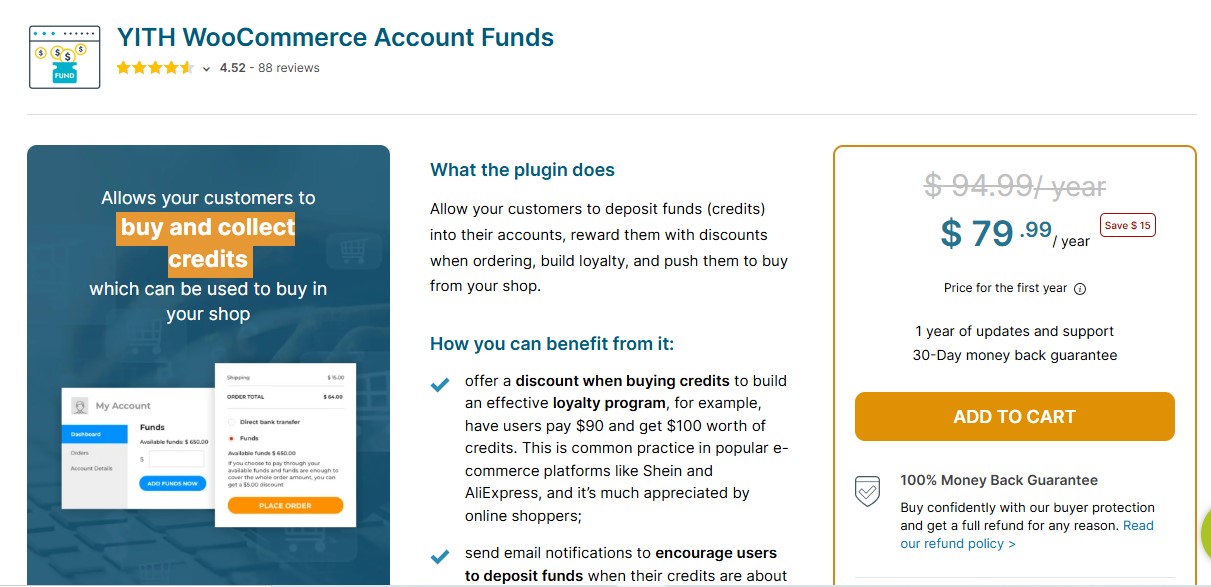
If you’re looking for a polished, reliable, and actively maintained wallet solution, YITH WooCommerce Account Funds is the gold standard. This plugin allows your customers to deposit money into their virtual wallet and use those funds to make purchases on your store.
Summary:
Perfect for stores that want to promote repeat purchases and minimize abandoned carts. It’s especially effective for digital marketplaces and subscription-based models.
Pros:
- Fully integrated with the WooCommerce checkout process
- Encourages users to pre-load funds, increasing cash flow
- Discounts can be applied for wallet users to incentivize deposits
Cons:
- Requires YITH ecosystem familiarity for the best experience
- Some advanced features are locked behind the premium version
Pricing: Free version available on WordPress.org; premium version starts at 89.99 EUR/year.
Final Thought: Ideal for businesses that want to incentivize customer loyalty with wallet-exclusive deals or smooth out checkout speed for regular buyers.
Also Read: 5 Best Woo Product Inquiry and Quote Plugin for WooCommerce
2. Wallet System for WooCommerce by WP Swings
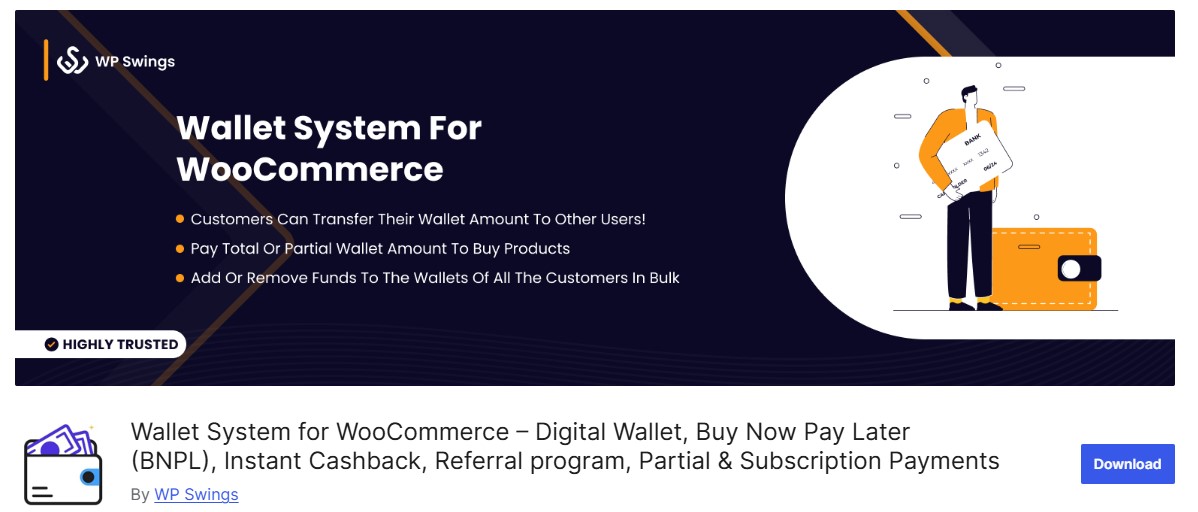
Wallet System for WooCommerce by WP Swings is a well-documented and widely installed solution for adding wallet functionality to your WooCommerce store. It allows customers to top up, manage, and redeem funds directly from their account dashboard, and its feature set has expanded to include buy-now-pay-later style partial payments and a built-in referral program.
Summary: Best for store owners who want an all-in-one wallet solution with solid refund integration, cashback, and referral rewards baked into the free version.
Pros:
- Supports partial and full payments using wallet balance
- Compatible with cashback and refund workflows
- Free tier includes referral program and instant cashback rules
Cons:
- UI may feel basic compared to other premium options
Pricing: Free version available on WordPress.org; premium (Pro) version starts around $89/year.
Final Thought: If you’re prioritizing core wallet functionality with no fluff and need dependable customer support, this is a safe bet.
Also Read: 10 Best WooCommerce Plugins for Multiple Sales Channels
3. TeraWallet (Woo Wallet) – For WooCommerce
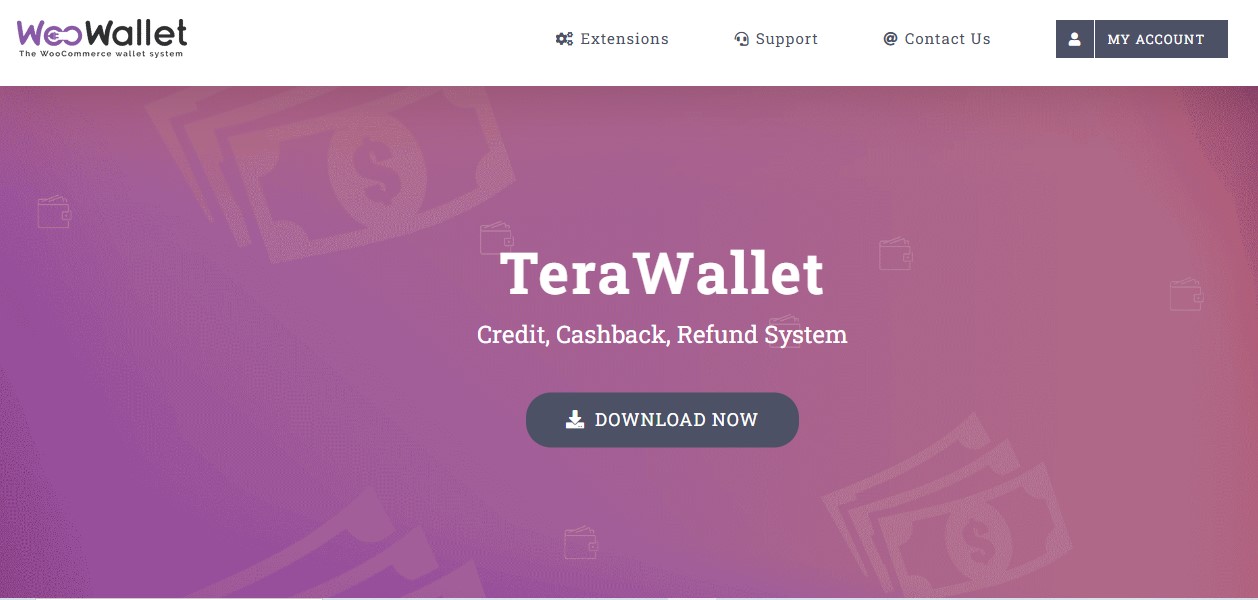
Woo Wallet, commonly known by its earlier name TeraWallet, is one of the most popular free wallet plugins for WooCommerce, and it’s easy to see why. It enables customers to deposit funds, withdraw balances, and transfer money, creating a flexible and convenient wallet system for your store.
Summary: Excellent for stores with complex workflows such as multi-vendor setups, refund-heavy models, or peer-to-peer payment needs.
Pros:
- Built-in support for transfers between user wallets
- Integrates well with refund processing and credit systems
Cons:
- Backend settings can be slightly overwhelming for beginners
Pricing: Free on WordPress.org; premium add-ons available for advanced features.
Final Thought: Woo Wallet is a go-to for power users or developers who need flexibility and extensibility in their wallet setup.
4. WooCommerce Wallet System by WebKul

Webkul, a long-established WooCommerce extension developer, sells a dedicated WooCommerce Wallet Plugin aimed at store owners who want admin-side control over wallet crediting alongside customer self-service top-ups. Site admins can manually credit or debit wallets and view detailed logs of wallet activity, which matters for stores that need to issue compensation credits or manage store-credit refunds outside the normal purchase flow.
Summary: Well-suited for store admins who want tighter control over wallet crediting alongside transparent customer-facing balance tracking.
Pros:
- Admin can manually credit/debit wallet balances with a full audit trail
- Supports Cash on Delivery wallet top-up and minimum/maximum limits
Cons:
- Sold as a one-time paid extension rather than a free WordPress.org listing
Pricing: Paid extension, starting around $79 for a single-site license.
Final Thought: Ideal for businesses looking for a tightly managed wallet system with strong admin-side control and a vendor with a long support track record.
5. WooCommerce Product Vendors + Wallet System Integration
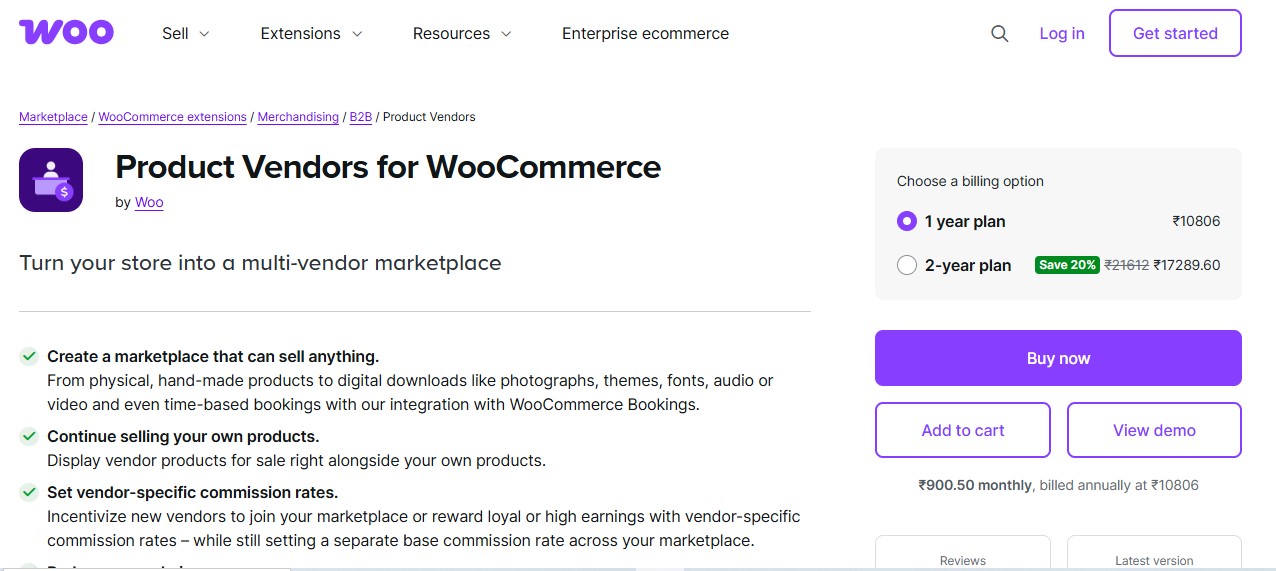
If you’re operating a multi-vendor marketplace using WooCommerce Product Vendors, adding a wallet system can unlock powerful earning, payout, and fund management features for your sellers.
Summary: Tailored for marketplaces where vendors need to receive earnings into a wallet before payout, creating a more secure and transparent revenue flow.
Pros:
- Great for commission-based vendor payments
- Can delay withdrawals until conditions are met (e.g., refund period ends)
Cons:
- Setup requires combining multiple plugins, which can create conflicts if not managed well
Pricing: Wallet plugins compatible with Product Vendors usually require premium licenses ($69-$99/year depending on the plugin provider).

WooCommerce Wallet Plugin Comparison Table
Here is a quick side-by-side comparison of the wallet plugins covered above to help you make an informed decision:
Choosing the Right WooCommerce Wallet Plugin
The best wallet plugin really depends on your store’s business model:
- Want loyalty, prepaid discounts, and streamlined checkout? Go with YITH WooCommerce Account Funds.
- Need a free yet feature-rich plugin for basic wallet functionality? Woo Wallet (TeraWallet) has your back.
- Running a multi-vendor setup? Pair WooCommerce Product Vendors with a wallet integration.
- Prefer backend control and manual crediting with a vendor support history? Check out Webkul’s Wallet Plugin.
- Looking for a balanced, user-friendly wallet tool with cashback and referrals built in? WP Swings’ Wallet System hits the sweet spot.
In 2026, digital wallet systems are not just a nice-to-have, they are fast becoming a conversion-critical feature in modern eCommerce. Choose the one that fits your audience and store structure best, and you will be ahead of the curve.
Wallet Systems for Multi-Vendor Marketplaces
A wallet system does more work on a multi-vendor marketplace than on a single-seller store, because it is not just a customer convenience feature, it becomes the payout mechanism vendors depend on to actually get paid. When a customer’s payment lands in a vendor’s wallet balance rather than a direct bank transfer, the marketplace operator gets a natural holding period to handle refunds and disputes before money leaves the platform, which is the same reason large marketplaces like Etsy and Amazon hold seller funds for a set window before releasing them.
The practical setup on WooCommerce usually pairs a marketplace plugin (Dokan, WCFM, or WooCommerce Product Vendors) with a wallet plugin that supports vendor-side balances specifically, not just customer-side deposits. Look for a plugin that lets you configure a minimum withdrawal threshold, a scheduled payout cycle (weekly or monthly), and a hold period tied to your refund policy window before building this into a live marketplace, since retrofitting these rules after vendors are already active and expecting instant payouts creates a difficult conversation.
Security Considerations for Wallet Systems
A wallet holds real customer money in the WordPress database, which raises the security bar above a typical WooCommerce feature. Before launching any wallet plugin, verify a few things specifically: that wallet balance changes are logged with a timestamp and the responsible user or admin action, that the plugin uses WooCommerce’s own payment gateway integrations for top-ups rather than a custom, unaudited payment flow, and that wallet-to-wallet transfers (if supported) have rate limiting to prevent a compromised account from being drained instantly by an automated script.
Regularly reconcile wallet balances against your payment gateway’s transaction records, especially after any plugin update. A mismatch between what customers have deposited and what the wallet plugin reports as their balance is the first sign of either a bug or, in rarer cases, exploitation of a race condition in the crediting logic. Stores handling meaningful wallet volume should treat this reconciliation as a recurring monthly task, not a one-time setup check.
Accounting and Tax Implications of Wallet Balances
A wallet balance is technically a liability on your books, it represents money a customer has already paid you but has not yet redeemed for a product. This distinction matters more than most store owners expect once volume grows. Revenue should generally be recognized when the wallet funds are actually spent on a purchase, not when the customer originally deposits them, since the deposit itself is not a completed sale. Most accounting software treats this correctly if wallet deposits are recorded as a liability account (often called “customer deposits” or “store credit liability”) rather than mixed directly into sales revenue.
This becomes especially relevant at tax time and during any bookkeeping reconciliation, an accountant unfamiliar with how your wallet plugin logs transactions may need a walkthrough of where deposit records live versus where redemption records live. Export a wallet transaction report monthly (most of the plugins covered above support CSV export of the wallet ledger) and hand it to whoever manages your books, rather than leaving them to reconstruct wallet activity from raw WooCommerce order data, which often does not cleanly separate a wallet top-up from a wallet-funded purchase.
Wallet Systems vs Simple Store Credit Coupons
Before installing a full wallet plugin, it is worth asking whether your store actually needs one, or whether a simpler store-credit coupon (a unique WooCommerce coupon code issued per refund) would cover the same need with far less setup. A wallet system earns its complexity when customers deposit funds proactively, when cashback or referral rewards accumulate over time, or when repeat purchases are frequent enough that a persistent balance meaningfully speeds up checkout. A store issuing the occasional refund as store credit for a handful of orders per month is usually better served by WooCommerce’s built-in coupon system than by adding a wallet plugin’s ongoing maintenance and security surface for a feature used rarely.
The tipping point is usage frequency, not store size. A small store with a highly engaged repeat-customer base can get real value from a wallet system, while a larger store with mostly one-time buyers may never see enough wallet activity to justify the plugin. Look at your actual repeat purchase rate before committing to a wallet system as a loyalty strategy.
Frequently Asked Questions
What is a WooCommerce wallet system?
A WooCommerce wallet system is a plugin that allows customers to store prepaid funds in their account. They can use this balance for purchases, receive refunds as store credit, earn cashback rewards, and enjoy faster checkouts without entering payment details each time.
Are WooCommerce wallet plugins secure?
Yes, reputable wallet plugins like YITH, Woo Wallet, WP Swings, and Webkul use secure transaction handling within the WooCommerce framework. They maintain detailed transaction logs, support admin oversight, and integrate with WooCommerce’s built-in security features. Always keep plugins updated for the latest security patches.
Can customers transfer wallet funds to other users?
Some plugins support peer-to-peer transfers. Woo Wallet and WP Swings Wallet both offer wallet-to-wallet transfer functionality. This feature is particularly useful for gift giving, family accounts, or marketplace scenarios where vendors need to receive payments.
How do wallet refunds work in WooCommerce?
Instead of processing refunds back to the original payment method, wallet-enabled stores can credit the refund amount directly to the customer’s wallet balance. This keeps funds within your ecosystem, encourages future purchases, and avoids payment gateway refund fees.
Can I offer cashback rewards through wallet plugins?
Yes, most premium wallet plugins support cashback functionality. You can set up percentage-based or fixed-amount cashback on purchases, specific products, or order totals. YITH Account Funds and WP Swings Wallet both include robust cashback features, with WP Swings offering some of this in its free tier.
Do wallet plugins work with subscription products?
Most wallet plugins are compatible with WooCommerce Subscriptions. Customers can use their wallet balance to pay for recurring subscription charges, making it easier to manage subscription-based products and services without failed payment issues.
What is the difference between store credit and a wallet system?
While similar, a wallet system is more comprehensive. Store credits are typically issued by admins for specific purposes (refunds, compensation). A wallet system allows customers to proactively add funds, earn rewards, transfer money, and manage their balance, creating a more engaging customer experience.
Can I set minimum or maximum wallet deposit amounts?
Yes, all major wallet plugins allow you to configure minimum and maximum deposit limits. This helps prevent misuse, manage cash flow, and encourage meaningful deposits. You can also set up deposit tiers with bonus incentives for larger top-ups.
Do wallet plugins affect checkout speed?
Wallet plugins actually improve checkout speed for returning customers. Since funds are already stored in their account, customers can complete purchases with a single click without entering payment details or waiting for payment gateway processing.
Which wallet plugin is best for multi-vendor marketplaces?
For multi-vendor setups, Woo Wallet or WooCommerce Product Vendors with a compatible wallet integration works best. These solutions support vendor earnings deposits, commission management, and controlled withdrawal schedules, essential features for marketplace operations.
Can I customize the wallet dashboard appearance?
Most wallet plugins offer customization options for the customer-facing wallet dashboard. You can typically modify colors, labels, and layout to match your store’s branding. Premium versions often include more extensive customization through settings or CSS overrides.
How do I migrate from one wallet plugin to another?
Wallet migration requires careful planning. Export all wallet balances from your current plugin, then import them into the new one using admin crediting features or CSV import tools. Always test thoroughly in a staging environment first, and notify customers about the transition to avoid confusion.
What happens to wallet balances if I deactivate the wallet plugin?
The balance data itself typically remains in the plugin’s custom database tables even after deactivation, since plugins rarely delete their own tables on simple deactivation. However, customers lose the ability to view or spend their balance the moment the plugin is off, which is a serious trust problem if any customer has a nonzero balance. Never deactivate a wallet plugin on a live store without first confirming all balances are at zero or exporting and honoring them through another mechanism (a one-time coupon batch, for example).
Final Thought
For anyone running a vendor-based WooCommerce marketplace, integrating a wallet system is more than just a convenience, it is a must-have for efficient earnings management and building vendor trust. By allowing vendors to receive instant payments, track their balances, and manage withdrawals directly within the marketplace, you create a transparent and professional environment that encourages sellers to stay engaged and active.
A well-implemented wallet system also reduces administrative overhead for store owners, eliminates delays in payouts, and ensures that all transactions, whether earnings, refunds, or commissions, are clearly documented. In 2026, marketplaces that prioritize smooth financial operations and vendor satisfaction gain a significant competitive advantage, fostering long-term growth and stronger relationships with their sellers.
Whichever plugin you choose, treat the initial setup as the start of an ongoing responsibility rather than a one-time install. Wallet balances are real customer money sitting in your database, and the plugins, security practices, and accounting habits around them deserve the same seriousness you would apply to any other payment infrastructure on your store.
Interesting Reads
Best Business WordPress Theme for Professional Websites
How to Use WooCommerce Product Add-ons to Increase Conversions