5 Best WooCommerce Composite Products Plugins


In the ever-expanding world of eCommerce, offering customizable product bundles is one of the best ways to enhance customer experience and increase sales. WooCommerce Composite Products Plugins are powerful tools that allow store owners to create flexible, customizable product packages. These plugins enable customers to build their own product bundles by selecting individual components, such as accessories, sizes, or colors, to suit their needs.
What are WooCommerce Composite Products Plugins?
WooCommerce Composite Products Plugins are specialized tools that enable store owners to create composite products. These are customizable products that allow customers to choose different components to create a complete item. For example, customers can select a base product, then add accessories, parts, or features that suit their needs, giving them more control over their purchase.
These plugins integrate seamlessly with WooCommerce, allowing store owners to easily manage composite products and provide a flexible shopping experience to customers.
Why Do You Need WooCommerce Composite Products Plugins?
Adding customizable product bundles with the WooCommerce Composite Products Plugins can offer several benefits:
- Increase sales: By offering tailored bundles, you encourage customers to purchase more items, often at a higher price point.
- Enhance customer experience: Customers enjoy the flexibility of customizing their products according to their preferences, improving satisfaction.
- Optimize inventory management: You can create more dynamic product offerings and manage stock efficiently by grouping related items together.
Overall, these plugins allow you to provide a more engaging and personalized shopping experience, leading to higher conversions and customer retention.
Key Features to Look for in WooCommerce Composite Products Plugins
When choosing the best WooCommerce Composite Products Plugins, it’s essential to look for the following features:
- Ease of setup and customization: The plugin should be easy to install and configure without technical expertise.
- Flexible product options: Look for plugins that let you offer various types of customizable components.
- Compatibility with other WooCommerce extensions: Ensure the plugin works smoothly with other tools you use.
- User-friendly front-end interface: The customer experience is just as important, so make sure it’s intuitive and seamless.
- Detailed reporting and analytics: Ability to track performance, sales, and inventory across product bundles.
Top WooCommerce Composite Products Plugins
1. YITH WooCommerce Composite Products
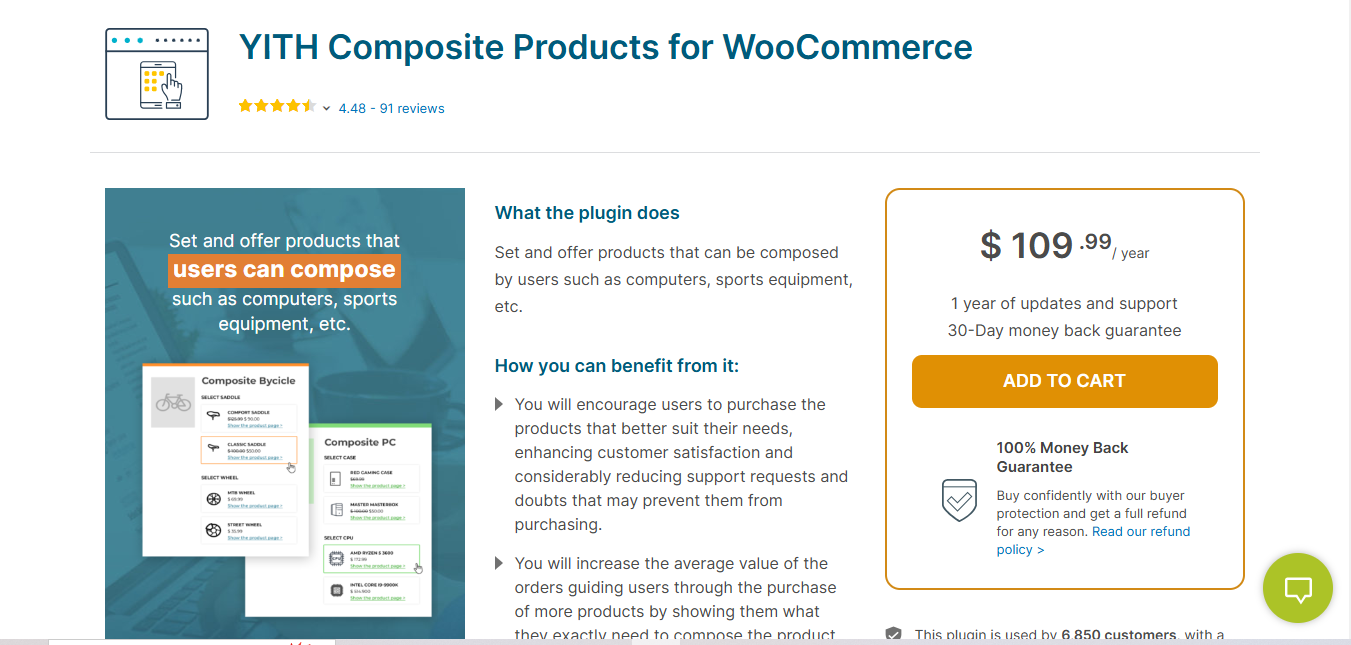
YITH WooCommerce Composite Products is one of the top WooCommerce Composite Products Plugins in the market. It’s known for its flexibility, allowing you to create dynamic product combinations with ease.
Key Features
- Build customizable product kits with a range of components.
- Multiple layout options for composite product display.
- Compatible with most WooCommerce themes and plugins.
- Detailed customer selection options.
Pros
- Excellent flexibility and customization options.
- User-friendly interface for both store owners and customers.
- Well-supported by YITH, a trusted brand in WooCommerce development.
Cons
- Premium version can be expensive for small stores.
Why It Stands Out
YITH is a leader in WooCommerce plugins, and its composite products plugin offers excellent customization options and seamless integration, making it a standout choice for WooCommerce Composite Products Plugins.
Also Read: 10 Best WooCommerce Product Variation Plugins
2. Composite Products by WooCommerce
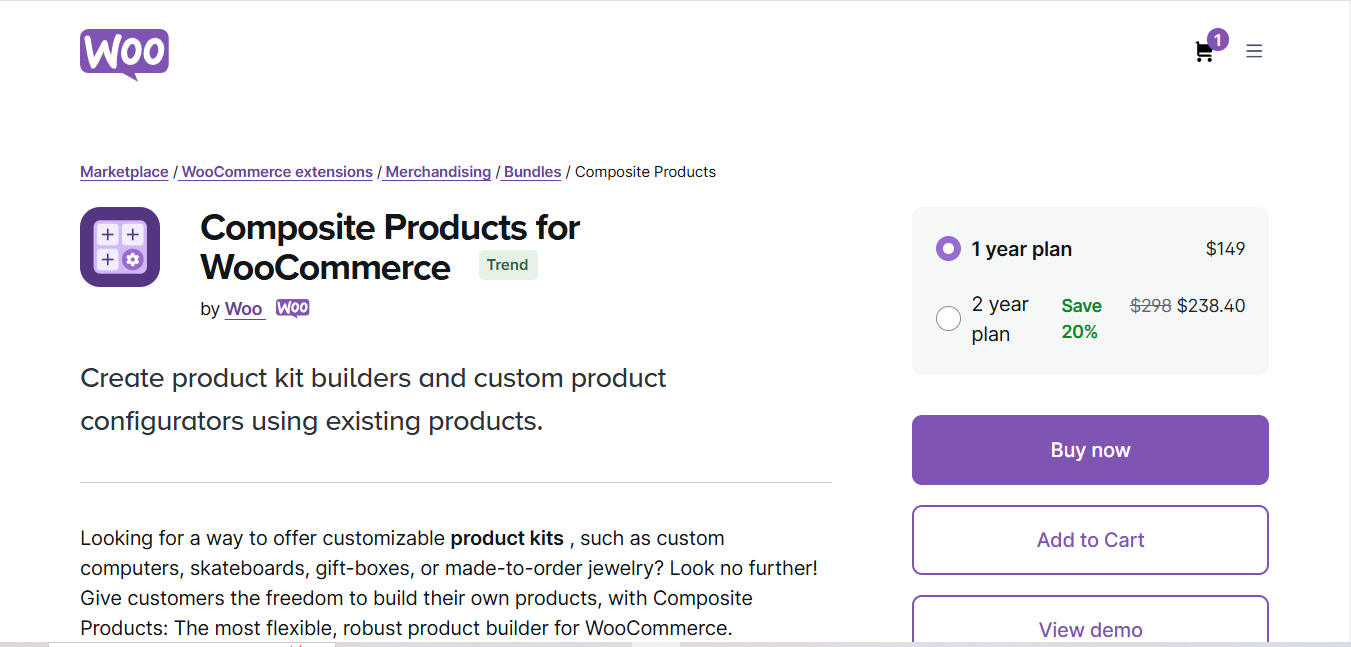
The Composite Products extension, sold directly on the official WooCommerce Marketplace, offers excellent functionality, reliability, and support. It’s ideal for creating customizable product kits that are easy to manage.
Key Features
- Create composite products with multiple product options.
- Adjustable prices based on selected components.
- Simple yet powerful backend configuration.
- Integration with WooCommerce’s native features.
Pros
- Reliable and official WooCommerce support.
- Streamlined product creation process.
- Regular updates from WooCommerce.
Cons
- Lacks some advanced customization options compared to other plugins.
Why It Stands Out
This plugin’s official status within the WooCommerce ecosystem makes it a trusted and reliable option for creating composite products.
3. WPC Composite Products for WooCommerce by WPClever
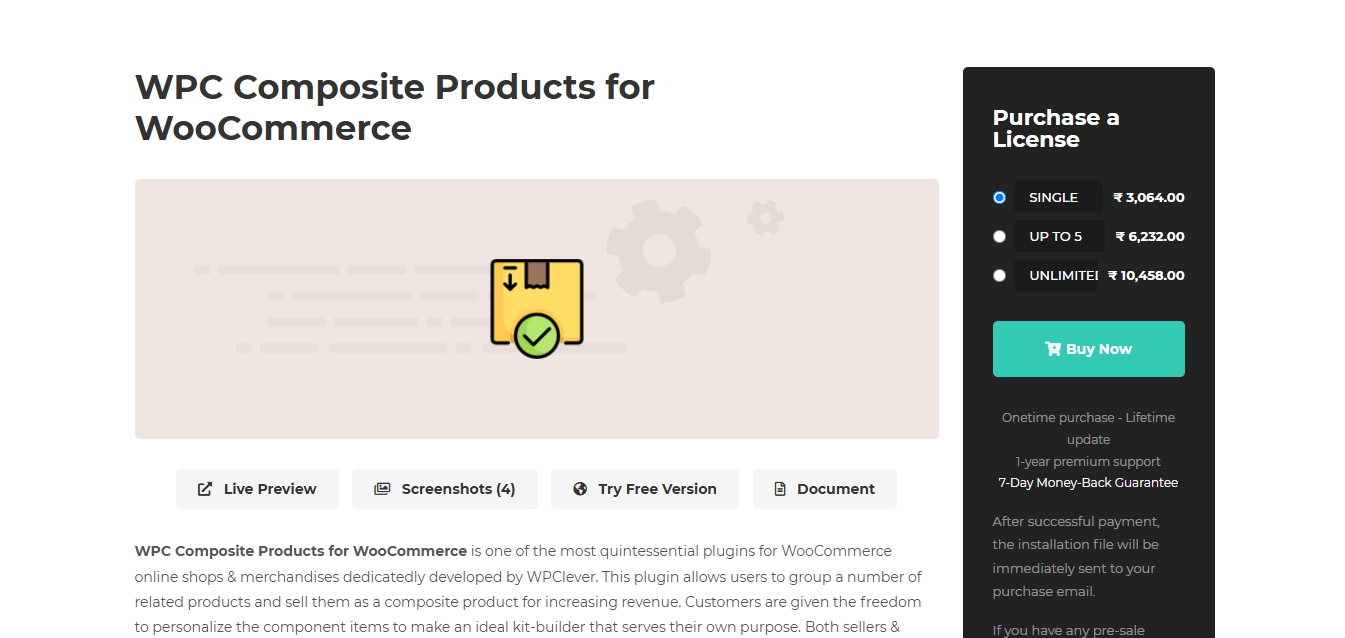
WPC Composite Products for WooCommerce by WPClever brings simplicity and efficiency to the table, offering an intuitive setup and flexible product options.
Key Features
- Multiple component types including products, variations, and custom fields.
- Easily configurable display options for frontend.
- Full compatibility with WooCommerce’s default cart and checkout process.
- Easy-to-follow setup process for beginners.
Pros
- Simple and intuitive interface.
- Highly customizable product combinations.
- Great for beginners with no technical knowledge.
Cons
- Some advanced features are only available in the paid version.
Why It Stands Out
Its simplicity, combined with powerful customization features, makes WPC Composite Products for WooCommerce an excellent choice for store owners looking for ease of use and flexibility.
4. Composite Products for WooCommerce by Extendons
Composite Products for WooCommerce by Extendons is another established WooCommerce Composite Products Plugin, sold on CodeCanyon, that focuses on flexible component grouping and a straightforward frontend build-your-own-kit experience.
Key Features
- Group components into steps for a guided build-your-own-kit flow.
- Ability to offer customizable pricing for components.
- Supports both simple and variable products as components.
- Option to add extra options for upselling and cross-selling.
Pros
- Guided step-by-step build flow is easy for customers to follow.
- Flexible pricing rules for each component.
- One-time purchase licensing rather than a recurring subscription.
Cons
- Sold through CodeCanyon rather than WordPress.org, so support and updates follow Envato’s marketplace terms.
Why It Stands Out
The guided, step-by-step build flow and one-time licensing make it one of the more approachable WooCommerce Composite Products Plugins for stores that want a structured customer journey without an ongoing subscription cost.
Also Read: 10 Best WooCommerce Push Notifications Plugins
5. Composite Product Builder for WooCommerce by XAdapter
Composite Product Builder by XAdapter is a premium WooCommerce Composite Products Plugin designed to create high-converting product bundles and composite products.
Key Features
- Flexible component management and grouping options.
- Conditional logic to display certain components based on selections.
- Fully responsive design to optimize mobile shopping.
- Customizable pricing options and discounts.
Pros
- Highly flexible product display options.
- Responsive and mobile-friendly design.
- Advanced reporting and analytics tools.
Cons
- More complex setup compared to other plugins.
Why It Stands Out
This plugin’s focus on flexibility and mobile optimization makes it one of the top WooCommerce Composite Products Plugins for businesses with a diverse customer base.
Comparison Table
| Name of Tool | Best For | Standout Feature | Pricing |
|---|---|---|---|
| YITH WooCommerce Composite Products | Highly customizable product kits with dynamic combinations | Flexibility to create customizable product kits with multiple components | Premium version, higher price for small stores |
| Composite Products by WooCommerce | Reliable and easy-to-manage customizable product kits | Seamless integration with WooCommerce’s native features | Paid version with official support from WooCommerce |
| WPC Composite Products for WooCommerce by WPClever | Simple and intuitive interface for beginners | Easy setup, with customizable product combinations and display options | Free and paid versions available, with some advanced features in premium version |
| Composite Products for WooCommerce by Extendons | Guided, step-by-step build-your-own-kit experience | Step-grouped component flow with one-time licensing | One-time purchase via CodeCanyon |
| Composite Product Builder for WooCommerce by XAdapter | Creating high-converting, mobile-optimized product bundles | Responsive design with advanced component management and reporting tools | Premium plugin, pricing based on features |
Setting Up Your First Composite Product: A Walkthrough
To make the setup process concrete, here is how a computer hardware store would configure a custom PC builder using YITH WooCommerce Composite Products.
Step 1: Plan Your Component Groups Before Touching the Plugin
Before opening any settings screen, map out the component groups on paper: Processor (required, choose 1), RAM (required, choose 1), Storage (required, choose 1 or 2), Graphics Card (optional, choose 0 or 1), Case (required, choose 1). Getting this structure right before configuration saves significant rework, since most plugins make it awkward to restructure groups after products have been assigned to them.
Step 2: Create the Component Products
Each selectable option, every processor model, every RAM size, every case color, needs to exist as its own WooCommerce product (simple or variable) with its own price and stock quantity. This is the most time-consuming part of setup for a catalog with many options, but it is also what makes per-component inventory tracking possible later.
Step 3: Build the Composite Product and Assign Components
Create a new product, set its type to Composite Product, and add each component group with its assigned products, quantity rules, and whether the group is required or optional. Set the base price calculation method (sum of components, fixed base plus add-ons, or a hybrid) based on how you actually want to price the build.
Step 4: Test the Full Purchase Path
Place a test order selecting a full valid configuration, then a second test order deliberately leaving a required group empty to confirm the plugin blocks checkout correctly. Verify the order confirmation email lists every selected component clearly, since a customer support ticket asking “what did I actually order” is a sign the component list isn’t rendering clearly enough in transactional emails.
Common Composite Product Setup Mistakes
A few mistakes show up repeatedly on stores that build their first composite product without a trial run, and each one creates real customer confusion or support load once the product goes live.
The first is failing to set incompatible combinations correctly. If a specific processor only fits a specific case size, and the plugin supports conditional logic, configure that restriction explicitly rather than trusting customers to know the technical compatibility rules themselves. A composite product that lets a customer configure a physically incompatible build looks broken even though every individual component was technically in stock and purchasable.
The second is neglecting to test inventory behavior under concurrent orders. If two customers are both configuring a build that uses the last unit of a particular component at the same time, verify your plugin actually prevents overselling that component rather than letting both orders complete and leaving you to sort out a backorder after the fact. This matters more as a composite product’s popularity grows, since collision-prone low-stock components are exactly what customers gravitate toward.
The third is pricing the composite product without accounting for payment processing fees on a higher cart total. A component-heavy build like a custom PC can push the order value well above your typical average order, and some fraud detection tools or payment processors flag unusually large first-time orders for manual review. Confirm your checkout and fraud settings are tuned for the actual price range your composite products will generate before launch, not just for your typical single-product order size.
Frequently Asked Questions (FAQs)
1. What is a WooCommerce composite product?
A WooCommerce composite product is a customizable product that allows customers to build their own bundle by selecting individual components. For example, a computer store might let customers choose their processor, RAM, storage, and graphics card to create a custom PC build.
2. What is the difference between composite products and product bundles?
Product bundles are pre-configured sets of products sold together at a fixed or discounted price. Composite products give customers the flexibility to choose which components they want to include in their bundle. Think of bundles as “take it or leave it” packages, while composite products are “build your own” experiences.
3. Can I use composite products with variable products?
Yes, most WooCommerce composite products plugins support variable products as components. This means customers can select not only which products to include but also specific variations like size, color, or material for each component.
4. How do composite products handle inventory management?
Composite products plugins typically manage inventory at the component level. When a customer purchases a composite product, the stock for each individual component is reduced accordingly. This ensures accurate inventory tracking across all your products.
5. Can I set minimum and maximum quantities for components?
Yes, most composite products plugins allow you to set minimum and maximum quantity rules for each component. You can require customers to select at least one item from a category or limit how many items they can add from a specific component group.
6. How is pricing calculated for composite products?
Pricing can be configured in several ways: you can charge the sum of all component prices, set a fixed price for the entire composite product, apply discounts when certain combinations are selected, or use a base price plus additional fees for premium components.
7. Are composite products plugins compatible with WooCommerce Subscriptions?
Some premium composite products plugins offer integration with WooCommerce Subscriptions. This allows you to create subscription-based composite products where customers can build custom recurring orders, such as monthly snack boxes or customized subscription kits.
8. Can I use conditional logic to show or hide components?
Yes, advanced composite products plugins support conditional logic. You can set rules to show or hide certain component options based on what the customer has already selected. For example, if a customer selects a specific laptop model, you can show only compatible accessories.
9. Will composite products slow down my WooCommerce store?
The performance impact depends on the plugin quality and how many composite products you create. Well-coded plugins use lazy loading and efficient database queries to minimize impact. Start with a lightweight plugin and test performance before adding complex composite products.
10. How do composite products appear in order emails and invoices?
Most plugins display composite products in orders with the main product name followed by an itemized list of selected components. This makes it clear for both store owners and customers what was ordered, and helps with fulfillment and customer support.
11. Can I offer discounts on composite products?
Yes, you can offer various types of discounts: percentage or fixed discounts on the total composite price, discounts when customers select all required components, bundle discounts for specific component combinations, or quantity-based discounts within component groups.
12. Which composite products plugin is best for beginners?
WPC Composite Products for WooCommerce by WPClever is often recommended for beginners due to its intuitive interface and straightforward setup process. It offers a free version to get started, with premium features available when you need more advanced functionality.
Composite Products vs Product Bundles vs Product Add-Ons
Store owners often confuse three related but distinct WooCommerce feature categories, and picking the wrong one leads to a clunky checkout experience. Composite products let a customer choose among interchangeable options within defined component groups (pick your processor, pick your RAM, pick your case). Product bundles group specific, pre-selected products together at a set price with no customer choice involved beyond buying the whole bundle or not. Product add-ons attach optional extras to a single base product (add gift wrapping, add a warranty, add engraving) without the structured component-group logic composite products use.
The practical test: if your customer needs to make several interdependent choices to arrive at a finished configuration (a custom PC, a custom gift box with selectable items, a service package with selectable add-ons), you need a composite products plugin. If you just want to sell three specific items together at a discount with zero customer choice, a bundle plugin is simpler and usually cheaper. If you have one core product with a short list of optional extras, product add-ons cover it without the overhead of a full composite products setup.
Choose the Right Plugin for Your Store
Choosing the right WooCommerce Composite Products Plugins for your store can significantly enhance the customer experience and increase sales. Whether you’re looking for advanced customization options or an easy-to-use solution, the plugins listed above offer something for every type of business.
For stores just getting started, WPC Composite Products offers a gentle learning curve with its free tier. If you need enterprise-grade features and official support, the Composite Products extension from WooCommerce is your safest bet. And for maximum flexibility and customization, YITH WooCommerce Composite Products delivers powerful features that can handle complex product configurations.
Take advantage of free trials and demos where available to test each plugin with your specific use case before making a final decision. The right composite products plugin can transform your store into a personalized shopping destination that keeps customers coming back.
5 Best WooCommerce Deposits and Partial Payments Plugins