15 Best WooCommerce Product Slider Plugins (2026)


Are you looking to enhance your WooCommerce store’s product display? A beautifully designed product slider can be a game-changer. Whether it’s showcasing new arrivals, highlighting featured items, or creating a dynamic shopping experience, WooCommerce Product Slider Plugins make it all possible with ease.
Without an engaging way to display your products, visitors might lose interest, leading to reduced customer engagement and lower sales. Static layouts can feel outdated, failing to capture attention in today’s competitive e-commerce landscape.
That’s why we’ve put together a list of the 15 best WooCommerce Product Slider Plugins to help you transform your store. These plugins are simple to use, fully customizable, and crafted to deliver a seamless shopping experience for your customers.
Table of Contents
- What Are WooCommerce Product Slider Plugins?
- Why Do You Need WooCommerce Product Slider Plugins?
- Key Features to Look for in Product Slider Plugins
- 15 Best WooCommerce Product Slider Plugins
- 1. YITH WooCommerce Product Slider Carousel
- 2. Slider Revolution
- 3. Smart Slider 3
- 4. WooSlider
- 5. MetaSlider
- 6. WooCommerce Product Slider by PickPlugins
- 7. Product Slider for WooCommerce by ShapedPlugin
- 8. Soliloquy
- 9. Product Carousel Slider for WooCommerce
- 10. Ultimate Product Slider for WooCommerce
- 11. Jetpack WooCommerce Product Slideshow
- 12. Elementor Pro Product Carousel
- 13. WooProduct Slider by Starter Templates
- 14. Master Slider
- 15. RelaText WooCommerce Slider
- Comparison Table
- How to Choose the Right Slider Plugin
- Frequently Asked Questions
- Final Recommendations

What Are WooCommerce Product Slider Plugins?
WooCommerce Product Slider Plugins are tools specifically designed to enhance the visual presentation of products in your WooCommerce store. These plugins allow you to create dynamic sliders and carousels that display products in a more engaging and organized manner.
Instead of showing products in static grids, sliders let visitors browse through multiple items in a compact, interactive format. Common use cases include:
- Featured products – Highlight your best sellers or hand-picked items on the homepage
- New arrivals – Showcase recently added products to keep returning customers interested
- Sale items – Draw attention to discounted products with eye-catching sliders
- Related products – Display complementary items on product pages to increase order value
- Category showcases – Feature products from specific categories on landing pages
- Seasonal promotions – Create themed sliders for holidays or special events
By using product sliders, you can ensure your store’s layout is not only visually appealing but also user-friendly, encouraging visitors to explore more products and make purchases.
Why Do You Need WooCommerce Product Slider Plugins?
A well-designed product slider can significantly impact your store’s performance. Here’s why these plugins are essential for modern e-commerce stores:
Enhanced Visual Appeal
Sliders add movement and interactivity to your store, making it feel modern and professional. They break up static content and create visual interest that keeps visitors engaged.
Improved User Experience
With sliders, customers can easily browse multiple products without scrolling through long pages. The carousel format is intuitive, visitors understand they can swipe or click to see more items.
Increased Product Discovery
Products buried in category pages might never be seen. Sliders bring products to high-visibility areas like the homepage, category headers, or sidebar widgets, increasing the chances of discovery.
Space Optimization
Sliders let you display many products in a compact space. A single slider can showcase 10-20 products in the same area that would normally fit only 3-4 static images.
Mobile Optimization
Most slider plugins are built with mobile-first design, featuring touch gestures and responsive layouts that work smoothly on phones and tablets where swipe navigation feels natural.
Better Conversion Rates
By highlighting the right products to the right visitors at the right time, sliders can guide customers toward purchases. Featured product sliders on the homepage often see higher click-through rates than static displays.
Key Features to Look for in Product Slider Plugins
When choosing a WooCommerce Product Slider Plugin, consider these essential features:
1. Responsive Design
The slider must work flawlessly on all devices, desktop, tablet, and mobile. Look for plugins that automatically adjust the number of visible products, image sizes, and navigation controls based on screen size.
2. Customization Options
Good plugins offer control over colors, fonts, slider dimensions, animation speeds, and navigation styles. This ensures the slider matches your store’s branding without requiring custom CSS.
3. Product Filtering
The ability to filter which products appear in each slider is crucial. Look for filters by category, tag, attribute, price range, stock status, or specific product IDs.
4. Multiple Slider Types
Different pages need different slider styles. Some situations call for carousels (multiple products visible), while others need hero sliders (one product at a time with large images).
5. Performance Optimization
Sliders shouldn’t slow down your site. Look for plugins that use lazy loading, optimized scripts, and efficient image handling to maintain fast page speeds.
6. Touch and Swipe Support
Mobile users expect to interact with sliders by swiping. Ensure the plugin supports touch gestures and provides smooth, responsive swipe navigation.
7. Autoplay Controls
Autoplay can be helpful or annoying depending on the context. Good plugins let you enable/disable autoplay, set timing intervals, and pause on hover.
8. Navigation Options
Look for multiple navigation styles: arrows, dots, thumbnails, or numbered pagination. Different contexts may need different navigation approaches.
15 Best WooCommerce Product Slider Plugins
1. YITH WooCommerce Product Slider Carousel
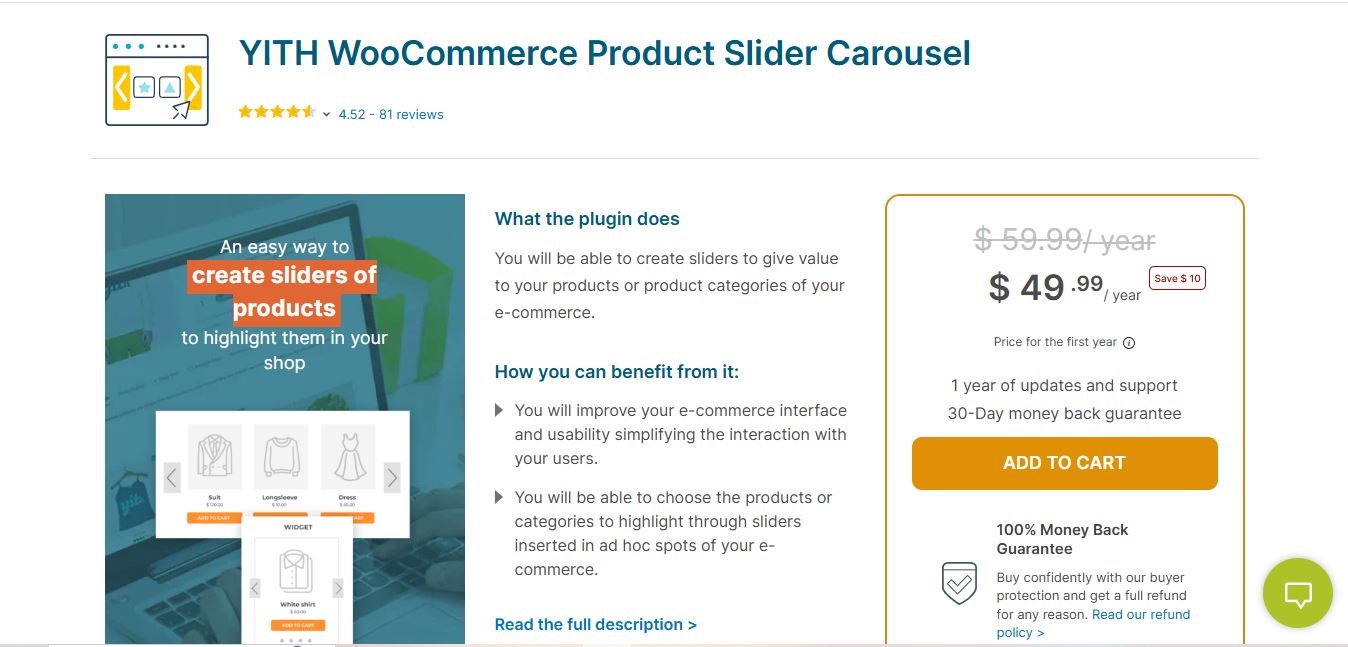
YITH WooCommerce Product Slider Carousel is a premium plugin from one of the most trusted names in the WooCommerce ecosystem. YITH has built a reputation for reliable, well-supported plugins, and this slider lives up to that standard.
Key Features
- Create fully responsive product sliders and carousels
- Display products based on categories, tags, or custom sorting
- Multiple slider styles and customizable layouts
- Supports autoplay, navigation buttons, and touch gestures
- Seamless integration with all YITH plugins
- Shortcode and widget support for flexible placement
Pros
- Excellent documentation and video tutorials
- Regular updates and active development
- Works well with any WooCommerce theme
- Responsive support from the YITH team
Cons
- Premium-only plugin with no free version
- Advanced styling may require CSS knowledge
Best For: Store owners who want a reliable, well-supported solution from a trusted developer. Ideal for stores already using other YITH plugins.
Pricing: $79.99/year
Also Read: WooCommerce vs WordPress
2. Slider Revolution
Slider Revolution is the industry standard for professional-grade sliders. While it’s a general WordPress slider plugin, its WooCommerce integration is powerful, making it one of the most capable options for product displays.
Key Features
- Professional visual editor with drag-and-drop functionality
- 200+ pre-built templates including WooCommerce-specific designs
- Advanced animations, effects, and transitions
- Dynamic content from WooCommerce products
- Layer-based design for complex layouts
- Responsive breakpoint controls
- Video and multimedia support
Pros
- Unmatched design flexibility and animation options
- Templates for quick professional results
- Excellent performance with lazy loading
- Regular updates with new features and templates
Cons
- Steeper learning curve than simple slider plugins
- Can be overkill for basic carousel needs
- Higher price point
Best For: Stores that need visually stunning, highly customized sliders with advanced animations. Perfect for high-end brands or agencies.
Pricing: $29/6 months or $89/year
3. Smart Slider 3
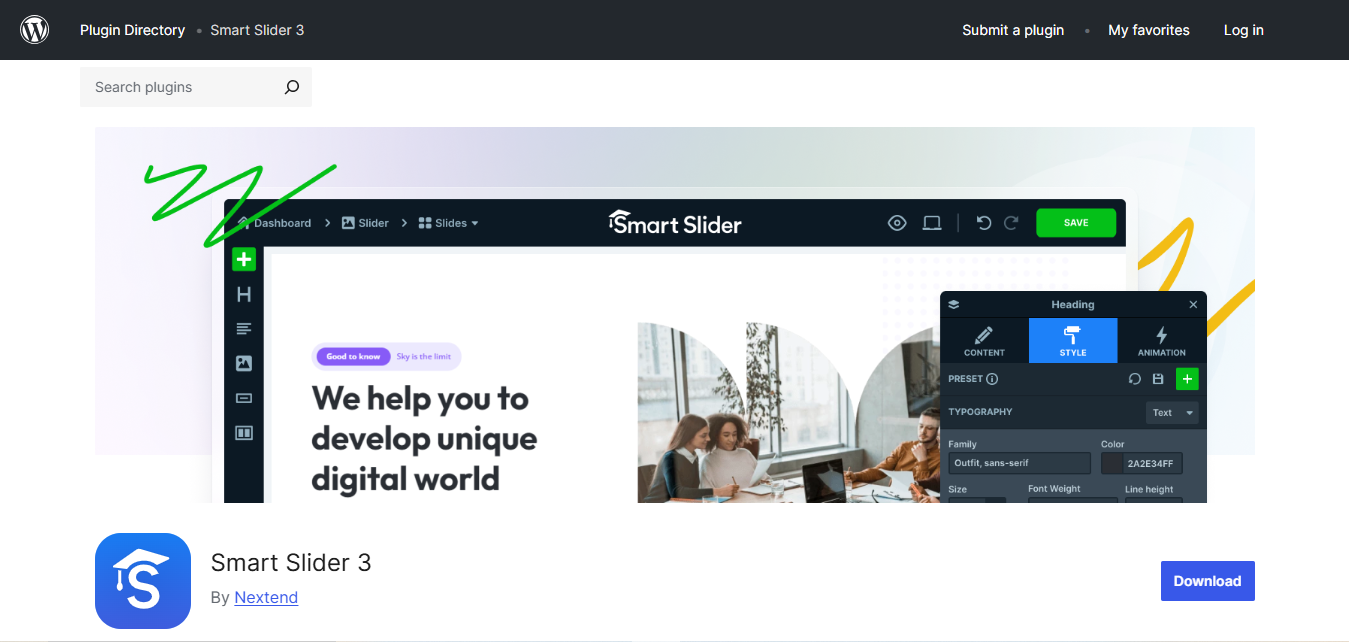
Smart Slider 3 is a versatile plugin that combines ease of use with powerful features. Its visual editor makes creating sliders intuitive, while its WooCommerce generator pulls product data automatically.
Key Features
- Drag-and-drop editor with live preview
- WooCommerce product generator for dynamic content
- 100+ pre-designed templates
- Advanced layering options for text, images, and buttons
- SEO-optimized slider output
- Responsive controls with device-specific settings
- Multiple slider types: carousel, showcase, block
Pros
- Good balance of power and usability
- Free version includes many useful features
- Excellent documentation and tutorials
- Lightweight and optimized for performance
Cons
- WooCommerce generator requires Pro version
- Some templates only available in premium
Best For: Store owners who want professional sliders without hiring a developer. Great balance of features and usability.
Pricing: Free version available. Pro starts at $49/year.
4. WooSlider
WooSlider is built specifically for WooCommerce stores. As a WooCommerce.com product, it’s designed to integrate seamlessly with WooCommerce core and extensions.
Key Features
- Native WooCommerce integration
- Drag-and-drop slider creation
- Support for products, images, and mixed content
- Multiple slider styles and transitions
- Responsive and touch-friendly design
- Works with WooCommerce product data natively
Pros
- Official WooCommerce product ensures compatibility
- Simple setup for basic sliders
- Lightweight without bloated features
Cons
- Fewer advanced features than competitors
- Limited customization options
Best For: Store owners who prioritize compatibility and simplicity over advanced features.
Pricing: $49/year
5. MetaSlider
MetaSlider has been a WordPress staple for years. Its WooCommerce Pro add-on brings product slider functionality to this lightweight, user-friendly plugin.
Key Features
- Multiple slider types: Flex, Nivo, Responsive, Coin
- WooCommerce product slider add-on
- Pre-designed templates for quick setup
- Mobile-friendly with touch navigation
- SEO optimized output
- YouTube and Vimeo support for video content
Pros
- Extremely beginner-friendly
- Lightweight and fast
- Well-established with large user base
- Free version covers basic needs
Cons
- WooCommerce features require Pro add-on
- Limited design options compared to premium plugins
Best For: Beginners who want a simple, reliable slider without a steep learning curve.
Pricing: Free version available. Pro starts at $39/year.
6. WooCommerce Product Slider by PickPlugins
WooCommerce Product Slider by PickPlugins is built specifically for WooCommerce product displays. It offers extensive filtering options and lightweight performance.
Key Features
- Unlimited product sliders for different categories
- Filter by category, tag, SKU, or custom taxonomy
- Multiple layout styles including carousel and ticker
- Customizable colors, fonts, and spacing
- Touch and swipe support
- Shortcode generator for easy placement
Pros
- Lightweight plugin that doesn’t slow down your site
- Extensive filtering options
- Free version includes many features
- Affordable premium pricing
Cons
- Interface could be more modern
- Some styling options require CSS
Best For: Store owners with large catalogs who need flexible filtering to create targeted product sliders.
Pricing: Free version available. Pro starts at $19/year.
Also Read: 10 Best WooCommerce Wholesale Plugins
7. Product Slider for WooCommerce by ShapedPlugin
Product Slider for WooCommerce by ShapedPlugin is designed exclusively for WooCommerce stores, offering a clean interface and sleek slider designs.
Key Features
- Multiple layout options: carousel, grid, and slider
- Product filtering by category, tag, or custom selection
- Customizable colors, fonts, and animations
- Mobile-friendly with touch support
- Quick view and add-to-cart integration
- Sale badge and rating display options
Pros
- WooCommerce-focused design
- Clean, modern slider output
- Good balance of features and simplicity
- Responsive customer support
Cons
- Free version has limited customization
- Some features only in premium
Best For: Store owners who want a WooCommerce-specific plugin with modern design output.
Pricing: Free version available. Pro starts at $39/year.
8. Soliloquy
Soliloquy is known as the fastest WordPress slider plugin. Its WooCommerce add-on brings that performance focus to product sliders.
Key Features
- Drag-and-drop builder for easy creation
- WooCommerce product integration via add-on
- Multiple slider templates
- Responsive design with touch navigation
- Optimized code for fast loading
- Lightbox integration for product images
Pros
- Excellent performance and page speed
- Clean, simple interface
- Works with most themes
- Good documentation
Cons
- WooCommerce features require paid add-on
- Fewer design options than competitors
Best For: Performance-focused store owners who prioritize page speed.
Pricing: Starts at $17/year. WooCommerce add-on requires higher tier.
9. Product Carousel Slider for WooCommerce
Product Carousel Slider for WooCommerce specializes in carousel-style displays, perfect for showcasing multiple products in a compact space.
Key Features
- Carousel-focused slider design
- Multiple layout options including grid and list
- Touch and swipe navigation
- Customizable product elements (title, price, rating)
- Autoplay with pause on hover
- Lightweight and optimized
Pros
- Easy setup and configuration
- Good for displaying multiple products
- Responsive and mobile-friendly
- Free version covers most needs
Cons
- Limited to carousel style
- Basic design options in free version
Best For: Stores that specifically need carousel-style product displays.
Pricing: Free version available. Pro starts at $29/year.
10. Ultimate Product Slider for WooCommerce
Ultimate Product Slider for WooCommerce combines simplicity with functionality, offering an easy way to create professional product sliders without technical knowledge.
Key Features
- Multiple slider styles: carousel, full-width, grid
- Product filtering by category, tag, or selection
- Customizable fonts, colors, and animations
- Mobile-responsive design
- Quick view integration
- Widget and shortcode support
Pros
- Simple, user-friendly interface
- Lightweight and fast
- Good for small to medium stores
- Affordable pricing
Cons
- Limited advanced features
- Basic design options
Best For: Store owners who want a straightforward, no-frills slider solution.
Pricing: Free version available. Pro starts at $19/year.
11. Jetpack WooCommerce Product Slideshow
Jetpack includes slideshow functionality as part of its comprehensive WordPress plugin suite. For stores already using Jetpack, this provides basic product slider capability without additional plugins.
Key Features
- Simple slideshow creation from product galleries
- Integration with Jetpack’s image CDN
- Responsive design
- Basic customization options
- Lazy loading for performance
Pros
- No additional plugin required if using Jetpack
- CDN-hosted images for fast loading
- Simple to use
- Free with Jetpack
Cons
- Basic slider functionality only
- Requires Jetpack plugin
- Limited customization
Best For: Stores already using Jetpack who need basic slideshow functionality.
Pricing: Free with Jetpack.
12. Elementor Pro Product Carousel
Elementor Pro includes powerful WooCommerce widgets, including a product carousel widget. For stores using Elementor as their page builder, this integration is seamless.
Key Features
- Native integration with Elementor page builder
- Visual design with drag-and-drop
- Product filtering by category, tag, or query
- Extensive styling options
- Responsive controls for all devices
- Works with Elementor templates
Pros
- Seamless if you’re already using Elementor
- Full design control within page builder
- No additional plugins needed
- Consistent with site design
Cons
- Requires Elementor Pro ($59/year minimum)
- Tied to Elementor ecosystem
Best For: Stores built with Elementor who want integrated product carousels.
Pricing: Included with Elementor Pro (starts at $59/year).
Also Read: WooCommerce vs Squarespace vs NopCommerce
13. WooProduct Slider by Starter Templates
WooProduct Slider is a newer plugin designed with modern WordPress practices in mind. It integrates with the block editor and offers a contemporary approach to product sliders.
Key Features
- Block editor (Gutenberg) integration
- Pre-built slider patterns
- Product filtering options
- Responsive design controls
- Modern, clean output
- Lightweight performance
Pros
- Modern block-based approach
- Clean, efficient code
- Good for sites using block editor
- Regular updates
Cons
- Newer plugin with smaller user base
- Requires block editor familiarity
Best For: Store owners who prefer working with the WordPress block editor.
Pricing: Free version available. Pro pricing varies.
14. Master Slider
Master Slider is a touch-optimized slider plugin with WooCommerce support. Its focus on smooth animations and responsive design makes it popular for product showcases.
Key Features
- Touch-optimized with smooth gestures
- Visual drag-and-drop editor
- WooCommerce product slider support
- Multiple transition effects
- Responsive and mobile-first design
- Video and multimedia support
Pros
- Excellent touch and mobile experience
- Smooth animations
- Good visual editor
- Free version available
Cons
- WooCommerce features in Pro only
- Can be complex for simple needs
Best For: Stores prioritizing mobile experience and smooth animations.
Pricing: Free version available. Pro starts at $24.
15. RelaText WooCommerce Slider
RelaText WooCommerce Slider specializes in related product displays, making it valuable for increasing cross-selling opportunities on product pages.
Key Features
- Related products slider for product pages
- Upsell and cross-sell product displays
- Real-time preview during creation
- Multiple styling options
- Optimized for fast loading
- Category-based product suggestions
Pros
- Perfect for related/upsell products
- Clean, modern design
- Helps increase average order value
- Easy to configure
Cons
- Focused on related products, not general sliders
- Limited to product page use cases
Best For: Stores focused on increasing cross-sells and upsells through related product displays.
Pricing: Free version available. Premium plans available.
Comparison Table: WooCommerce Product Slider Plugins
| Plugin | Best For | Free Version | Visual Editor | Mobile Optimized | Pricing |
|---|---|---|---|---|---|
| YITH Slider Carousel | YITH ecosystem | No | Yes | Yes | $79.99/yr |
| Slider Revolution | Advanced design | No | Yes | Yes | $29-89/yr |
| Smart Slider 3 | Balance of features | Yes | Yes | Yes | Free/$49/yr |
| WooSlider | Simplicity | No | Yes | Yes | $49/yr |
| MetaSlider | Beginners | Yes | Yes | Yes | Free/$39/yr |
| PickPlugins Slider | Large catalogs | Yes | No | Yes | Free/$19/yr |
| ShapedPlugin Slider | WooCommerce focus | Yes | Yes | Yes | Free/$39/yr |
| Soliloquy | Performance | No | Yes | Yes | From $17/yr |
| Product Carousel | Carousel style | Yes | No | Yes | Free/$29/yr |
| Ultimate Slider | Simple needs | Yes | No | Yes | Free/$19/yr |
| Jetpack | Existing Jetpack users | Yes | No | Yes | Free |
| Elementor Pro | Elementor sites | No | Yes | Yes | From $59/yr |
| WooProduct Slider | Block editor | Yes | Yes | Yes | Free/Pro |
| Master Slider | Touch experience | Yes | Yes | Yes | Free/$24 |
| RelaText | Related products | Yes | No | Yes | Free/Premium |
How to Choose the Right Slider Plugin
Selecting the best product slider plugin depends on your specific needs. Here’s a decision framework:
Consider Your Technical Skill Level
- Beginner: MetaSlider, Ultimate Product Slider, or Product Carousel Slider
- Intermediate: Smart Slider 3, ShapedPlugin, or PickPlugins
- Advanced: Slider Revolution or custom Elementor Pro builds
Match Your Design Needs
- Simple carousels: Product Carousel Slider, PickPlugins, or Ultimate Slider
- Professional designs: Smart Slider 3 or YITH
- Highly custom visuals: Slider Revolution
Consider Your Existing Tools
- Using YITH plugins: YITH Product Slider Carousel
- Using Elementor: Elementor Pro Product Carousel
- Using Jetpack: Jetpack slideshow functionality
- Using block editor: WooProduct Slider
Budget Considerations
- Free options: PickPlugins, Product Carousel, MetaSlider (free tier)
- Budget premium: Ultimate Slider ($19), PickPlugins Pro ($19)
- Mid-range: Smart Slider 3 Pro ($49), ShapedPlugin ($39)
- Premium: Slider Revolution ($89), YITH ($79.99)
Performance Priority
- Speed-focused: Soliloquy is specifically optimized for performance
- Lightweight: PickPlugins and Ultimate Slider are minimal
- Feature-heavy: Slider Revolution trades some weight for features

Beyond Product Sliders: Service-Based WooCommerce Stores
While product sliders are perfect for showcasing physical and digital products, many WooCommerce stores also sell services, consultations, bookings, custom work, or professional services. If you’re running a service-based business on WooCommerce, consider specialized solutions like WP Sell Services Pro for handling service listings, booking management, and service-specific checkout flows that standard product sliders don’t address.
Frequently Asked Questions
What is the best free WooCommerce product slider plugin?
For free options, Product Carousel Slider for WooCommerce and WooCommerce Product Slider by PickPlugins offer the best feature-to-cost ratio. Both provide responsive carousels, product filtering, and basic customization without requiring payment. Smart Slider 3’s free version is also excellent if you need more design flexibility.
Will product slider plugins slow down my website?
Well-coded slider plugins shouldn’t significantly impact page speed. Look for plugins that support lazy loading (images load as they scroll into view) and optimized JavaScript. Soliloquy is specifically marketed as the fastest slider plugin. Avoid loading multiple slider plugins simultaneously, as that can cause performance issues.
Can I show different products in different sliders?
Yes, most slider plugins let you filter which products appear in each slider. Common filters include category, tag, product type, price range, stock status, or manually selected products. This allows you to create separate sliders for new arrivals, sale items, bestsellers, or specific categories.
Do product sliders work on mobile devices?
All modern slider plugins are designed with mobile responsiveness. They automatically adjust the number of visible products, image sizes, and navigation controls based on screen size. Most also support touch gestures (swipe navigation) which feels natural on smartphones and tablets.
How many products should I show in a slider?
For homepage sliders, 8-12 products typically works well, enough to showcase variety without overwhelming visitors. For related products on product pages, 4-6 is usually sufficient. The key is ensuring each product gets enough visual space to be appealing without requiring excessive scrolling.
Can I add add-to-cart buttons directly in the slider?
Many plugins support “Add to Cart” buttons within the slider, allowing customers to add products without leaving the current page. ShapedPlugin, Smart Slider 3, and YITH all offer this feature. Some also support quick view popups for more product details.
Which slider plugin works best with Elementor?
Elementor Pro includes a native Product Carousel widget that integrates seamlessly with the page builder. If you prefer a standalone plugin, Smart Slider 3 and Slider Revolution both offer Elementor widgets for easy integration.
Can product sliders display product variations?
Most slider plugins display the parent variable product rather than individual variations. If you need to showcase specific variations, you may need to use plugins that support variable product filtering or create separate simple products for key variants you want to highlight.
How do I add a product slider to my homepage?
Most plugins provide shortcodes that you can add to any page or post. Copy the shortcode from the plugin’s slider settings and paste it into your homepage content using the block editor or your page builder. Many plugins also offer widgets for sidebars and Gutenberg blocks for the block editor.
Do slider plugins affect SEO?
Properly coded slider plugins are SEO-neutral or positive. They should output semantic HTML and include image alt tags. Some plugins like Smart Slider 3 specifically mention SEO optimization. Avoid sliders that load excessive JavaScript or hide important content from search engines.
Final Recommendations
Based on different store needs, here are my top picks:
- Best overall: Smart Slider 3, excellent balance of features, usability, and price
- Best free option: WooCommerce Product Slider by PickPlugins, feature-rich without payment
- Best for advanced design: Slider Revolution, unmatched customization and animations
- Best for beginners: MetaSlider, simple interface with reliable results
- Best for performance: Soliloquy, optimized for page speed
- Best for Elementor users: Elementor Pro Product Carousel, seamless integration
- Best for related products: RelaText, purpose-built for cross-selling
- Best value: Ultimate Product Slider ($19/year), solid features at low cost
Start with a free version to test the workflow before committing to premium. The best slider plugin is one that matches your design vision and technical comfort level while keeping your site fast.