12 Must-Have Data Import and Export Plugins for WooCommerce in 2026


Running a WooCommerce store in 2026 brings increasing complexity, especially when managing large volumes of product data and customer records alongside order information spread across multiple systems. Platform migrations, bulk catalog updates, routine backups, data synchronization: manual handling of any of it stops being practical once the catalog grows past a few hundred SKUs. This is where WooCommerce data import and export plugins earn their place.
These tools automate the transfer, updating, and organization of store data, letting you manage thousands of records with speed instead of a spreadsheet and a lot of patience. Importing new products, exporting customer data for analysis, syncing orders with an external platform: the right plugin cuts the manual effort down and cuts the error rate down with it.
Table of Contents

Why Use Data Import and Export Plugins for WooCommerce?
Before the plugin list, it helps to understand why these tools matter in the first place. As a WooCommerce store grows, so does the mess in its data. Bulk-uploading thousands of products by hand, migrating orders between stores by hand, updating inventory in real time by hand: each one eats hours and each one is a place where a typo turns into a pricing error nobody notices until a customer complains.
Import and export plugins fix that by giving you an actual interface and a repeatable workflow instead of copy-pasting into a spreadsheet at midnight. They make it realistic to manage store data with precision once the dataset gets large or once a third-party platform needs to stay in sync with it.
12 Best WooCommerce Data Import and Export Plugins
Whether the goal is scaling operations or hooking into a third-party platform, the right import/export plugin keeps the store running through the transition instead of breaking it. These tools matter for keeping product and order data clean, especially once a store sells through more than one channel.
1. WooCommerce Product CSV Import Suite
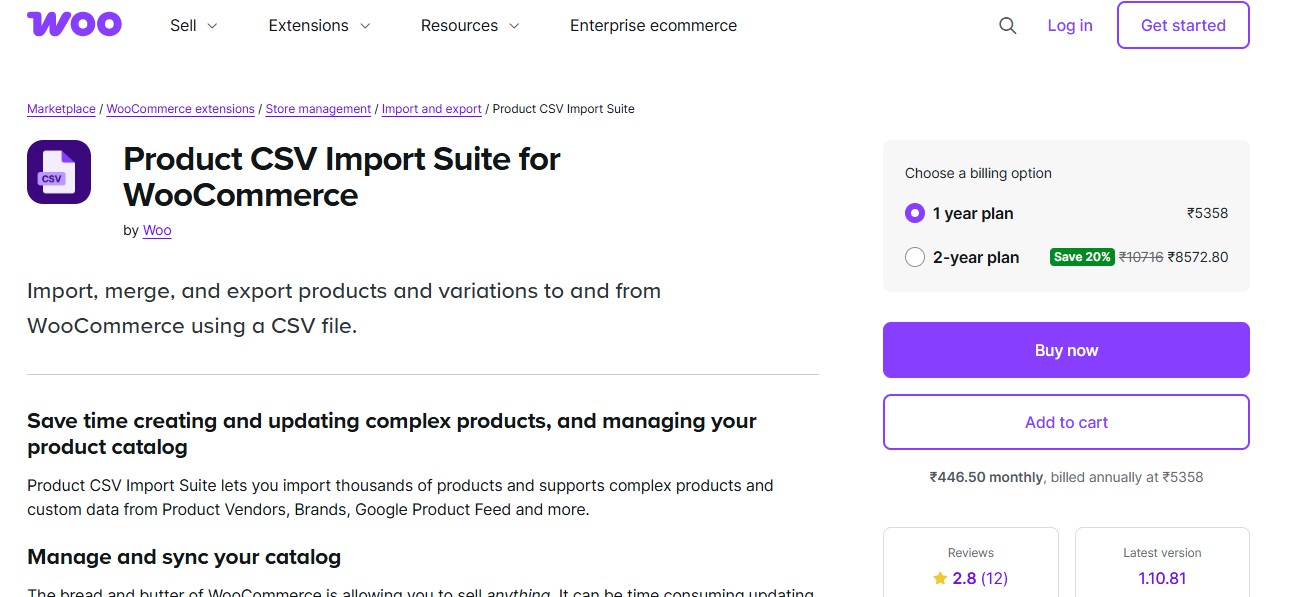
WooCommerce’s own Product CSV Import Suite sets the standard when it comes to importing and exporting product data. Built by the WooCommerce team, this plugin ensures full compatibility with your store and supports custom product types and metadata, right down to the complex configurations. Whether you’re onboarding a new supplier or updating pricing in bulk, this plugin provides the flexibility and reliability you need.
It also allows store owners to schedule imports and map custom fields, with product variations handled in the same pass. Given that it’s developed and maintained by WooCommerce, it integrates seamlessly with your existing store settings, which is one less compatibility risk than a third-party alternative carries.
Also Read: 12 Best WooCommerce Promotions & Marketing Plugins in 2026
2. YITH WooCommerce Bulk Product Editing

YITH is a well-known name in the WordPress ecosystem, and their WooCommerce Bulk Product Editing plugin goes beyond basic import/export tasks. While it’s primarily a bulk editor, it also features export capabilities strong enough to filter and customize large sets of product data on their own.
The interface is user-friendly, with visual editing tools that even non-tech users will find accessible. Export selected product data to CSV, make the changes in a spreadsheet, then re-import without losing the original configuration.
3. WP All Import – WooCommerce Add-On
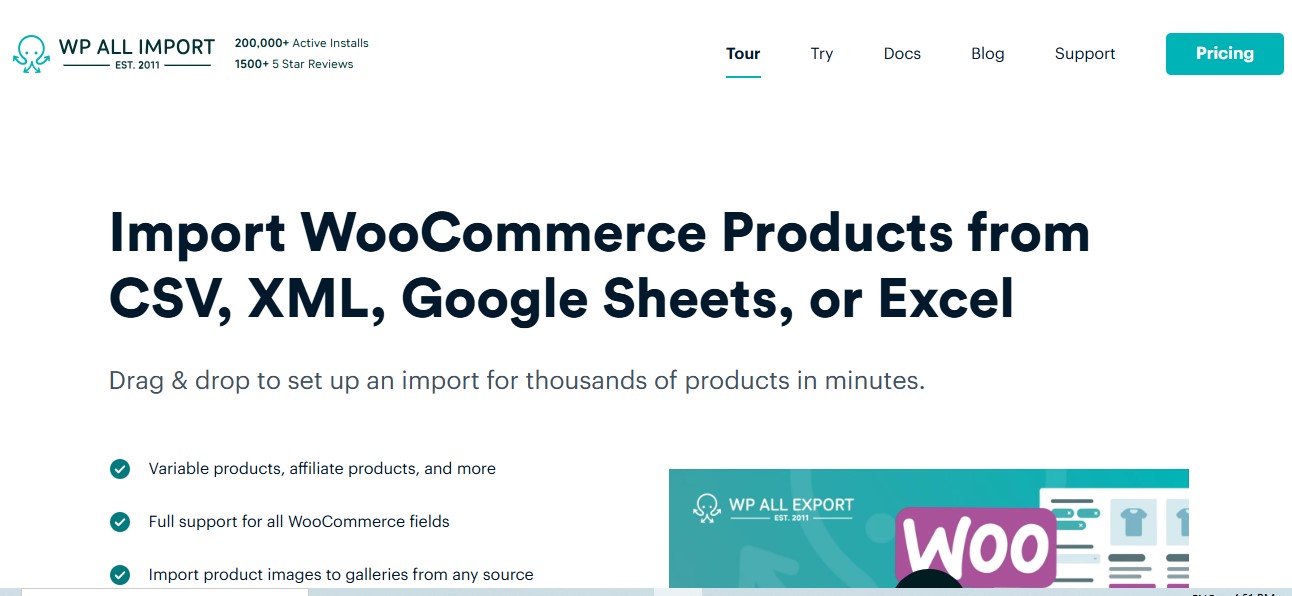
WP All Import is a versatile tool trusted by thousands of WooCommerce users. Its drag-and-drop interface handles complex imports, variable pricing and custom attributes included, with images mapped in alongside the rest. It supports XML and CSV formats, so the data source rarely dictates whether this plugin can do the job.
This plugin shines when it comes to scheduled imports. You can automate updates from external URLs or FTP locations, making it a good fit for stores working with dynamic inventory feeds or suppliers who update their catalogs constantly.
4. Product Import Export for WooCommerce by WebToffee
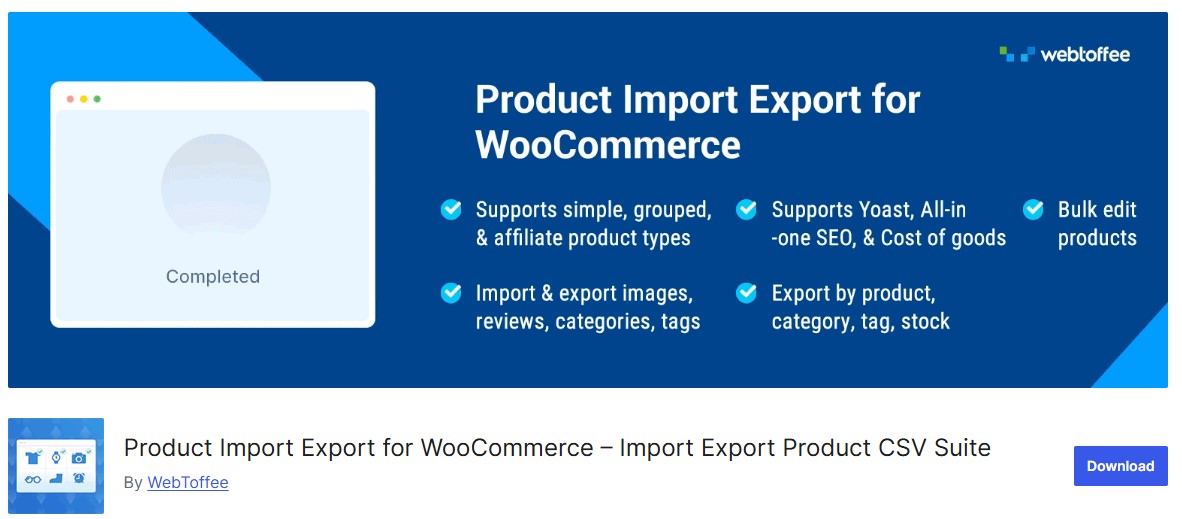
WebToffee’s plugin is one of the most popular solutions for seamless product import and export. It supports simple and grouped products, plus variable product types. What makes it stand out is the ability to retain complete product metadata: custom taxonomies and attributes survive the round trip, and so do the images.
Its intuitive UI enables both beginners and advanced users to map and filter fields. It’s ideal for transferring data between stores or for backup purposes. The plugin also handles customer and order data in its premium version.
Also Read: 10 Best WooCommerce Referral Plugins
5. Woo Import Export by VJInfotech
This plugin provides a full-fledged suite for exporting and importing data related to products, customers, orders, and categories. Its built-in filters allow precise data targeting. Export or import exactly what’s needed, filtered by product category or status, or narrowed to a specific date range.
Automation is a strong suit here too. Woo Import Export supports scheduled tasks, so store owners can keep records current without manual intervention. It’s especially useful for multi-store operations or catalogs that update on a regular cadence.
6. Order Export & Order Import for WooCommerce

If the focus is managing orders specifically, this plugin delivers real value. Developed by WebToffee, it simplifies order data migration and reporting, with syncing handled the same way. The plugin preserves the related metadata during export and import: customer details and coupons travel with the shipping data, not separately from it.
This tool is especially useful when transitioning to a new WooCommerce store or setting up a staging environment. Its clean interface and support documentation make it easy for anyone to get started, not just a developer.
7. Advanced Order Export For WooCommerce
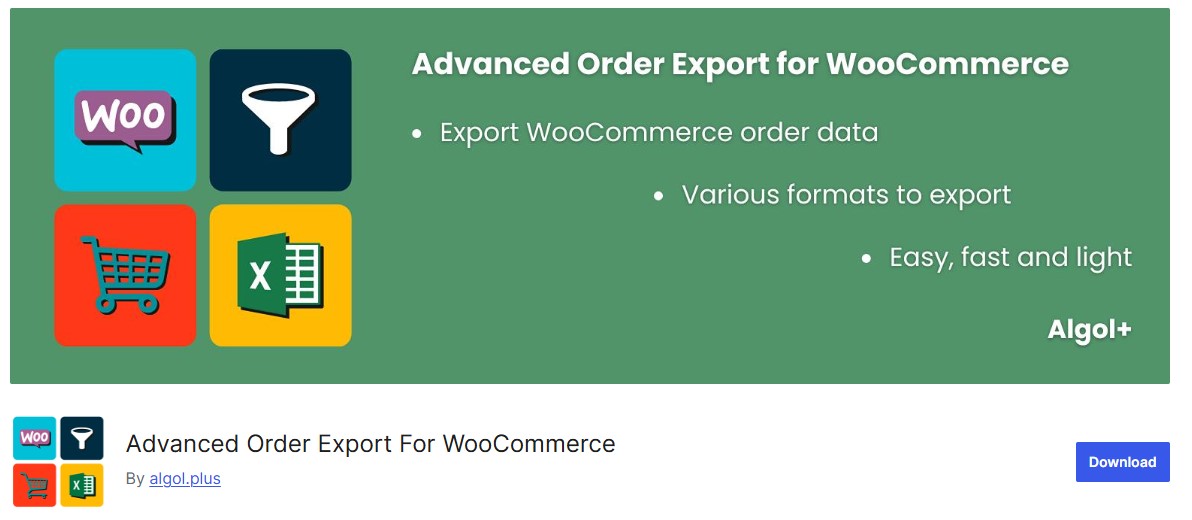
Advanced Order Export helps you pull order data out for accounting or analytics, or to feed a CRM. It offers detailed filters and layout customizations so you can format the export files exactly as needed. Data can go out as CSV, XLS, XML, and JSON.
This plugin is a good fit for merchants who need frequent reporting or want order data flowing into a third-party system automatically. Its scheduling feature keeps reports current without a reminder on your calendar.
Also Read: Cloudflare Alternatives for Network Security and Website Protection
8. Import Export Suite for WooCommerce
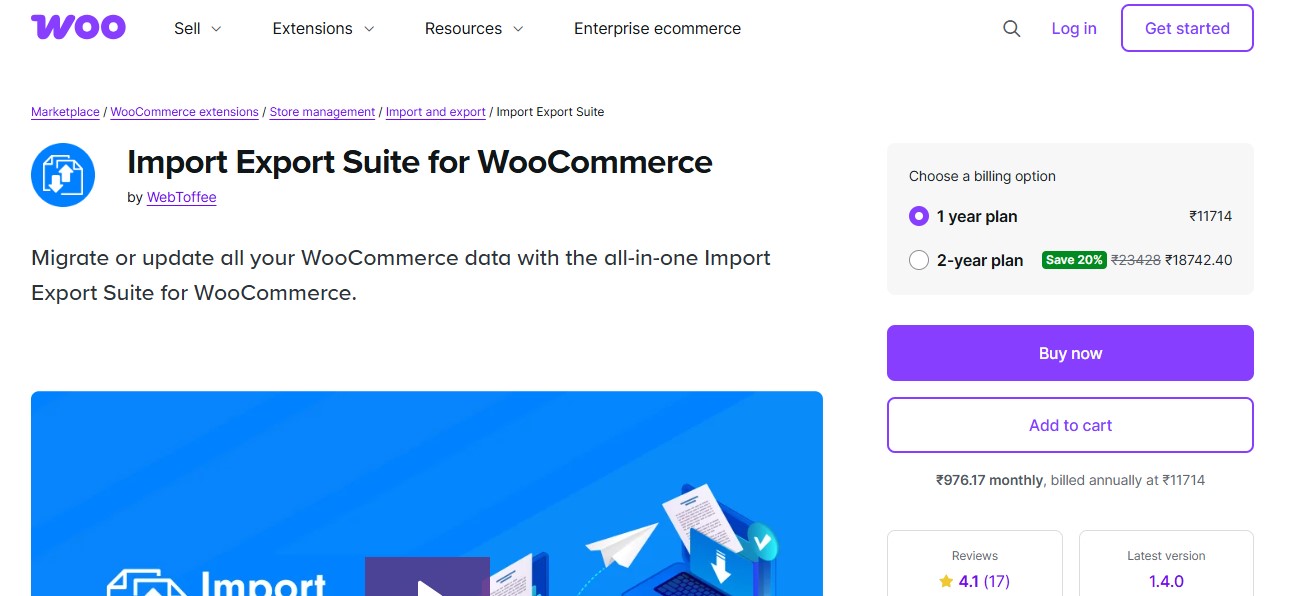
The Import Export Suite by WebToffee offers a comprehensive package, handling products, customers, coupons, and more. It supports import/export in both CSV and XML formats, and is well-optimized for large data volumes.
This plugin is particularly useful for managing seasonal sales or product migrations. The intuitive UI and advanced mapping options let you tailor each import/export action precisely to what the store actually needs.
9. WP All Export – WooCommerce Add-On
Designed to work in tandem with WP All Import, this plugin handles the exporting side of your WooCommerce data. It allows you to export data with custom filters, making it easier to generate specific reports or back up targeted segments rather than the whole database.
As the field of WooCommerce import and export tools keeps expanding, a dedicated export plugin like this one matters for store owners who want real control over their data rather than whatever a generic backup tool happens to grab. It supports custom post types and taxonomies, enabling flexible data handling.
10. Product CSV Import Export (BASIC)
A free and lightweight option, this plugin offers basic product import/export functionality. Ideal for small stores or those just getting started with WooCommerce, it lets you transfer essential product data with minimal setup.
It lacks some of the advanced features seen in premium tools, but it provides a solid foundation for basic data operations, especially when used as a companion to manual product edits rather than a full replacement for them.
Also Read: 5 Best WooCommerce Membership Plugins
11. Customer/Order/Coupon Export by SkyVerge

For businesses looking to move customer and order data efficiently, this plugin by SkyVerge is a solid choice. Scheduled exports go out via FTP or HTTP POST, or straight to an inbox by email. Data can be exported in CSV and JSON formats, which covers most external systems without extra conversion.
Its filtering is granular enough to segment by user role or order status, or narrow things down to a date range. That level of control is what makes it useful for CRM or ERP integrations rather than just a one-off export.
12. WooEXIM – WooCommerce Export Import Plugin
WooEXIM is an all-in-one tool designed to handle comprehensive export and import actions for products, categories, tags, and more. The plugin’s standout feature is its ability to handle large data sets quickly, thanks to optimized memory management and performance settings.
This plugin is built for enterprise-level WooCommerce stores that want to automate bulk operations without worrying about timeouts or performance drops halfway through a run.
WooCommerce Import/Export Plugin Comparison Table
To help you choose the right plugin for your needs, here’s a detailed comparison of all 12 plugins covered in this guide:

Launch Your WooCommerce Store Faster
Skip the setup hassle. WP Starter Sites offers pre-built WooCommerce starter templates with professional designs, optimized settings, and essential plugins already configured. Import a complete store in minutes and start selling right away.
Common Import/Export Mistakes to Avoid
The plugin matters less than how it gets used. A few mistakes come up on nearly every migration or bulk update I’ve reviewed.
- Running a full import against the live store instead of a staging copy first. A malformed CSV can overwrite prices or descriptions across thousands of products before anyone notices. Test on staging, always.
- Skipping the unique-identifier mapping (SKU or product ID) and letting the plugin default to creating new products. That’s how a store ends up with duplicate listings for half its catalog after a routine price update.
- Exporting without checking which custom fields and taxonomies actually made it into the file. A plugin built for simple products can silently drop variation data or custom attributes if it isn’t configured to export them.
- Ignoring PHP memory limits and execution time settings before a large import. A 10,000-row CSV that times out halfway through leaves a store in a half-updated state that’s harder to fix than it would have been to prevent.
- Not backing up the database before a bulk update. An update mode that matches the wrong field can quietly overwrite live inventory numbers, and there’s no undo button once it’s done.
Optimize Your Plugin Strategy for Long-Term Growth
The right import and export plugin for a WooCommerce store depends on what that store actually does day to day. Migrating products is one job. Syncing inventory in real time is another. Exporting data for analytics is a third, and rarely does one plugin do all three equally well. The plugins above cover that range, from a free basic tool for a small catalog to enterprise setups built for tens of thousands of SKUs.
Pick based on the job in front of you this quarter, not a hypothetical future scale you may never hit. A store running 200 products doesn’t need WooEXIM’s enterprise batch processing. A store onboarding a new supplier feed every week does need scheduled imports, and paying for a plugin that lacks them just means building the same automation by hand later.
Frequently Asked Questions
Getting the Data Right Beats Getting the Plugin Right
None of the twelve plugins above will save a bad import strategy. The plugin just executes what you tell it to. Map the SKU field correctly, test on staging, back up before a bulk update, and any of these tools will do the job it’s built for.
Start with what the store needs this month, not the enterprise tier you might grow into eventually. A free basic importer that actually gets used beats a $200-a-year suite sitting half-configured because nobody had time to set up the field mapping properly.
Interesting Reads
12 Essential Administration Plugins for WooCommerce in 2025