10 Best Sales Countdown Timer Plugins to Boost Urgency and Conversions in 2026

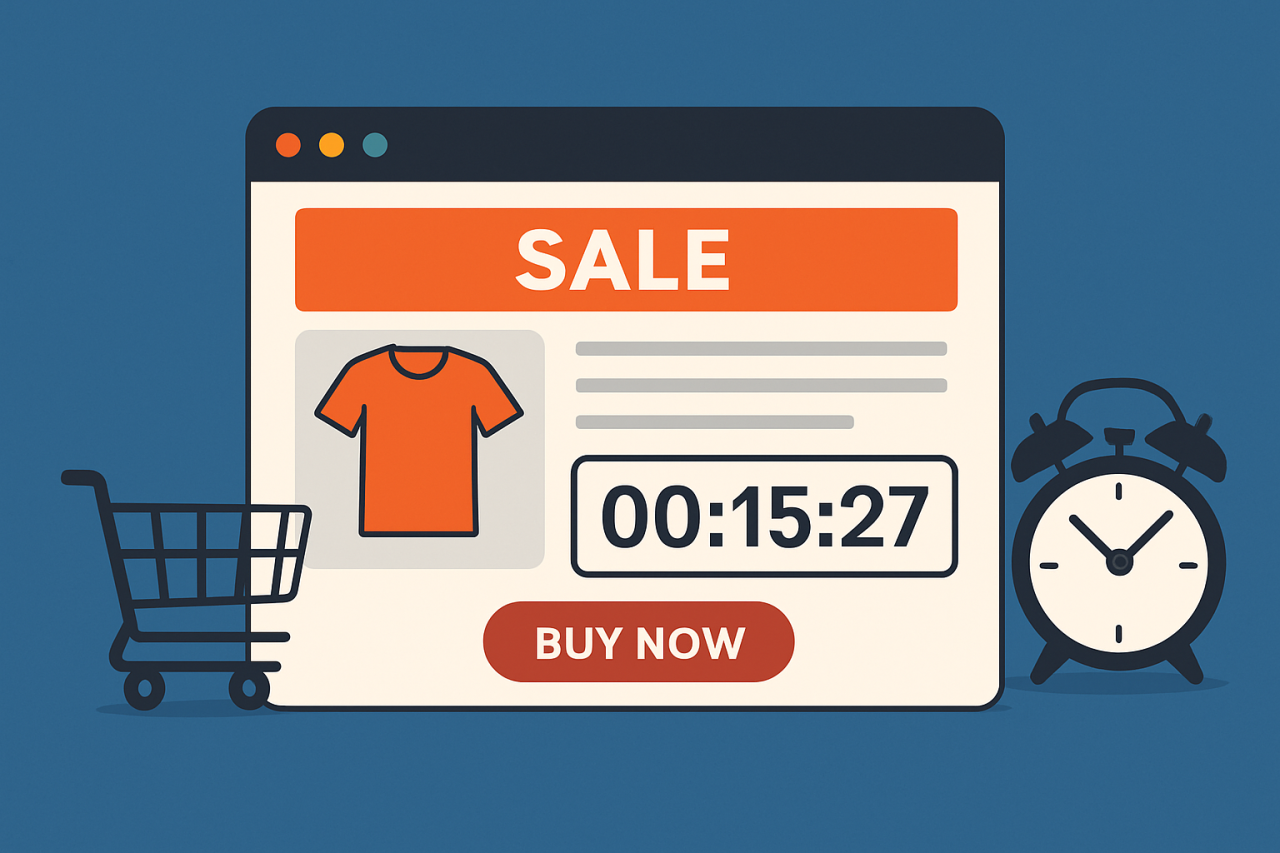
If you’ve ever rushed to finish a purchase because a timer was ticking down, you’ve felt the effect firsthand. That’s exactly what sales countdown timer plugins are built to produce. They help store owners and marketers turn a hesitant visitor into a buyer by putting a real deadline in front of them instead of a vague “sale ends soon.”
A flash sale, a product launch, a seasonal promotion, whatever the occasion, a countdown timer creates the “act now” moment that pushes a customer to finish checking out instead of closing the tab to think about it. Signal limited time or limited stock visually, and these plugins cut cart abandonment and speed up the decision. That makes a countdown timer one of the more reliably useful tools in an e-commerce toolkit for 2026, not a gimmick.

What Are Sales Countdown Timer Plugins
Sales Countdown Timer Plugins are website tools that display a ticking clock to signal a limited-time offer or promotion. You’ll typically see them on product pages or banners, sometimes checkout areas too. The purpose is simple: push a potential buyer to act before time runs out.
These timers work off the psychological principle of scarcity. A deadline in front of you feels different than a deadline you know is theoretical, and the plugin’s entire job is making that deadline feel real. That’s also why a fake or endlessly-resetting timer backfires: customers notice, and the trust cost outweighs the short-term urgency gain.
What to Look for in Sales Countdown Timer Plugins
When choosing a sales countdown plugin, keep these features in mind:
- Customization options to match your brand’s style
- Fixed and evergreen countdowns for different campaign types
- Responsive design that works on all devices
- WooCommerce or Shopify integration, depending on your store
- Targeting and automation features for more personalized urgency
- Lightweight code that doesn’t slow down your website
Why Use Sales Countdown Timer Plugins
Here’s why using sales countdown timer plugins can be a game-changer:
- They drive urgency, encouraging faster buying decisions
- They reduce cart abandonment by nudging users to complete purchases
- They help sell more during flash sales or holidays, and new launches
- They build scarcity, which is a proven conversion booster
- They’re versatile: you can use them on product pages or landing pages, popups included
How to Use Sales Countdown Timer Plugins
Using these plugins is easier than you think:
- Install the plugin via your platform (WordPress, Shopify, etc.)
- Choose the timer type: evergreen or fixed
- Customize the look to suit your brand
- Place the timer where it will create the most impact (homepage, checkout, popups)
- Launch your campaign and track performance using built-in analytics
Common Countdown Timer Mistakes
Most countdown timers that don’t move the needle fail for the same handful of reasons.
The biggest one: fake evergreen timers that reset the moment a visitor refreshes the page. Customers figure this out fast, especially repeat visitors, and once they catch it, every future urgency message from your store loses credibility. If you’re running an evergreen timer, be upfront about what it represents (a personal window, not a store-wide deadline).
Second: a timer that says one thing while the offer says another. If the countdown hits zero and the discount is still live an hour later, you’ve just taught your audience to ignore your deadlines.
Third: stacking timers everywhere at once. One timer on a product page creates urgency. Five different timers spread across the homepage and cart, checkout included, create noise. Noise gets ignored, or worse, feels manipulative.
Fourth: no mobile testing. A timer that renders beautifully on desktop but overlaps the add-to-cart button on a phone screen costs you the exact conversion it was built to protect. Test on an actual phone, not just a resized browser window.
10 Best Sales Countdown Timer Plugins
1. YITH WooCommerce Product Countdown
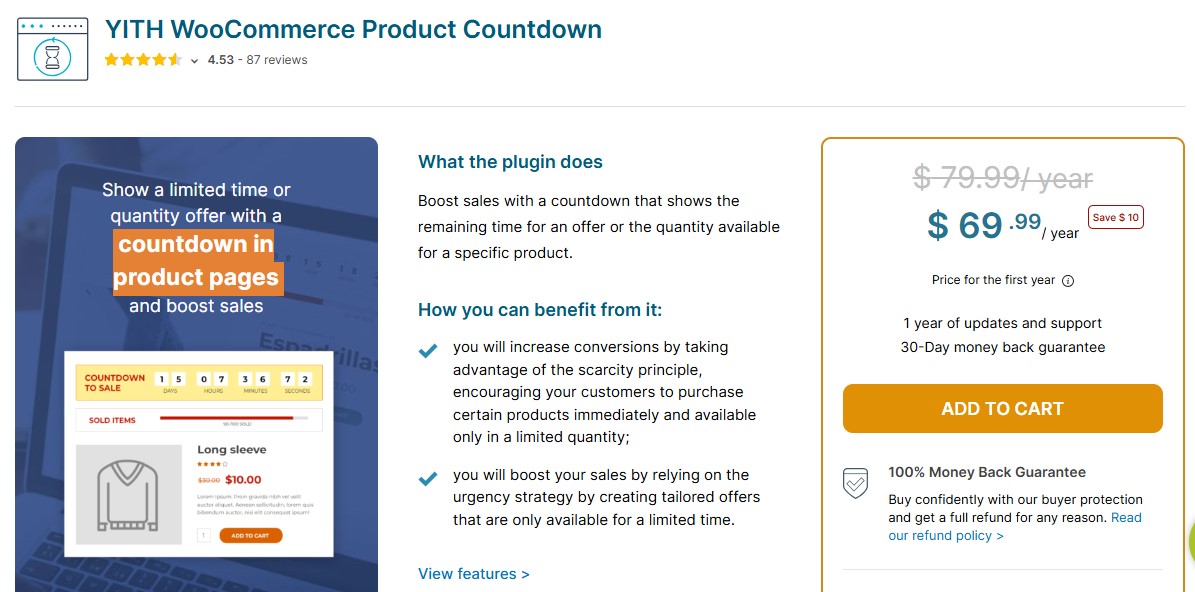
YITH WooCommerce Product Countdown is built for WooCommerce store owners who want urgency directly on product pages. The countdown timer signals to shoppers that an offer is ending soon, which suits flash sales and limited-time promotions, seasonal campaigns too.
Integrated tightly with WooCommerce, it puts the urgency exactly where it matters, at the point of purchase, nudging customers toward faster buying decisions and better conversion rates.
Key Features
- Display countdown timers directly on product pages
- Schedule campaigns for specific dates and times
- Fully customizable timer display and colors, styling included
- Add pre- or post-timer messages for extra engagement
- Compatible with WPML and RTL sites for multilingual support
- Works seamlessly with WooCommerce product variations
Best For
- Stores running flash sales or limited-time promotions
- E-commerce businesses looking to increase urgency and conversions
- Seasonal campaigns or time-sensitive product launches
Why It’s Valuable
- Encourages faster purchasing decisions
- Enhances product page engagement
- Supports global audiences with multilingual and RTL compatibility
Also Read: 10 Best WooCommerce Floating Cart Plugins in 2026
2. OptinMonster
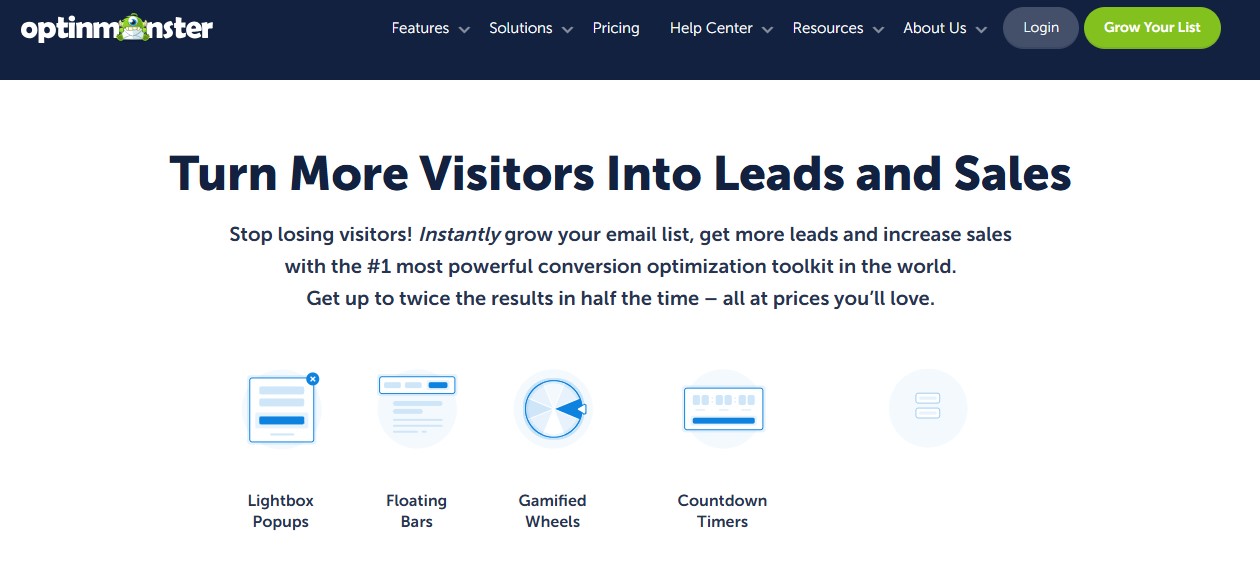
OptinMonster is best known for lead generation, but it also runs one of the stronger Sales Countdown Timer setups for marketing campaigns. You can add timers on product pages or inside popups, floating bars and slide-ins too, so the ticking clock follows the visitor around the site instead of sitting in one spot.
With behavioral targeting, OptinMonster can show timers based on user action or location, and time spent on a page, so urgency messaging only reaches visitors likely to actually convert. It also supports A/B testing, so you can refine timer design and placement instead of guessing at what works.
Key Features
- Create fixed or evergreen countdown timers
- Add timers to popups or floating bars, slide-ins included
- Smart display rules based on user behavior or location, and time on page
- Mobile-optimized timer designs for all devices
- A/B testing to optimize timer performance
- Seamless integration with WooCommerce and WordPress campaigns
Best For
- E-commerce stores looking to increase urgency and boost conversions
- Marketing campaigns targeting specific audience behaviors
- Businesses running flash sales or limited-time offers, seasonal promotions included
Why It’s Valuable
- Drives faster buying decisions and higher conversion rates
- Optimizes user engagement with personalized urgency
- Ensures timers are visible and effective across all devices
3. Sales Countdown Timer for WooCommerce
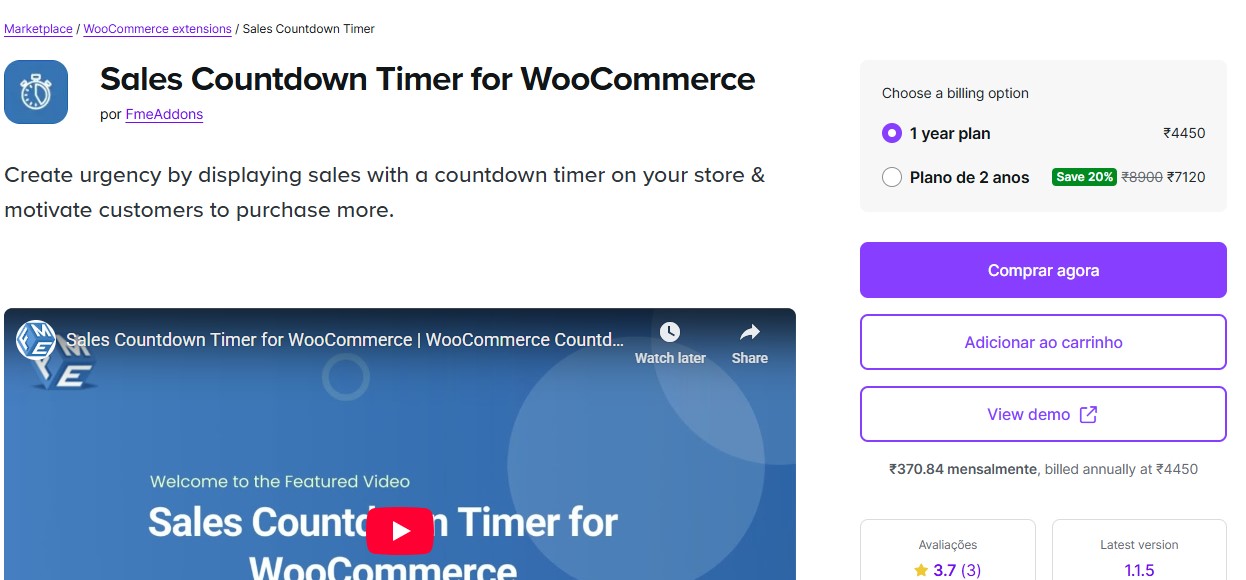
Sales Countdown Timer for WooCommerce exists to boost urgency right on product pages. It fits flash sales or limited-time deals well, seasonal promotions too, placing the timer exactly where customers are already deciding whether to buy.
Integration with WooCommerce means no external campaign builder or complicated setup. Once installed, enable countdowns on individual sale items or entire product categories, and the timer displays remaining sale time automatically, no guesswork for the shopper about how long they have.
Key Features
- Auto-display timers on discounted or sale products
- Customize position and style, plus overall appearance of timers
- Fully compatible with scheduled WooCommerce sales
- Responsive and lightweight for fast performance
- Zero coding required for setup and customization
- Works with WooCommerce HPOS and modern themes
Best For
- WooCommerce stores running flash sales or limited-time offers
- Businesses aiming to increase urgency and drive faster purchases
- Store owners seeking a lightweight, easy-to-use countdown solution
Why It’s Valuable
- Encourages quicker buying decisions and reduces cart abandonment
- Enhances product page engagement and conversion rates
- Simple installation and setup make it accessible to all store owners
4. Countdown Timer Ultimate
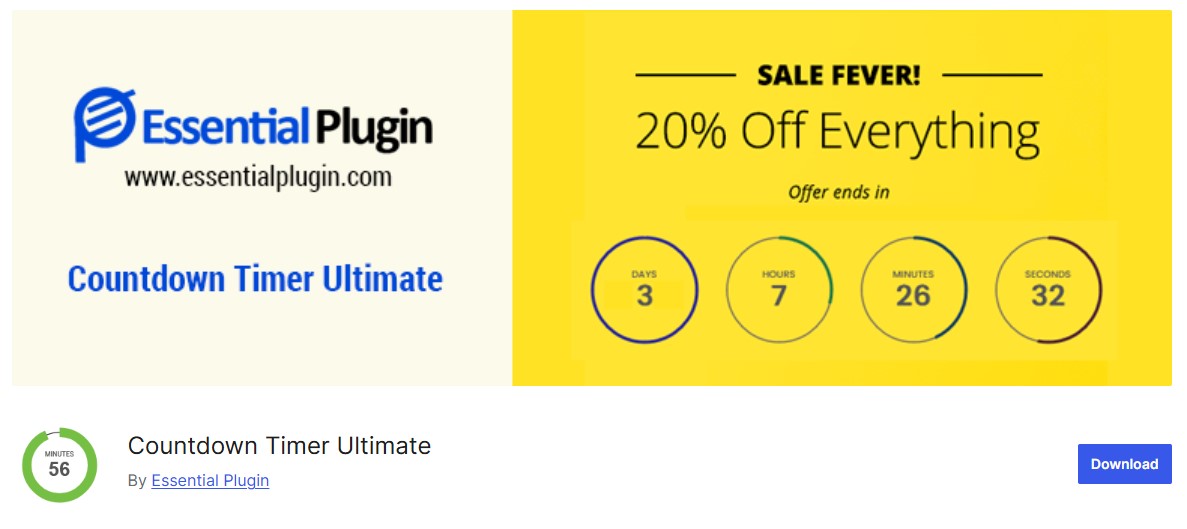
Countdown Timer Ultimate is built for beginners who want a countdown clock without touching code. Simple shortcodes drop an animated countdown into any part of your site, whether that’s a WooCommerce store or a blog, and a marketing landing page works just as well.
It’s highly customizable and visually clean, letting you adjust colors and fonts, plus animation style, to match your site’s design. Circular or linear, the plugin gives you real control over how the timer actually looks.
Key Features
- Create unlimited timers anywhere on your site
- Choose between circular or linear countdown styles
- Customizable colors and fonts, plus display text
- Easy shortcode embedding, no coding required
- Fully responsive for mobile and desktop devices
- Lightweight and fast, ensuring minimal impact on site performance
Best For
- Beginners or store owners with no coding experience
- WooCommerce stores or websites running flash sales or promotions
- Marketing campaigns needing visually engaging countdown timers
Why It’s Valuable
- Quickly adds urgency to sales and campaigns
- Enhances visual appeal and site engagement
- Easy to set up and customize, deploy anywhere on your website
Also Read: 15 Best Print on Demand Plugins for WordPress in 2026
5. Elementor Countdown Widget
The Countdown Widget for Elementor suits anyone already building in the Elementor Page Builder. It sits directly inside Elementor’s drag-and-drop interface, so you add countdown timers to a page without installing a separate plugin or wrestling with an unfamiliar setup.
You get real placement control: headers or footers, product sections, even inside pop-ups. Extensive styling options let the timer match your site’s branding instead of looking bolted on.
Key Features
- Visual drag-and-drop setup within Elementor
- Supports evergreen and fixed countdown modes
- Trigger custom actions when the timer ends
- Real-time design preview while editing
- Works across all Elementor templates
- Fully responsive for desktop and mobile devices
Best For
- Elementor users looking for seamless countdown integration
- WooCommerce stores and landing pages, marketing campaigns too
- Designers who want full visual control without coding
Why It’s Valuable
- Makes countdown timers easy to deploy on any Elementor page
- Boosts engagement and urgency without technical hassle
- Provides a fully customizable, professional look across your site
6. Timer Countdown by POWR
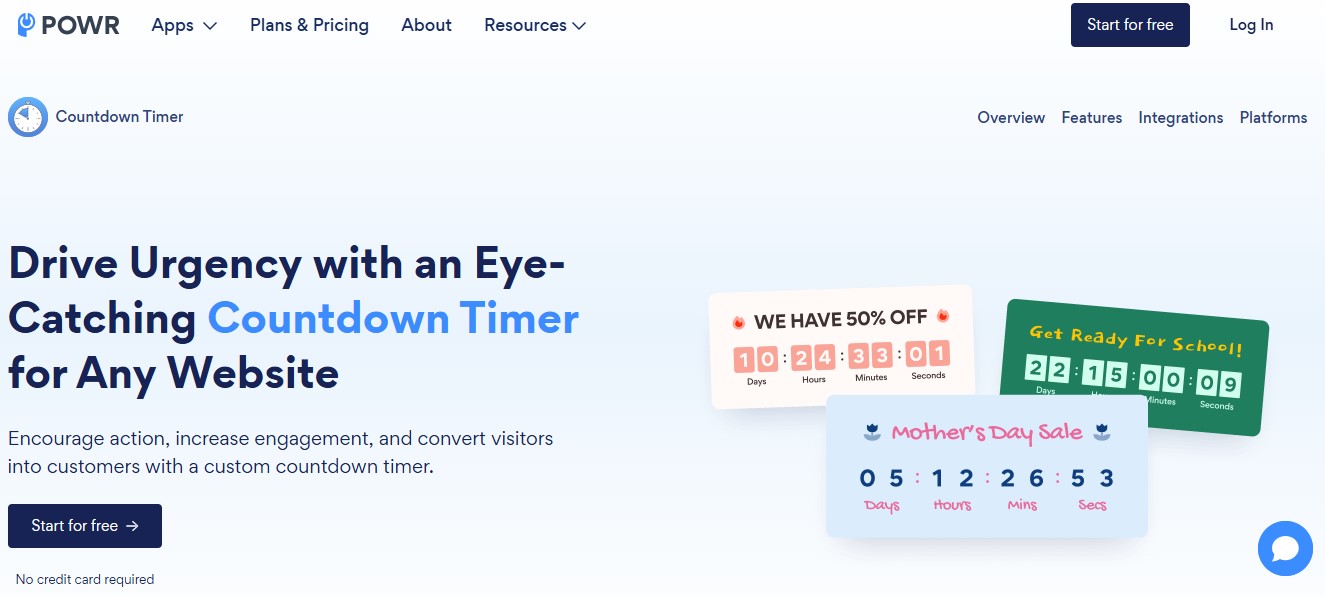
Timer Countdown by POWR is a no-code plugin that works across WordPress and Shopify, Wix included, among other platforms. That’s what makes it useful for anyone managing more than one storefront: urgency-driven countdowns implemented the same way, regardless of which platform a given site runs on.
It’s flexible and doesn’t ask for coding knowledge. Templates and design options let you match your brand’s style directly, so the countdown creates urgency without looking out of place next to the rest of your site.
Key Features
- Supports date-based or visitor-based countdowns
- Custom expiry messages or redirect actions when timers end
- Fully mobile-responsive for all devices
- Easy installation via shortcode
- Compatible with WordPress and Shopify, Wix included
- Wide variety of templates and design customization options
Best For
- Businesses running multiple websites or stores on different platforms
- Marketers wanting cross-platform urgency timers
- E-commerce stores and landing pages, promotional campaigns too
Why It’s Valuable
- Allows consistent countdowns across all your platforms
- Boosts urgency and conversions without technical expertise
- Fully customizable to match branding and marketing objectives
7. HurryTimer
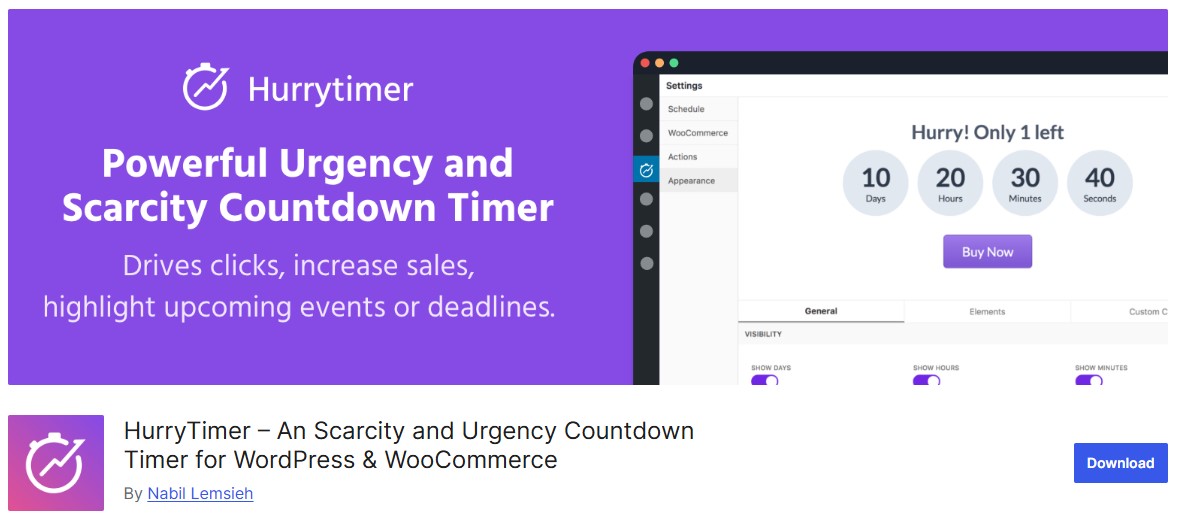
HurryTimer is a popular Sales Countdown Timer plugin for WordPress, known for flexibility and a clean, easy setup. Sitewide sale or flash deal, or just a single landing page, HurryTimer delivers a solution that looks professional and actually drives conversions.
It supports synchronized timers across multiple pages and evergreen countdowns that reset per visitor, which means you can build personalized urgency for each user rather than a single shared deadline. It’s lightweight and responsive, so it holds up on every device.
Key Features
- Supports fixed-date and evergreen countdown timers
- Fully WooCommerce compatible for product and sale pages
- Multi-page synchronized timers for consistent urgency
- Customizable expiry actions (hide timer, redirect, etc.)
- Lightweight and fast, fully responsive too
- Easy setup with no coding required
Best For
- WooCommerce stores running flash sales or limited-time offers
- Websites needing synchronized or visitor-specific countdowns
- E-commerce and marketing campaigns that require personalized urgency
Why It’s Valuable
- Drives faster purchasing decisions by creating urgency
- Enhances conversions across multiple pages or campaigns
- Lightweight and responsive, ensuring smooth performance on all devices
Also Read: Best WooCommerce SMS Notification Plugins in 2026
8. Thrive Ultimatum
Thrive Ultimatum is a premium Sales Countdown Timer plugin built for marketers who want to put scarcity and urgency to work, boosting conversions on time-sensitive campaigns. It lets you build countdowns across your entire site and manage campaigns with real precision, not just a widget dropped on one page.
A drag-and-drop visual builder handles the setup, A/B testing sharpens what you ship, and multiple trigger options control when a timer fires. Thrive Ultimatum runs fixed-date campaigns and recurring ones, evergreen too. It also plugs into email marketing tools and opt-in forms, which rounds it out as a fuller solution for conversion-focused marketers rather than a standalone timer widget.
Key Features
- Campaign types: fixed-date and recurring, plus evergreen
- Lockdown technology ensures consistent countdowns per visitor
- Visual drag-and-drop campaign builder for easy setup
- Fully customizable timer designs
- Integration with Thrive Suite and email marketing tools, opt-in forms included
- Schedule campaigns and set triggers for targeted urgency
Best For
- Marketers and businesses focused on scarcity marketing
- E-commerce stores running time-sensitive promotions
- Campaigns requiring advanced A/B testing and targeting
Why It’s Valuable
- Drives higher conversions through urgency and scarcity
- Fully customizable for design and targeting needs
- Provides advanced tools for campaign optimization and analytics
9. WP Darko Countdown Timer
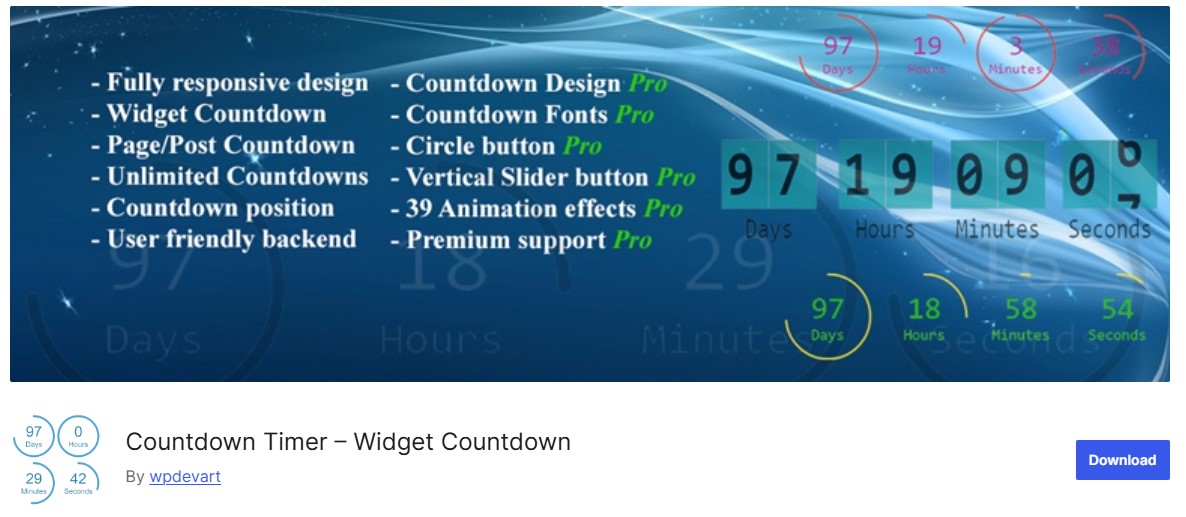
WP Darko Countdown Timer is lightweight and minimalist, built for anyone who wants a fast-loading timer without the extra features. It suits landing pages and product launches equally well, blog posts and event pages or content unlocks too, focused on clarity and speed rather than a long settings panel.
Setup is genuinely simple: install and configure it, and the timer’s live in minutes. That makes it a fit for anyone who values speed and simplicity over an elaborate design toolkit.
Key Features
- Lightweight and fast, optimized for performance
- Easy shortcode-based insertion anywhere on your site
- Clean and modern, minimalist design
- Adjustable timer settings for flexibility
- No unnecessary bloat or complex configurations
- Fully responsive and mobile-friendly
Best For
- Simple landing pages or product launch countdowns
- Bloggers or marketers needing a fast, minimalist solution
- Sites where speed and performance are more important than advanced features
Why It’s Valuable
- Provides a clear, distraction-free countdown experience
- Quick setup and minimal maintenance
- Enhances urgency and engagement without slowing down your site
Also Read: 12 Best WooCommerce Promotions & Marketing Plugins in 2026
10. Finale by XL Plugins
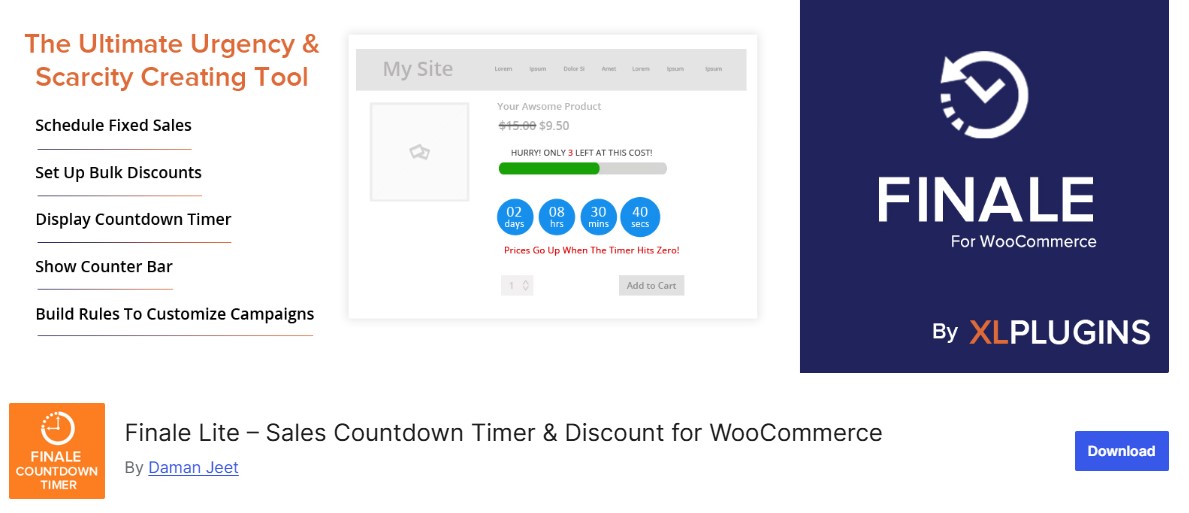
Finale is a feature-rich Sales Countdown Timer plugin built for WooCommerce stores that want full control over their sales campaigns. Unlike a basic timer, Finale pairs time-based urgency with stock scarcity: limited quantities shown right alongside the countdown, two separate psychological triggers working together instead of just one.
With Finale you can build dynamic flash sales or holiday promotions, product release events too. It handles fixed and recurring countdowns, user-based ones too, plus scheduled campaigns and cart expiry timers, with auto-restart for recurring deals. WooCommerce integration runs deep enough to manage campaigns per product or store-wide, no code required.
Key Features
- Create fixed or recurring timers, user-based options included
- Display limited stock messages alongside countdowns
- Automate campaign start and end based on rules
- Show timers on shop pages or product pages, cart pages too
- Deep WooCommerce integration for product- or site-specific campaigns
- Evergreen and fixed countdown options
- Fully responsive and lightweight for fast performance
Best For
- WooCommerce stores running flash sales or limited-time offers
- Businesses that want to put urgency and scarcity to work boosting conversions
- E-commerce campaigns requiring automated or scheduled timers, recurring ones too
Why It’s Valuable
- Drives faster purchasing decisions by combining urgency and scarcity
- Provides full control over campaign timing and display
- Seamlessly integrates with WooCommerce without coding

FAQ: Sales Countdown Timer Plugins
Do fake countdown timers actually hurt sales, or is that overstated?
It’s not overstated. A timer that visibly resets on refresh, or hits zero with no actual change to the offer, trains customers to distrust every future deadline your store shows them. The short-term lift isn’t worth the long-term credibility cost.
Evergreen or fixed-date, which converts better?
Depends on the campaign. Fixed-date timers work well for genuine sitewide events (Black Friday, a real product launch). Evergreen timers, tied to a visitor’s first visit, work better for always-on offers like a first-purchase discount, as long as you’re upfront that it’s personal, not store-wide.
Will a countdown timer slow down my product page?
A well-built one shouldn’t. Most run on lightweight JavaScript that doesn’t touch server response time. If you notice a slowdown, check for a plugin conflict or an oversized custom font before blaming the timer itself.
Can I run a countdown timer without WooCommerce?
Yes. Several plugins here (Countdown Timer Ultimate, WP Darko, the Elementor widget) work on any WordPress page via shortcode or a builder block, no WooCommerce dependency required.
How do I stop a timer from looking manipulative?
Keep the offer real. If the timer says the sale ends at midnight, the sale should actually end at midnight. One clear, honest deadline outperforms five overlapping ones that never quite expire.
What You Should Know
The right countdown timer plugin changes how an offer lands, not just how it looks. Done honestly, it gives a genuinely interested customer the push they were already looking for.
Done carelessly, it trains your audience to tune out every deadline you show them next.
Pick based on what you’re actually running. A single WooCommerce store wants YITH or Finale. A multi-platform operation wants POWR. A page built in Elementor wants the native widget instead of a bolted-on plugin. Install one and set a real deadline. Then check it on a phone before it goes live, that last step is the one most stores skip.
Interesting Reads:
Top 10 Local SEO Services Providers for Ranking Success
Best WooCommerce Order Management Plugins for Streamlined Sales