5 Best WooCommerce Hosting Services


In the world of eCommerce, having reliable and high-performing WooCommerce Hosting Services is crucial to ensure your online store operates seamlessly. These hosting solutions are tailored specifically to meet the demands of WooCommerce stores, offering features like optimized performance, robust security, and scalability. Whether you’re a small business owner or running a large-scale eCommerce platform, finding the best WooCommerce Hosting Services can significantly impact your store’s success. In this guide, we’ll explore the top hosting options, their features, pros, cons, a worked example matching store size to host, the mistakes that lead to switching hosts twice, and why they stand out in the competitive hosting landscape.

What Are WooCommerce Hosting Services?
WooCommerce Hosting Services are hosting solutions optimized specifically for WooCommerce, the leading eCommerce plugin for WordPress. These services are designed to handle the unique needs of online stores, offering fast-loading speeds, advanced security protocols, and seamless integration with WooCommerce tools. With WooCommerce Hosting Services, you can expect better performance, fewer technical issues, and a smoother shopping experience for your customers.
Why Do You Need WooCommerce Hosting Services?
Your choice of hosting can make or break your online store. Here’s why investing in specialized WooCommerce Hosting Services is a game-changer:
- Faster Loading Speeds: Slow websites deter potential customers. Optimized hosting ensures your pages load quickly.
- Enhanced Security: Protect sensitive customer data with advanced security measures like firewalls and SSL.
- Scalability: As your business grows, scalable hosting ensures your site can handle increased traffic without downtime.
- eCommerce-Specific Tools: Integrated tools make managing your store easier and more efficient.
- Reliable Customer Support: Dedicated support teams understand the nuances of WooCommerce, helping resolve issues quickly.
Key Features to Look for in WooCommerce Hosting Services
When choosing WooCommerce Hosting Services, keep an eye on these critical features:
- Speed Optimization Tools: Features like caching and CDN improve page load times.
- Security Protocols: SSL certificates, regular malware scans, and advanced firewalls protect your site.
- Ease of Use: User-friendly dashboards and one-click WooCommerce installations save time.
- 24/7 Support: Round-the-clock assistance ensures problems are resolved promptly.
- Backup and Recovery Options: Automatic backups safeguard your data in case of unforeseen issues.
Shared, VPS, Cloud, or Dedicated: What’s Actually Different
Hosting marketing tends to blur these categories together, but the underlying infrastructure difference explains most of the price and performance gap between the options below.
Shared hosting puts your store on a server alongside many other sites, splitting resources. It’s the cheapest option and fine for low-traffic stores, but a neighboring site’s traffic spike or security issue can affect your store’s performance too.
VPS (virtual private server) gives you a dedicated slice of a shared physical server, resources that are yours alone even though the underlying hardware is shared. This is a meaningful step up in consistency over shared hosting without the cost of dedicated hardware.
Cloud hosting (what Cloudways and Kinsta run on) distributes your site across a network of servers that can scale resources up or down based on real-time demand, which is why it handles traffic spikes more gracefully than a fixed shared or VPS plan.
Dedicated hosting puts your store on hardware used by nobody else, the most expensive and highest-control option, typically reserved for large enterprise stores with very specific compliance or performance requirements.
Most WooCommerce stores land comfortably in the cloud or managed-VPS category, which is where four of the five hosts below sit.
Top 5 WooCommerce Hosting Services
1. Cloudways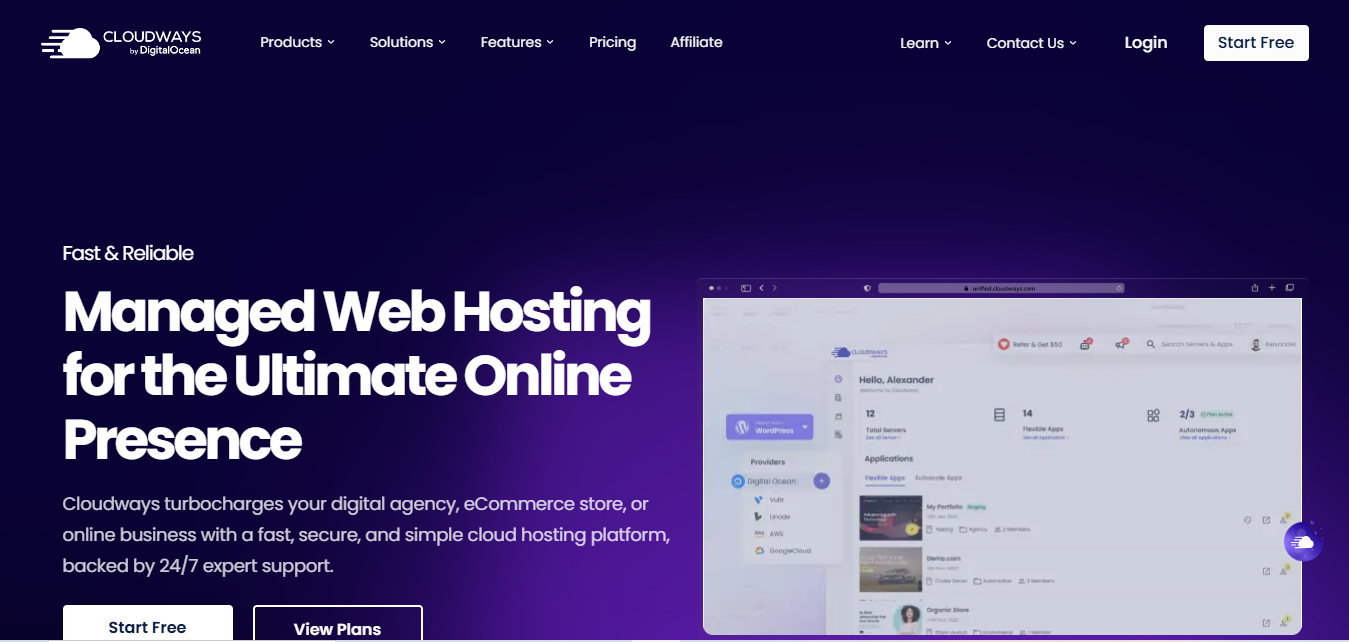
Cloudways is a managed cloud hosting platform known for its flexibility and scalability, making it ideal for growing WooCommerce stores.
- Key Features
- Pay-as-you-go pricing.
- Multiple server options (e.g., AWS, Google Cloud).
- 24/7 expert support.
- Pros
- Scalable infrastructure with cloud-based hosting.
- No long-term contracts, only pay for what you use.
- Great performance for high-traffic stores.
- Cons
- Requires some technical knowledge for advanced features.
- No email hosting.
- Why It Stands Out
Cloudways is perfect for developers and store owners looking for flexibility and control over their hosting environment, with excellent scalability.
Also Read: 10 Best WooCommerce SEO Plugins
2. Kinsta
Kinsta is a premium hosting provider built on Google Cloud’s infrastructure, offering high-performance hosting for WooCommerce stores with superior support and security.
- Key Features
- Managed WordPress hosting on Google Cloud.
- Free site migrations.
- Daily backups and free SSL certificates.
- Pros
- Lightning-fast performance thanks to Google Cloud’s infrastructure.
- Excellent customer support and security features.
- Automated backups and staging environments for testing.
- Cons
- High price point, not suitable for smaller stores.
- Limited server locations compared to other hosting options.
- Why It Stands Out
Kinsta’s integration with Google Cloud ensures top-tier performance for large-scale WooCommerce stores, with fast load times and robust security.
3. Liquid Web
Liquid Web is a premium web hosting provider that offers specialized solutions for high-demand WooCommerce stores, including dedicated hosting and excellent scalability.
- Key Features
- Managed hosting with a focus on performance.
- 24/7 support with WooCommerce experts.
- Advanced security features like firewalls and DDoS protection.
- Pros
- Reliable, high-performance hosting with fast page loading times.
- Excellent customer service, including specialized WooCommerce support.
- Fully managed hosting with automatic updates.
- Cons
- Higher pricing compared to shared hosting services.
- May be overkill for small, low-traffic stores.
- Why It Stands Out
Liquid Web is designed for enterprise-level WooCommerce stores, offering scalability and dedicated support to ensure top-tier performance even under heavy traffic.
4. SiteGround
SiteGround is a highly reliable and affordable hosting provider for WooCommerce, with a range of optimized features for performance and security.
- Key Features
- Free daily backups.
- Built-in caching and free SSL certificates.
- Easy staging and staging environment setup.
- Pros
- Excellent customer support, available 24/7.
- Strong uptime record and fast load speeds.
- User-friendly and affordable for small to medium-sized WooCommerce stores.
- Cons
- Higher renewal rates compared to introductory pricing.
- Limited storage options for higher-tier plans.
- Why It Stands Out
SiteGround offers a balanced combination of performance, customer support, and affordability, making it an excellent choice for small to medium-sized WooCommerce stores.
Also Read: 10 Best WooCommerce Sequential Order Number Plugins
5. A2 Hosting
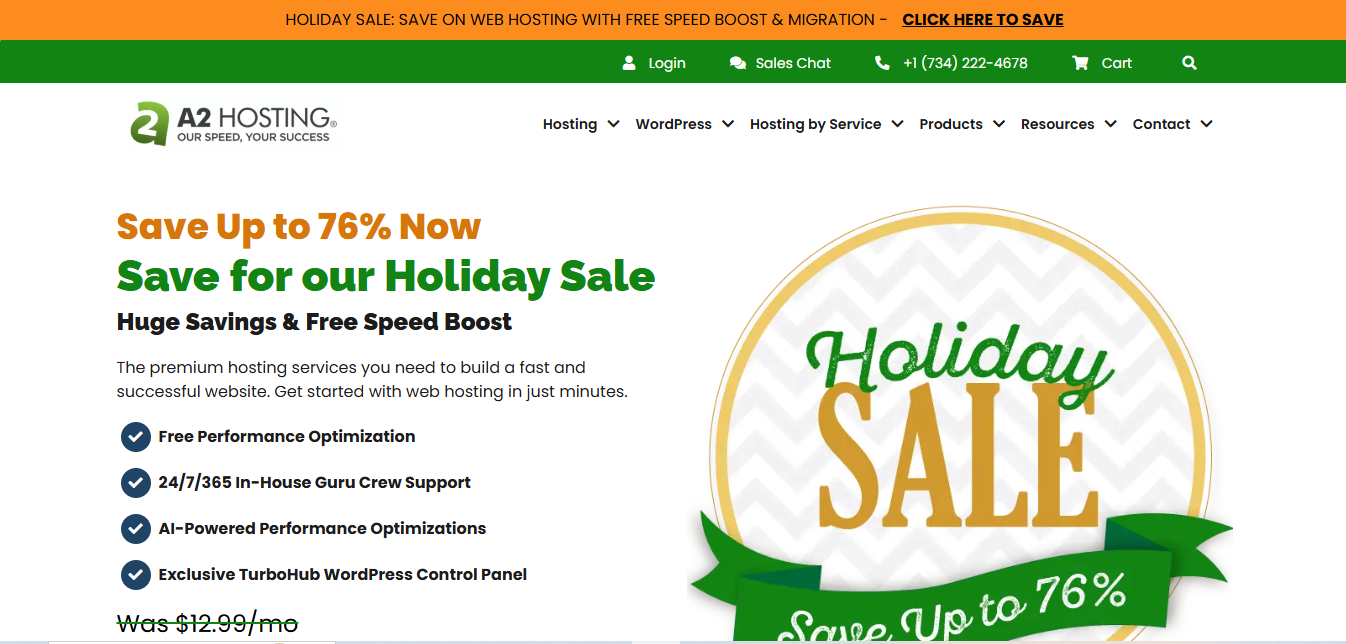
A2 Hosting is known for its high-speed performance, offering a range of features designed to optimize WooCommerce stores for speed and efficiency.
- Key Features
- Turbo Servers for increased page loading speed.
- Free site migration and SSL certificates.
- 24/7 support and free backups.
- Pros
- Focused on high-speed performance with Turbo Servers.
- Great for WooCommerce stores that require fast loading times.
- Generous refund policy.
- Cons
- A bit of a learning curve for beginners.
- Pricing can get high for advanced features.
- Why It Stands Out
A2 Hosting is particularly known for its speed-optimized hosting plans, offering enhanced page load times that are essential for WooCommerce stores aiming for high conversion rates.
A Worked Example: Matching Store Size to Host
A new store doing a few dozen orders a month on a tight budget doesn’t need the same hosting as an established brand processing thousands of orders during a holiday sale. Working through three realistic scenarios makes the decision more concrete than a feature list alone.
A launch-stage store, low traffic, limited budget: SiteGround’s combination of affordable entry pricing, built-in caching, and free daily backups covers the essentials without asking a first-time store owner to configure server settings. The tradeoff to plan for upfront is the renewal price jump after the introductory term.
A growing store with unpredictable traffic spikes: Cloudways’ pay-as-you-go cloud infrastructure means a surprise traffic spike from a viral social post or a press mention doesn’t require a manual plan upgrade mid-crisis, the resources scale with usage. The tradeoff is that Cloudways expects a bit more technical comfort managing server-level settings than a fully hands-off host.
An established, high-volume store where downtime has a real cost: Kinsta or Liquid Web’s premium managed hosting, dedicated support, and infrastructure built for consistent heavy load make more sense once an hour of downtime costs more than the difference in monthly hosting price. This is the tier where paying more for guaranteed performance and expert support stops being optional.
Comparison Table
| Name of Tool | Best For | Standout Feature | Pricing |
|---|---|---|---|
| Cloudways | Flexible and scalable hosting for growing WooCommerce stores | Pay-as-you-go pricing with multiple cloud server options | Pricing based on usage; no long-term contracts |
| Kinsta | High-performance hosting with superior security and support | Google Cloud infrastructure for fast performance and security | Premium pricing (higher price point for larger stores) |
| Liquid Web | Enterprise-level hosting for high-demand WooCommerce stores | Dedicated hosting with WooCommerce expert support and security features | Premium pricing for high-performance hosting |
| SiteGround | Affordable and reliable hosting for small to medium-sized WooCommerce stores | Free daily backups, caching, and SSL certificates | Affordable pricing with higher renewal rates |
| A2 Hosting | Speed-optimized hosting for WooCommerce stores requiring fast load times | Turbo Servers for enhanced page speed and performance | Competitive pricing with higher costs for advanced features |
Common Mistakes That Lead to Switching Hosts Twice
Choosing Purely on Introductory Price
A hosting plan advertised at a low first-year rate can renew at two or three times that price. Check the renewal rate before signing up, not just the headline offer, so the decision isn’t forced again a year later by sticker shock.
Underestimating Traffic Growth
A store that picks the cheapest shared-hosting tier and then runs a successful marketing campaign can find its site slowing down or going down right when traffic (and potential sales) peaks. Choose a host with a clear, affordable upgrade path rather than one that requires a full migration the moment you outgrow the starter plan.
Ignoring Migration Support When Switching
Moving a live WooCommerce store, with orders, customer accounts, and product data, is riskier than migrating a simple brochure site. A host that doesn’t offer free or assisted migration adds real risk and downtime to what should be a routine switch.
Skipping a Load Test Before a Known Traffic Event
A store planning a major sale, a product launch, or a holiday promotion shouldn’t find out its hosting can’t handle the traffic during the event itself. A basic load test against a staging copy of the site, or at minimum a conversation with the host’s support team about the expected spike, catches capacity problems while there’s still time to fix them.
Not Testing Support Responsiveness Before Committing
A hosting provider’s support quality is hard to judge from a features page. Submitting a real pre-sales question and timing the response, or checking independent reviews specifically about support wait times, gives a better signal than the marketing copy about “24/7 expert support.”
Performance Metrics Worth Checking Before You Commit
Marketing pages emphasize uptime percentages that are hard to independently verify. A few metrics you can check yourself before signing up:
Time to first byte (TTFB) on a comparable live site. Most hosts publish example sites or offer free trials, use a tool like WebPageTest against a real site on that host’s infrastructure rather than trusting a marketing benchmark.
Server location relative to your customer base. A host with data centers far from your actual customers adds latency no amount of caching fully erases. Check which regions a host actually offers before assuming “fast” applies to your specific audience.
Refund and trial policy. A host confident in its performance usually offers a real trial period or money-back guarantee long enough to actually load-test your store, not just a token 7-day window.
A Migration Checklist for Switching WooCommerce Hosts
- Full site backup taken and verified restorable before starting
- New host’s PHP version and server requirements confirmed compatible with your current WooCommerce and plugin versions
- DNS TTL lowered a day or two in advance to speed up the eventual cutover
- Test checkout, including a real payment gateway test transaction, on the new host before pointing the live domain at it
- Confirm SSL certificate is active and valid on the new host before final DNS switch
- Old host kept active for a short overlap period in case of unexpected DNS propagation delays

Frequently Asked Questions
Is managed WooCommerce hosting worth the extra cost over generic shared hosting?
For a store with real order volume, generally yes. Managed hosting typically includes WooCommerce-specific caching rules, staging environments, and support staff who understand plugin conflicts, none of which a generic shared host is built around.
How much traffic can shared hosting realistically handle before I need to upgrade?
It depends heavily on the specific host and plan, but the more useful signal than a raw visitor number is checkout speed and server response time during your actual peak hours. If pages start slowing measurably during your busiest traffic windows, that’s the practical trigger to upgrade, regardless of what a generic visitor-count benchmark suggests.
Do I need a CDN in addition to my hosting plan?
Most of the hosts above include or integrate with a CDN already. If yours doesn’t, adding one separately (like Cloudflare) still helps by serving images and static assets from servers geographically closer to your customers.
Can I switch hosts without downtime?
Close to zero downtime is achievable with careful DNS planning, lowering the TTL in advance and verifying the new host fully before cutover, but “zero downtime” guarantees from a host should be treated skeptically unless backed by a documented migration process you’ve reviewed.
Should I choose a host based on price or performance first?
Start from your actual traffic and order volume, then filter hosts that can support that load, and pick the most affordable option within that filtered list. Choosing on price alone before checking whether a host can actually handle your traffic profile is how stores end up migrating twice.
What’s the difference between “WooCommerce hosting” and regular WordPress hosting?
WooCommerce hosting typically adds server-side optimizations for dynamic, database-heavy pages, product catalogs, cart, checkout, that a generic WordPress host optimized mainly for static blog content doesn’t tune for. A blog can cache almost everything; a store’s cart and checkout pages can’t be cached the same way, which is exactly where WooCommerce-specific hosting configuration matters.
Does the number of products in my catalog affect which host I should choose?
Yes, a large catalog (thousands of products with variations) puts more load on the database than a small one, even at the same traffic level. If your catalog is large, prioritize hosts with strong database performance and object caching support over hosts that only advertise raw page-load speed.
Making the Right WooCommerce Hosting Choice
Choosing the right WooCommerce Hosting Services is crucial for the success of your online store. With premium hosting options like Cloudways, Kinsta, Liquid Web, SiteGround, and A2 Hosting, you have a range of high-performance solutions tailored to meet different business needs. Each of these hosting services offers essential features like speed, scalability, and expert support, ensuring a seamless experience for both you and your customers. By carefully considering your business requirements and traffic expectations, using the worked example above as a starting filter, you can select the perfect hosting provider that will support long-term growth and optimize the performance of your WooCommerce store.
Before signing up anywhere, run through the migration checklist above even if you’re not migrating yet, it doubles as a good pre-purchase checklist for confirming a host actually supports what your current setup needs, catalog size, expected traffic, and the plugins your store already depends on.
Interesting Reads
5 Best WooCommerce Mini Cart Extensions