10 Best WooCommerce Instagram Plugins


Integrating Instagram with your WooCommerce store can be a game-changer, helping you boost sales and enhance customer engagement. With WooCommerce Instagram plugins, you can easily showcase your Instagram content, create shoppable posts, and automate your social media marketing efforts. These tools are essential for taking advantage of Instagram’s visual appeal and seamlessly integrating it with your online store. Let’s dive into the top WooCommerce Instagram plugins you should consider for your store.

What Are WooCommerce Instagram Plugins?
WooCommerce Instagram plugins help connect your Instagram account to your WooCommerce store. They allow you to display your Instagram feed on your website, create Instagram Shopping posts, and leverage user-generated content to build social proof. These plugins make it easy to integrate Instagram seamlessly into your WooCommerce site, enhancing both the shopping experience and your marketing efforts.
Why Do You Need WooCommerce Instagram Plugins?
Instagram is a powerful platform for growing your brand, and integrating it with your WooCommerce store offers several benefits:
- Increased Engagement: By showcasing Instagram content directly on your website, you encourage visitors to interact with your Instagram account.
- Social Proof: Displaying user-generated content (UGC) from Instagram builds trust and credibility among potential buyers.
- Seamless Shopping: With shoppable Instagram posts, customers can buy products directly from Instagram, improving conversion rates.
- Time-Saving Automation: Plugins that automate social media sharing save you time while ensuring you maintain a strong presence on Instagram.
Key Features to Look for in WooCommerce Instagram Plugins
When selecting a WooCommerce Instagram plugin, consider the following features:
- Instagram Feed Display: A feature that displays your Instagram feed on your website, showing off your latest posts.
- Shoppable Instagram Posts: This allows customers to buy products directly from Instagram posts.
- User-Generated Content: Showcase Instagram posts from your followers to build trust and engagement.
- Customizable Layout: Look for plugins that allow you to customize the feed display to match your store’s branding.
- Automation: Plugins that automate Instagram posting help you maintain an active social presence without much effort.
- Analytics and Tracking: Some plugins offer features to track the performance of Instagram posts, giving you insights into engagement and sales.
Discover the 10 Best WooCommerce Instagram Plugins for Your Business
1. WooCommerce Instagram
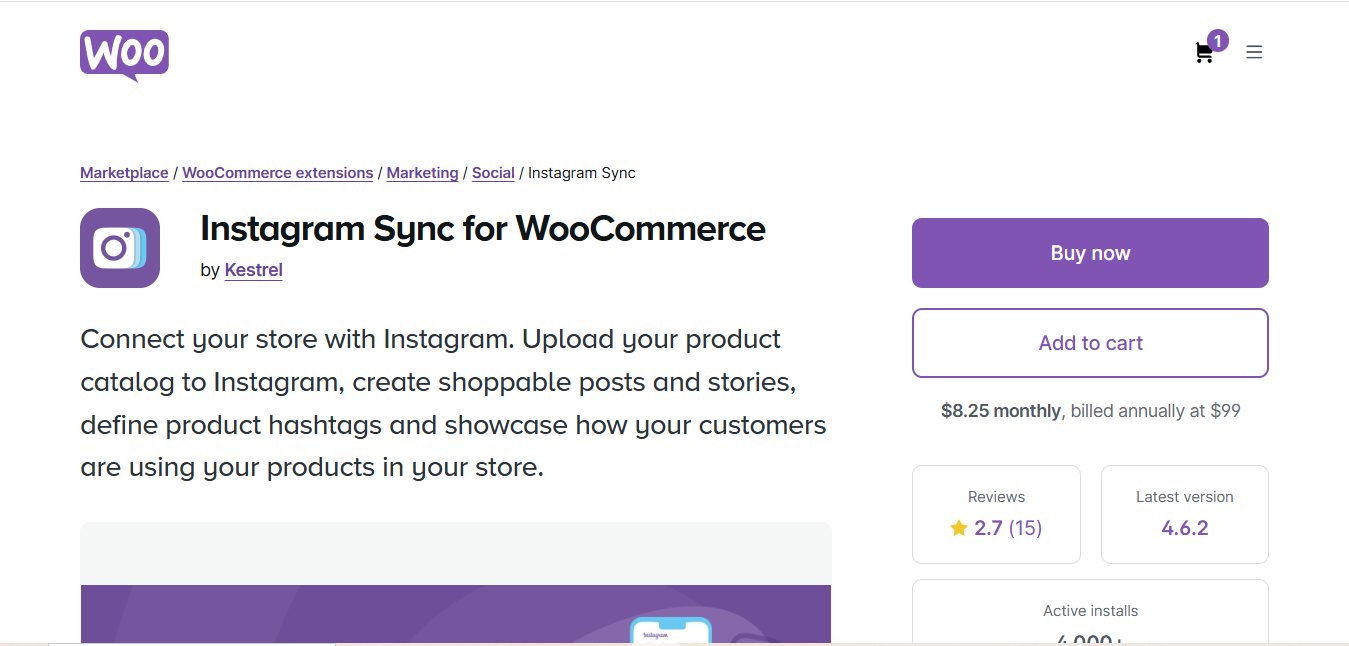
WooCommerce Instagram is a simple yet powerful plugin that integrates Instagram with your WooCommerce store. It enables you to display Instagram feeds directly on your website and create shoppable posts. This plugin is perfect for store owners who want a seamless connection between their Instagram content and their product pages.
- Key Features
- Direct Instagram feed integration on your WooCommerce site
- Shoppable Instagram posts that allow users to purchase products directly from Instagram images
- Simple setup with no coding required
- Customizable Instagram feed display
- Pros
- Seamless integration with WooCommerce
- Drives more conversions with shoppable Instagram posts
- Easy to set up and manage
- Cons
- Limited customization options in the free version
- Basic analytics for tracking performance
- Why it Stands Out: This plugin offers a straightforward and easy-to-use solution for connecting Instagram to your WooCommerce store, making it a great choice for beginners.
Also Read: 10 Best WooCommerce Sequential Order Number Plugins
2. Spotlight Social Feeds
Spotlight Social Feeds offers an elegant solution for displaying Instagram feeds on your WooCommerce store. This plugin supports multiple Instagram account feeds, allowing you to showcase content from various sources, and it includes Instagram Shopping integration to boost sales.
- Key Features
- Multiple Instagram account feed support
- Shoppable Instagram posts with WooCommerce product tagging
- Customizable layout options for feed display
- Mobile-responsive design
- Pros
- User-friendly setup with drag-and-drop options
- Seamless Instagram Shopping integration for easy product tagging
- Highly customizable feed layouts
- Cons
- Some advanced features are locked behind the premium version
- Limited free version capabilities
- Why it Stands Out: Spotlight Social Feeds allows you to create a stunning Instagram feed that perfectly aligns with your brand’s aesthetic while also providing the functionality of shoppable posts.
3. Instagram Feed Pro by Smash Balloon
Smash Balloon’s Instagram Feed Pro is one of the most popular WooCommerce Instagram plugins. It’s perfect for businesses looking for a highly customizable feed with Instagram Shopping functionality. This plugin allows you to show off your Instagram posts and tag products directly from Instagram, creating a smooth shopping experience for users.
- Key Features
- Customizable Instagram feed display options (grid, carousel, etc.)
- Shoppable Instagram posts with direct product tagging
- Multiple Instagram account support
- Easy-to-use interface for setup and management
- Pros
- Highly customizable with advanced display options
- Excellent for businesses with multiple Instagram accounts
- User-friendly setup process
- Cons
- Premium version required for advanced features
- Limited analytics in the free version
- Why it Stands Out: Smash Balloon’s Instagram Feed Pro is known for its high level of customization and flexibility, allowing store owners to create Instagram feeds that match their branding and display products effectively.
4. WooCommerce Instagram Integration by Elfsight
Elfsight’s WooCommerce Instagram Integration plugin lets you seamlessly add your Instagram feed to your WooCommerce site. This tool allows you to show a visually engaging Instagram gallery, along with the option to link your Instagram posts directly to your WooCommerce store, enhancing social commerce.
Key Features
- Display Instagram feeds on any page or post.
- Showcase posts with a grid or carousel format.
- Enable direct product links from Instagram images.
- Full customization to match your store’s design.
Pros
- Easy integration with no coding required.
- Mobile-optimized and responsive.
- Multiple layout and design options.
Cons
- Some advanced features are only available in the premium version.
Why it Stands Out: Elfsight’s plugin offers one of the most straightforward ways to add Instagram to WooCommerce, with beautiful, customizable feeds and direct product links, ideal for stores looking to create a more interactive social shopping experience.
5. FS Poster

FS Poster is an automation tool that can significantly enhance your WooCommerce store’s Instagram presence. While it’s not focused solely on displaying Instagram feeds, it helps you automate Instagram posting and sharing, saving you time and boosting your visibility.
- Key Features
- Automated Instagram posting and story sharing
- Schedule posts across multiple social platforms (Instagram, Facebook, Twitter)
- Manage multiple Instagram accounts
- Content posting and analytics tracking
- Pros
- Saves time with automated Instagram posting
- Supports multiple accounts for broader reach
- Integrates with several social networks, not just Instagram
- Cons
- More complex setup process compared to simpler feed plugins
- Does not directly handle Instagram feed displays
- Why it Stands Out: FS Poster is perfect for store owners who want to automate their social media strategy, including Instagram, while still maintaining a strong presence on other platforms.
Also Read: 10 Best WooCommerce SMS Plugins
6. WooCommerce Instagram Feed by WPZOOM
WPZOOM’s WooCommerce Instagram Feed plugin is a great choice for store owners who want to display their Instagram feed in a sleek and responsive design. This plugin integrates Instagram posts directly with WooCommerce, allowing you to showcase your latest content and tag products for direct sales.
- Key Features
- Customizable Instagram feed layout
- Direct product tagging in Instagram posts
- Easy installation and management
- Pros
- Simple installation and setup process
- Perfect for small stores with basic Instagram integration needs
- Affordable pricing
- Cons
- Lacks advanced customization options
- Limited features in the free version
- Why it Stands Out: WPZOOM’s plugin is ideal for small businesses or those with simpler needs, offering an easy setup process and essential Instagram integration features.
7. Ti WooCommerce Wishlist Plugin
While Ti WooCommerce Wishlist Plugin isn’t specifically for Instagram feeds, it allows you to integrate Instagram by enabling users to share their wishlists on Instagram and other social platforms. This social sharing feature helps increase visibility and engagement.
- Key Features
- Users can share wishlists on Instagram
- Instagram integration for social sharing
- Customizable wishlist layout
- Pros
- Boosts engagement by enabling Instagram sharing
- Helps promote your products through user-generated content
- Cons
- Does not directly integrate Instagram feeds or posts
- Limited functionality compared to other Instagram-focused plugins
- Why it Stands Out: This plugin stands out for its ability to encourage social sharing, especially on Instagram, boosting your store’s reach through user-generated content.
8. Super Socializer
Super Socializer is a versatile social media plugin that supports Instagram integration for login and sharing. While it’s not focused on displaying Instagram feeds, it helps increase engagement by allowing customers to log in via Instagram and share products on Instagram.
- Key Features
- Instagram login integration for easier user sign-in
- Social sharing buttons for Instagram and other networks
- Profile data collection for improved marketing
- Pros
- Boosts engagement with easy Instagram login
- Improves customer experience through social login
- Cons
- Lacks Instagram feed or shoppable post functionality
- Does not integrate with WooCommerce product pages directly
- Why it Stands Out: Super Socializer helps improve user engagement by allowing Instagram login and sharing, making it easier for customers to connect with your brand.
9. WP Instagram Widget
WP Instagram Widget is a simple, lightweight plugin that lets you display your Instagram feed on your WooCommerce site’s sidebar. It’s perfect for store owners looking for a straightforward solution without too much complexity.
- Key Features
- Displays Instagram feed in a widgetized area
- Fully responsive design for mobile optimization
- Lightweight and easy to install
- Pros
- Simple and minimalistic design
- Fast and responsive performance
- Great for quick setup
- Cons
- No shoppable Instagram posts
- Limited customization options
- Why it Stands Out: WP Instagram Widget is an excellent choice for store owners who want a simple and fast way to display Instagram content without the need for advanced features.
Also Read: 10 Best WooCommerce Save Cart for Later Plugins
10. Instagram Shop by CedCommerce
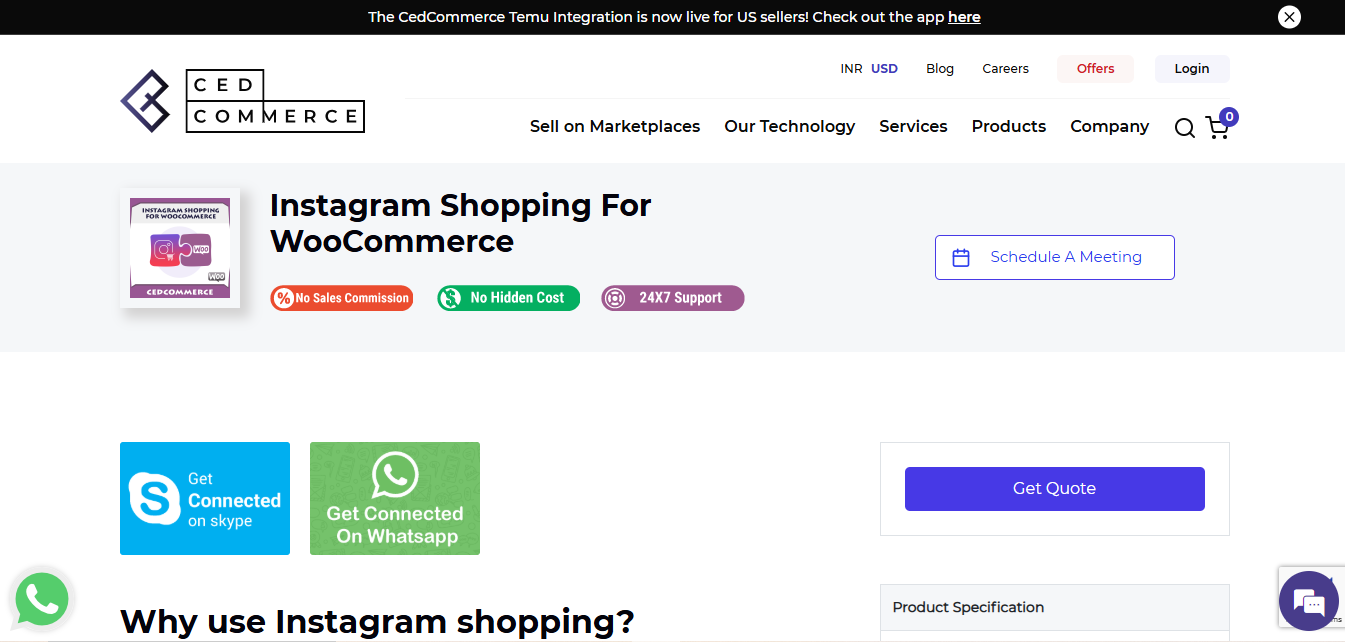
Instagram Shop by CedCommerce is a powerful plugin that fully integrates Instagram Shopping with WooCommerce. It allows you to sync your product catalog with Instagram, making it easier to tag products and create shoppable posts that drive sales.
- Key Features
- Sync your WooCommerce product catalog with Instagram
- Direct product tagging in Instagram posts and stories
- Seamless Instagram Shopping integration
- Pros
- Full integration with Instagram Shopping
- Easy to set up and manage
- Cons
- Basic customization features
- Requires Instagram Business account
- Why it Stands Out: CedCommerce’s plugin offers robust Instagram Shopping features, making it a top choice for WooCommerce stores looking to sell directly on Instagram.
Comparison Table
| Name of Tool | Best For | Standout Feature | Pricing |
|---|---|---|---|
| WooCommerce Instagram | Seamless Instagram integration for beginners | Shoppable Instagram posts, Instagram feed integration | Free version available, paid upgrade for advanced features |
| Spotlight Social Feeds | Elegant and customizable Instagram feed displays | Multiple account feed support, Instagram Shopping integration | Free version available, premium version for advanced features |
| Instagram Feed Pro by Smash Balloon | Highly customizable Instagram feed | Multiple Instagram account support, Shoppable posts | Premium version only |
| WooCommerce Instagram Integration by Elfsight | Ease of use and direct Instagram product tagging | Instagram feed display, customizable layouts | Free version available, premium version for advanced features |
| FS Poster | Automated Instagram posting and social media management | Automated Instagram posts, scheduling across platforms | Paid version only |
| WooCommerce Instagram Feed by WPZOOM | Simple setup for small stores with basic Instagram integration | Customizable Instagram feed, product tagging | Free version available, premium version for advanced features |
| Ti WooCommerce Wishlist Plugin | Boost engagement with Instagram sharing of wishlists | Instagram sharing of wishlists, social sharing features | Free version available, paid version for more features |
| Super Socializer | Boost user engagement with Instagram login and sharing | Instagram login integration, social sharing buttons | Free version available, paid version for additional features |
| WP Instagram Widget | Simple and lightweight solution for displaying Instagram feeds | Instagram feed display in widgetized areas | Free |
| Instagram Shop by CedCommerce | Full Instagram Shopping integration | Sync product catalog with Instagram, direct product tagging | Paid version only |

Enhance Your WooCommerce Store with Instagram Integration
Integrating Instagram with your WooCommerce store can be a game-changer, helping you boost sales and enhance customer engagement. With WooCommerce Instagram plugins, you can easily showcase your Instagram content, create shoppable posts, and automate your social media marketing efforts. These tools are essential for taking advantage of Instagram’s visual appeal and seamlessly integrating it with your online store. Let’s dive into the top WooCommerce Instagram plugins you should consider for your store.
What Changed With Instagram Shopping That Affects These Plugins
It’s worth understanding the platform shift underneath all of these tools before picking one, because Instagram’s own shopping features have moved considerably since most WooCommerce Instagram plugins were first built. Meta discontinued native Instagram Checkout in the US years ago, folding purchase flows back into Instagram Shops and product tagging that hand off to your actual store rather than completing the transaction inside the app itself. In practice that means every plugin on this list that promises “shoppable posts” is really doing one of two things: tagging products from a synced Meta catalog so a tap opens a product detail card inside Instagram that links out to your WooCommerce checkout, or simply pulling your public feed into a grid on your site with manual links you set yourself. Neither is checkout-in-app anymore for most stores, so if a plugin’s marketing copy implies a one-tap in-Instagram purchase, treat that as aspirational rather than literal and confirm the actual click path before you commit budget to it.
Setting Up Meta Commerce Manager Before Installing Any Plugin
Every plugin that does real product tagging, rather than just displaying a feed, depends on a Meta catalog that has to exist before the plugin is useful. That means a Facebook Business Page connected to your Instagram professional account, a product catalog set up in Meta Commerce Manager, and either a manual product feed upload or an automated feed pulled from your WooCommerce store, usually via the official Facebook for WooCommerce extension, which syncs your product catalog to Meta on a schedule. Skipping this step is the single most common reason a store installs an Instagram plugin, sees a nice-looking feed, and then wonders why none of the shopping tags actually work: the plugin is functioning correctly, there’s just no connected catalog behind it yet. Budget an afternoon for the Commerce Manager setup and catalog review before judging any plugin’s shopping features.
Feed Widget or Shopping Integration: Picking the Right Category First
These ten plugins split into two genuinely different jobs, and conflating them leads to buying the wrong tool. A feed widget, WP Instagram Widget and the basic tier of most Smash Balloon or Elfsight setups, just displays your public Instagram photos on your site, it’s a visual trust signal with no purchase logic attached, and it’s the right call if your goal is simply proving your brand is active and photogenic. A shopping integration, CedCommerce’s tool and the product-tagging tier of WooCommerce Instagram or Spotlight, actually maps individual Instagram posts to specific WooCommerce products so a visitor can go from photo to cart with minimal friction. Stores selling visually driven products, apparel, home goods, food, beauty, get real revenue lift from the second category. Service businesses or B2B stores usually only need the first, since there’s rarely a specific SKU to tag against a lifestyle photo.
Common Mistakes When Adding Instagram to a WooCommerce Store
The most frequent mistake is installing a shopping-tag plugin without first confirming the Meta catalog sync is actually current, a feed that shows yesterday’s ten posts but tags products that went out of stock last week creates a broken, embarrassing shopping experience that’s worse than no shopping feature at all. Set up automatic feed refresh rather than manual, and check it monthly even after automation is running. A second common mistake is stacking two Instagram plugins at once, one for the feed display and a separate one for shopping tags from a different vendor, which frequently causes duplicate API calls to Instagram’s Graph API and can trigger rate limiting that breaks the feed for both plugins simultaneously. Pick one vendor that covers both needs, or clearly separate which plugin owns which job. Third, forgetting that Instagram’s Graph API access tokens expire, typically every sixty days for a long-lived token, and a plugin that isn’t actively maintained to auto-refresh that token will quietly stop pulling new posts until someone notices the feed has gone stale and manually reconnects the account.
Frequently Asked Questions
Do I need a Facebook Business Page to use these plugins?
For pure feed-display plugins like WP Instagram Widget, no, a public Instagram account and an API token are enough. For anything doing product tagging or shopping integration, CedCommerce’s tool, the shopping tier of WooCommerce Instagram or Spotlight, yes, since Meta requires the underlying catalog to live inside a connected Facebook Business Page regardless of which third-party plugin is displaying it.
Will my Instagram feed plugin still work if Instagram changes its API again?
Instagram’s Graph API has changed enough times that plugin reliability tracks vendor maintenance more than any one plugin’s original feature list. Favor plugins from vendors with a clear update history and an active support forum over one that hasn’t shipped a compatibility update in over a year, since a feed that silently breaks after an API change is common and support responsiveness is what actually gets it fixed.
Can I show Instagram Reels, not just static photos, in these feeds?
Most modern feed plugins, including Smash Balloon’s and Elfsight’s current versions, do support pulling in Reels alongside static posts, though older or lighter-weight plugins built before Reels became central to Instagram may only pull static image posts. Check the specific plugin’s supported media types before assuming video content will show up automatically.
Is it worth paying for a premium Instagram plugin over a free one?
If the goal is a simple feed for visual trust, a free plugin is usually enough. If the goal is genuine shopping conversion, product tagging, multiple account feeds, or reliable Reels support, the premium tier of a well-maintained plugin like Smash Balloon or Elfsight tends to pay for itself through fewer broken-feed support headaches alone, on top of the actual conversion features.
Interesting Reads
10 Best WooCommerce Multivendor Marketplace Plugins