12 Essential WooCommerce Virtual Products Plugins for Your Online Store in 2026


Running an online store in 2026 means customers expect instant access and secure delivery, plus pricing that flexes to match how they actually want to buy. That expectation gets harder to meet with a generic setup. WooCommerce covers the basics of a virtual product out of the box, but the moment you need recurring billing, gated content, or a proper digital delivery pipeline, you’re relying on a plugin to fill the gap. Pick the wrong one and customers notice immediately: a subscription that doesn’t renew cleanly, a download link that expires too early, a booking calendar that double-books a slot.
WooCommerce is still the dominant eCommerce platform for this kind of store because there’s a plugin for nearly every edge case a virtual-goods seller runs into. The right combination of plugins turns a store that technically sells digital products into one that sells them well, with fewer support tickets and a smoother repeat-purchase path.

12 Best WooCommerce Virtual Products Plugins
Choosing the right WooCommerce virtual products plugin can transform how you sell and manage digital goods. In 2026 these top-rated tools offer real features to sharpen the user experience up front and simplify the backend work behind it.
1. YITH WooCommerce Subscription
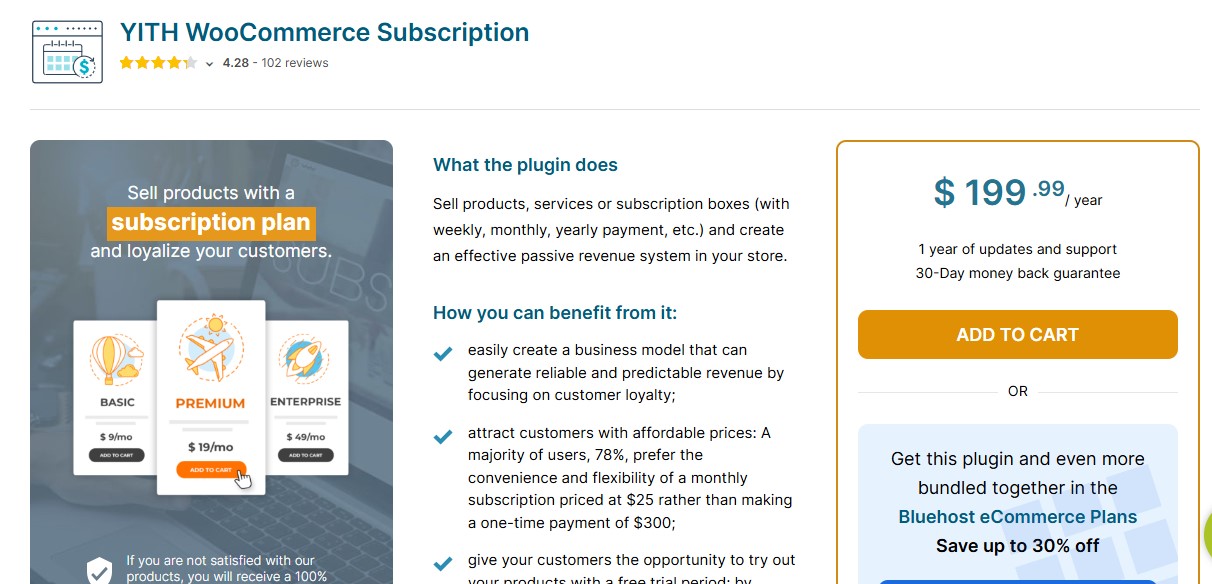
If you are looking to offer recurring virtual products like memberships, magazines, or online services, the YITH WooCommerce Subscription plugin is a game-changer. This plugin enables the creation of flexible subscription plans for your customers, ensuring you retain them in the long term. YITH has been recognized for its comprehensive functionality, and this plugin is no exception.
With YITH WooCommerce Subscription, you can define subscription plans with varied billing cycles, set up automatic renewals, and integrate easily with popular payment gateways. Plus, it supports virtual and downloadable products, which is ideal for digital content stores. The plugin’s intuitive interface makes it easy for store owners to manage subscription details without any hassle.
In practice, that means a store selling a monthly digital toolkit can set a billing cycle once and never touch it again unless a customer’s card fails. When a renewal payment does fail, the plugin’s retry logic gives the customer a grace window before access is cut off, which quietly saves a fair number of subscriptions that would otherwise churn over a temporary card issue.
Also Read: 10 Best WooCommerce Subscriptions Plugins
2. WooCommerce Subscriptions by WooCommerce
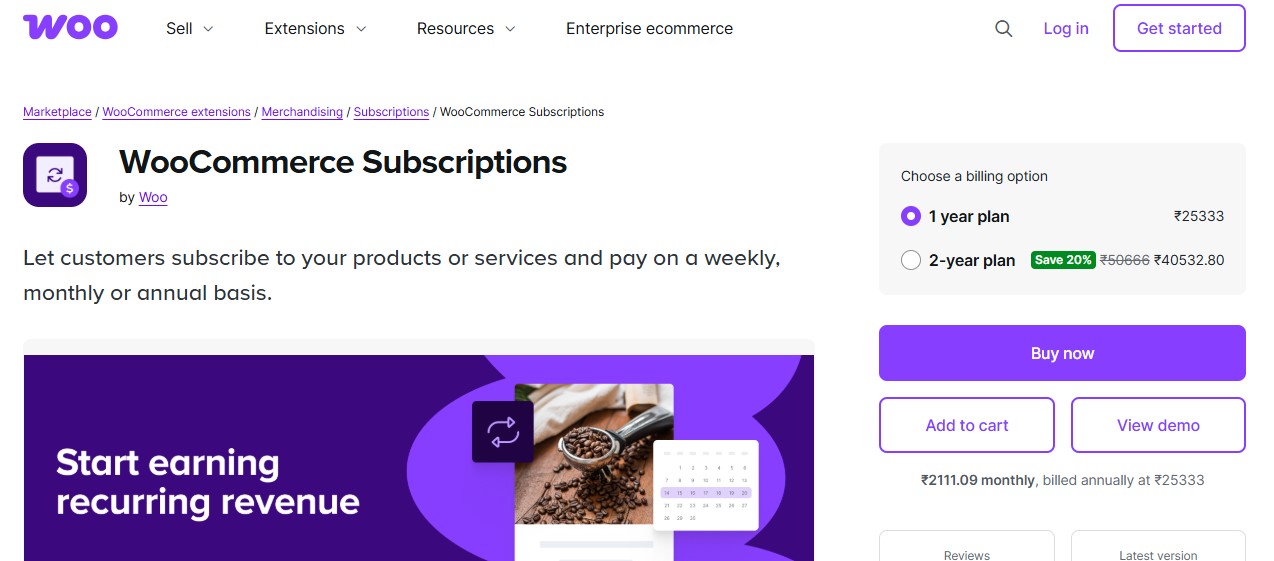
Another highly recommended virtual products plugin for WooCommerce is the WooCommerce Subscriptions plugin. This plugin allows you to create and manage a wide range of subscription-based virtual products. With it, you can offer flexible payment intervals, set trial periods, and create unlimited subscription plans. Customers will enjoy automated payments and access to exclusive content or services without the need for constant reordering.
Whether you’re offering access to digital downloads, online courses, or any other type of virtual product, WooCommerce Subscriptions lets you manage it with ease. This is an essential tool for businesses that depend on recurring revenue models.
Because it’s built and maintained by the WooCommerce team directly, it tends to stay compatible with core updates longer than third-party subscription tools, which matters if your store relies on recurring revenue as its primary income. A trial period set here also plays well with cart abandonment recovery, since a customer who bails mid-signup can be re-targeted with the exact trial offer they almost took.
3. WooCommerce Digital Downloads
For businesses focusing on digital content, such as eBooks, music, and software, WooCommerce Digital Downloads is a powerful plugin to integrate. It allows you to deliver virtual products in various file formats, streamlining your digital product management. With WooCommerce Digital Downloads, customers can easily download products immediately after purchase, enhancing the user experience.
This plugin also supports file access control, ensuring that only paying customers can download the products they’ve purchased. It’s a must-have for digital stores aiming to provide seamless, secure, and instant product delivery.
Access control matters more than it sounds like on paper. Without it, a download link shared once in a forum post or a screenshot can circulate indefinitely; with it, each link ties back to the actual purchase, and you can set download limits or expiration windows so a customer gets enough access to reasonably use the product without the file becoming public property.
Also Read: 5 Best WooCommerce Product Search Plugins
4. WooCommerce PDF Product Vouchers
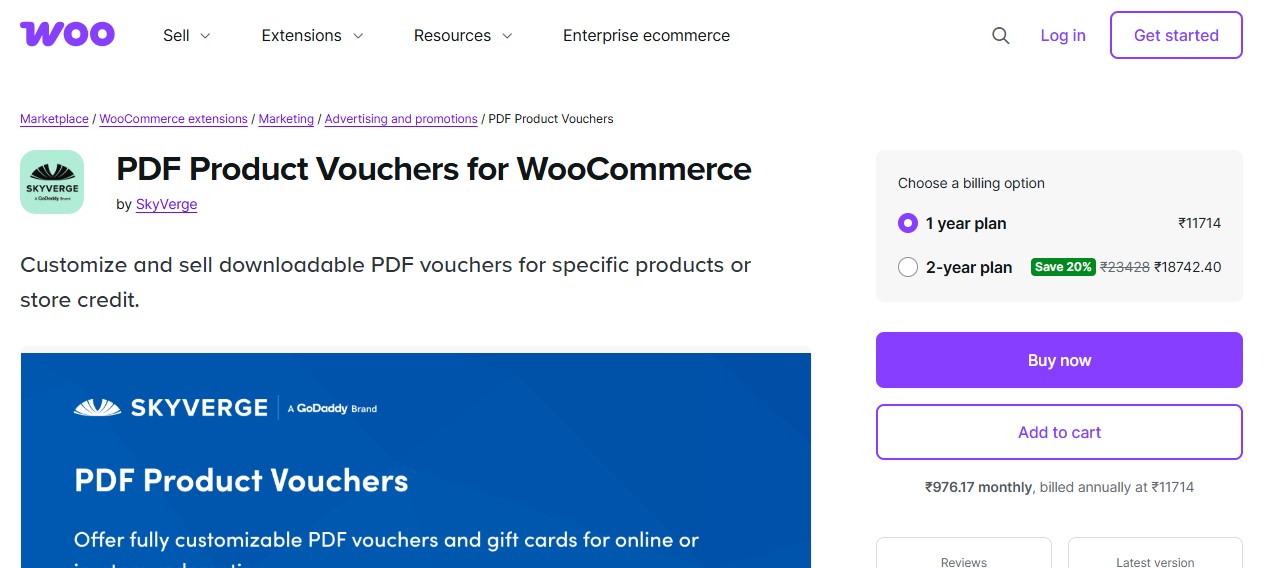
Sometimes, virtual products aren’t just digital files, they could be gift cards, vouchers, or even event tickets. WooCommerce PDF Product Vouchers allows you to create customizable PDF vouchers for your customers. Whether you’re selling event tickets, gift cards, or service vouchers, this plugin simplifies the process by enabling the automatic generation of PDF vouchers after purchase.
This plugin ensures that your virtual products are delivered to customers in a professional, branded format, improving both security and user experience. It also allows for flexible customization, making it a versatile tool for a wide range of businesses.
A branded voucher does more work than it gets credit for. A plain confirmation email feels transactional; a designed PDF with your logo and a redemption code feels like something worth keeping, which matters if the voucher is a gift someone plans to hand to another person rather than redeem themselves.
Also Read: 5 Best WooCommerce Product Search Plugins
5. WooCommerce Memberships

For businesses that provide exclusive access to virtual products like online communities, premium content, or special resources, WooCommerce Memberships is essential. This plugin allows you to offer members-only benefits and restrict access to specific virtual products. You can create different membership tiers, set up trial periods, and even schedule content releases based on member status.
With WooCommerce Memberships, you’ll have the tools to develop an engaging community or content-driven business, enhancing user engagement and loyalty.
Scheduled content release is the feature that separates a membership site from a simple paywall. Rather than dumping every resource on a new member the day they join, you can drip content out over weeks, which keeps people logged in and engaged rather than binging everything once and canceling.
6. WooCommerce PDF Invoices & Packing Slips
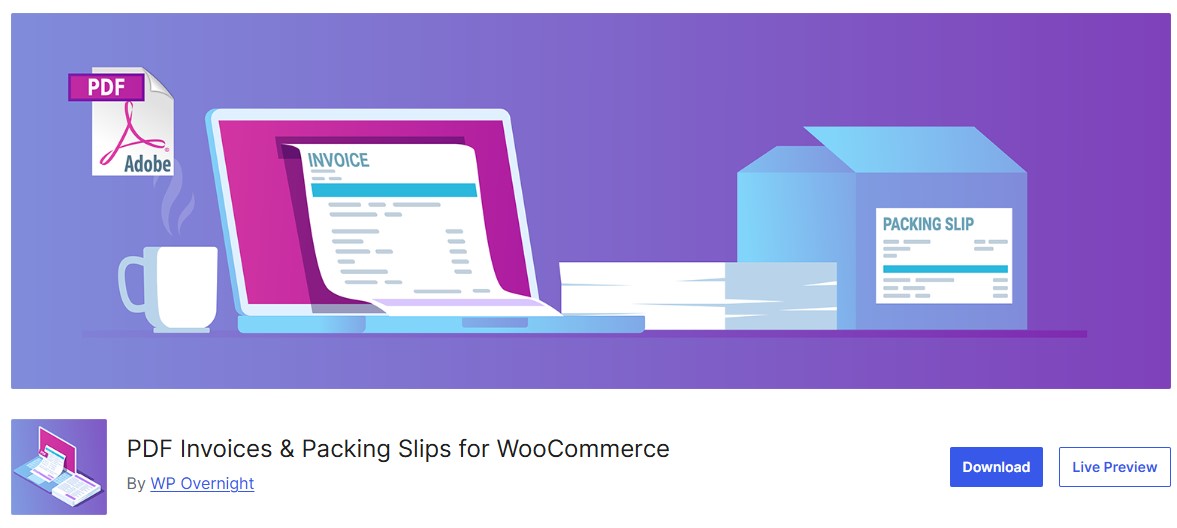
Even for virtual products, providing clear invoices and receipts is important. WooCommerce PDF Invoices & Packing Slips is a plugin that automates the process of generating invoices and packing slips. While packing slips are typically for physical products, invoices are crucial for digital transactions.
This plugin offers customizability, allowing you to include the details of digital product purchases in a professional PDF format. For online stores selling virtual products, this adds a layer of professionalism and transparency.
It matters more than most sellers expect once tax season arrives. A customer running a small business who bought your course or software as a business expense will need a real invoice with your tax details on it, not just an order confirmation email, and having that generated automatically saves you from manually formatting one every time someone asks.
7. WPForms – WooCommerce Order Forms
For businesses selling virtual services, such as consulting or freelance work, WPForms allows you to create custom WooCommerce order forms. You can integrate these forms seamlessly into your product pages, collecting detailed information from customers during the checkout process.
Whether you need extra details for delivering a service or you’re setting up a complex virtual product like an online course, WPForms provides a flexible solution for any type of digital business.
A consultant selling a strategy session, for example, can use a custom field to ask what the client wants to cover before the call even happens, instead of spending the first ten minutes of a paid session gathering context that could have been collected at checkout.
Also Read: 10 Best WooCommerce Social Login Plugins
8. WooCommerce Bookings
Selling virtual services, like online consultations, courses, or appointments, requires a reliable scheduling system. WooCommerce Bookings allows customers to book appointments or schedule their sessions directly through your online store. This is especially important for businesses offering live, virtual services like webinars or one-on-one coaching.
With WooCommerce Bookings, you can set availability, manage bookings, and even offer time-based virtual products, making it an indispensable plugin for service-based businesses.
The real value shows up in what it prevents rather than what it adds: double-bookings and the back-and-forth emails needed to find a time that works. It also cuts down on no-shows from a customer who never got a clear confirmation. A synced calendar closes those gaps at once, which is worth more to a solo consultant than almost any other single feature on this list.
9. WooCommerce Dynamic Pricing & Discounts
For stores that sell a variety of virtual products, offering customized pricing and discounts can be an excellent strategy to boost sales. WooCommerce Dynamic Pricing & Discounts allows you to create personalized discounts for different customer groups, orders, or product categories.
This plugin is incredibly useful for virtual products, allowing you to set tiered pricing for digital downloads or subscription services based on quantity, time of purchase, or customer behavior.
Tiered pricing works especially well for course bundles: a customer buying three modules individually pays full price for each, but the same three bundled together at a small discount often converts better simply because the bundle looks like a decision already made for them, rather than three separate decisions to buy.
10. WooCommerce Customizer
Customization is a key component of a successful virtual product business, and WooCommerce Customizer allows you to tweak your product pages to meet the specific needs of digital product sellers. With this plugin, you can add extra options for virtual products, adjust display settings, and enhance the user interface without requiring any coding skills.
For example, you could add a countdown timer for limited-time offers on downloadable products or change how the digital download button appears on the product page. This level of customization can increase conversions and improve the overall user experience.
Small visual changes like this compound over time. A download button that clearly stands out from the rest of the page, or a countdown timer that adds real urgency to a launch window, are the kind of details that don’t show up in a feature comparison chart but do show up in your conversion rate.
Also Read: 10 Best WooCommerce Review Reminder Plugins
11. WooCommerce Product Add-Ons
For many virtual products, customers may need to choose specific options or add extra features. WooCommerce Product Add-Ons allows you to create custom fields for your virtual products, such as file uploads or product customization options. Whether you’re selling digital art, software, or eBooks, you can allow your customers to personalize their virtual purchases.
This flexibility helps boost customer satisfaction by offering tailored virtual products based on customer preferences.
A designer selling custom digital art commissions can use a file upload add-on to let a customer submit reference photos right at checkout, which removes an entire back-and-forth email exchange that would otherwise happen after the order is placed.
12. WooCommerce Shipping & Delivery
Although virtual products don’t require traditional shipping, you still need to manage digital delivery. WooCommerce Shipping & Delivery ensures that your virtual products are delivered promptly, even without physical shipment. The plugin offers automation for downloading links, file delivery, and managing access post-purchase, which is especially useful for downloadable items and services.
By automating the delivery process, WooCommerce Shipping & Delivery enhances efficiency and ensures your customers get instant access to their digital products.
Instant delivery is the baseline expectation for anything digital; a customer who just paid for a download and sees a “processing” spinner for more than a few seconds starts to wonder if the payment actually went through, which is exactly the moment refund requests and chargebacks get filed.

How to Choose the Right Combination for Your Store
Don’t try to install all twelve at once. Start with what your product actually requires: a one-time digital download needs delivery and access control, nothing more, so WooCommerce Digital Downloads alone might be your entire stack for a while. A recurring service needs a subscription plugin and probably a booking tool if there’s a live component. A community or content site needs Memberships before anything else on this list matters.
Budget plays into this more than most sellers plan for upfront. Several of these plugins have free tiers that cover a small store’s needs completely, and it’s worth running on the free version until you hit an actual limitation, rather than pre-paying for premium features you may never touch. Stack the paid upgrades one at a time as you find the specific wall each free version runs into.
Think about the support burden each addition creates, too. Every plugin you add is one more thing a customer’s problem could trace back to, and one more update you need to test before it goes live on a store people are actively buying from. A lean stack of three or four well-chosen plugins usually outperforms a bloated stack of ten that were each installed to solve a problem that turned out to be rare.
And test the actual customer journey yourself before launch. Buy your own product with a test account, download the file, cancel a trial subscription, book a session. The gap between how a plugin’s settings page describes a feature and how it actually feels to use only shows up when you go through the motions as a real buyer would.
A Quick Example
Consider a freelance graphic designer moving from one-off Fiverr-style gigs to a proper WooCommerce store. She starts with two core plugins: WooCommerce Digital Downloads for selling pre-made template packs, and WooCommerce Bookings for one-on-one design consultation calls. She adds WooCommerce Product Add-Ons soon after, so clients can upload their brand assets when ordering a custom logo package. Nothing fancy, no subscription tier yet. Three months in, repeat clients start asking for an ongoing retainer arrangement, so she adds YITH WooCommerce Subscription for a monthly “unlimited small edits” plan. The stack grew exactly when the business needed it to, not before.
Why Virtual Products Plugins Matter in 2026
Running an online store that sells virtual products comes with its own headaches, but the right plugins take the weight off the management side while sharpening what the customer actually experiences. From handling subscriptions to managing digital downloads, these tools cut down on manual work and help the store hold up as order volume grows heading into 2026.
Add the right plugins to your WooCommerce store and checkout stops feeling like a hurdle for the customer, while your own admin work gets lighter week over week.
As demand for digital products keeps rising, the stores that treat delivery and access control as seriously as the product itself are the ones that hold onto customers past the first purchase.
FAQs
Do I need a separate plugin for every virtual product type I sell?
No. Most of these plugins overlap in what they cover, so pick based on your primary product type first. A store selling only downloadable eBooks needs Digital Downloads and maybe PDF Invoices; it doesn’t need Bookings or Memberships until the product line actually expands into services or gated content.
Can I offer a free trial on a virtual subscription?
Yes, both YITH WooCommerce Subscription and WooCommerce Subscriptions support trial periods. Keep the trial short enough that it creates urgency to convert, but long enough that a customer actually experiences the core value of what they’d be paying for afterward.
How do I stop customers from sharing download links?
Use a plugin with built-in access control, like WooCommerce Digital Downloads, and set a reasonable download limit and expiration window rather than leaving links unlimited and permanent. It won’t stop determined piracy, but it removes the casual sharing that happens when a link just works forever for anyone who has it.
What’s the difference between Memberships and Subscriptions?
Subscriptions are about the billing relationship, recurring charges on a schedule. Memberships are about access control, what content or products a customer can reach based on their status. Many stores run both together: a subscription plugin handles the charge, and a membership plugin gates the content based on whether that subscription is active.
Is it worth adding a booking system for a single consultant?
Usually yes, even at a small scale. The time saved from not manually coordinating calendar availability by email adds up fast, and a booking page that’s live 24/7 captures appointments a potential client might not bother emailing about at 11pm on a Tuesday.
Do virtual product plugins slow down my site?
Any plugin adds some overhead, but the ones covered here are widely used and generally well optimized. The bigger risk to site speed is usually running too many overlapping plugins that do similar things, not any single well-chosen tool. Keep your stack lean and monitor load times after each addition.
Interesting Reads
12 Best WooCommerce Third-Party Data Integration Plugins in 2025