When it comes to WordPress websites, security is more important than ever in 2026. A secure site not only protects your data and user information but also builds trust with visitors, safeguards your business reputation, and prevents costly downtime caused by cyberattacks. With hackers constantly evolving their tactics, relying on WordPress’s core security features alone isn’t enough. Using a robust security plugin adds an essential layer of protection, helping monitor threats, prevent malware infections, and stop unauthorized access.

Why You Need Security Plugins for WordPress?
Security plugins are vital for any WordPress website because they defend against hacking attempts, malware, and brute-force attacks. WordPress’s widespread popularity makes it a frequent target for cybercriminals, and without proper protection, even small vulnerabilities can be exploited. Security plugins provide multiple layers of defense, including web application firewalls, malware scanning, and two-factor authentication, which prevent unauthorized access and protect sensitive data.
They also monitor your site continuously for suspicious activity, alerting you to potential threats before they escalate. By implementing a reliable security plugin, you not only safeguard your website and user information but also maintain trust, credibility, and peace of mind knowing your site is well-protected in today’s evolving digital landscape.
Best WordPress Security Plugins
1. Wordfence Security

Wordfence Security is one of the most widely trusted WordPress security plugins in 2026, known for providing a complete, all-in-one protection solution. It features a powerful endpoint firewall that blocks malicious traffic before it can reach your site, along with a robust malware scanner that continuously checks your files, themes, and plugins for vulnerabilities.
Wordfence also offers real-time threat intelligence, login security with two-factor authentication, and monitoring of live traffic to detect suspicious activity. With both beginner-friendly settings and advanced options for developers, Wordfence helps safeguard websites of all sizes from hacks, malware, and other cyber threats, making it a cornerstone of WordPress security.
Key Features:
- Real-time threat defense feed
- Built-in firewall and malware scanner
- Two-factor authentication
- Login security, including brute force protection
- Blocking of malicious IP addresses
Pros:
- Detailed security insights
- Regular updates on threats
- High-quality malware detection
Cons:
- Resource-intensive, which may slow down your website
- Advanced features are locked behind a premium plan
Aso Read: Top WooCommerce Analytics Plugins to Understand and Grow Your Store for 2026
2. Sucuri Security
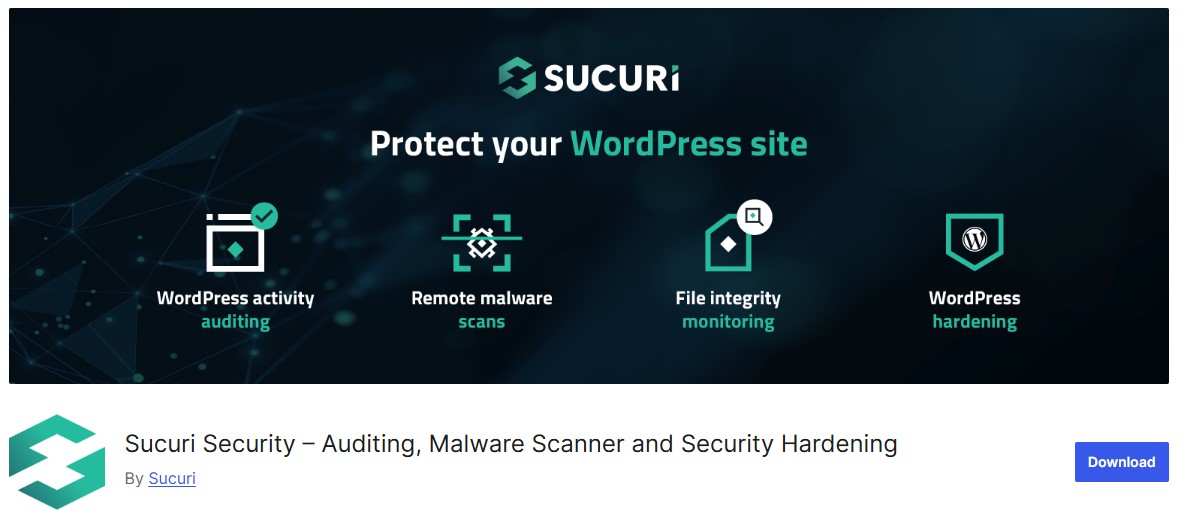
Sucuri Security is a highly regarded WordPress security plugin that provides comprehensive protection against malware, hacks, and a wide range of online threats. Its standout feature is the powerful website firewall, which blocks malicious traffic and prevents attacks before they reach your site.
In addition, Sucuri performs continuous security scanning, monitoring files, plugins, and core WordPress components for malware, unauthorized changes, and vulnerabilities. It also offers security activity auditing, blacklist monitoring, and post-hack cleanup tools, making it a reliable choice for site owners who want proactive and thorough protection. With an easy-to-use interface and robust backend security, Sucuri ensures your WordPress site stays safe and trustworthy.
Key Features:
- Continuous security monitoring
- Malware scanning and removal
- DDoS protection
- Security activity auditing
- Advanced website firewall
Pros:
- Well-suited for high-traffic websites
- Efficient firewall protection
- Responsive customer support
Cons:
- Premium plan can be expensive for smaller websites
- Firewall is only available in the premium version
3. iThemes Security
iThemes Security, formerly known as Better WP Security, is a comprehensive WordPress security plugin that offers more than 30 ways to protect your website. It focuses on hardening WordPress by securing common entry points, such as login pages and admin areas, and by enforcing strong password policies.
The plugin also detects and blocks suspicious activity, monitors file changes, and prevents brute-force attacks. Additional features include two-factor authentication, database backups, and malware scanning. With its wide array of tools and easy-to-navigate interface, iThemes Security is ideal for both beginners and advanced users who want to proactively safeguard their WordPress site against cyber threats.
Key Features:
- Brute force protection
- Two-factor authentication
- Database backups and site scanning
- Password enforcement policies
- File change detection
Pros:
- Comprehensive security options
- User-friendly interface
- Regular updates and improvements
Cons:
- Requires configuration to get the best out of the features
- No malware scanning in the free version
4. All In One WP Security & Firewall
All In One WP Security & Firewall is a highly configurable WordPress security plugin that balances strong protection with site performance. Designed to be beginner-friendly, it offers features like user account security, login protection, database security, and file integrity monitoring without slowing down your website.
The plugin includes a robust firewall, brute-force login prevention, and real-time monitoring of suspicious activity, helping to block potential attacks before they cause damage. With visual security strength meters and easy-to-use settings, All In One WP Security & Firewall allows users of all experience levels to implement effective protection while maintaining a fast, reliable website.
Key Features:
- Password strength tool
- Firewall settings with various levels
- Login lockdown for brute force attacks
- Database and file security
Pros:
- Easy to configure for non-technical users
- Free to use with a decent feature set
- Lightweight and doesn’t slow down the site
Cons:
- Limited advanced features
- Lacks some high-end features like real-time monitoring
Also Read: 10 Best WordPress Plugins for 2024
5. BulletProof Security

BulletProof Security is a WordPress plugin focused on delivering essential security features for small to medium-sized websites. It provides robust protection through database security, file monitoring, and login protection, helping to prevent unauthorized access and potential hacks.
The plugin also includes firewall protection, anti-spam measures, and malware scanning to safeguard your site. While its interface may appear outdated compared to more modern plugins, BulletProof Security remains a reliable option for users who need fundamental security tools without unnecessary complexity, making it a practical choice for maintaining a secure WordPress environment.
Key Features:
- Malware scanning
- Login security and monitoring
- Database backups
- Firewall protection
Pros:
- Lightweight plugin
- Strong database security
- Regular updates
Cons:
- Interface may be confusing for beginners
- Lacks modern features available in other plugins
6. MalCare Security
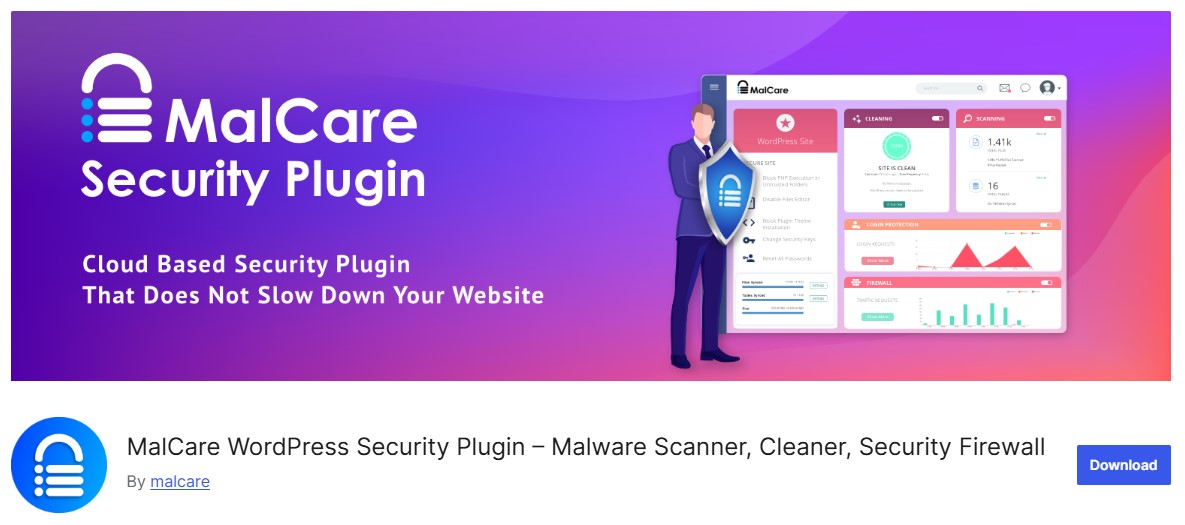
MalCare is a modern WordPress security plugin that combines malware scanning, automatic cleanup, and a dedicated firewall to protect your website from threats. One of its standout features is cloud-based scanning, which ensures that your server resources remain unaffected while the plugin thoroughly checks your site for malware, vulnerabilities, and suspicious activity.
MalCare also offers real-time firewall protection, login hardening, and website activity monitoring, making it an all-in-one security solution. Its automated malware removal and user-friendly dashboard make it especially appealing to beginners and busy site owners who want strong protection without the hassle of manual maintenance.
Key Features:
- Cloud-based malware scanning
- One-click malware removal
- Real-time firewall protection
- Daily site backups
Pros:
- Doesn’t slow down the website
- Great for detecting and removing malware
- Easy-to-use malware removal feature
Cons:
- Limited features in the free version
- More suitable for larger websites
7. Jetpack Security
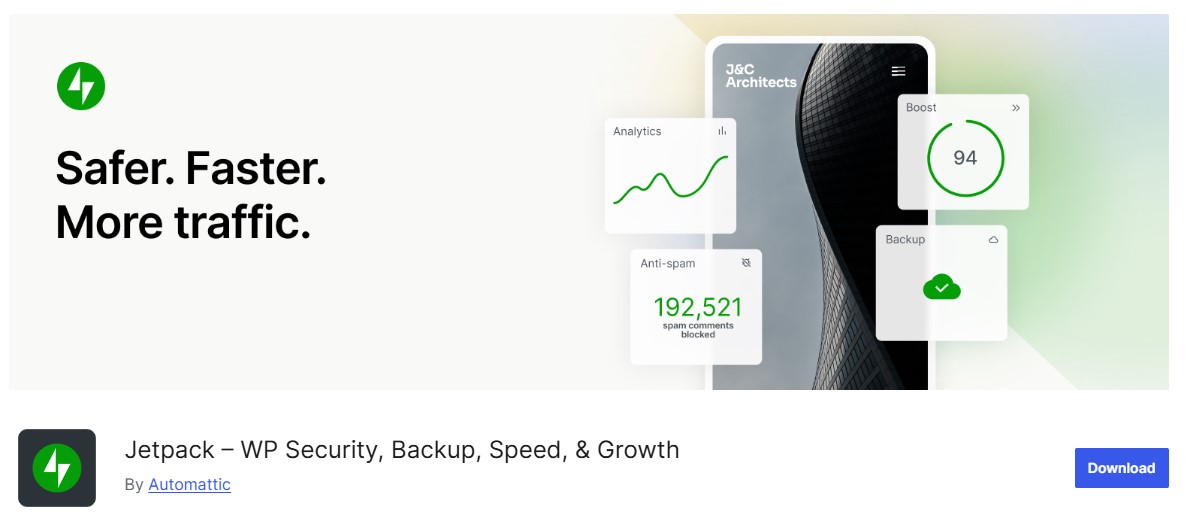
Jetpack is a versatile WordPress plugin that combines performance, marketing, and security features into a single package. For security, Jetpack provides spam filtering for comments and forms, malware scanning, and real-time activity logs to track changes on your site. It also includes downtime monitoring, brute-force attack protection, and automated backups in its premium plans. Designed with bloggers, small businesses, and personal websites in mind, Jetpack offers a convenient all-in-one solution for maintaining a secure, reliable, and well-monitored WordPress site without the need for multiple plugins.
Key Features:
- Brute force attack protection
- Site backups and restores
- Spam filtering
- Downtime monitoring
Pros:
- All-in-one solution with various tools
- Intuitive and easy to set up
- Managed by Automattic, the company behind WordPress
Cons:
- Can be heavy on site resources
- Premium features can be pricey
Also Read: 12 Powerful Analytics and Statistics Plugins for WooCommerce in 2026
8. NinjaFirewall

NinjaFirewall is a specialized WordPress security plugin that functions as a true web application firewall (WAF), filtering malicious web traffic before it reaches your website. Unlike typical security plugins, NinjaFirewall operates at the server level, intercepting threats such as SQL injections, XSS attacks, and other common exploits in real time. It also includes IP blocking, advanced logging, and malware detection features to prevent hackers from compromising your site. Lightweight yet powerful, NinjaFirewall is ideal for users who want proactive, high-performance protection and a robust first line of defense against web-based attacks.
Key Features:
- Web application firewall
- Real-time detection and prevention
- Brute force protection
- IP blocking and threat intelligence
Pros:
- High level of protection as a standalone firewall
- Lightweight and effective
- Excellent real-time protection
Cons:
- Limited features beyond firewall protection
- Requires technical knowledge for configuration
9. Defender Security
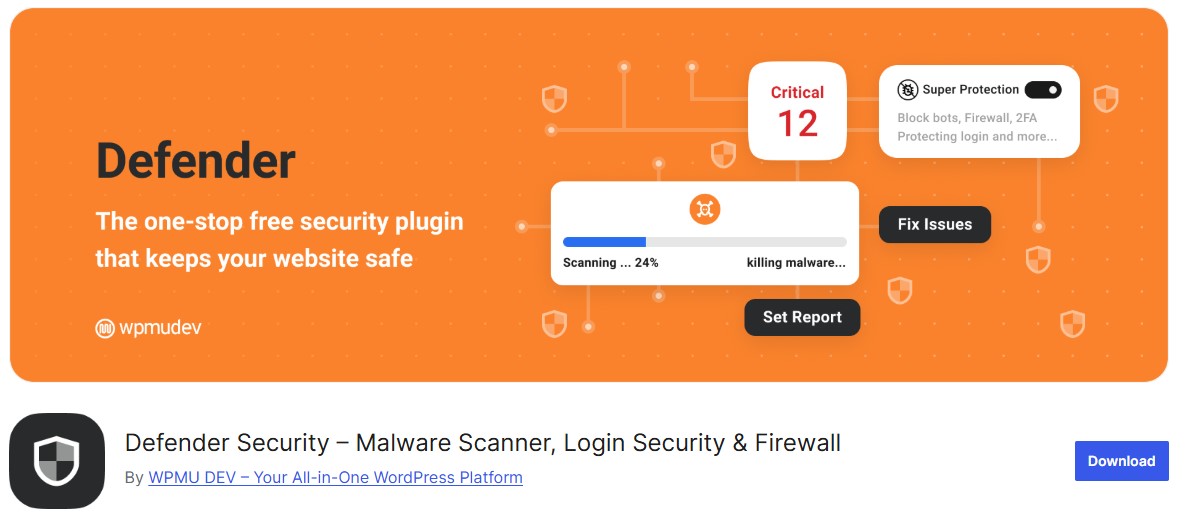
Defender Security is a WordPress security plugin designed for simplicity and effectiveness, making it accessible for both beginners and experienced users. It offers comprehensive protection with features like file scanning for malware, login hardening with two-factor authentication, and a powerful firewall to block malicious traffic. Defender also includes real-time monitoring, IP blocking, and security notifications to alert site owners of potential threats. Its straightforward setup and intuitive dashboard allow users to implement strong security measures quickly, making it an excellent choice for maintaining a safe and trustworthy WordPress website.
Key Features:
- Malware scanning and cleanup
- Two-factor authentication
- Google reCAPTCHA integration
- Core file change detection
Pros:
- User-friendly interface
- Strong malware protection
- Integrates with Google reCAPTCHA
Cons:
- Limited advanced features without the pro version
- Fewer security audit features
10. Shield Security

Shield Security is a beginner-friendly WordPress security plugin that offers both free and premium options, making it accessible for websites of all sizes. It focuses on automated protection, blocking brute-force attacks, malware, and other common cyber threats without requiring manual intervention.
Key Features:
- Bot and brute force protection
- Malware detection and removal
- CAPTCHA integration
- File monitoring
Pros:
- Great for non-technical users
- Robust security automation
- Easy to install and configure
Cons:
- Limited advanced features in the free version
- Customization can be challenging for new users
Also Read: 12 Essential Administration Plugins for WooCommerce in 2026
Best Plugin For WordPress Security at a Glance
| Plugin | Key Features | Free Version | Premium Version Price (approx) | Pros | Cons |
|---|---|---|---|---|---|
| Wordfence Security | Firewall, malware scanner, 2FA | Yes | $99/year | Strong insights, regular updates | Resource-heavy, premium features are locked |
| Sucuri Security | Firewall, malware scanning, DDoS | Yes | $199.99/year | Effective firewall, great support | Expensive, premium firewall only |
| iThemes Security | 2FA, brute force, file change detection | Yes | $80/year | Feature-rich, user-friendly | Limited free malware scanning |
| All In One WP Security & Firewall | Password, login lockdown | Yes | N/A | Lightweight, beginner-friendly | Limited advanced features |
| BulletProof Security | Database backups, firewall | Yes | $69.95 (one-time) | Good database security | Outdated interface, fewer modern features |
| MalCare Security | Cloud-based malware scan, firewall | Yes | $99/year | Doesn’t slow site, great for malware removal | Limited free features |
| Jetpack Security | Brute force, backup, spam filter | Yes | $39/year | All-in-one, easy setup | Resource-heavy, costly premium plans |
| NinjaFirewall | Web firewall, IP blocking | Yes | $50/year | High-level protection, lightweight | Limited features, technical setup |
| Defender Security | File scan, reCAPTCHA, 2FA | Yes | $60/year | Easy interface, integrates with Google reCAPTCHA | Limited without pro version |
| Shield Security | Bot protection, malware detection | Yes | $12/month | Great automation, user-friendly | Free version is limited |

Final Thoughts
Each of these WordPress security plugins offers unique strengths tailored to different needs. Wordfence Security provides comprehensive protection with an advanced firewall and malware scanner, making it ideal for high-traffic or complex sites. MalCare stands out for its lightweight, cloud-based scanning, ensuring server resources remain unaffected while maintaining strong security.
For small or personal websites, beginner-friendly plugins like All In One WP Security & Firewall or Defender Security offer straightforward setup, essential protection, and minimal impact on performance. Ultimately, the best plugin depends on your site’s size, traffic, and security requirements, but using any of these tools will help safeguard your WordPress website, protect user data, and maintain trustworthiness.
Interesting Reads
Are WordPress Hooks Coding Mechanisms?