If you’re planning to create a membership site on WordPress, selecting the right membership plugin is essential to ensure smooth management, secure access, and an engaging experience for your members. A membership plugin allows you to offer exclusive content, control access levels, manage subscriptions, and protect your website from unauthorized users, all while streamlining the administrative side of membership management. With so many plugins available each offering different features, pricing models, and levels of customization it can be challenging to determine which one best suits your specific needs.

How to Choose the Best WordPress Membership Plugin?
When selecting a WordPress membership plugin, focus on these three main areas:
- Features: Identify essential features like multiple membership levels, content restriction, and dripping. Ensure it supports necessary payment gateways (e.g., Stripe, PayPal) and integrates with marketing tools.
- Compatibility: Check that the plugin is compatible with your existing theme, plugins, and eCommerce tools, especially if you use WooCommerce. Compatibility helps ensure smooth functionality across your site.
- Ease of Use: A user-friendly plugin is crucial, especially if you’re new to WordPress. Look for plugins with intuitive dashboards, easy setup, and solid customer support for quick assistance.
Best Membership Plugin for WordPress
1. MemberPress

MemberPress is widely regarded as one of the most popular and user-friendly membership plugins for WordPress, making it an excellent choice for both beginners and experienced site owners. It offers a comprehensive suite of features that allow you to build and manage membership sites with ease. With MemberPress, you can create tiered membership levels, restrict access to posts, pages, categories, or custom content, and manage recurring subscriptions effortlessly.
Key Features:
- Easy setup and comprehensive access control
- Content dripping and expiration functionality
- Built-in payment gateways (Stripe, PayPal)
- Powerful reporting and analytics
Pros:
- User-friendly with robust support
- Extensive content control options
- Advanced integrations for better marketing
Cons:
- Higher cost compared to some competitors
- Limited design customization
Also Read: 10 Best WordPress Plugins for SEO in 2026
2. Restrict Content Pro
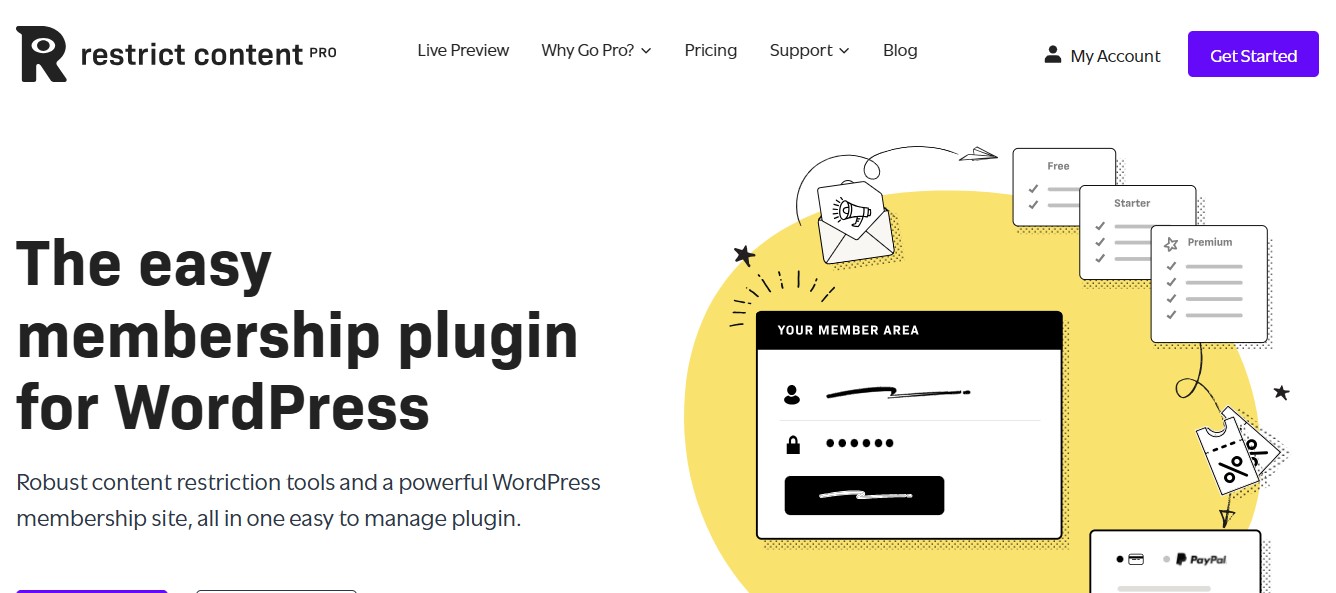
Restrict Content Pro is a lightweight and cleanly designed membership plugin for WordPress, perfect for site owners who want simplicity without sacrificing essential membership features. Its minimalistic interface ensures that both beginners and experienced users can set up and manage memberships quickly, without being overwhelmed by unnecessary options.
Developed by the same team behind Easy Digital Downloads (EDD), Restrict Content Pro offers seamless integration with EDD, making it an excellent choice for sites that sell digital products, downloads, or subscriptions alongside membership content. The plugin allows you to create unlimited membership levels, control access to posts, pages, categories, or custom post types, and manage recurring payments with ease.
Key Features:
- Multiple membership levels
- Content restriction and dripping
- Payment gateways (Stripe, PayPal, Authorize.net)
- Excellent support and documentation
Pros:
- Easy to use and set up
- Great support and updates
- Ideal for integration with Easy Digital Downloads
Cons:
- Limited advanced features
- Fewer third-party integrations than other plugins
3. Paid Memberships Pro
Paid Memberships Pro (PMP) is a versatile WordPress membership plugin that offers robust functionality even in its free version, making it an excellent choice for beginners or small site owners who want to get started without a significant upfront investment. Despite being free at the core, PMP provides essential membership features such as creating unlimited membership levels, managing recurring subscriptions, restricting content, and handling member management.
One of its strongest advantages is its modular approach, with a wide range of paid add-ons that allow your membership site to scale as your needs evolve. Add-ons include advanced reporting, email marketing integrations, payment gateway extensions, content dripping, and WooCommerce or Easy Digital Downloads integration, giving site owners flexibility to enhance functionality without switching plugins.
Key Features:
- Flexible membership levels
- Content access by level, post, or category
- Reporting and analytics tools
- Multiple add-ons for customization
Pros:
- Free version available
- Strong community support
- Extensive customization options
Cons:
- Can be complex for beginners
- Requires add-ons for advanced functionality
4. WooCommerce Memberships
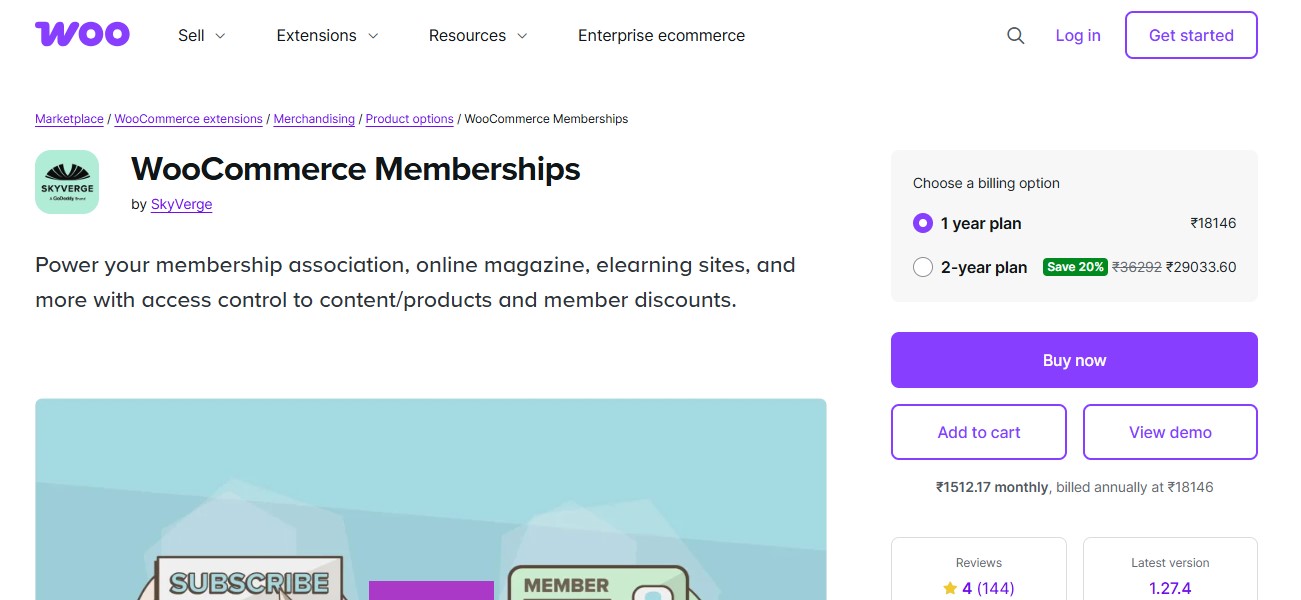
WooCommerce Memberships is a robust and versatile membership plugin, especially well-suited for store owners who are already using WooCommerce to run their online shop. Its seamless integration with WooCommerce allows you to combine your e-commerce and membership offerings in a single, streamlined platform. This means you can restrict access to certain products, offer exclusive discounts, or even create membership-based bundles that incentivize purchases and encourage customer loyalty.
With WooCommerce Memberships, you can create tiered membership plans, control access to posts, pages, and custom content, and schedule content dripping to release content gradually over time. You can also tie memberships to product purchases, so customers automatically gain membership benefits when they buy specific items a feature that is particularly useful for subscription boxes, online courses, or premium product lines.
Key Features:
- Seamless WooCommerce integration
- Membership content dripping and restriction
- Product access based on membership level
- Email notifications for member activities
Pros:
- Great for WooCommerce users
- Powerful e-commerce features
- Strong member management
Cons:
- Expensive without WooCommerce Subscriptions
- Limited features for non-eCommerce sites
Also Read: 10 Best WordPress Plugins for Website Speed in 2026
5. LearnDash

LearnDash is primarily known as a powerful Learning Management System (LMS) plugin for WordPress, but it also includes robust membership features, making it an excellent choice for e-learning platforms, online course creators, and educational websites. With LearnDash, you can create and manage courses, lessons, quizzes, and certificates, while also controlling access to content based on membership levels or subscription plans.
One of LearnDash’s biggest strengths is its flexibility and customization options. You can set up tiered membership access, drip-feed course content over time, and bundle courses into membership plans to encourage long-term engagement. The plugin integrates with WooCommerce, MemberPress, Paid Memberships Pro, and other membership tools, allowing you to sell course access alongside other digital or physical products, subscriptions, or premium content.
Key Features:
- Course creation and management
- Membership-based content access
- Drip-fed course content
- Integrations with payment gateways and CRM tools
Pros:
- Excellent for e-learning sites
- Advanced content delivery features
- Easy integration with other LMS tools
Cons:
- High cost
- Steeper learning curve for setup
6. Ultimate Member
Ultimate Member is a lightweight, user-friendly membership plugin for WordPress that is especially well-suited for sites focused on community-building and social networking. Unlike traditional membership plugins that primarily restrict content or manage subscriptions, Ultimate Member emphasizes user interaction, profile management, and community engagement, making it ideal for forums, niche social networks, or membership communities.
With Ultimate Member, users can create detailed profiles, manage their accounts, and interact with other members through social features like followers, private messaging, and activity feeds. The plugin also supports custom registration and login forms, front-end user dashboards, and role-based access control, giving site owners the flexibility to tailor the user experience based on membership levels or community roles.
Key Features:
- User registration and login functionality
- Profile creation and management
- Customizable form fields
- Content restriction and access control
Pros:
- Great for community sites
- Customizable profile options
- Lightweight and efficient
Cons:
- Limited advanced membership features
- Paid add-ons needed for some functionality
7. aMember Pro
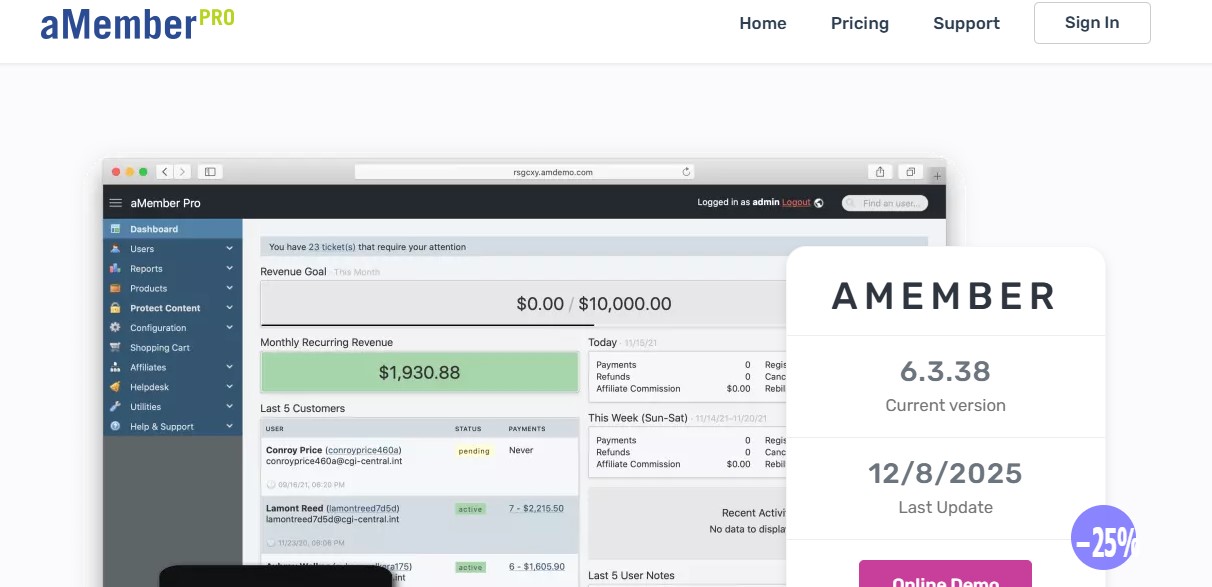
aMember Pro is a standalone membership management software that can integrate seamlessly with WordPress, providing a powerful solution for complex membership sites. Unlike typical WordPress plugins, aMember Pro operates as a robust, independent platform, giving site owners advanced control over memberships, subscriptions, and user management, while still allowing integration with WordPress for front-end content delivery.
This software is ideal for businesses that require comprehensive customization options, including the ability to define multiple membership tiers, control access to posts, pages, or categories, and manage recurring or one-time payments. aMember Pro also supports complex access rules, content dripping, and multi-language setups, making it highly flexible for sites with diverse user bases or international audiences.
Key Features:
- Membership levels and groups
- Affiliate program integration
- Customizable payment options
- Advanced reporting and analytics
Pros:
- Robust membership management
- Excellent support for affiliates
- Flexible payment options
Cons:
- Steeper learning curve
- Not as WordPress-native as other plugins
8. MemberMouse

MemberMouse is a powerful and feature-rich membership plugin designed for WordPress users who need advanced functionality and enterprise-level membership management. Unlike simpler plugins, MemberMouse provides a comprehensive suite of tools for content protection, subscription management, checkout optimization, and analytics, making it ideal for businesses with complex membership or subscription models.
With MemberMouse, you can create unlimited membership tiers, manage recurring billing, and control access to posts, pages, categories, or custom content. The plugin also supports drip content delivery, which allows you to release content gradually over time to keep members engaged. Its built-in checkout and payment tools streamline the purchasing process, supporting multiple payment gateways such as PayPal, Stripe, and Authorize.net.
Key Features:
- Multiple membership levels
- Member engagement tools
- Detailed analytics and reporting
- Integration with leading payment gateways
Pros:
- Comprehensive features for advanced users
- Strong reporting tools
- Customizable checkout options
Cons:
- High monthly cost
- May be overkill for simpler sites
Also Read: What Are the Best Community Plugins for WordPress in 2026 ?
9. Simple Membership

Simple Membership is a straightforward and lightweight WordPress plugin that provides the essential tools needed to run a basic membership site. It is ideal for users who want easy setup, minimal configuration, and essential membership functionality without being overwhelmed by complex features.
The plugin allows you to create both free and paid memberships, manage unlimited members, and restrict access to posts, pages, or categories based on membership levels. Paid membership options can be integrated with popular payment gateways like PayPal, enabling smooth subscription management and recurring payments for your members.
Key Features:
- Simple content protection
- Multiple membership levels
- Customizable payment options
- Lightweight design for fast performance
Pros:
- Free to use
- Ideal for small sites
- Easy to set up
Cons:
- Limited features
- Basic support and customization
10. S2Member

s2Member is a powerful and flexible membership plugin for WordPress that caters especially to developers and technically inclined users. It offers both a free and premium version, providing advanced functionality even without an upfront cost, making it an attractive choice for those who want full control over membership management without relying on expensive premium solutions.
As an open-source plugin, s2Member allows you to create unlimited membership levels, restrict access to posts, pages, categories, or custom content, and manage subscriptions with recurring billing through multiple payment gateways, including PayPal, Stripe, and Authorize.net. It also supports custom registration forms, coupon codes, and flexible access rules, giving developers the ability to tailor the membership system to complex workflows.
Key Features:
- Content restriction options
- Payment gateways (Stripe, PayPal)
- Customizable login options
- Integrations with other popular plugins
Pros:
- Free version available
- Strong developer support
- Flexible payment options
Cons:
- Steep learning curve
- Limited support and design
Also Read: 5 Best WooCommerce Plugins Stripe Connect for 2026
10 Best Membership Plugin For WordPress at a Glance
| Plugin | Key Features | Pros | Cons | Best For |
|---|---|---|---|---|
| MemberPress | Drip content, access control | User-friendly, advanced integrations | Higher cost | Comprehensive membership sites |
| Restrict Content Pro | Multiple membership levels | Easy to use, integrates with EDD | Limited advanced features | Content-focused sites |
| Paid Memberships Pro | Flexible membership levels | Free version, customizable | Complex setup for beginners | Flexible membership needs |
| WooCommerce Memberships | WooCommerce integration | Great for eCommerce, strong member management | Costly without WooCommerce Subscriptions | WooCommerce sites |
| LearnDash | Course management | Ideal for e-learning, drip-fed content | Higher cost, steeper learning curve | E-learning and course sites |
| Ultimate Member | Profile management | Community-focused, lightweight | Requires paid add-ons for more features | Community-focused sites |
| aMember Pro | Affiliate program support | Advanced customization | Not WordPress-native | High-end membership sites |
| MemberMouse | Detailed analytics | Strong features, customizable | High cost, complex setup | Advanced users, high-traffic sites |
| Simple Membership | Basic content protection | Free, easy setup | Limited features | Small sites, beginners |
| S2Member | Developer-friendly | Open-source, free version | Limited design, complex UI | Developers, budget sites |

Final Thoughts on WordPress Membership Plugins
These WordPress membership plugins come with a wide range of features, integrations, and customization options, so the best choice for your site depends on your specific needs, technical expertise, and budget. For sites that are content-rich or course-driven, plugins like MemberPress, WooCommerce Memberships, and LearnDash offer powerful tools for managing subscriptions, tiered access, content dripping, and even e-learning functionalities.
On the other hand, for smaller sites or those just starting out, Simple Membership and s2Member provide lightweight, cost-effective solutions that cover the essentials of content restriction and paid memberships without requiring extensive technical knowledge or large investments. Other plugins like Ultimate Member or aMember Pro are ideal if your focus is on community-building or advanced customization, while Paid Memberships Pro and Restrict Content Pro strike a balance between ease of use and scalability, making them suitable for growing membership sites that may expand over time.
Interesting Reads
How to Change Background Color of My Site Header in WordPress