


Running a WooCommerce store without robust analytics is like throwing darts in the dark you might hit the target occasionally, but most of the time, you won’t know where your efforts are landing. That’s why WooCommerce Analytics Plugins are essential they provide clarity, insight, and direction for your business.
These plugins transform raw data into actionable insights, helping you understand everything from your best-selling products to the reasons behind cart abandonment. With this information at your fingertips, you can make smarter, data-driven decisions that grow your store faster, improve conversions, and optimize the overall shopping experience.

What are WooCommerce Analytics Plugins
WooCommerce Analytics Plugins are powerful tools that transform raw data from your online store into actionable business insights. They track everything from traffic sources and product views to sales conversions and customer behavior, giving you a complete picture of your store’s performance.
These plugins can either integrate with services like Google Analytics or function independently, providing detailed dashboards that show what’s working and what isn’t. By relying on real numbers instead of gut feelings, you can optimize marketing strategies, increase sales, and make smarter business decisions all while improving the overall shopping experience for your customers.
What to Look for in WooCommerce Analytics Plugins
When choosing a WooCommerce Analytics Plugin, it’s essential to focus on features that provide the most valuable insights for growing your store.
Ease of use is the first consideration. A quality plugin should integrate seamlessly with your WooCommerce store, offering an intuitive dashboard and a simple setup process. The data it provides should be clear and actionable, allowing you to optimize your business without spending time figuring out how to use the tool.
Another critical factor is enhanced eCommerce tracking. The best plugins track detailed customer interactions including product views, add-to-cart actions, and each step in the checkout process. These insights are vital for understanding customer behavior and identifying bottlenecks in the sales funnel. Without this level of tracking, it’s difficult to pinpoint where customers drop off or which products are performing best, making informed decisions about your store a challenge.
Why Use WooCommerce Analytics Plugins
Using WooCommerce Analytics Plugins helps you make smarter decisions and grow your business faster. These tools give you a crystal-clear view of:
- Which marketing campaigns bring the most sales
- Where your customers drop off in the checkout process
- What products are underperforming
- How loyal your customers are
- When and why people abandon their carts
With the right data, you can fix what’s broken and double down on what’s working.
How to Use WooCommerce Analytics Plugins
Using these plugins is easier than you think:
- Install the plugin via your WordPress dashboard.
- Connect it to tools like Google Analytics or your ad accounts.
- Enable enhanced eCommerce tracking.
- Use built-in dashboards and reports to monitor store performance.
- Apply insights to improve product listings, pricing, marketing, and customer service.
10 Best WooCommerce Analytics Plugins
1. MonsterInsights
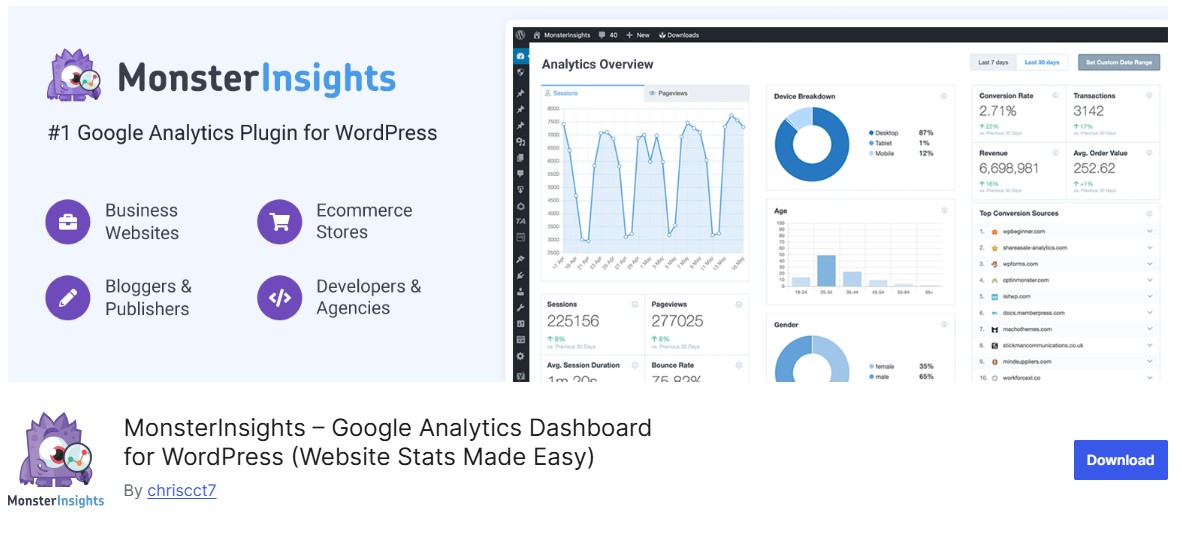
MonsterInsights is one of the most beginner-friendly WooCommerce Analytics Plugins, and it’s popular for good reason. With just a few clicks, it connects your store to Google Analytics, letting you see your most important eCommerce metrics directly in your WordPress dashboard no need to log into GA4.
What sets MonsterInsights apart is its ability to transform complex analytics data into clear, visually-rich reports. Its enhanced eCommerce tracking captures everything from product impressions to completed purchases, giving you a complete view of your store’s performance.
Key Features
- Track revenue, conversion rate, and average order value
- Identify top-performing products and categories
- Monitor shopping behavior: add-to-cart actions and cart abandonment
- Analyze the customer journey and sales funnel
- View source/medium reports to see where your buyers are coming from
- Easy setup and beginner-friendly interface
Best For
- WooCommerce store owners new to analytics
- Users who want quick, actionable insights without navigating GA4
- Businesses looking for enhanced eCommerce tracking inside WordPress
Why It’s Valuable
- Simplifies analytics for beginners and non-technical users
- Provides actionable insights to optimize sales and marketing
- Tracks every step of the customer journey for smarter decisions
Also Read: 10 Best WooCommerce Referral Plugins
2. ExactMetrics
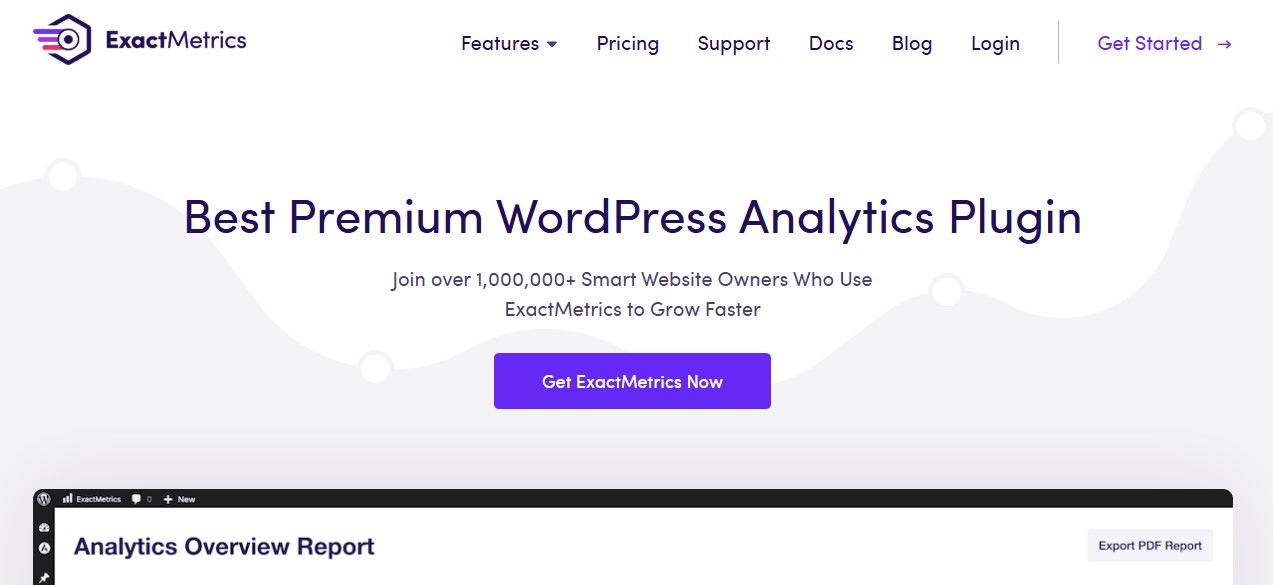
ExactMetrics is a powerful yet user-friendly WooCommerce analytics plugin that brings your most important Google Analytics (GA4) data directly into the WordPress dashboard. It’s built for store owners who want clear, actionable insights without touching a single line of code.
With enhanced eCommerce tracking enabled out of the box, ExactMetrics gives you real-time visibility into how customers interact with your store. From tracking revenue and conversion rates to understanding product performance and cart behavior, it helps you quickly identify what’s driving sales and where improvements are needed.
Key Features
- One-click GA4 integration with automatic eCommerce tracking
- Track revenue, conversions, and average order value
- Visual conversion funnels to spot drop-off points
- Traffic and revenue breakdown by source and channel
- Insights into product views, add-to-cart actions, and cart behavior
- Real-time analytics inside WordPress
Best For
- WooCommerce store owners who want accurate, easy-to-read analytics
- Beginners who want GA4 data without complexity
- Businesses focused on improving conversions and sales performance
Why It’s a Smart Choice
- No technical setup or coding required
- Clean dashboards that turn data into decisions
- Helps optimize marketing, product strategy, and checkout flow
3. LiveChat with Built-in Analytics

LiveChat is widely known as a customer support platform, it also functions as a powerful WooCommerce analytics plugin by turning live customer interactions into measurable sales insights. What makes LiveChat unique is its ability to connect support conversations directly to conversions and revenue, helping store owners understand the real business impact of customer service.
Instead of treating chat as just a support tool, LiveChat transforms every conversation into actionable data. You can identify which chats lead to purchases, which agents drive the most sales, and where missed opportunities occur due to delayed or unanswered responses.
Key Analytics Metrics
- Chat-to-sale conversion rate
- Revenue generated through live chat
- Missed sales from unanswered or abandoned chats
- Customer satisfaction scores (CSAT)
- Average response time and chat duration
- Agent performance and sales contribution
Best For
- WooCommerce stores using live chat to assist pre-sale customers
- Businesses with high-ticket or decision-based products
- Teams that want to measure ROI from customer support
Why It’s Valuable
- Links customer support directly to revenue
- Helps optimize staffing and response strategies
- Improves conversions through data-driven service improvements
4. WooCommerce Google Analytics Integration
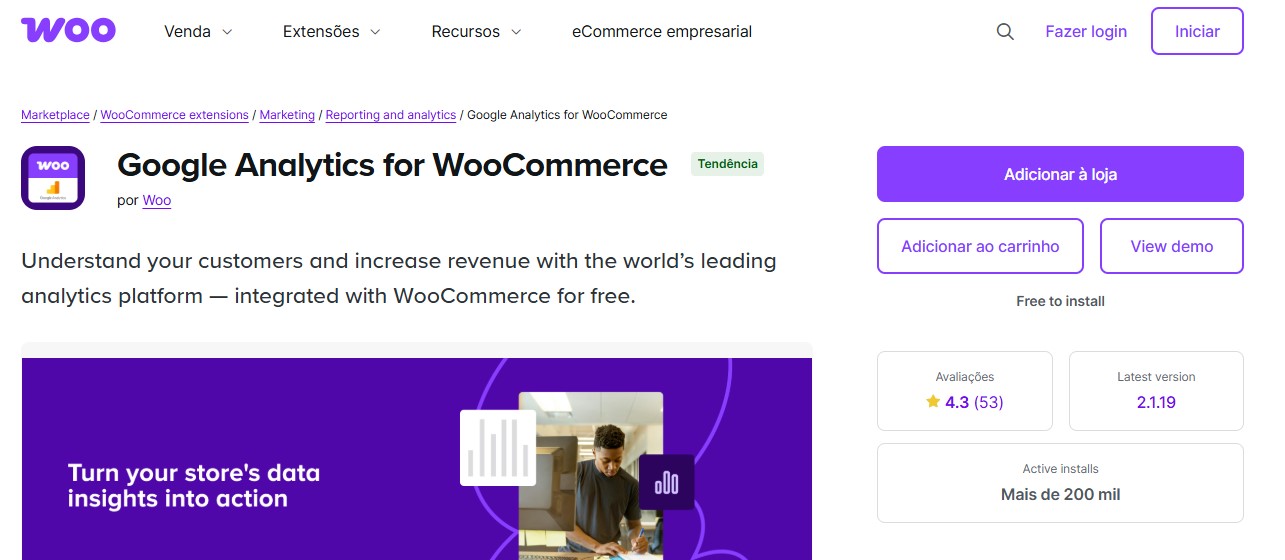
WooCommerce Google Analytics Integration is the official plugin developed by WooCommerce to connect your store directly with Google Analytics (GA4). While it’s more straightforward than feature-heavy analytics tools, it delivers highly accurate tracking when configured correctly making it a reliable choice for store owners who prefer a GA-centric analytics setup.
With built-in support for GA4 enhanced eCommerce tracking, this plugin allows you to monitor the entire customer journey, from product discovery to purchase completion. It tracks essential actions such as product views, add-to-cart events, checkout steps, coupon usage, and refunds, giving you clear visibility into where users engage or drop off.
Key Features
- Official plugin built by WooCommerce for seamless compatibility
- GA4 enhanced eCommerce tracking support
- Track product impressions, clicks, add-to-cart actions, and purchases
- Monitor checkout steps, coupon usage, and refunds
- Accurate traffic source and campaign attribution
- Lightweight, flexible, and customizable setup
Best For
- Store owners who prefer working directly inside Google Analytics
- Businesses that want full control over raw analytics data
- WooCommerce stores needing a lightweight, no-frills tracking solution
Why It’s Relevant
- Fully aligned with GA4 standards
- Maintained by WooCommerce for long-term reliability
- Ideal for advanced users who want precise, customizable analytics
Also Read: Cloudflare Alternatives for Network Security and Website Protection
5. Metorik
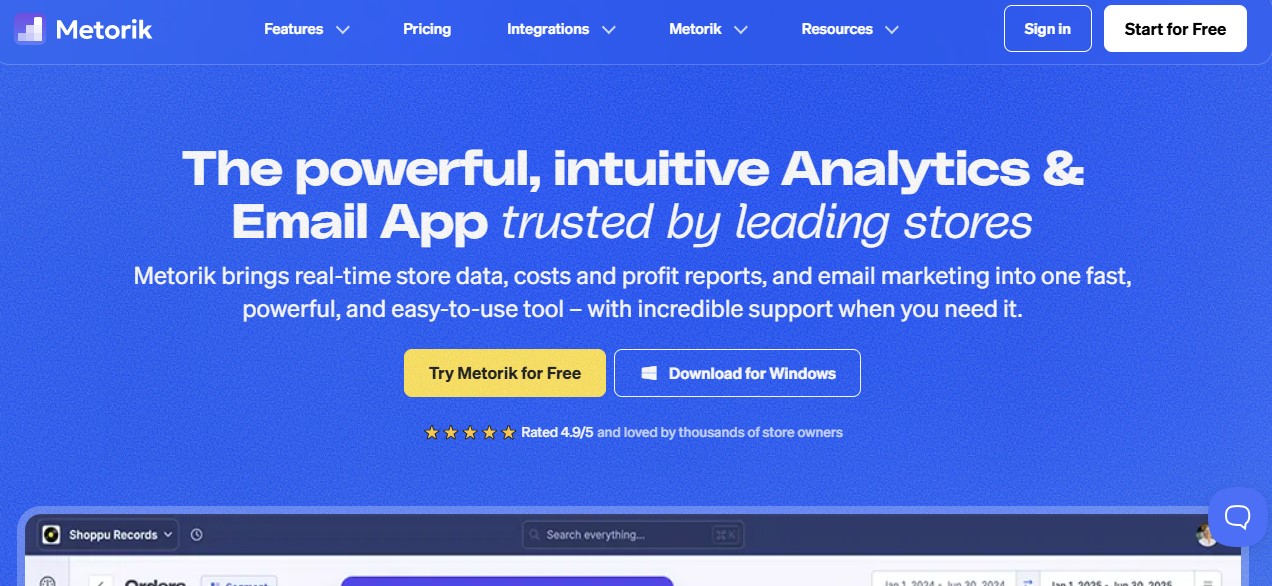
Metorik is one of the most advanced WooCommerce Analytics plugins available, often described as “Google Analytics on steroids” for eCommerce. Instead of simply reporting sales numbers, Metorik transforms WooCommerce data into powerful, interactive dashboards that reveal deep insights into customer behavior, retention, and long-term growth.
The plugin connects instantly with WooCommerce and provides real-time reporting, advanced cohort analysis, and detailed retention metrics. What truly sets Metorik apart is its built-in customer segmentation and email automation features, allowing store owners to act on insights—not just view them.
Key Features
- Customer lifetime value (CLV) and retention analysis
- Real-time tracking of sales, orders, and revenue
- Fully customizable analytics dashboards
- Advanced funnel reports with segmentation filters
- Abandoned cart tracking with automated recovery emails
- Customer tagging and smart audience segmentation
Best For
- Data-driven WooCommerce store owners
- Subscription, repeat-purchase, or high-volume stores
- Businesses focused on retention, lifetime value, and scalable growth
Why It’s a Top Choice
- Goes far beyond GA4 with WooCommerce-specific intelligence
- Combines analytics, segmentation, and automation in one platform
- Ideal for scaling WooCommerce businesses that rely on data-driven decisions
6. Conversios.io
Conversios.io is an ideal WooCommerce analytics plugin for store owners who want to track both organic and paid performance from a single, unified dashboard. It simplifies the setup and integration of Google Analytics 4, Google Ads, and Google Tag Manager, removing the technical complexity usually associated with advanced tracking.
Built for growth-focused WooCommerce stores, Conversios.io tracks the complete customer journey—from the first click to the final purchase. This makes it especially powerful for stores running Google Ads, remarketing campaigns, or performance-driven marketing strategies.
Key Features
- GA4 enhanced eCommerce tracking
- Real-time tracking of ROAS and ad campaign performance
- Product-level analytics linked directly to ad campaigns
- UTM-based reporting for accurate attribution
- Multi-currency and international tracking support
- Centralized dashboard for ads and analytics
Best For
- WooCommerce stores actively running Google Ads
- Performance marketers and growth-focused businesses
- Stores aiming to optimize ad spend and improve ROI
Why It’s Valuable
- Combines analytics and ad tracking into a single platform
- Eliminates manual GA4 and Google Tag Manager setup
- Provides clear, actionable insights into paid revenue performance
7. Putler
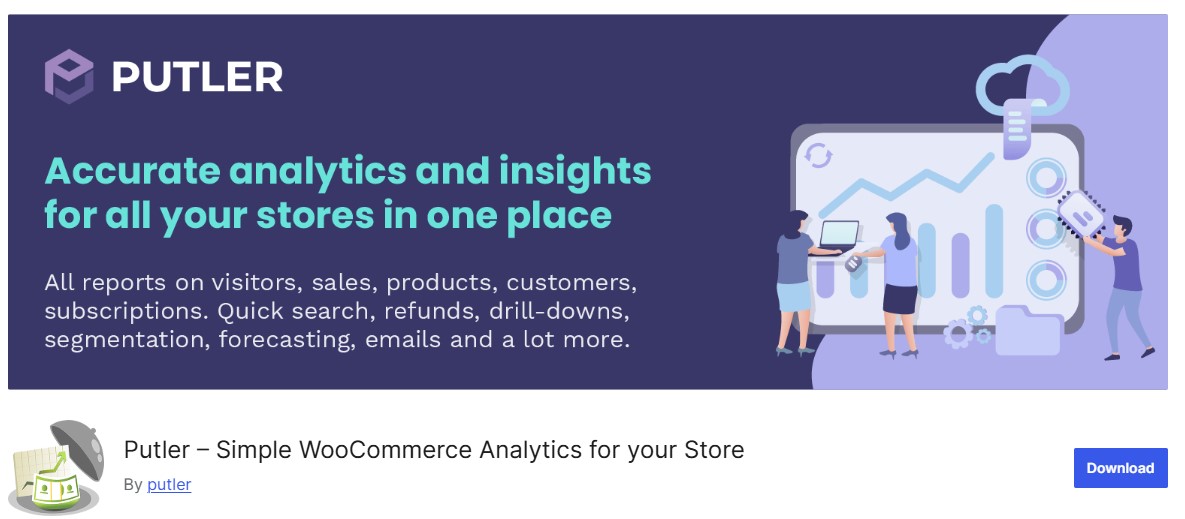
Putler is a powerful WooCommerce analytics plugin designed for businesses that sell across multiple platforms. It integrates seamlessly with WooCommerce, PayPal, Stripe, and other payment gateways to deliver a single, consolidated analytics dashboard. With access to 150+ metrics, Putler helps you track everything from sales trends to deep customer behavior insights.
What truly sets Putler apart is its ability to unify financial, customer, and operational data in one place. Its clean, intuitive interface makes it easy to monitor critical KPIs such as average order value, refunds, churn, retention, and shipping trends without juggling multiple tools or dashboards.
Key Features
- Deep insights into churn, repeat purchases, and revenue growth
- Predictive sales forecasting for smarter business planning
- Customer segmentation by lifetime value and purchase history
- Calendar-based analytics to identify seasonal trends and patterns
- Shared dashboard views for team collaboration
- Cross-channel performance tracking across payment platforms
Best For
- WooCommerce stores selling through multiple payment gateways
- Subscription, SaaS, or repeat-purchase businesses
- Teams that want unified financial and customer analytics
Why It’s a Strong Choice
- Eliminates data silos across platforms and payment systems
- Saves time with centralized, real-time reporting
- Enables confident, data-driven growth decisions
Also Read: 5 Best WooCommerce Membership Plugins
8. Actionable Google Analytics for WooCommerce
Actionable Google Analytics for WooCommerce is a powerful plugin that enhances your GA4 integration by enabling precise event tracking and in-depth user behavior analysis. Built for intermediate to advanced users, it’s ideal for store owners who want greater control over how customer interactions are tracked, measured, and analyzed.
Unlike basic analytics setups, this plugin captures highly granular user actions throughout the entire shopping journey. From product interactions to checkout behavior and abandonment points, it delivers actionable insights that help optimize conversion funnels and improve overall store performance.
Key Features
- Track product views, add-to-cart actions, and completed purchases
- Monitor checkout steps and identify drop-off points
- Capture button clicks, scroll depth, and on-page interactions
- UTM-based campaign performance tracking
- Track refunds and order cancellations
- Full GA4 event integration with no coding required
Best For
- Store owners comfortable working inside Google Analytics
- Marketers focused on conversion rate optimization (CRO)
- WooCommerce stores needing detailed, event-level tracking
Why It’s Valuable
- Provides complete control over GA4 event flows
- Enables data-driven optimization of the customer journey
- Ideal for advanced analytics, funnel analysis, and CRO strategies
Also Read: 5 Best WooCommerce Delivery Date Plugins
9. WooCommerce Advanced Reporting
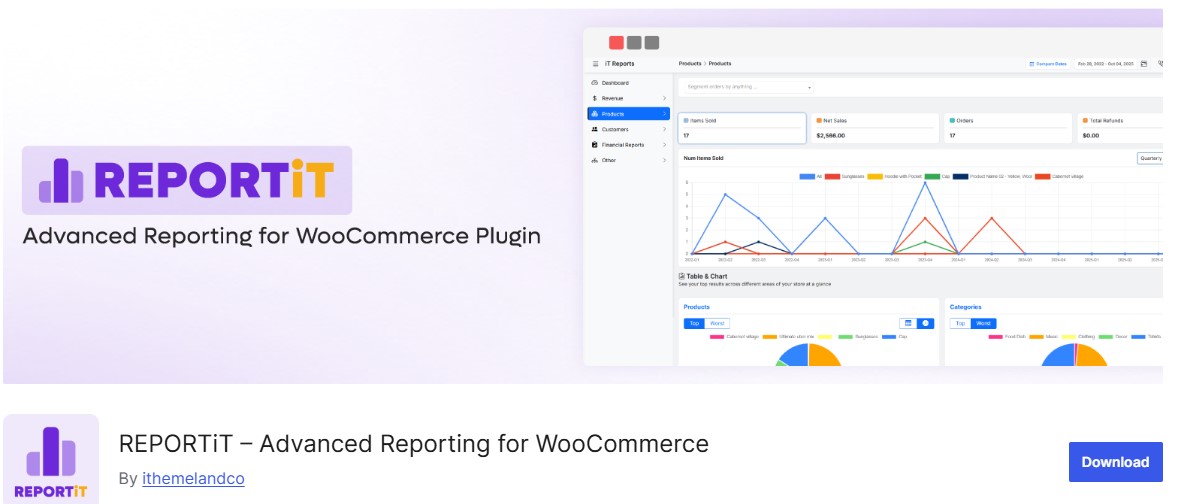
WooCommerce Advanced Reporting is a powerful analytics plugin designed for store owners who prefer visual insights over raw data tables. It transforms complex WooCommerce metrics into easy-to-read heatmaps, charts, and trend lines, helping you understand store performance at a glance.
Instead of digging through spreadsheets, this plugin lets you quickly spot revenue trends, best-selling products, and customer behavior patterns. With real-time updates and customizable reports, you can focus on what matters most and make faster, smarter decisions.
Key Features
- Detailed sales, tax, discount, and shipping reports
- Product- and category-level performance insights
- Analytics by country and device type
- Custom date ranges with visual comparison charts
- Exportable reports for teams and stakeholders
- Real-time data updates
Best For
- Store owners who prefer visual dashboards
- Teams needing quick performance overviews
- Businesses sharing analytics with non-technical stakeholders
Why It’s Useful
- Makes complex analytics easy to understand
- Accelerates decision-making with real-time visuals
- Ideal for reporting, planning, and performance reviews

Make Smarter Choices
Whether you’re launching your first store or already generating thousands in monthly revenue, the right WooCommerce Analytics Plugins can transform how you run your business. They take the guesswork out of decisions, reveal hidden growth opportunities, and give you the confidence to scale effectively.
You don’t need to install them all start with one or two that align with your business goals. Explore the data, uncover trends, and use the insights to make smarter decisions that drive sales and improve customer experience.
Interesting Reads
Top 10 WordPress Themes for Affiliate Marketing
The Best Currency Converter Plugins for WordPress
WooCommerce Registration & Ordering Process Plugins to Boost Your Store


