


Managing online orders efficiently can be the difference between retaining loyal customers and losing them to competitors. For businesses using WooCommerce, having the right WooCommerce Order Management Plugins is no longer optional it’s a necessity. These plugins not only simplify backend operations but also improve customer satisfaction by ensuring orders are tracked, updated, and fulfilled accurately and promptly.
As e-commerce continues to evolve, the need for seamless order management grows more critical. In 2026, choosing the right tools means opting for plugins that are fast, feature-rich, and integrate well with your store’s workflow. Below, we explore twelve of the best WooCommerce order management plugins designed to help you run a tight ship and stay ahead of customer expectations.

Why WooCommerce Order Management Plugins Matter in 2026
As e-commerce competition intensifies, the efficiency of your order management system becomes a key differentiator. The right WooCommerce Order Management Plugins streamline processes, reduce errors, and ultimately enhance customer loyalty. Whether you’re optimizing logistics, automating tasks, or expanding into new markets, there’s a plugin tailored for your needs.
With a well-structured suite of Order Management Plugins for WooCommerce, store owners can gain deeper visibility into operations, adapt to changing demands, and deliver consistently exceptional service.
Top Plugins to Elevate Your WooCommerce Order Management
With the basics in mind, it’s time to explore the tools that will take your order management to the next level. Each of the plugins below has been carefully selected based on its features, usability, and impact on store performance. Whether you’re scaling a startup or optimising a high-volume store, these plugins are designed to meet the demands of modern eCommerce.
1. YITH WooCommerce Order & Shipment Tracking
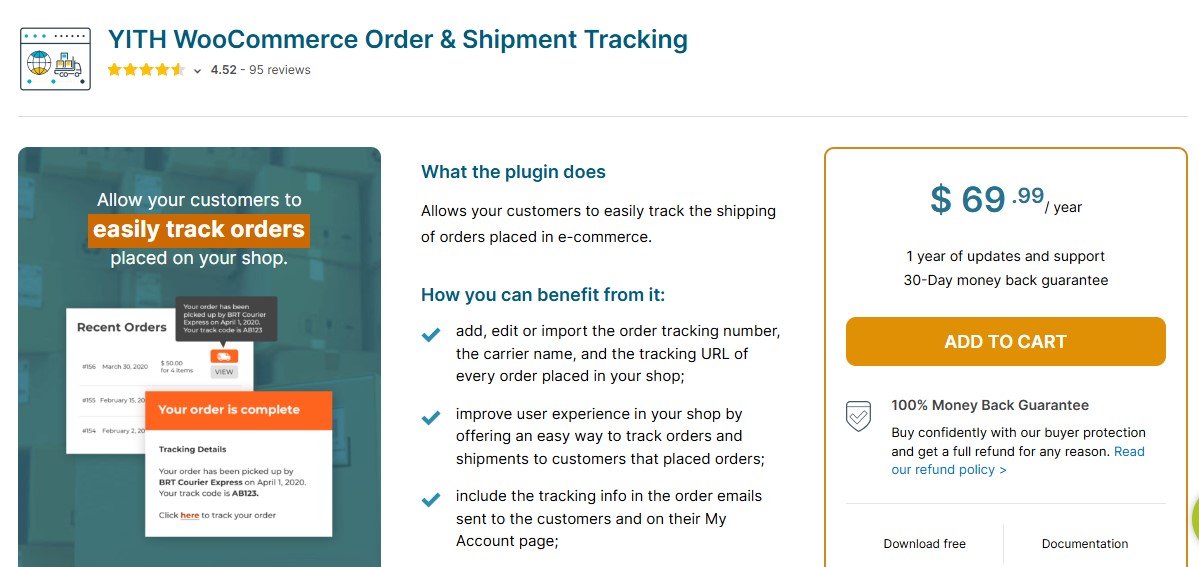
YITH has consistently delivered reliable solutions for WooCommerce users, and the YITH Order & Shipment Tracking plugin is a standout. It enhances the default order management features by allowing store owners to add tracking information directly into each order. Customers can easily follow their shipment progress via integrated tracking links, which significantly improves the post-purchase experience.
In addition, YITH offers real-time carrier integrations, meaning you can automate updates and reduce customer queries about order status. For businesses focusing on delivery transparency, this plugin is a no-brainer.
Key Features
- Add tracking numbers for orders and shipments
- Supports multiple carriers with custom tracking links
- Sends automated email notifications with tracking info
- Track order status directly from the customer account page
- Compatible with invoices, packing slips, and WooCommerce HPOS
Best For
- Stores offering domestic or international shipping
- Businesses looking to improve customer communication
- eCommerce stores aiming to reduce post purchase inquiries
Why It’s Useful
- Enhances customer satisfaction with clear tracking
- Simplifies order management for store owners
- Integrates seamlessly with existing WooCommerce workflows
Also Read: 12 Powerful Analytics and Statistics Plugins for WooCommerce in 2026
2. WooCommerce Order Management: The Core Plugin That Gets You Started
It makes perfect sense to begin with the native WooCommerce plugin itself. While it’s primarily known for setting up online stores, its order management capabilities form the foundation for any eCommerce workflow. WooCommerce enables store owners to view, edit, and manage orders directly from the dashboard. Features like order status tracking, automated email notifications, and stock adjustments are baked into the system.
However, as your business scales, the default WooCommerce functionality may not be sufficient. That’s where order management plugins come in helping you bridge the gap between simple and sophisticated order processing.
Key Features
- Centralized dashboard to view and manage all orders
- Real-time order status updates (Pending, Processing, Completed, Refunded)
- Customer and billing details management
- Manual order creation and editing
- Basic refund and cancellation handling
- Order notes for internal communication
- CSV order export support (via default tools/extensions)
- Compatible with modern payment and shipping integrations
Best For
- New WooCommerce stores
- Small to medium online businesses
- Store owners looking for a simple, reliable order system
Why It Still Matters
- Fully integrated with WooCommerce core
- Regularly updated for performance and security
- Works seamlessly with advanced order, automation, and analytics plugins
3. WooCommerce Order Status Manager
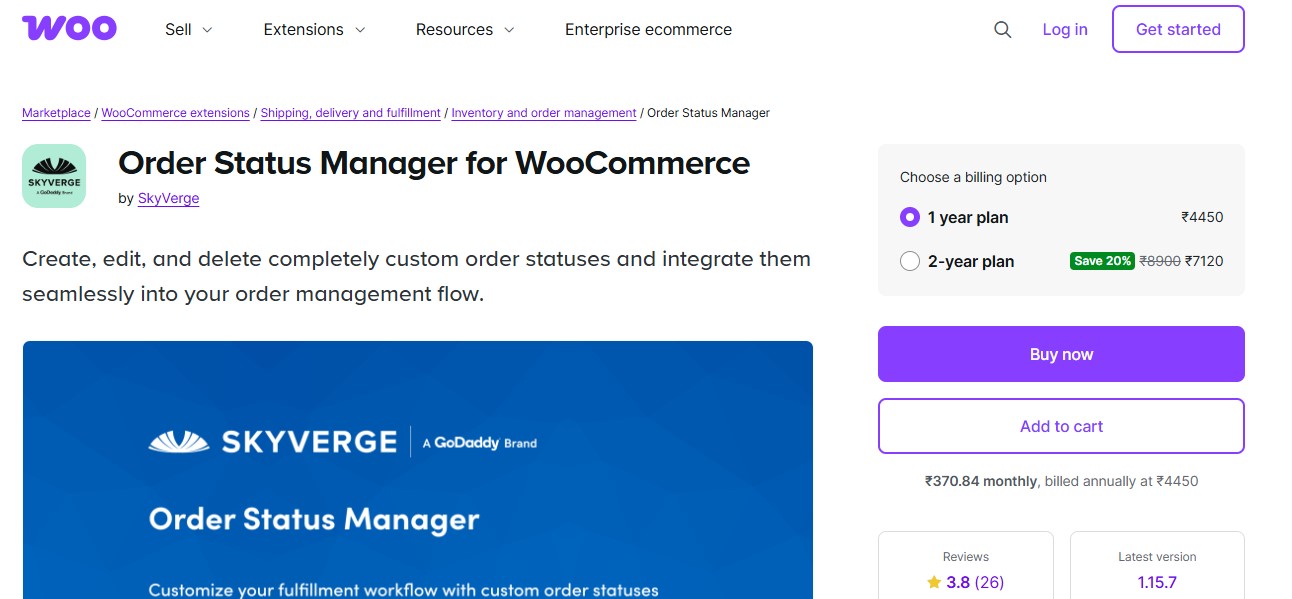
This plugin allows you to customize, add, and edit order statuses to match your specific sales workflow. Whether you’re offering made-to-order products or managing pre-orders, the Order Status Manager gives you full control over how each stage of the order is tracked.
By using this plugin, you can also trigger specific email notifications tied to custom statuses, helping keep both your team and customers in the loop. It’s a flexible choice that aligns your backend processes with your business model.
Key Features
- Create unlimited custom order statuses
- Rename or edit default WooCommerce order statuses
- Add custom icons and colors for easy identification
- Trigger emails for custom order statuses
- Bulk update order statuses from the dashboard
- Drag and drop status sorting
- Compatible with automation, shipping, and fulfillment plugins
Best For
- Growing WooCommerce stores
- Businesses with custom fulfillment workflows
- Stores managing pre orders, backorders, or made to order products
Why It Is Useful
- Supports complex order workflows
- Improves order tracking and internal efficiency
- Enhances customer communication with clear status updates
4. Advanced Order Export For WooCommerce
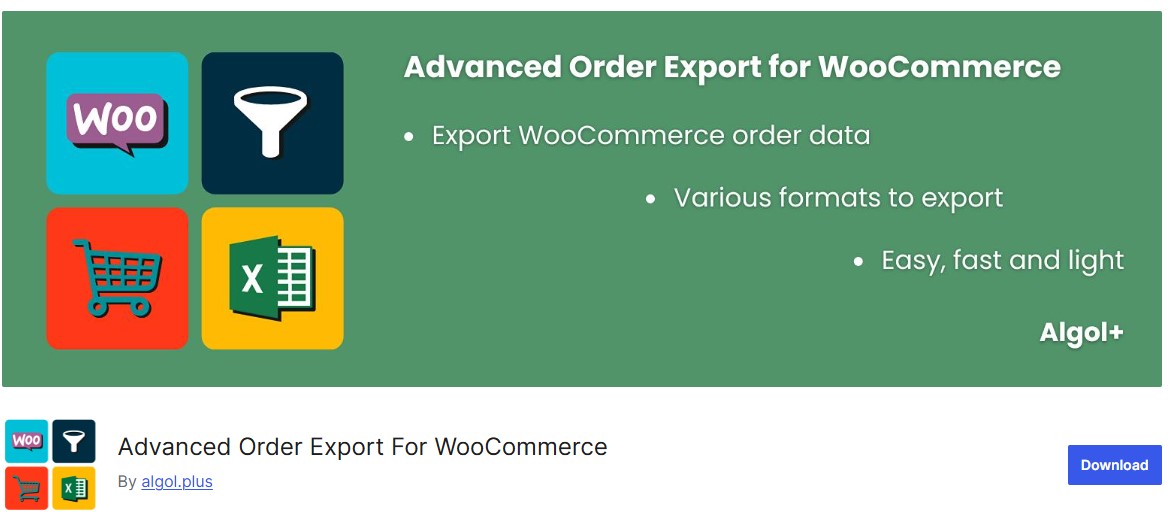
If you need to analyse your sales data or share reports with stakeholders, Advanced Order Export simplifies the process. This plugin provides a variety of export formats, including CSV, XML, and Excel, making it easier to work with external systems like accounting software.
Its filters allow you to select specific date ranges, order statuses, or customer types. In short, it’s a comprehensive tool that extends the functionality of your WooCommerce dashboard into a fully operational data center.
Key Features
- Export orders in CSV, XLS, XML, and JSON formats
- Advanced filtering by date, status, product, customer, or payment method
- Scheduled and automated exports
- Customizable export fields and templates
- Supports meta fields, coupons, refunds, and taxes
- Direct export to FTP, email, or third party systems
- Compatible with WooCommerce HPOS
Best For
- Medium to large WooCommerce stores
- Accounting and inventory management teams
- Stores using ERP, CRM, or shipping software
Why It Is Valuable
- Saves time with automation
- Ensures accurate data transfer across tools
- Scales easily with growing order volumes
Also Read: 12 Must-Have Data Import and Export Plugins for WooCommerce in 2026
5. Sequential Order Numbers for WooCommerce
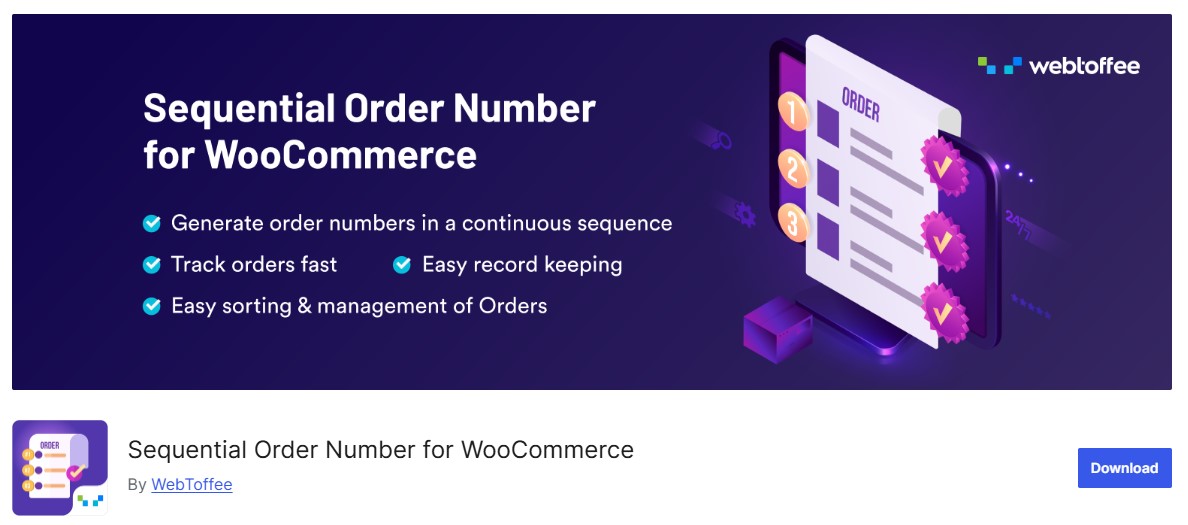
Sequential Order numbers in WooCommerce can sometimes be random or non-sequential due to technical limitations. This plugin solves that by generating clean, sequential numbers that make internal tracking much easier. For businesses that deal with high volumes or require precise auditing, Sequential Order Numbers brings much-needed clarity and order to order management.
Key Features
- Generates sequential, human readable order numbers
- Custom order number prefixes and suffixes
- Option to set a custom starting order number
- Maintains unique order IDs in the database
- Compatible with invoices, emails, and packing slips
- Works smoothly with WooCommerce HPOS
Best For
- Stores handling high order volumes
- Businesses using invoices and shipping documents
- Store owners who want professional order tracking
Why It Is Useful
- Improves internal order management
- Reduces confusion for customers and support teams
- Seamless compatibility with modern WooCommerce extensions
6. WooCommerce PDF Invoices & Packing Slips
Automating invoicing can save hours each week. The PDF Invoices & Packing Slips plugin automatically generates downloadable PDFs for each order. Not only does this help with compliance and record-keeping, but it also provides customers with a professional touchpoint after every purchase.
You can even customize the invoice templates and include your branding, ensuring a cohesive customer experience from checkout to fulfillment.
Key Features
- Automatic PDF invoice and packing slip generation
- Attach invoices to order confirmation emails
- Customizable invoice and packing slip templates
- Support for tax, VAT, and GST details
- Download, print, or email PDFs directly from orders
- Sequential invoice numbering
- Compatible with WooCommerce HPOS
Best For
- eCommerce stores requiring formal invoices
- Businesses handling bulk order fulfillment
- Stores selling internationally or with GST or VAT compliance needs
Why It Is Essential
- Saves time on manual invoicing
- Improves professionalism and compliance
- Works seamlessly with modern WooCommerce workflows
7. Autocomplete WooCommerce Orders
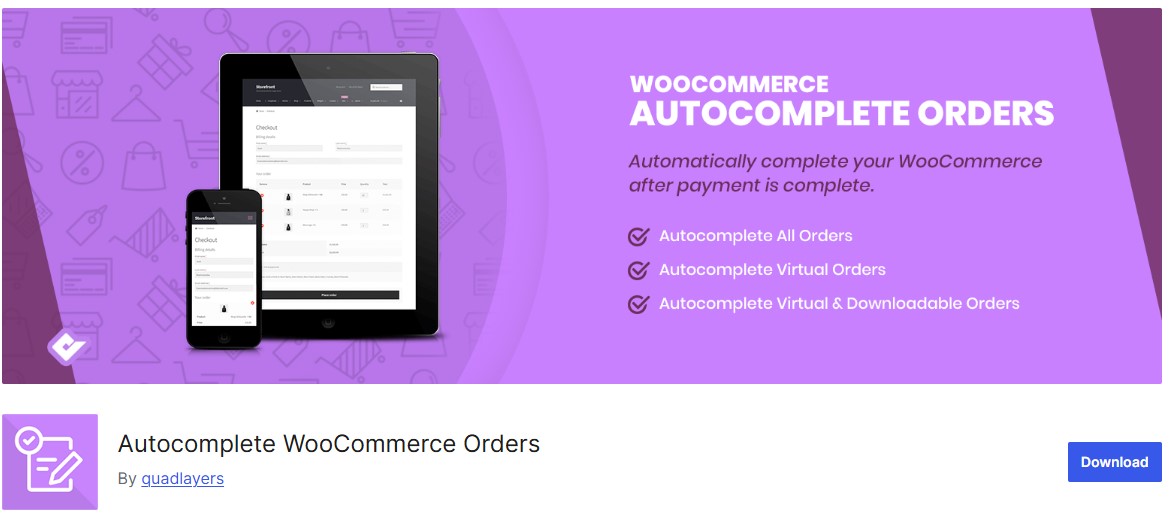
In digital product businesses or services where fulfillment is instantaneous, there’s often no need for manual order completion. This plugin autocompletes orders as soon as payment is received, streamlining the process and freeing up admin time.
By reducing the need for manual intervention, Autocomplete WooCommerce Orders ensures smoother operations, especially for high-frequency stores.
Key Features
- Automatically complete paid WooCommerce orders
- Supports major payment gateways
- Rule based control by product type or order status
- Ideal for digital, virtual, and downloadable products
- Lightweight and performance friendly
- Compatible with WooCommerce HPOS
Best For
- Digital product stores
- Subscription and service based businesses
- Store owners looking to reduce manual order handling
Why It Matters
- Speeds up order fulfillment
- Improves customer experience with instant completion
- Eliminates repetitive admin tasks
Also Read: Top 12 WooCommerce Accounting & Invoicing Plugins for WordPress Stores in 2026
8. WooCommerce Order Barcodes
This plugin introduces barcode functionality into your order workflow. Every order generates a unique barcode, which can then be used for efficient tracking, packaging, and delivery processes. Whether you’re running a warehouse or just trying to speed up fulfillment, WooCommerce Order Barcodes can be a game-changer.
It’s also useful at the customer level, allowing buyers to scan their barcode and retrieve order details, elevating the user experience.
Key Features
- Automatically generate barcodes or QR codes for orders
- Display barcodes on order pages, invoices, and packing slips
- Scan barcodes to update order status quickly
- Supports warehouse and in store fulfillment workflows
- Reduces manual errors during picking and packing
- Compatible with WooCommerce HPOS
Best For
- Stores with warehouses or physical fulfillment teams
- High volume WooCommerce stores
- Businesses using scanners for order processing
Why It Is Useful
- Speeds up fulfillment operations
- Improves accuracy and efficiency
- Ideal for omnichannel and warehouse based stores
Also Read: 12 Essential Administration Plugins for WooCommerce in 2026
9. WP All Import + WooCommerce Add-On
When managing large volumes of orders, bulk actions are key. This powerful combination lets you import orders from CSV or XML files quickly and efficiently. It’s particularly useful for migrating stores, handling B2B orders, or integrating with third-party systems.
The WP All Import plugin with the WooCommerce add-on allows unmatched flexibility in mapping order fields, setting conditions, and handling complex data structures without writing any code.
Key Features
- Import WooCommerce products, orders, and customers
- Supports CSV, XML, and Excel files
- Drag and drop import mapping interface
- Schedule automated imports and updates
- Handle variable products, attributes, and custom fields
- Compatible with WooCommerce HPOS
- Works with popular themes and third party plugins
Best For
- Store migrations and re platforming
- Large or data heavy WooCommerce stores
- Agencies and developers managing multiple stores
Why It Is Essential
- Saves hours of manual data entry
- Ensures accurate bulk data handling
- Scales easily with growing WooCommerce businesses
10. WooCommerce Customer/Order/Coupon Export
For businesses focused on CRM and marketing automation, being able to export customer and order data is crucial. This plugin provides granular control over what data you export and how it’s formatted. From loyalty programs to custom reports, this tool helps you build smarter campaigns using real-time store data.
Key Features
- Export orders, customers, and coupons in CSV, XLS, or XML
- Advanced filtering by date, status, product, or coupon type
- Schedule automatic exports
- Customizable export fields and templates
- Compatible with ERP, CRM, and accounting systems
- Works seamlessly with WooCommerce HPOS
Best For
- Medium to large stores managing high volume data
- Accounting and marketing teams
- Businesses using third party tools for reporting or analytics
Why It Is Valuable
- Simplifies data management
- Saves time with automated exports
- Ensures accurate and consistent reporting
Also Read: 12 WooCommerce International and Localization Legal Plugins You Need in 2026
11. Order Delivery Date for WooCommerce
Letting customers choose their delivery date not only enhances satisfaction but also improves operational planning. With this plugin, buyers can select preferred delivery windows during checkout, which is especially helpful for perishable goods or high-value items.
Meanwhile, your logistics team can better manage capacity, reduce delays, and ensure timely fulfillment. It’s a forward-thinking solution that meets both customer and business needs.
Key Features
- Add a delivery date picker at checkout
- Set minimum and maximum delivery days and blackout dates
- Limit daily delivery slots and manage capacity
- Customizable date format and labels
- Integrates with WooCommerce emails and notifications
- Compatible with WooCommerce HPOS
Best For
- Stores offering scheduled deliveries
- Food, groceries, or subscription based businesses
- Businesses managing local or timed delivery services
Why It’s Useful
- Enhances customer experience with flexible delivery options
- Reduces delivery conflicts and missed orders
- Helps plan logistics and staffing efficiently
12. WooCommerce AfterShip
Last but not least, AfterShip is a tracking powerhouse. It supports over 800 couriers and integrates smoothly with WooCommerce to provide real-time tracking updates. Customers receive notifications as their orders move through the delivery process, drastically reducing support requests.
It also provides a branded tracking page, giving you another opportunity to reinforce your brand identity and ensure a cohesive post-purchase experience.
Key Features
- Automatic tracking for 1,000+ couriers worldwide
- Send email and SMS shipment updates to customers
- Branded tracking pages for a professional look
- Returns management and delivery exception alerts
- Dashboard for tracking all shipments in one place
- Compatible with WooCommerce HPOS
Best For
- Stores shipping domestically and internationally
- eCommerce businesses prioritizing customer communication
- Brands offering high volume or subscription deliveries
Why It’s Valuable
- Reduces customer support inquiries
- Improves transparency and trust
- Streamlines post purchase logistics

Choose the Right Plugin for Your WooCommerce Success
Navigating the vast world of WooCommerce Order Management Plugins can be overwhelming, but selecting the right tools is vital for long-term growth and customer satisfaction. The plugins listed above cater to various operational needs from automation and reporting to personalized tracking and delivery flexibility. By investing in robust order management plugins for WooCommerce, you’re not just streamlining operations; you’re building a more resilient, customer-centric business for 2026 and beyond.
Interesting Reads
10 Best WooCommerce Push Notifications Plugins


