Best WooCommerce Payment Gateway Plugins for Seamless Online Transactions in 2026

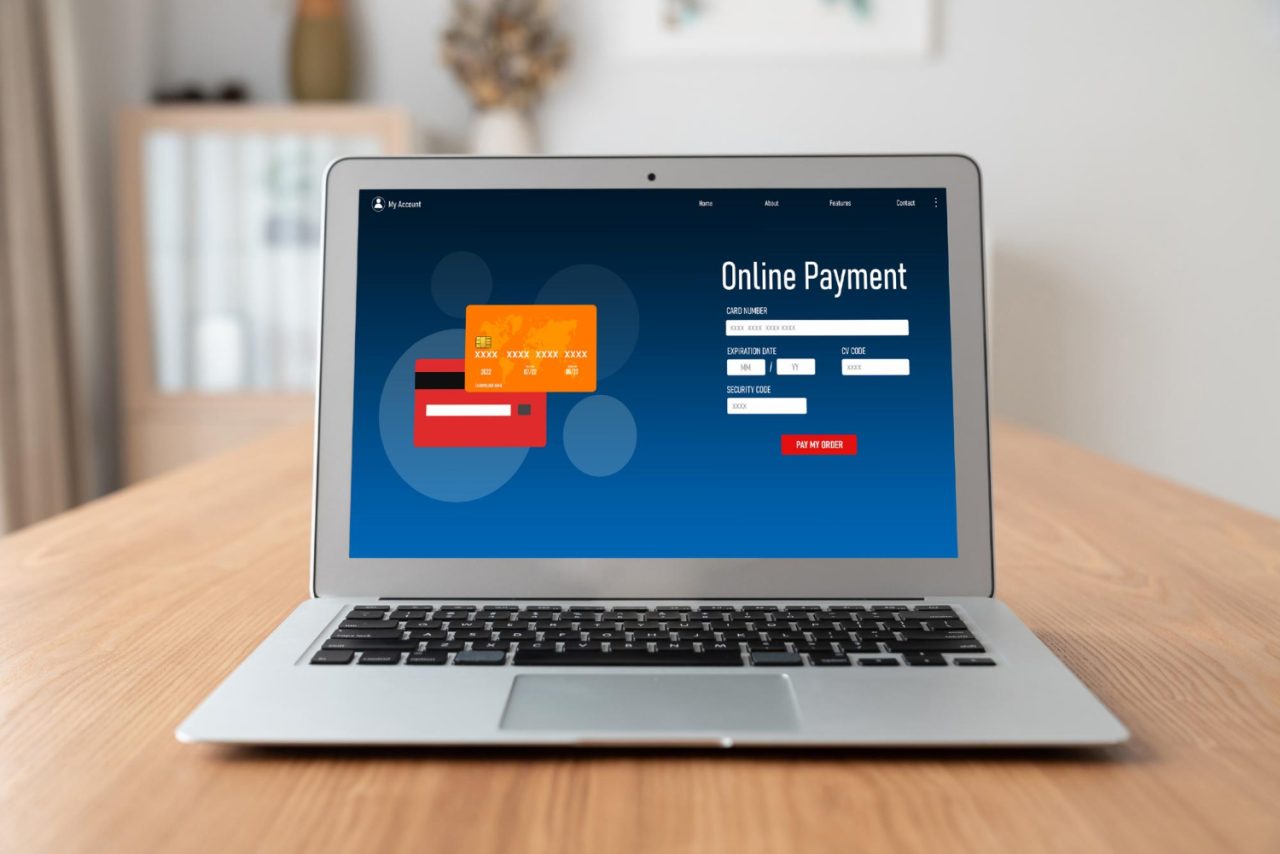
In the fast-moving world of eCommerce, how your customers pay can make or break a sale. By 2026, expectations for smooth, secure, and lightning-fast transactions are higher than ever. Whether you’re selling digital products, physical goods, or services on your WooCommerce store, a reliable WooCommerce payment gateway plugins ensures your checkout process isn’t just functional it’s frictionless.
But here’s the deal: not all payment gateway plugins are built the same. Some are laser-focused on user experience. Others prioritize international support, fraud prevention, or modern trends like crypto payments. So if you’re unsure which plugin is right for your WooCommerce store this year, this guide breaks down the best options clearly, and without fluff. Let’s explore the top plugins dominating the scene in 2026, who they’re best suited for, and how they stack up in real-world use cases.
Table of Contents

Best WooCommerce Payment Gateway Plugins
1. YITH WooCommerce Stripe Premium
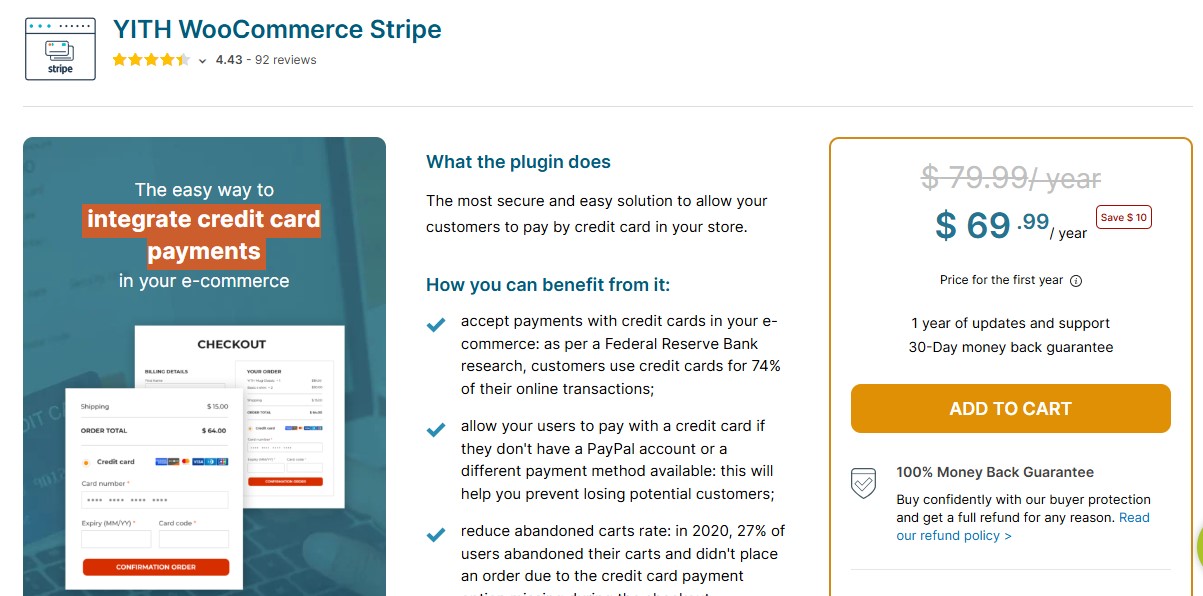
YITH WooCommerce Stripe Premium gives you more than just basic payment processing. It provides a powerful, Stripe-driven checkout experience with advanced features like Apple Pay, Google Pay, Buy Now Pay Later, and automatic card-saving for returning customers.
This plugin is ideal for modern online stores that want to look polished and professional while minimizing abandoned carts. Unlike the basic Stripe integration, YITH adds smart UX touches and styling flexibility that help your checkout process feel like an extension of your brand not a third-party add-on. Store owners who rely on Stripe and want a frictionless, elegant checkout experience with global support.
Pros:
- Integrates advanced Stripe features like recurring billing, wallets, and local payment methods.
- Allows customers to save cards for future purchases, speeding up repeat orders.
- Supports 3D Secure, boosting fraud protection and compliance.
Cons:
- Works only with Stripe no fallback if Stripe isn’t supported in your region.
- Requires a paid plan to unlock premium features (though it’s worth it).
Pricing: Paid; starts at €79.99/year from YITH.
This is the go-to plugin if you’re focused on design, user experience, and Stripe-based payments. It adds a lot of polish that helps turn more visits into conversions.
Also Read: 10 Best WooCommerce Review Reminder Plugins
2. WooCommerce Payments
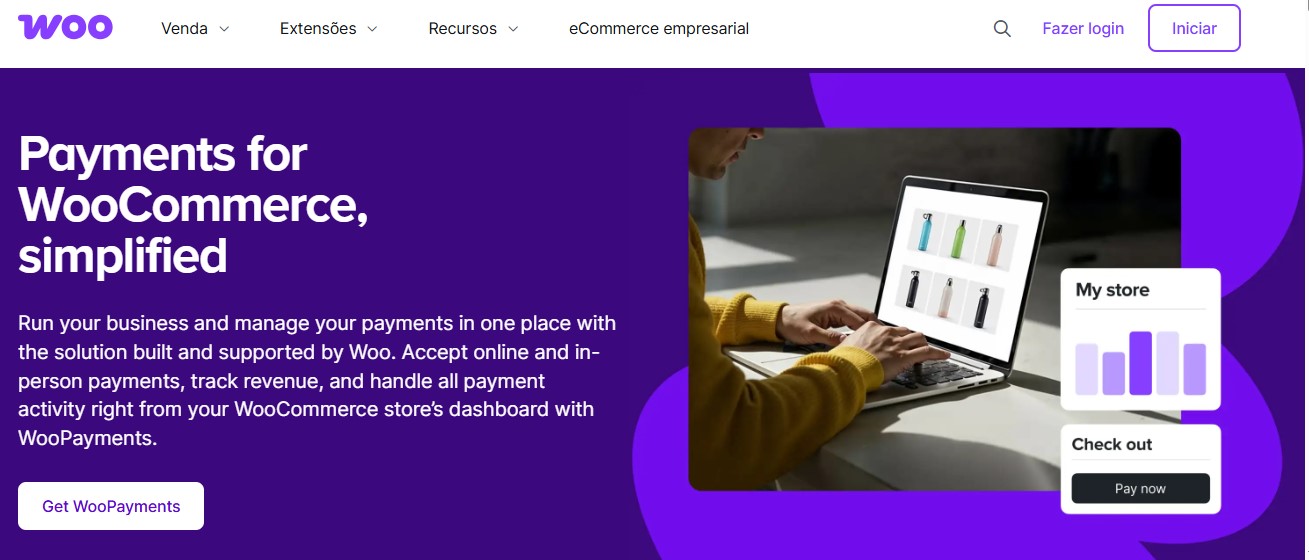
For WooCommerce users who want simplicity and native integration, WooCommerce Payments is hard to beat. Built by Automattic the team behind WooCommerce it’s designed to work seamlessly out of the box. All transactions, deposits, and refunds are managed right inside your WooCommerce dashboard. That’s a huge plus for beginners or solo store owners.
It supports recurring billing, multiple currencies, and basic fraud tools. While it doesn’t support PayPal or crypto, it does cover all the essential credit and debit card processing. Beginners or store owners who want an easy, built-in solution without extra plugins or third-party dashboards.
Pros:
- Native integration with WooCommerce for a clean backend experience.
- Fast setup no separate Stripe account needed.
- Supports recurring payments and dispute handling directly in WooCommerce.
Cons:
- Limited geographic support (not available in all countries).
- Doesn’t support alternative payment methods like wallets or PayPal.
Pricing: Free to install. Standard transaction fees (2.9% + $0.30 per transaction in the US).
If you’re just starting out and want a plug-and-play option that feels like part of WooCommerce, this is it.
3. PayPal Payments by WooCommerce
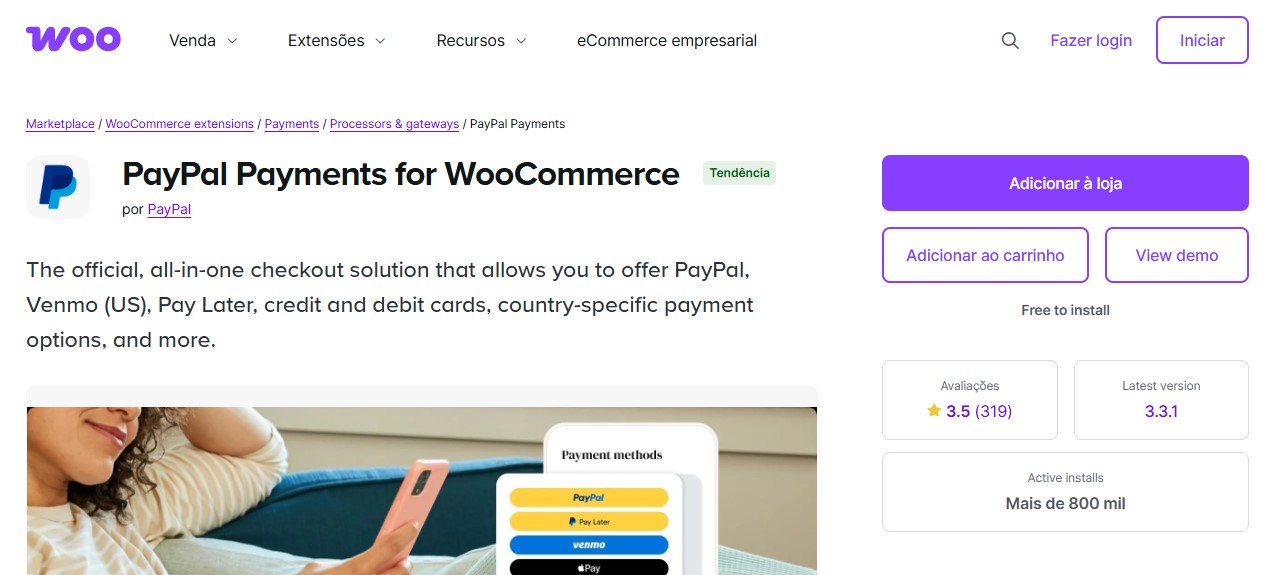
PayPal is still one of the most widely recognized payment platforms .With WooCommerce, you can offer customers instant, secure checkout options using PayPal Wallet, Pay Later, and even Venmo (in supported regions). This plugin supports in-context checkout, keeping customers on your site longer something that’s known to reduce abandonment. It’s an essential plugin if you’re selling to international customers or those who prefer PayPal’s buyer protections. Online stores with international traffic or customers who value PayPal’s security and trust factor.
Pros:
- Offers multiple payment methods in one plugin: PayPal Wallet, Pay Later, and Venmo.
- No monthly fee; only pay when you get paid.
Cons:
- Dispute handling and chargebacks can be difficult to manage.
- May redirect users off-site in some cases, depending on region/settings.
Pricing: Free plugin. PayPal charges standard transaction fees.
A must-have if your customer base expects or prefers PayPal, especially for international or high-volume sales.
Also Read: 10 Best WooCommerce Social Login Plugins
4. Authorize.Net for WooCommerce
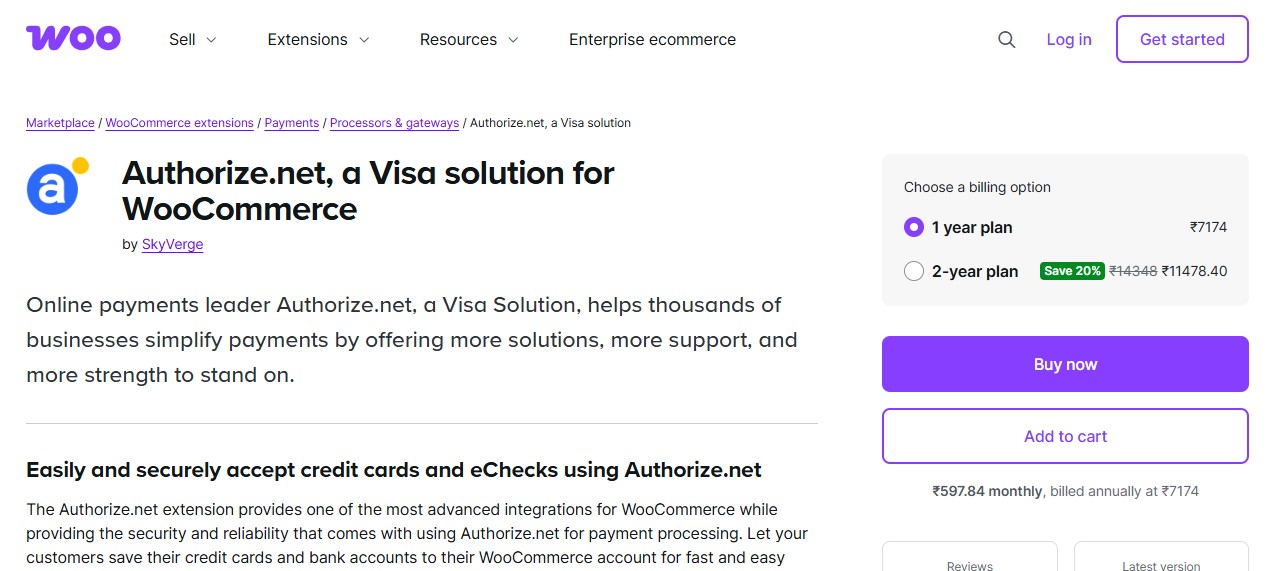
Enterprise-grade security and scalability for U.S. businesses Authorize.Net remains a staple for North American businesses that want PCI compliance, high security, and control. It’s built for companies processing large volumes or selling high-ticket items. Unlike Stripe or PayPal, it offers eCheck support, which can save on fees, and works great for B2B businesses.
While not the most beginner-friendly, it’s extremely robust once configured. You’ll need to apply for a merchant account, but in return, you get reliability and control. North American businesses that prioritize security and enterprise features.
Pros:
- Accepts eChecks and credit cards.
- Built-in fraud detection and address verification tools.
- Excellent uptime and speed for large stores.
Cons:
- Setup can be technical.
- Monthly fees plus transaction fees apply.
Pricing: Paid plugin + monthly fee from Authorize.Net (usually $25+/month).
Choose this if you run a high-volume store or need enterprise-level tools beyond what Stripe or PayPal offers.
5. CryptoPay WooCommerce – Cryptocurrency Payment Gateway
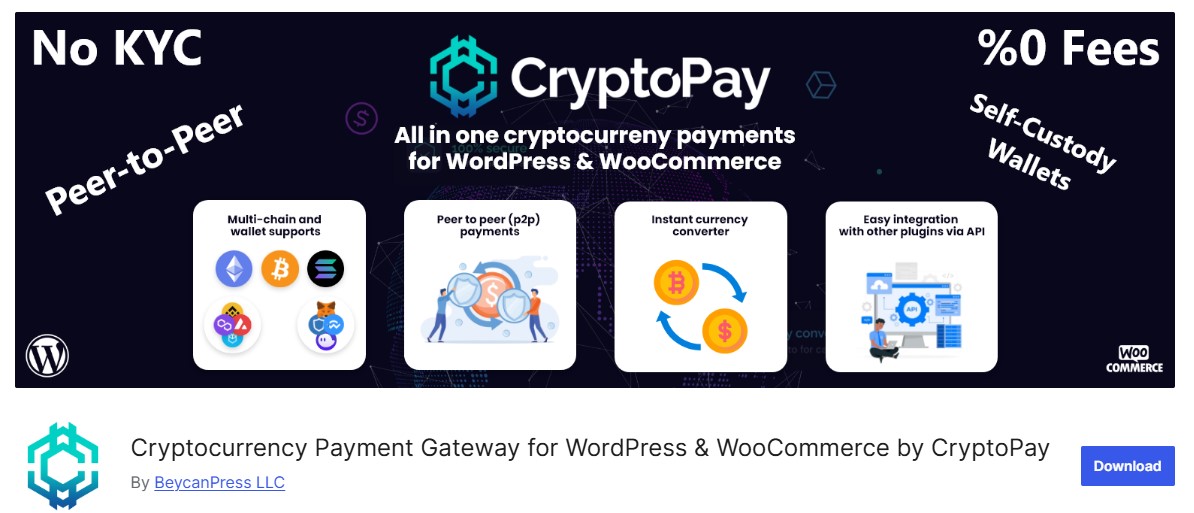
If your audience includes crypto-savvy users or you just want to reduce transaction fees, CryptoPay WooCommerce is a compelling choice. It lets you accept crypto directly into your wallet without a middleman, meaning no processor fees and full control.
It supports major cryptocurrencies like Bitcoin, Ethereum, BNB, USDT, and others. With global interest in crypto payments growing steadily in 2026, this plugin is a smart way to future-proof your store. Tech-forward brands or stores selling to international or privacy-conscious users.
Pros:
- Direct-to-wallet payments; no fees or processors involved.
- Accepts multiple coins and tokens.
Cons:
- Volatility can complicate pricing unless you use a stablecoin.
- Limited refund and buyer protection options.
Pricing: Paid (one-time license fee).
If you want to accept crypto while keeping full control, this plugin is your best option.
6. Mollie Payments for WooCommerce

Mollie is one of the most popular payment gateways in Europe, offering native support for regional payment methods such as iDEAL, Bancontact, SOFORT, SEPA, Apple Pay, and credit cards. It is developer friendly while remaining easy to manage for non technical store owners.
Best for: European WooCommerce stores
Pros
- Supports local European payment methods
- Transparent pricing
- Clean and smooth checkout experience
Cons
- Limited availability outside Europe
Pricing: Free plugin with per transaction fees
A must have payment gateway for EU focused eCommerce businesses.
Also Read: 5 Best WooCommerce Product Search Plugins
7. Razorpay for WooCommerce
Razorpay is the leading payment gateway in India and one of the most trusted choices for WooCommerce stores targeting Indian customers. It brings all major Indian payment methods under one roof, making checkout fast, familiar, and conversion-friendly for local buyers.
With Razorpay, customers can pay using UPI, net banking, debit and credit cards, popular wallets, and EMI options all through a single, seamless checkout flow. This wide coverage significantly reduces friction and improves payment success rates, especially on mobile, where UPI dominates.
What truly sets Razorpay apart is its performance and reliability. The gateway is optimized for high success rates, smart routing, and minimal failures during peak traffic periods like sales and festivals. For store owners, this directly translates into fewer abandoned checkouts and higher completed orders.
Best for: Stores targeting Indian customers
Pros
- Strong UPI and local payment support
- Subscription and recurring billing features
- Fast settlements
Cons
- Mainly focused on the Indian market
Pricing: Free plugin with transaction fees
The gold standard payment gateway for WooCommerce stores in India.
8. Square for WooCommerce
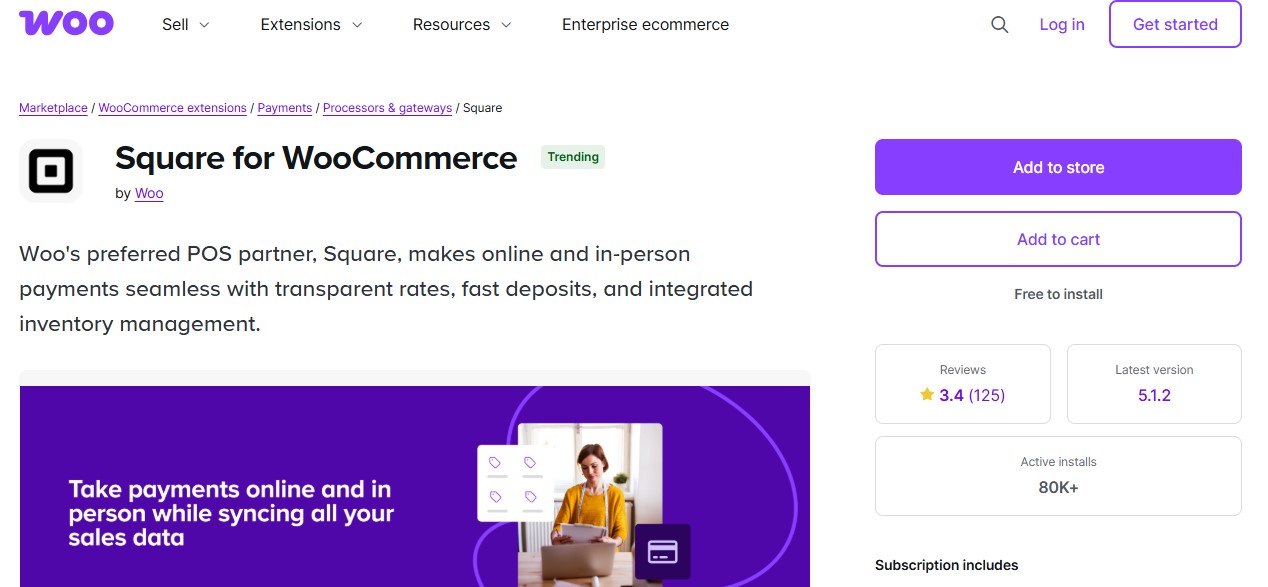
Square for WooCommerce is an excellent payment solution for omnichannel businesses that sell both online and in physical locations. It bridges the gap between your WooCommerce store and Square’s Point of Sale (POS) system, ensuring that payments, inventory, and customer data stay perfectly in sync across all sales channels.
This plugin is especially valuable for retailers who run brick-and-mortar stores, pop-up shops, or accept in-person payments alongside online orders. Any sale made in-store through Square automatically updates inventory in WooCommerce, helping you avoid overselling and stock mismatches. Likewise, online purchases instantly reflect in your Square POS system.
Best for: Retailers with physical stores
Pros
- Real time inventory synchronization
- Unified online and offline payments
- Simple and predictable pricing
Cons
- Limited customization options
- Availability varies by country
Pricing: Free plugin with Square transaction fees
Perfect for businesses combining brick and mortar retail with eCommerce.
9. Klarna Payments for WooCommerce
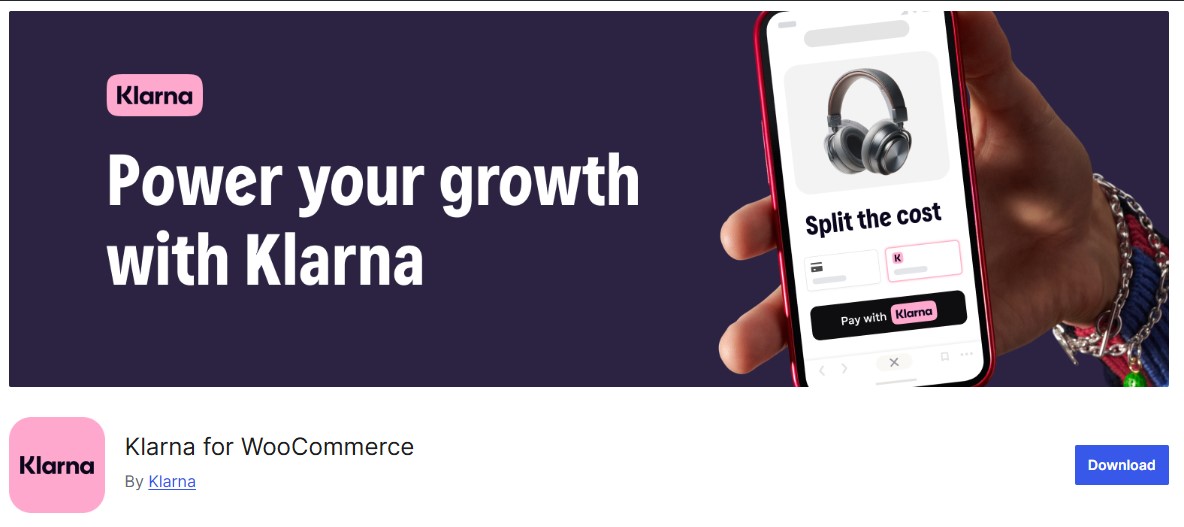
Buy Now, Pay Later (BNPL) continues to be one of the fastest-growing payment trends in eCommerce, and Klarna stands out as one of the most trusted BNPL providers worldwide. As shoppers become more price-conscious in 2026, flexible payment options like Klarna help remove hesitation at checkout and encourage customers to complete higher-value purchases.
With the Klarna Payments for WooCommerce plugin, customers can choose to split payments into interest-free installments or defer payment entirely, depending on what’s available in their region. This flexibility gives shoppers confidence to buy now instead of abandoning their carts due to budget concerns.
Best for: Fashion, lifestyle, and high ticket direct to consumer brands
Pros
- Increases conversions and average order value
- Strong consumer brand trust
- Seamless checkout integration
Cons
- Higher merchant fees
- Approval depends on region and business type
Pricing: Free plugin with Klarna merchant fees
Ideal for stores using buy now pay later as a growth strategy.
Also Read: Top 5 WooCommerce Watermark Plugins to Secure Your Product Images
10. Amazon Pay for WooCommerce

Amazon Pay is a powerful checkout option that leverages one of the most trusted brands in eCommerce. By allowing customers to complete purchases using their existing Amazon account details, it removes one of the biggest conversion killers at checkout long, tedious form filling.
With Amazon Pay for WooCommerce, buyers can use the shipping addresses and payment methods already saved in their Amazon accounts. This creates a fast, familiar, and secure checkout experience, which is especially effective for mobile users and repeat online shoppers.
What makes Amazon Pay particularly valuable is trust. Many customers feel more confident paying through Amazon than entering card details on a new or lesser-known website. That trust often translates into higher conversion rates and fewer abandoned carts.
Best for: Stores with trust sensitive or first time buyers
Pros
- Very fast checkout process
- High level of brand trust
- Reduces cart abandonment
Cons
- Limited customization
- Not available in all regions
Pricing: Free plugin with Amazon Pay transaction fees
Great for improving trust and checkout speed.

WooCommerce Payment Gateway Comparison Table
| Payment Gateway | Best For | Transaction Fee | Monthly Fee | Key Features | Regional Focus |
|---|---|---|---|---|---|
| YITH Stripe Premium | Premium UX | 2.9% + $0.30 | €79.99/year | Apple Pay, Google Pay, BNPL | Global (Stripe regions) |
| WooCommerce Payments | Beginners | 2.9% + $0.30 | Free | Native WooCommerce integration | US, UK, EU, AU, CA |
| PayPal Payments | International Sales | 2.9% + $0.30 | Free | PayPal, Venmo, Pay Later | 200+ countries |
| Authorize.Net | Enterprise/B2B | 2.9% + $0.30 | $25+/month | eCheck, fraud detection, AVS | North America |
| CryptoPay | Crypto Payments | 0% (network fees only) | One-time license | BTC, ETH, USDT, BNB | Global |
| Mollie | European Stores | 1.8% + €0.25 | Free | iDEAL, Bancontact, SEPA | Europe |
| Razorpay | Indian Market | 2% per transaction | Free | UPI, net banking, wallets, EMI | India |
| Square | Omnichannel Retail | 2.9% + $0.30 | Free | POS sync, inventory management | US, UK, AU, CA, JP |
| Klarna | BNPL Strategy | 3.29% + $0.30 | Free | Pay in 4, Pay Later | US, UK, EU, AU |
| Amazon Pay | Trust-Building | 2.9% + $0.30 | Free | Amazon account checkout | US, UK, EU, JP |
Launch Your WooCommerce Store Faster with WP Starter Sites
Skip the hassle of building from scratch. WP Starter Sites offers professionally designed WooCommerce templates with payment gateways pre-configured. Get your store live in hours, not weeks.
Making the Right Choice for Your Store
The best WooCommerce payment gateway plugin isn’t the one with the most features it’s the one that aligns best with your specific customers, products, and goals.
Here’s a quick recap:
- Go with YITH WooCommerce Stripe Premium if you want a sleek, Stripe-powered checkout with modern wallet support.
- Use WooCommerce Payments if you’re just starting out and need a simple, integrated solution.
- Stick with PayPal if your customers are international or already trust the PayPal ecosystem.
- Choose Authorize.Net if you’re scaling fast and need advanced fraud tools or B2B reliability.
- Try CryptoPay if you want to support crypto payments without processor fees.
- Pick Mollie for European stores needing local payment methods like iDEAL and Bancontact.
- Select Razorpay for Indian market dominance with UPI and local wallet support.
- Opt for Square if you need seamless online and in-store payment synchronization.
- Add Klarna to boost conversions with Buy Now, Pay Later options.
- Enable Amazon Pay to leverage Amazon’s trusted checkout for first-time buyers.
In the end, your checkout experience should reflect your brand’s professionalism and make life easier for your customers. Pick a plugin that aligns with how your audience prefers to pay and you’ll see fewer abandoned carts and more completed sales.
Frequently Asked Questions
5 Best WooCommerce Plugins Wallet System in 2025
How to Use WooCommerce Product Add-Ons to Increase Conversions
Top 10 Best WooCommerce Membership Plugins You Should Try in 2025