
If you’re running or planning to launch a multi-vendor marketplace in 2026, choosing the right Stripe Connect integration for WooCommerce is not just helpful; it’s essential. Stripe Connect enables marketplaces to split payments between multiple vendors, automate commission payouts, and onboard sellers with compliance-ready flows, all while maintaining secure and reliable payment processing.
Whether your platform resembles Etsy, a coaching marketplace, or a subscription-based service, Stripe Connect ensures scalable, automated, and secure payment workflows, saving time and reducing administrative overhead. By handling complex revenue distribution, it allows you to focus on growing your marketplace rather than managing manual payouts.
That said, not every WooCommerce store needs Stripe Connect. If you operate a single-vendor store, Stripe Connect is overkill you only need the standard WooCommerce Stripe Gateway plugin to accept card payments. Stripe Connect plugins are specifically designed to meet the unique needs of multi-vendor marketplaces, where revenue sharing and automated payouts are critical.

What Do Stripe Connect Plugins Do?
Stripe Connect plugins for WooCommerce are built to help split payments between multiple vendors automatically. They handle:
- Vendor onboarding (with Express or Custom Stripe accounts)
- Commission logic and scheduling
- Automatic payouts
- KYC/AML compliance through Stripe’s platform
Best for: Online marketplaces, multi-vendor digital stores, or any platform where multiple sellers need to get paid separately.
Top WooCommerce Plugins Stripe Connect
For WooCommerce marketplaces requiring automated vendor payouts and compliant payment flows, Stripe Connect plugins are essential. This list highlights the top five solutions for secure, scalable multi-vendor transactions.
1. YITH Stripe Connect for WooCommerce
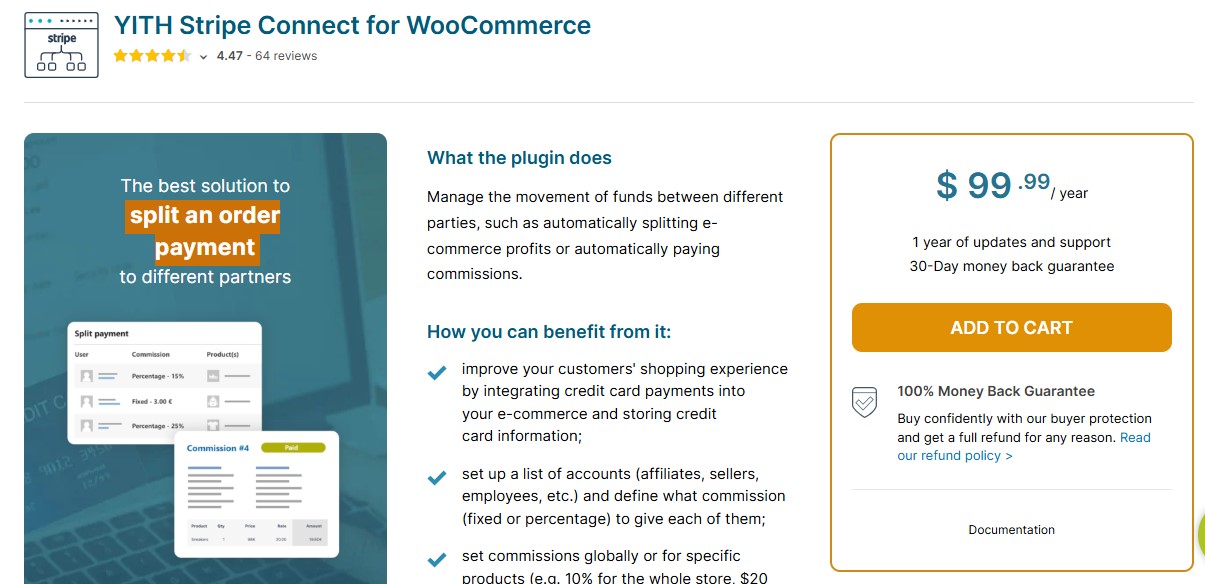
YITH Stripe Connect is one of the most trusted and feature-rich Stripe Connect plugins for WooCommerce multi-vendor marketplaces. In 2026, it continues to lead the pack due to its flexibility, reliability, and deep customization options, making it ideal for marketplaces of all sizes.
The plugin works seamlessly with both Express and Custom Stripe accounts, allowing vendors to receive payouts according to your marketplace rules. With automatic commission calculation and payout scheduling, you can reduce administrative tasks while ensuring vendors are paid on time.
YITH Stripe Connect also offers fine-grained control over commission rates, payment delays, and transaction settings, so marketplace admins can tailor the system to their business model. Whether you run a subscription-based marketplace, a service platform, or a product marketplace, this plugin ensures secure, scalable, and compliant payment workflows.
Key Features
- Supports Express and Custom Stripe accounts for vendors
- Automatic vendor payouts with customizable schedules
- Set commission rates per vendor or product
- Control payment delays, fees, and split rules
- Tracks all transactions and payouts in the admin dashboard
- Fully compatible with WooCommerce multi-vendor setups
Pros:
- Advanced commission settings with payout delays
- Seamless vendor onboarding through Stripe
- Supports both digital and physical marketplaces
Cons:
- Interface may require a short learning curve
Pricing: Paid – Starts at €149.99/year
Recommended for: Serious marketplace operators who need granular control over payment distribution and vendor compliance.
Also Read: 10 Best WooCommerce Subscriptions Plugins
2. WooCommerce Product Vendors + Stripe Gateway
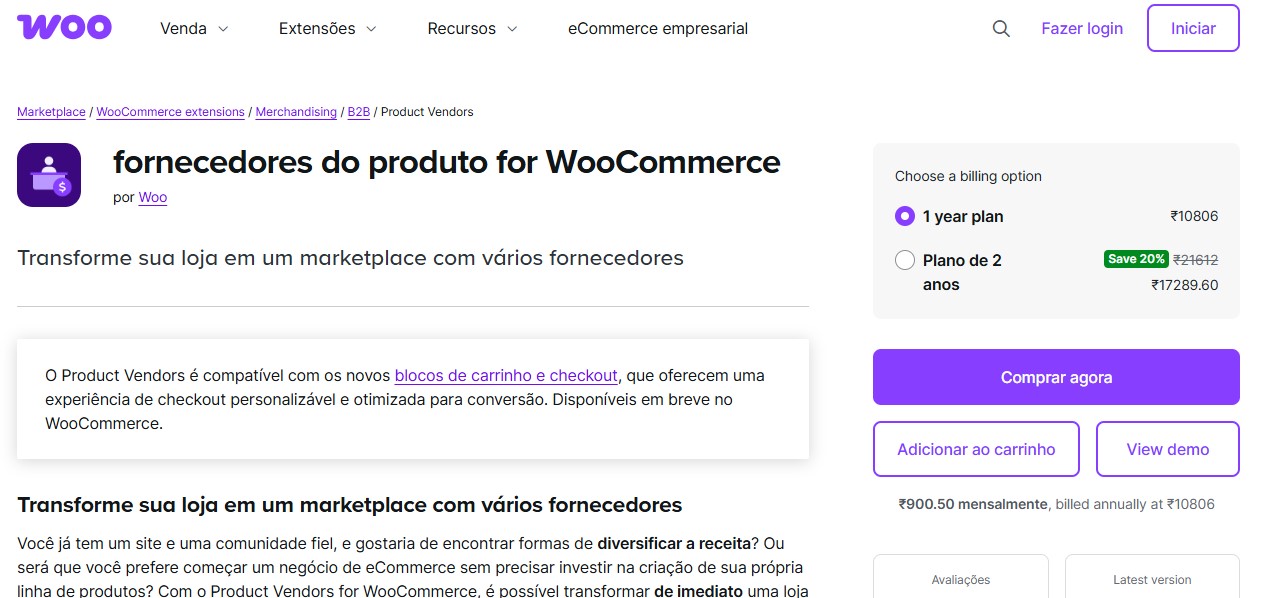
This combo is a more DIY-friendly approach. WooCommerce Product Vendors enables basic multi-vendor functionality, and when paired with the free Stripe Gateway plugin, you can add payment processing but not full Stripe Connect support out of the box.
WooCommerce Product Vendors provides basic multi-vendor functionality, allowing multiple sellers to list products, manage orders, and receive commissions. When combined with the Stripe Gateway plugin, your marketplace can accept card payments securely, giving customers a smooth checkout experience.
However, it’s important to note that this setup does not offer full Stripe Connect functionality out of the box. Unlike dedicated Stripe Connect integrations, automated revenue splitting, vendor payouts, and advanced commission controls must be managed manually or with additional extensions. This makes it better suited for smaller marketplaces or those just starting out, where simplicity and cost-effectiveness are more important than advanced payment workflows.
Key Features
- Basic multi-vendor support via WooCommerce Product Vendors
- Accepts card payments through the free Stripe Gateway plugin
- Vendors can manage orders and track basic commissions
- Easy to set up for small-scale marketplaces
- Compatible with standard WooCommerce products and checkout flows
Pros:
- Uses WooCommerce’s official tools
- Well-supported and extensible with hooks
Cons:
- No native Stripe Connect support—needs custom coding
Pricing: Product Vendors ($79/year) + Stripe Gateway (Free)
Recommended for: Developers or teams comfortable with WooCommerce customizations.
3. WCFM Marketplace Stripe Split Pay

For marketplaces built on WCFM Marketplace, the Stripe Split Pay addon offers a robust Stripe Connect solution that’s fully integrated into WCFM’s intuitive dashboard. This plugin is ideal for store owners who want a streamlined, automated payment workflow without leaving the WCFM ecosystem.
With Stripe Split Pay, you can automate commission payouts, onboard vendors, and split revenue in real time, ensuring vendors get paid accurately and promptly. All of this happens within WCFM’s familiar UI, making it easy for both marketplace admins and sellers to manage transactions.
The addon also supports advanced features like delayed payouts, commission rules, and multi-currency payments, making it perfect for marketplaces that operate internationally or need flexible payment structures.
Key Features
- Full Stripe Connect integration for WCFM Marketplace
- Automatic commission calculation and vendor payouts
- Easy vendor onboarding and account setup
- Supports multi-currency payments and regional compliance
- Integrated into WCFM’s dashboard UI for seamless management
- Tracks all transactions with detailed reporting
Pros:
- Affordable and integrated tightly with WCFM
- Supports scheduled or instant payouts
Cons:
- Limited to WCFM-based setups
Pricing: Part of WCFM Premium Bundle – starts at $49/year
Recommended for: Marketplace owners already committed to the WCFM ecosystem.
Also Read: 5 Best WooCommerce Popup Plugins for Sales Growth in 2026
4. Dokan Stripe Connect
Dokan is one of the most user-friendly multi-vendor marketplace solutions for WordPress, and its Stripe Connect module makes managing payments seamless. Designed for store owners who want a plug-and-play experience, it handles everything from vendor onboarding to automated commission payouts, all without requiring coding knowledge.
With Dokan Stripe Connect, you can easily split payments in real time, set custom commission rules, and automate vendor payouts making it ideal for marketplaces selling products, digital downloads, or services. Its clean and intuitive dashboard ensures both admins and vendors can track transactions, view earnings, and manage withdrawals effortlessly.
Key Features
- Full Stripe Connect integration for Dokan marketplaces
- Automatic vendor payouts and commission management
- Easy vendor onboarding and account setup
- Customizable commission structures per vendor or product
- Real-time transaction tracking and reporting
- Supports multi-currency payments for international marketplaces
Pros:
- Clean, intuitive admin interface
- Easy onboarding for non-technical vendors
Cons:
- Less flexible than YITH when it comes to commission logic
Pricing: Included with Dokan Pro (starts at $149/year)
Recommended for: First-time marketplace builders or those prioritizing ease of use.
5. WC Vendors Pro Stripe Connect
WC Vendors Pro is a powerful and developer-friendly multi-vendor solution for WooCommerce, and its Stripe Connect integration makes managing marketplace payments seamless. This plugin is designed for complex marketplaces that need advanced payout options, flexible commission structures, and scalable vendor management.
With WC Vendors Pro, marketplace admins can split commissions automatically, offer instant or delayed payouts, and provide vendor-specific onboarding workflows. The plugin also supports multi-currency payments and detailed transaction reporting, making it ideal for marketplaces that operate internationally or handle high transaction volumes.
Key Features
- Full Stripe Connect integration with automatic commission splitting
- Instant or delayed payouts configurable per marketplace rules
- Vendor-specific onboarding for smooth account setup
- Supports custom commission rates per vendor or product
- Detailed transaction history and reporting for admins and vendors
- Compatible with multi-currency and international marketplaces
- Developer-friendly for custom extensions and integrations
Pros:
- Advanced support for custom workflows
- Strong documentation and developer tools
Cons:
- Slight learning curve for beginners
Pricing: WC Vendors Pro ($199/year) – Stripe Connect module included
Recommended for: Developers building high-functionality marketplaces with specific vendor needs.
Also Read: 5 Best WooCommerce Plugins PayPal Express Checkout
Wait—Do You Even Need Stripe Connect?
Before you commit to one of these plugins, it’s worth answering one key question:
Are you running a multi-vendor marketplace or a standard WooCommerce store?
- If you’re the only seller and your store doesn’t allow others to list or sell products, you do not need Stripe Connect.
- You only need the free WooCommerce Stripe Gateway plugin to accept card payments directly into your Stripe account.
- Stripe Connect is designed exclusively for situations where multiple parties (vendors) need to receive funds automatically.
Here’s a quick comparison:
| Plugin Type | Designed For | Stripe Connect Support |
| WooCommerce Stripe Gateway | Single-vendor stores | ❌ |
| YITH, Dokan, WC Vendors, WCFM | Multi-vendor marketplaces | ✅ |

Choosing the Right Stripe Connect Plugin
If you’re building a multi-vendor platform in WooCommerce, Stripe Connect is an essential upgrade. It eliminates the hassle of manually calculating commissions, issuing payouts, and staying compliant with financial regulations allowing you to focus on growing your marketplace instead of managing payments.
Here’s a quick guide to help you choose the right solution:
- YITH Stripe Connect – Ideal for marketplaces that need maximum control and flexibility over commissions, payouts, and vendor management.
- Dokan + Stripe Connect – Perfect for those who want the easiest, plug-and-play launch path with minimal setup.
- WC Vendors Pro + Stripe Connect – Best suited for custom, developer-heavy marketplaces that require advanced payout workflows and high scalability.
If you’re selling only your own products, Stripe Connect is overkill. Stick with the free WooCommerce Stripe plugin to accept card payments securely. Need professional assistance? Wbcom Designs specializes in scalable WooCommerce marketplaces, Stripe Connect automation, and custom WordPress commerce ecosystems. We can help you set up a compliant, automated, and growth-ready marketplace so your platform works flawlessly from day one.
Interesting Reads
5 Best WooCommerce Plugins Wallet System in 2025