How to Sell Consultation Services Online Using WooCommerce

A coach who’s good at coaching is not automatically good at running a booking system, chasing invoices, or rescheduling a client who no-showed twice. That’s the actual bottleneck for most consultants moving online, not demand, not pricing, but the operational overhead of turning “I’ll help you with X” into a repeatable, paid transaction that doesn’t eat their entire week in admin work. WooCommerce solves that half of the problem. It’s free and flexible. Unlike a marketplace app, nothing about your client relationship or your pricing depends on a third party’s terms of service.
Why Consultants End Up on WooCommerce Specifically
Coaching platforms built specifically for consultants exist, and some are decent. The tradeoff is almost always the same: they’re fast to set up and they own the relationship, taking a cut of every session and putting their branding, not yours, in front of the client. WooCommerce flips that. Setup takes longer because you’re assembling the pieces yourself, but every client who books a session is on your domain, in your email list, subject to your cancellation policy rather than a platform’s default.
For a business coach, financial advisor, legal consultant, or wellness practitioner charging anywhere from $50 to $500 a session, that difference compounds over a year. A platform taking even 15% off each booking is a real number once you’re running a full calendar.
Step 1: Get the Store Foundation Right
Install WooCommerce
- Go to WordPress Dashboard → Plugins → Add New.
- Search for WooCommerce, install it, activate it.
- Run the setup wizard: currency, location, payment methods.
Pick a Theme That Doesn’t Look Like a Product Catalog
A consultation service isn’t a t-shirt. The default WooCommerce shop layout, grid of product cards, “Add to Cart” buttons everywhere, reads wrong for someone deciding whether to trust you with a $300 conversation. Reign is built with service-based businesses in mind rather than product retail. Astra is a lighter option if you want more manual customization. OceanWP is a third reasonable choice if neither of those fits your existing brand.
Step 2: Build the Actual Service Listing
The listing itself does more selling than most consultants give it credit for. A vague title like “Coaching Session” tells a prospective client almost nothing about what they’re buying. “One-on-One Business Coaching, 60 Minutes” tells them the format and the time commitment before they’ve read a word of the description.
To set one up:
- Go to WooCommerce → Products → Add New.
- Write a specific title.
- Write a description that answers what the client walks away with, not just what happens during the call.
- Set your price, flat fee or hourly.
- Assign categories and tags so the listing is findable if you offer more than one service.
- Add a real photo, not a stock image of a handshake.
- Publish.
Tiered Packages Convert Better Than One Flat Price
A single price point forces every prospect into a binary decision: buy or don’t. Three tiers give hesitant buyers a lower-commitment entry point and give your best prospects a reason to spend more. A rough structure that works across most consulting niches: a shorter, lower-priced session for people who just want a taste, then a standard session with a follow-up touchpoint included. A premium option adds extended time and ongoing support. The exact minutes and dollar amounts depend entirely on your market, what matters is that there’s a ladder, not a single rung.
Step 3: Payments That Don’t Scare People Off at Checkout
Cart abandonment on service purchases spikes hard when the payment page looks unfamiliar or untrustworthy. Stick to processors people already recognize.
PayPal remains the safest default for global trust, most buyers have an account already. Stripe handles direct card payments cleanly and integrates well with subscription tools if you ever add recurring coaching packages. Square is worth considering if you also take in-person payments at events or workshops. Authorize.Net suits larger transaction volumes better than the consumer-first gateways. Razorpay is the practical choice if a meaningful share of your clients are in India.
To connect one: go to WooCommerce → Settings → Payments, choose a method, and enter your API credentials from the provider. Run a test transaction in sandbox mode before flipping it live. Skipping the test transaction is how consultants discover a broken checkout from an angry client instead of from their own testing.
Step 4: Actually Managing the Calendar
This is where a lot of DIY setups fall apart. Selling a “session” through WooCommerce without a real booking layer just means you now have to manually email every buyer to schedule a time, which defeats half the point of automating this in the first place.
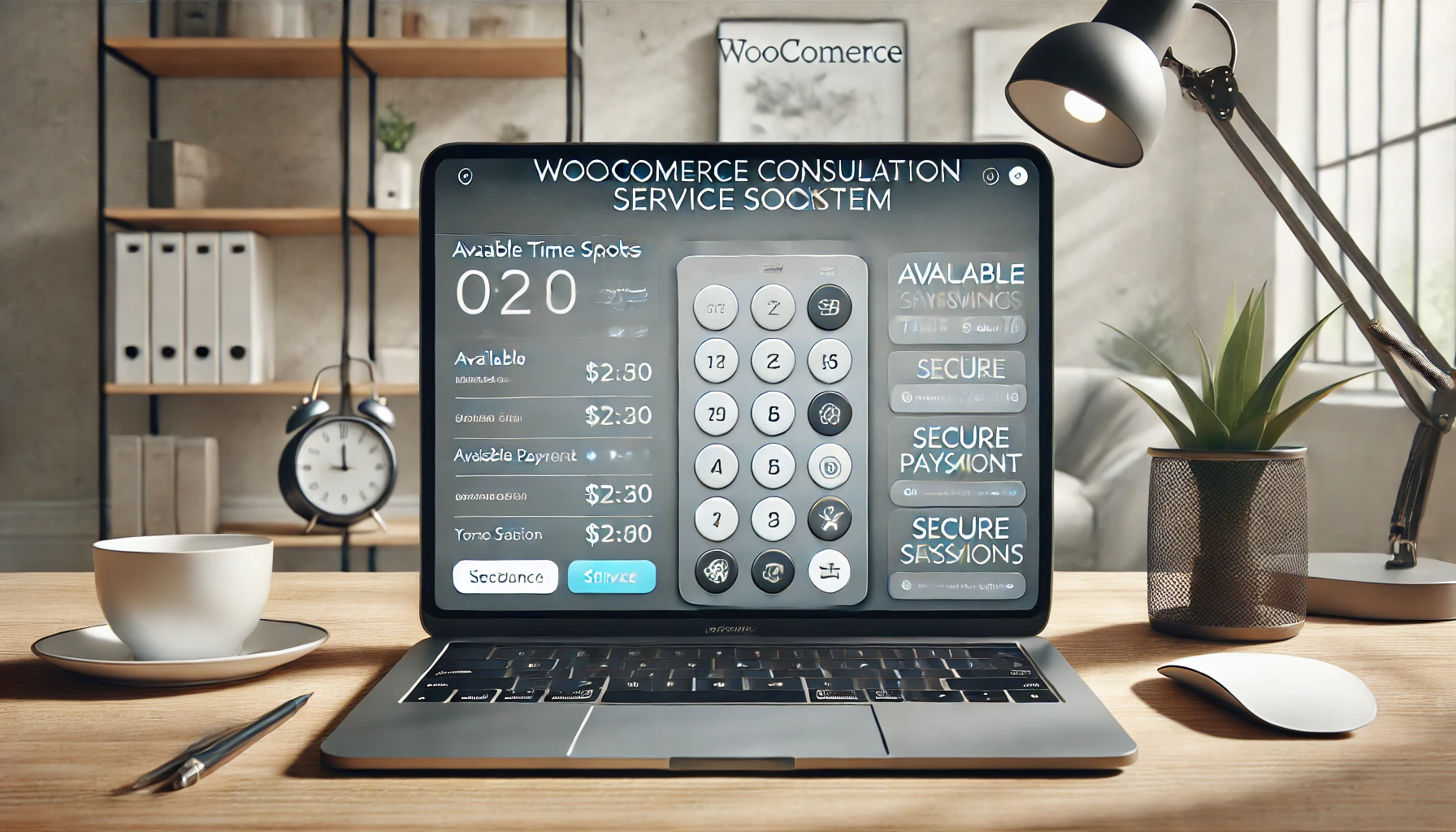
WooCommerce Bookings closes that gap. Install it, set your available hours and session length. Clients pick a slot at checkout instead of guessing and hoping it works for you. Once it’s running, automate the follow-through: confirmation emails the moment someone books, a defined reschedule window so last-minute changes don’t derail your whole week. Reminder emails 24 hours out measurably cut no-show rates for appointment-based businesses of every kind.
For the sessions themselves, Zoom or Google Meet covers almost every use case. Generate the meeting link automatically at booking rather than manually per client, and drop it straight into the confirmation email. The client joins with one click instead of hunting through their inbox five minutes before the call.
Step 5: Getting Found by People Who Actually Want to Buy
SEO for a consultation business works differently than SEO for a product store. Nobody searches “buy business coaching” the way they search “buy running shoes.” They search a problem: “how to raise a seed round,” “should I fire my business partner,” “financial advisor for freelancers.” Your service page and your blog content need to speak that language, not generic marketing copy about “unlocking your potential.”
Write meta descriptions and alt text for every service image, small and mechanical, and the step most consultants skip. Publish blog content around the actual questions your niche searches, since that’s what pulls in organic traffic long after a social post has scrolled out of anyone’s feed.
On social, LinkedIn does the heaviest lifting for B2B consulting, while Instagram and Facebook work better for wellness and personal coaching. Client testimonials and specific success stories outperform generic “book now” posts by a wide margin, because a prospect trusts a peer’s result more than your own claim about your own service.
A free 15-minute intro call is one of the highest-converting offers a consultant can run. It costs you fifteen minutes and lets the prospect experience your style before committing real money, which matters enormously for a purchase decision this personal.
Step 6: Tracking What’s Actually Working
WooCommerce Analytics gives you the raw numbers: sessions booked, revenue per package tier, which service listings convert and which sit ignored. That data should change what you offer, not just sit in a dashboard nobody checks. If your premium tier never sells, either the price is wrong or the value proposition isn’t landing, either way, that’s worth knowing after month one, not year two.
Reviews matter more here than almost any other WooCommerce use case, because a consultation is an intangible purchase. Ask satisfied clients directly for a Google review or a WooCommerce testimonial; most won’t volunteer one unprompted even if they loved the session. A short video testimonial, even filmed on a phone, tends to outperform a written one for building trust with a hesitant prospect.
Retargeting ads catch the visitors who browsed your service page and left without booking, a group that’s usually larger than your actual conversion rate suggests. Pair that with an email sequence to anyone who started checkout but didn’t finish, since that abandoned-cart moment is often just hesitation, not rejection.
Writing a Description That Actually Sells
Most consultant service pages read like a resume. Credentials up top, years of experience, a list of certifications. None of that is what makes someone click “book.” What makes someone book is picturing the specific problem they have solved by the end of the call.
A financial consultant selling a “60-Minute Freelancer Tax Review” converts better describing the exact deliverable, leave the call knowing which deductions apply to your situation and what quarterly payment amount to set aside, than listing “15 years of experience in tax law.” The credential matters as supporting evidence, not the headline. Put it in a short bio section below the fold, not above it.
Address the objection nobody says out loud, too. For a first-time buyer of a consulting service, that objection is usually “what if this is a waste of my money.” A short line addressing refund policy, or what happens if the call doesn’t deliver value, removes that hesitation before it becomes an abandoned cart.
Time Zones Will Break Your Calendar If You Ignore Them
Once a service listing starts pulling international traffic, time zone confusion becomes one of the most common sources of missed sessions. A client in London booking what they think is a 3pm slot with a consultant in Chicago is a recipe for someone showing up at the wrong hour, unless the booking system displays times in the visitor’s local zone automatically rather than the site owner’s.
WooCommerce Bookings handles this correctly out of the box when configured properly, but it’s worth testing yourself, book a dummy session from a VPN in a different time zone and confirm what actually shows up on the confirmation email. A five-minute test now saves an awkward no-show conversation later.
What a Well-Run Cancellation Policy Looks Like
Vague policies get argued with. Specific ones don’t. “Cancellations require 24 hours notice for a full refund; less than 24 hours forfeits 50% of the fee; no-shows forfeit the full fee” leaves no room for negotiation, because the client agreed to those exact terms at checkout. Compare that to “please give us notice if you need to reschedule,” which invites every client to interpret “notice” generously in their own favor.
Put the policy directly on the checkout page, not buried in a terms-of-service link nobody opens. A client who sees the policy before paying rarely disputes it after. A client who discovers it for the first time when they’re asking for a refund almost always does.
Common Mistakes First-Time Consultants Make
Pricing too low out of fear of rejection, then resenting the clients who book because the rate doesn’t cover the actual time involved. Skipping the booking plugin and trying to manage scheduling by email, which works for the first five clients and collapses by client fifteen. Writing service descriptions that describe the consultant’s credentials instead of the client’s outcome, nobody buys a bio, they buy a result. And leaving the cancellation policy unwritten until the first no-show forces the question, at which point it looks reactive instead of professional.
Frequently Asked Questions
Do I need a coding background to set any of this up?
No. Every step here is configuration inside the WordPress dashboard. A developer helps if you want custom design work, but the core setup doesn’t require one.
Should I offer a free consultation for every service type?
Not always. It works well for high-ticket, high-trust services like business or legal consulting. For lower-priced, high-volume services, a discounted first session often converts better than a free one, since a small payment filters out people who were never going to book anyway.
How do I handle a client who wants to reschedule at the last minute?
Set the policy in advance and publish it on the booking page. Let the booking plugin enforce it automatically rather than negotiating case by case. Consistency here protects your calendar and your income.
Is WooCommerce Bookings the only option for scheduling?
It’s the most tightly integrated with WooCommerce itself, which is why it’s the default recommendation here. Other calendar tools can be connected, but they usually require more manual syncing between the booking and the payment.
How many service tiers is too many?
Past three or four, choice paralysis starts working against you. A prospect comparing five different packages is more likely to close the tab than a prospect comparing two or three clearly differentiated ones.
Should pricing be public on the site, or available only on request?
Public, in almost every case. “Contact us for pricing” filters out serious buyers just as much as it filters out tire-kickers, and it adds friction to what should be a simple purchase decision. Reserve custom quoting for genuinely bespoke, high-ticket engagements where the scope varies enormously client to client.
What’s a realistic timeline to get a consultation business live on WooCommerce?
A weekend for the technical setup, store, theme, one service listing, one payment gateway, booking plugin configured. The service description and pricing strategy take longer to get right, and the first testimonials take longer still. That’s fine. Launch with one solid listing rather than delaying for a perfect five-tier catalog.
A Realistic First-Month Example
Picture a wellness coach launching her first paid consultation offer. Week one: WooCommerce installed, Reign theme configured, one service listed, a 45-minute intro session at $85, booking handled through WooCommerce Bookings, Stripe connected for payment. No premium tier yet, because there’s no proof anyone wants the basic one first.
Week two: three bookings come in, all from her existing email list rather than organic search, which is normal, a brand-new listing has no search authority yet. She emails each client after their session asking for a two-line testimonial, and two of the three respond.
Week three: those testimonials go on the service page. A fourth booking arrives, this time from someone who found the page through a blog post she published about a specific wellness topic her niche searches for. Week four: she adds a second, longer session tier at a higher price, because two of her four clients have already asked whether a longer format is available. That’s the whole loop, launch small, listen to what clients actually ask for, expand based on real signal instead of guessing upfront.
Nothing about that sequence required a large budget or a big audience. It required a working booking flow and one honest offer, plus the discipline to actually ask happy clients for proof instead of hoping they’d volunteer it unprompted.
Start Today
None of the steps above are optional shortcuts, skip the booking automation and you’re back to manual email scheduling by client twenty. Skip the cancellation policy and the first difficult client will cost you more time than the policy would have taken to write. Selling consultation services online through WooCommerce is genuinely achievable in a weekend, not a quarter. The pieces are proven and mostly free. None of it requires handing a percentage of every session to a marketplace. Get the store running and the calendar automated. Collect that first testimonial, and the rest compounds from there.
Handling a Client Who Wants a Refund After the Call
Unlike a physical product, a consultation cannot be returned once it has happened, which makes a post-session refund request a genuinely different situation from a standard product dispute. Decide your policy on this before it comes up rather than improvising an answer to an upset client in the moment. Some consultants offer a partial refund if a client feels the session genuinely missed the mark, others offer a follow-up session at no charge instead of cash back, treating it as a service recovery rather than a financial loss.
Whichever approach you choose, state it clearly on the same checkout page as the cancellation policy, so a client evaluating whether to book already knows what happens if the session doesn’t meet their expectations. That clarity upfront prevents most disputes from escalating, since the client agreed to specific terms rather than discovering your policy for the first time while already frustrated.
Interesting Reads:
How to Sell Services on Your Own Website