5 Best Website Performance for HG Slider


Optimizing Website Performance for HG Slider is essential for eCommerce and business websites aiming for faster load times and enhanced user engagement. Sliders are visually appealing but often resource-heavy, which can hurt your site’s speed and SEO. Choosing the right tools to boost Website Performance for HG Slider ensures your sliders run smoothly and elevate the overall browsing experience.

What is Website Performance for HG Slider?
Website Performance for HG Slider refers to how well your slider integrates with your website in terms of speed, responsiveness, and overall functionality. Sliders can be resource-intensive, but optimizing them ensures faster loading times, smooth transitions, and better compatibility with other site features. This not only improves user experience but also helps boost your website’s SEO rankings.
A slider looks simple on the surface: a few images, some transition effects, maybe a button or two. Underneath, though, it’s often pulling in extra stylesheets, extra JavaScript libraries, and multiple full-resolution images that all load before the visitor even scrolls. On a slow connection, that can mean the difference between a page that feels instant and one that feels like it’s stuck. Google’s Core Web Vitals treat this seriously too. Largest Contentful Paint, one of the three metrics Google uses to judge page experience, is very often the slider image itself on homepages that lead with a hero carousel. Get the slider wrong and you’re not just annoying visitors, you’re handing search engines a reason to rank you lower.
Why Do You Need Website Performance for HG Slider?
Poor slider performance can lead to:
- Slow website loading times.
- Higher bounce rates.
- Poor mobile responsiveness.
On the other hand, enhancing Website Performance for HG Slider helps:
- Deliver a seamless user experience across devices.
- Reduce load times while maintaining high-quality visuals.
- Improve search engine rankings due to better performance metrics.
For WooCommerce websites, optimizing slider performance can significantly boost conversions by ensuring product displays are fast and visually engaging.
There’s a compounding effect here that’s easy to miss. A slow slider doesn’t just cost you the visitors who bounce immediately. It also drags down average session metrics across your whole site, which search engines factor into how they treat every other page you publish. Fixing the slider is rarely just a slider fix. It tends to lift performance scores site-wide, because the homepage is usually the heaviest page and the one most search crawlers and human visitors hit first.
Key Features to Look for in Website Performance for HG Slider
When selecting plugins to improve Website Performance for HG Slider, prioritize the following:
- WooCommerce Compatibility: Essential for eCommerce sites to create dynamic, high-performing product sliders.
- Speed Optimization: Tools like lazy-loading help reduce slider load times.
- Mobile Responsiveness: Ensure sliders are touch-friendly and adapt to different screen sizes.
- Customizable Designs: The ability to tweak layouts, animations, and transitions to suit your brand.
- SEO Optimization: Plugins that support clean coding and structured data for better rankings.
Beyond those five, I’d add two more things worth checking before you commit to a plugin. First, look at how the plugin serves images. Does it automatically generate responsive image sizes and serve WebP where the browser supports it, or does it just dump the same full-size JPEG to every device? Second, check whether the plugin loads its assets globally on every page or only on the pages where the slider actually appears. A surprising number of slider plugins load their CSS and JavaScript sitewide by default, which quietly slows down every page on your site even the ones with no slider at all.
The 5 Best Plugins to Enhance Website Performance for HG Slider
Below are the most relevant WooCommerce-compatible plugins to enhance Website Performance for HG Slider.
1. YITH WooCommerce Product Slider and Carousel
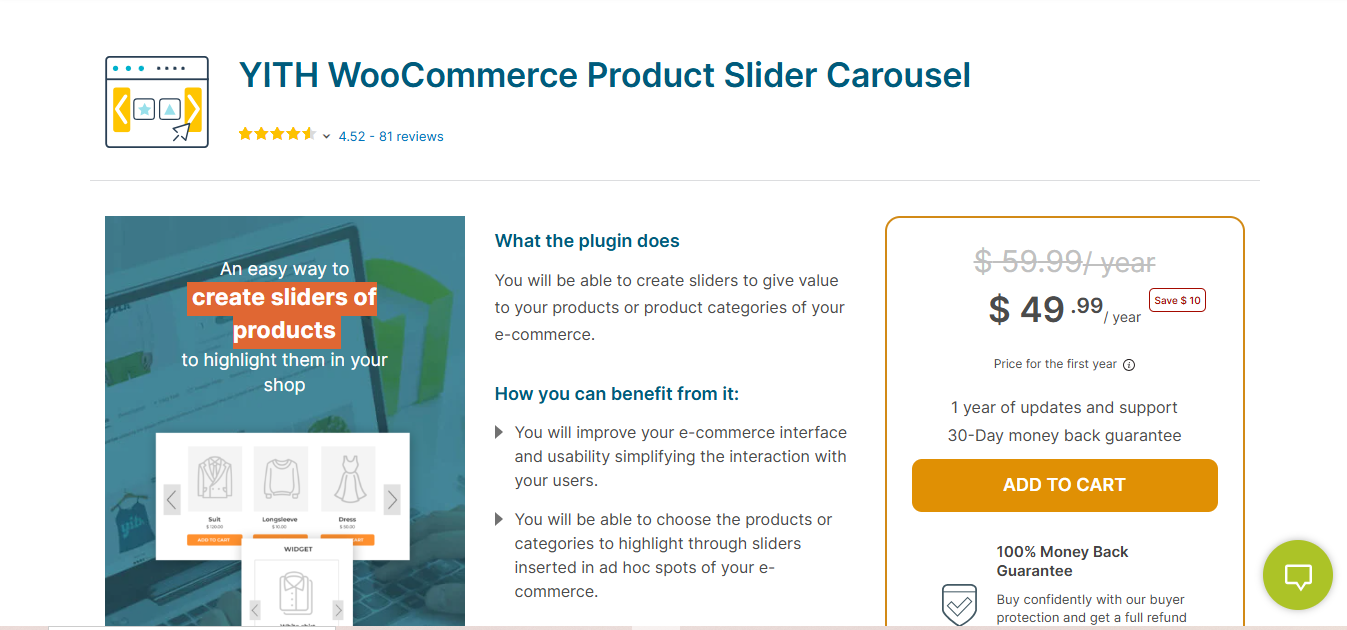
YITH WooCommerce Product Slider and Carousel is designed specifically for WooCommerce stores, offering unmatched compatibility and performance optimization. This plugin ensures your sliders run smoothly, improving overall Website Performance for HG Slider on your eCommerce site.
Key Features
- Seamless WooCommerce integration for product sliders.
- Lazy-loading images to enhance speed.
- Fully mobile-responsive sliders for better user experience.
- Customizable layouts and animation options.
Pros
- Excellent performance for WooCommerce-based sliders.
- Optimized for fast load times and SEO.
- User-friendly interface with intuitive controls.
Cons
- Premium features require a paid plan.
- Limited use outside WooCommerce.
Why It Stands Out
The combination of WooCommerce compatibility and performance-focused features makes this the top choice for enhancing Website Performance for HG Slider in eCommerce stores.
Also Read: 10 Best Software for Writing a Book
2. Slider Revolution WooCommerce
Slider Revolution WooCommerce is a powerhouse plugin offering dynamic features and incredible performance for WooCommerce product sliders. It balances design and speed to ensure your sliders contribute positively to your site’s Website Performance for HG Slider.
Key Features
- Advanced lazy-loading technology for faster performance.
- A vast library of pre-designed templates for quick customization.
- WooCommerce product slider integration for engaging displays.
- Mobile-friendly design with touch-enabled navigation.
Pros
- High-quality visuals and advanced animations.
- Fully responsive across all devices.
- Supports multimedia sliders, including video and text layers.
Cons
- Requires some technical knowledge for advanced customization.
- Slightly heavy on resources without proper configuration.
Why It Stands Out
Its rich customization options and WooCommerce compatibility make Slider Revolution WooCommerce ideal for sites that need visually stunning and high-performing sliders.
3. WooCommerce Product Slider by PickPlugins
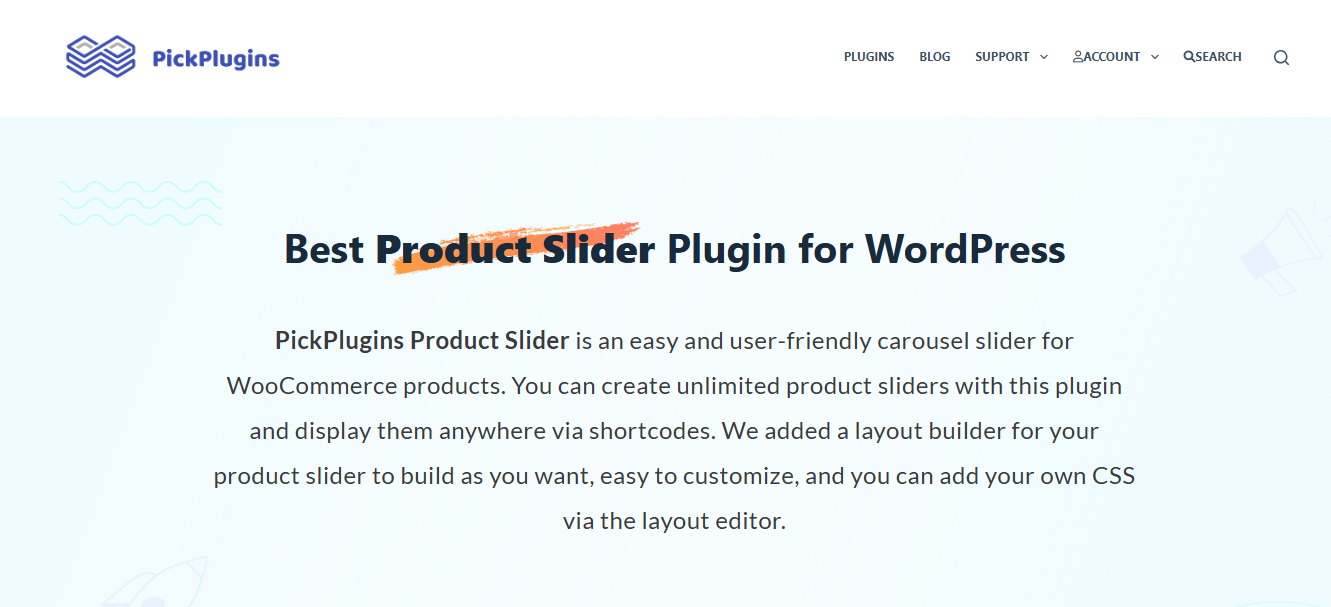
WooCommerce Product Slider by PickPlugins is another premium plugin built to enhance the Website Performance for HG Slider on WooCommerce sites. It provides a user-friendly interface and essential performance-boosting features.
Key Features
- Responsive sliders optimized for all devices.
- Advanced lazy-loading to minimize loading times.
- Customizable product carousels and grid layouts.
- Support for slider pagination and navigation controls.
Pros
- Easy-to-use interface suitable for beginners.
- Excellent speed optimization features.
- Compatible with popular WooCommerce themes.
Cons
- Limited styling options compared to competitors.
- Requires a premium upgrade for additional features.
Why It Stands Out
Its focus on simplicity and WooCommerce-specific functionality makes this plugin perfect for store owners looking to enhance Website Performance for HG Slider effortlessly.
4. Smart Slider 3 Pro

Smart Slider 3 Pro is a versatile plugin that combines speed, customization, and compatibility with WooCommerce to boost Website Performance for HG Slider.
Key Features
- Built-in performance optimization tools, including lazy-loading.
- Dynamic sliders that integrate seamlessly with WooCommerce products.
- Pre-designed templates for quick implementation.
- Full mobile responsiveness with touch-friendly navigation.
Pros
- Easy setup with drag-and-drop functionality.
- Highly customizable for unique designs.
- Regular updates to ensure compatibility with WooCommerce.
Cons
- Premium features are locked behind a paywall.
- Limited focus on advanced WooCommerce-specific features.
Why It Stands Out
Its balance of ease-of-use and WooCommerce integration makes Smart Slider 3 Pro a reliable option for improving Website Performance for HG Slider.
5. RoyalSlider for WooCommerce
RoyalSlider for WooCommerce offers a lightweight, performance-driven solution for optimizing sliders on eCommerce websites.
Key Features
- Optimized for speed with lazy-loading support.
- Fully responsive designs for a seamless mobile experience.
- Multimedia support, including videos and interactive elements.
- Integration with WooCommerce for showcasing products dynamically.
Pros
- Extremely lightweight, ensuring faster load times.
- Simple interface ideal for non-technical users.
- Excellent for creating product-focused sliders.
Cons
- Fewer advanced customization options.
- Limited functionality outside WooCommerce.
Why It Stands Out
RoyalSlider for WooCommerce stands out for its focus on speed and simplicity, making it an excellent choice for improving Website Performance for HG Slider on resource-intensive sites.
Comparison Table
| Name of Tool | Best for | Standout Feature | Pricing |
|---|---|---|---|
| YITH WooCommerce Product Slider and Carousel | WooCommerce-based sliders | Seamless WooCommerce integration with lazy-loading | Premium (Paid Plan Required) |
| Slider Revolution WooCommerce | Visually stunning product sliders | Rich templates with advanced lazy-loading | Premium (Paid Plan Required) |
| WooCommerce Product Slider by PickPlugins | User-friendly product sliders | Responsive design with advanced lazy-loading | Free & Premium |
| Smart Slider 3 Pro | Customization and ease of use | Drag-and-drop editor with WooCommerce support | Free & Premium |
| RoyalSlider for WooCommerce | Lightweight performance-driven sliders | Speed optimization with responsive designs | Premium (Paid Plan Required) |
Common Mistakes That Quietly Wreck Slider Performance
A few patterns show up again and again on the sites I’ve reviewed, and none of them require a plugin swap to fix, just a bit of housekeeping.
The first is stacking multiple slider plugins at once, usually left over from a theme change. A site switches themes, the old theme’s built-in slider stays active in the background even though nobody uses it anymore, and now two sets of slider scripts are loading on every page load. Deactivating unused plugins entirely, not just hiding their output, is worth a five-minute audit on any older WooCommerce store.
The second is letting the slider load render-blocking scripts in the page head instead of deferring them. Most modern slider plugins support deferred or async loading out of the box, but it’s sometimes switched off by default for compatibility reasons. Checking that setting and turning it on, where the plugin allows it, is one of the fastest performance wins available with zero design tradeoff.
The third is using the slider as a dumping ground for every promotion the marketing team wants to run that week. Eight, nine, ten slides deep, each one loaded at full resolution “just in case” a visitor scrolls through all of them. Almost nobody does. A slider that starts strong with the two or three offers that actually convert, and drops the rest into a regular promotions page, tends to perform better on both speed and clicks.
How Hosting and CDN Choices Affect Slider Speed
Even the leanest, best-configured slider plugin can’t outrun bad hosting. If your images are served from a shared server with no content delivery network, visitors on the other side of the country, or the other side of the world, are waiting on data to travel much farther than it needs to. Pairing your slider plugin with a CDN, so slide images get served from a location physically closer to the visitor, often shaves meaningful time off load speed without touching a single plugin setting.
Image format matters here too. WebP and AVIF files are typically a fraction of the size of an equivalent JPEG at the same visual quality. Many slider plugins now support automatic format conversion, serving WebP to browsers that support it and falling back to JPEG for the rest. If your current plugin doesn’t do this natively, a general-purpose image optimization plugin running alongside it usually closes the gap.
None of this replaces good hosting, but it does mean you don’t necessarily need to shop for a new host just to fix a slow slider. Sometimes the fix really is as small as compressing five images and turning on a setting that was off by default.
Configuration Habits That Matter More Than the Plugin You Pick
Here’s something worth saying plainly: the plugin you choose accounts for maybe half of your actual slider performance. The other half comes down to how you configure it, and this is the part most tutorials skip over. I’ve seen the same slider plugin perform beautifully on one site and drag load times to a crawl on another, purely because of setup choices.
Start with image weight. A slider with five slides, each carrying an uncompressed 4MB photo straight from a camera, will choke almost any hosting environment. Compress every slide image before it goes anywhere near the slider, and size it for the actual display dimensions rather than uploading a massive original and letting the browser scale it down. Next, look at slide count. Three to five slides is usually the sweet spot for both performance and user attention. Beyond that, engagement drops sharply anyway, since most visitors never wait around to see slide six or seven. Trimming slide count is one of the easiest wins available and it costs nothing.
Autoplay is another setting worth reconsidering. Autoplaying sliders that never stop can hurt accessibility scores and annoy users who are still reading the first slide when it switches. Giving visitors manual control, or at least pausing autoplay on hover and on focus, tends to improve both usability and dwell time. Finally, check how many slider instances are loading per page. Some themes accidentally initialize slider scripts on pages that don’t even display a slider, which wastes processing time for no visual benefit at all.
Building a Slider That Actually Supports Conversions
It’s worth stepping back from the technical checklist for a moment and asking what the slider is actually for. On most WooCommerce homepages, its job is to get a visitor from “just browsing” to “clicked on a product” as quickly as possible. Every extra kilobyte of load time is a small tax on that goal, but so is a slider that looks fast and loads instantly while showing nothing the visitor cares about.
The strongest-performing sliders I’ve come across usually share a few habits. They lead with a single clear offer or bestseller rather than a rotating carousel of unrelated banners. They keep copy short enough to read in the two or three seconds a slide is visible before it changes. And they link every slide to a specific, relevant landing page rather than a generic homepage link that leaves the visitor to figure out where to go next. None of that is about page speed directly, but a slow, unfocused slider compounds both problems at once: it loses visitors to load time and loses the ones who do wait because the message never landed.
If you’re auditing an existing slider, it’s worth pulling click data for each slide over a month or two before assuming it needs a redesign. Slides nobody clicks are pure performance cost with zero business return, and cutting them is often a bigger win than any plugin swap.
Measuring Whether Your Slider Fix Actually Worked
It’s easy to make changes and assume they helped. The only way to know for sure is to measure before and after with the same tool, under similar conditions. Run your homepage through a page speed testing tool before touching the slider, note the Largest Contentful Paint time and the total page weight, then make your changes and test again. A slider optimization that doesn’t move those two numbers wasn’t worth the time spent on it.
Mobile testing deserves its own pass, separate from desktop. Sliders that feel snappy on a fast office connection can behave very differently on a mid-range phone over a spotty 4G signal, which is still how a large share of shoppers browse. If you only test on your own desktop with fiber internet, you’re testing the best-case scenario your visitors will rarely experience.
Also Read: 5 Best Woo Product Inquiry and Quote Plugin for WooCommerce

Elevate Your Website Performance for HG Slider
Optimizing Website Performance for HG Slider is crucial for creating a fast, user-friendly, and visually appealing website. Premium plugins like YITH WooCommerce Product Slider and Slider Revolution WooCommerce are tailored to meet the demands of WooCommerce sites, ensuring smooth slider performance without sacrificing design quality. Pair the right plugin with disciplined image sizing, a reasonable slide count, and real device testing, and the slider stops being a performance liability and starts doing the job it was meant to do: showing off your best products without slowing anything down.
None of this needs to happen in one afternoon. Start with the highest-impact, lowest-effort change, usually image compression, measure the result, then move down the list. A slider that gets faster in small, measured steps beats one that gets rebuilt from scratch and never gets tested against the version it replaced. Track the change, keep what works, and revisit the setup again the next time you add a major promotion.
Interesting Reads
What Services You Can Sell Online
5 Best Woo Product Inquiry and Quote Plugin for WooCommerce
12 Best WooCommerce Third-Party Data Integration Plugins in 2026