Customer Journey Mapping: Understanding Every Step of Your Customer’s Experience

What is a Customer Journey Map?
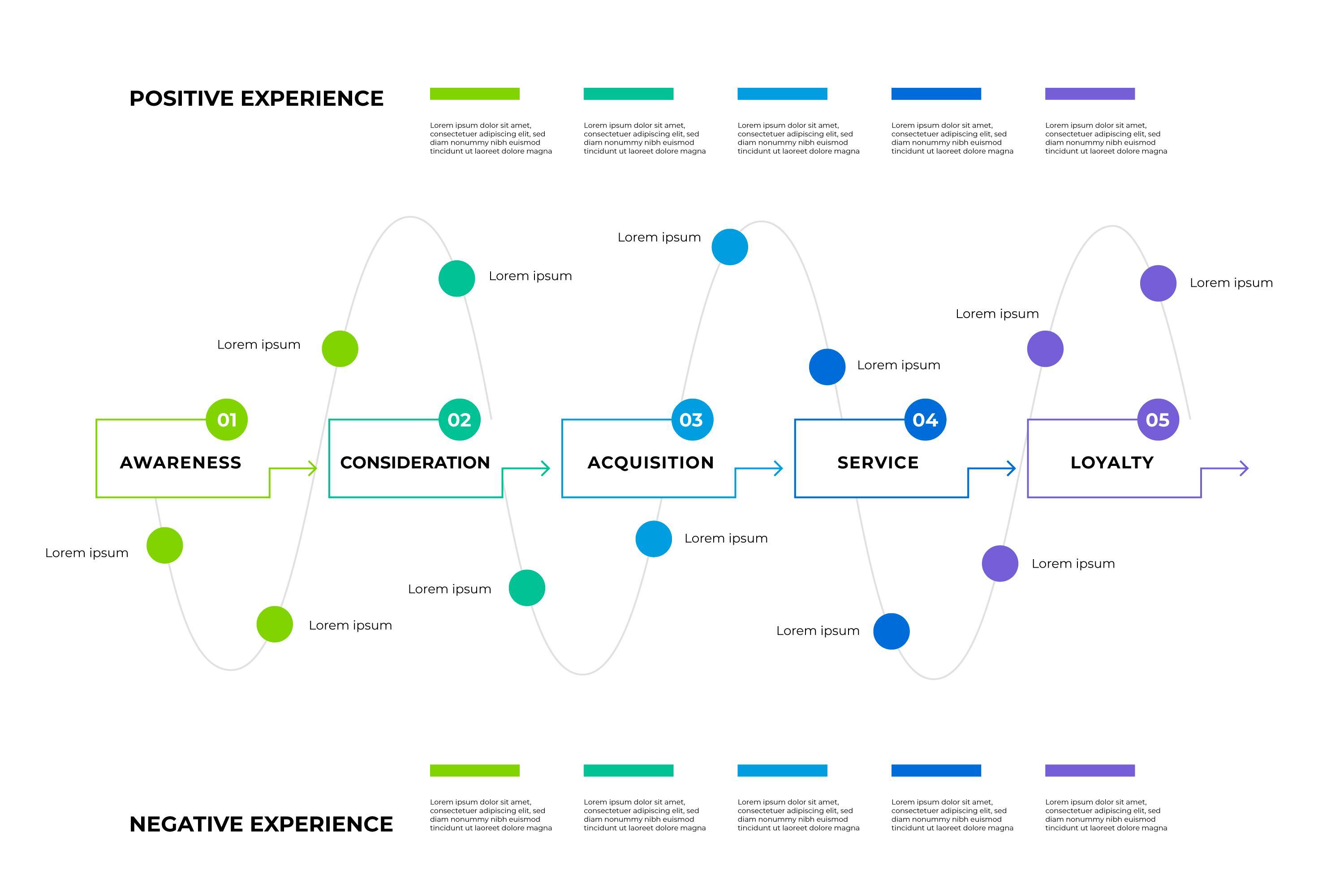
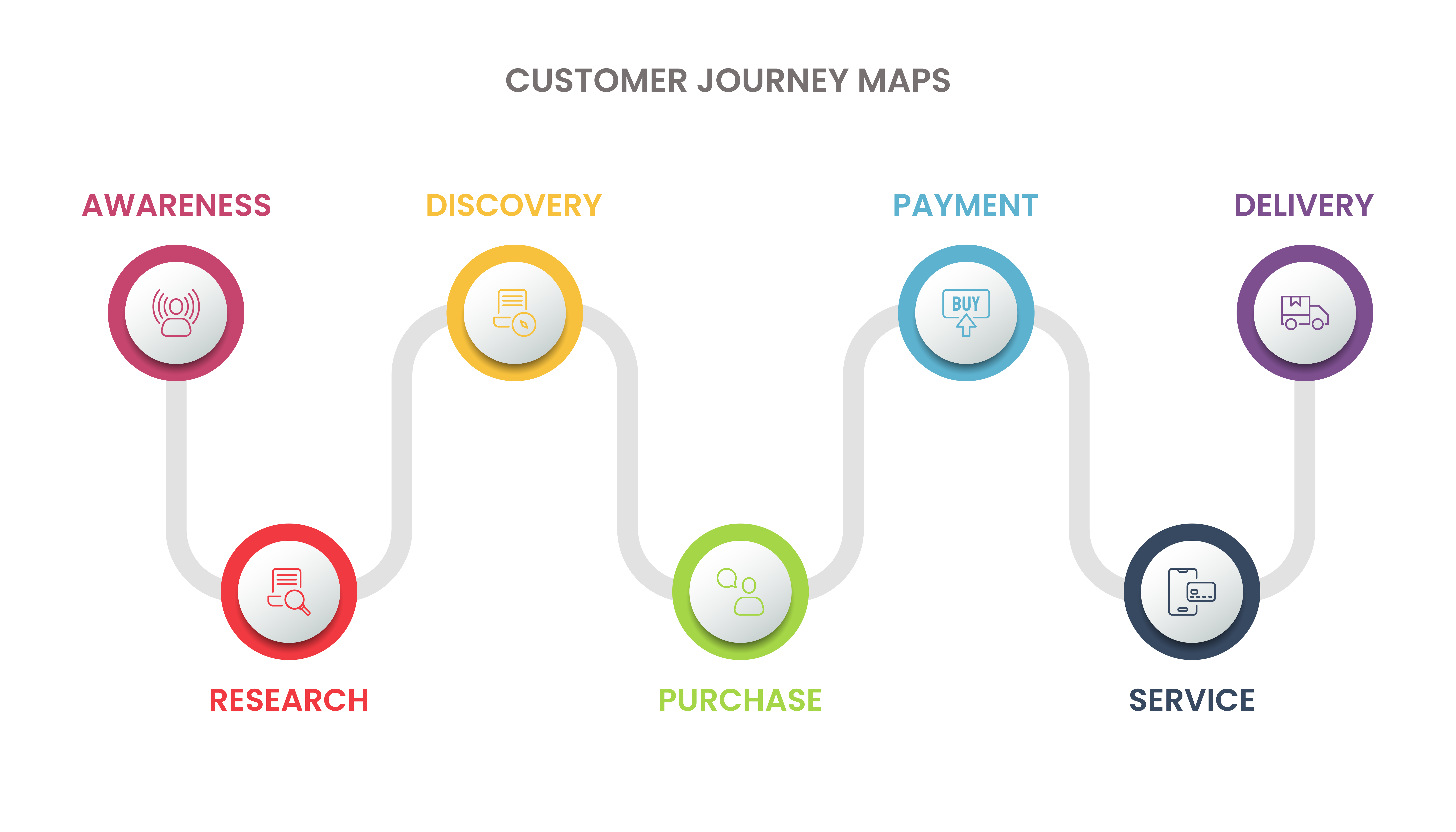
A customer journey map is a visual story of your customer’s experience with your brand, from the first moment they hear about you to long after they’ve purchased.
Think of it as a timeline of interactions, emotions, and decisions. It’s not just about tracking behavior, but about understanding how customers feel during every touchpoint, whether they’re exploring your website, contacting support, or leaving a review.
When I created my first map, I realized how different the customer’s experience was from what I had assumed. They weren’t following a neat linear path, they were jumping between ads, emails, Google searches, and social media.
That shift in perspective changed everything for me. I stopped designing for funnels and started designing for experiences.
If you’re new to this, I’ve written more on what a customer journey map really is and how it can reshape the way you see your business.
Customer Journey Map vs Buyer Journey Map
It’s easy to confuse a customer journey with a buyer journey, but they’re not the same.
The buyer journey focuses on the path someone takes to make a purchase, awareness, consideration, and decision. It’s about conversion.
The customer journey, however, goes much deeper. It includes everything after the sale, onboarding, support, loyalty, advocacy, and even re-engagement.
When I shifted my strategy from focusing only on the buyer journey to mapping the full customer journey, my approach completely changed. I started thinking beyond sales, about retention, satisfaction, and long-term relationships.
You can dive deeper into this topic in Customer Journey vs Buyer Journey Map.
The Evolution of the Customer Journey Map
There was a time when customer journeys were simple. Someone saw an ad, visited a store, made a purchase, and became a customer.
But now, journeys are anything but linear. Today’s customers might discover you through a TikTok video, check reviews on YouTube, visit your site on desktop, and finally buy through an app.
Modern journey maps need to reflect this complexity. They have to account for multiple channels, devices, and emotional triggers.
Over the years, I’ve seen journey maps evolve from basic flowcharts to dynamic, data-driven tools. AI, real-time analytics, and sentiment tracking now help brands adapt and personalize experiences in real time.
If you’re curious about how journey maps have changed with technology and behavior, check out The Evolution of Customer Journey Mapping.
Benefits of Customer Journey Mapping
The moment I started using journey maps in my projects, the impact was clear. Here’s what I noticed firsthand:
- Clarity on customer pain points: I could see exactly where customers were getting frustrated and fix it before it became a complaint.
- Team alignment: Marketing, sales, and support finally shared the same vision of the customer.
- Smarter decisions: Instead of relying on assumptions, we used real data to shape strategies.
- Improved personalization: Every interaction became more thoughtful and relevant.
- Stronger relationships: Customers started feeling heard and valued, not just targeted.
Over time, I realized journey maps aren’t just about data; they’re about empathy. They help you design experiences that people remember for the right reasons.
I’ve explored this more in The Benefits of Customer Journey Mapping.
Types of Customer Journey Maps
There isn’t one single type of journey map, each serves a unique purpose. Here are the most common ones I use:
- Current State Maps: Capture how customers experience your brand right now. Great for spotting gaps.
- Future State Maps: Imagine the ideal journey you want customers to have.
- Day-in-the-Life Maps: Look beyond your brand, explore how customers behave daily and where your brand fits in.
- Service Blueprints: Connect front-end interactions with back-end systems to improve overall experience.
I usually start with a Current State Map and evolve it into a Future State Map once I’ve gathered insights.
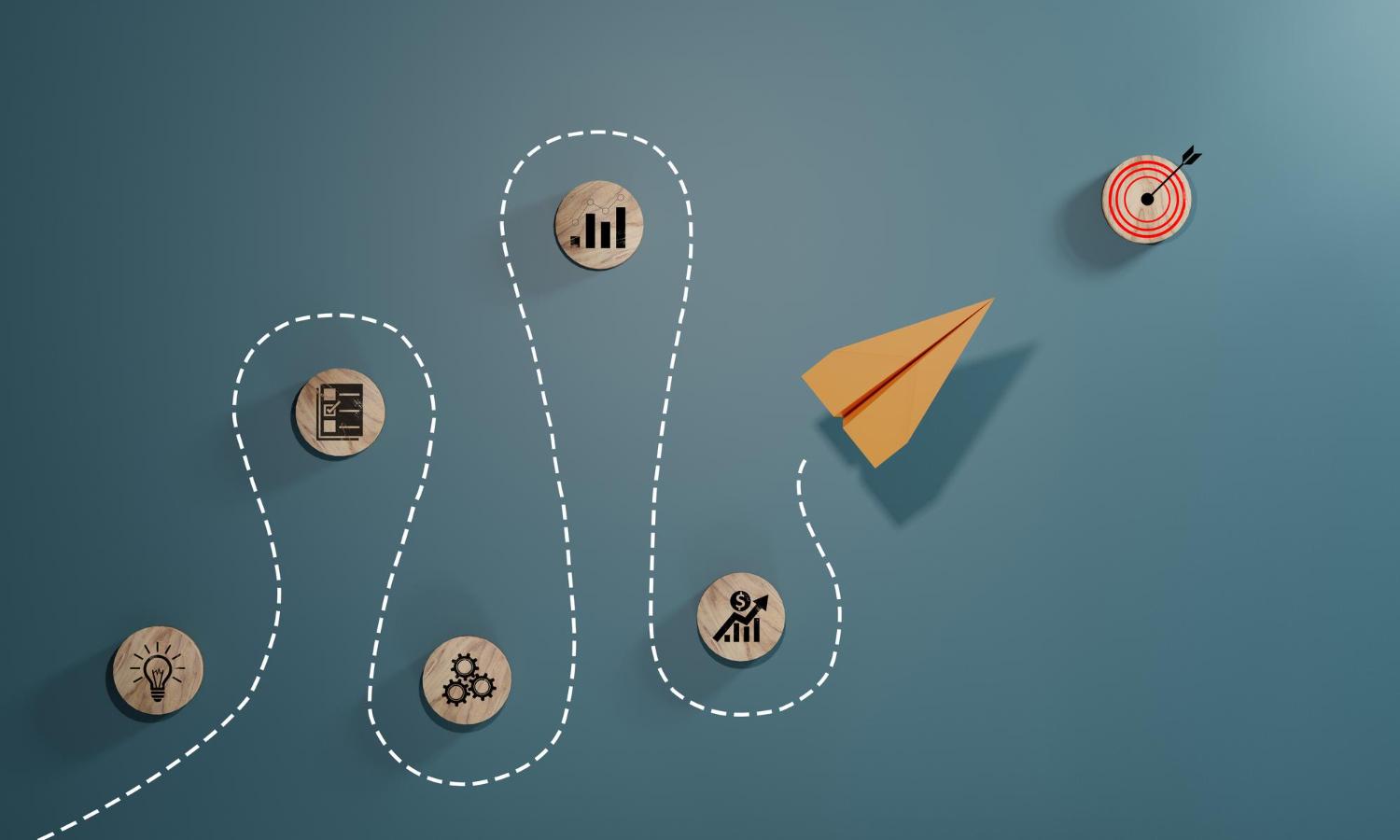
Components of a Customer Journey Map
When I built my first map, I got overwhelmed, until I broke it into key components. Every effective journey map includes:
- Personas: Who your customers are, their goals, needs, and behavior patterns.
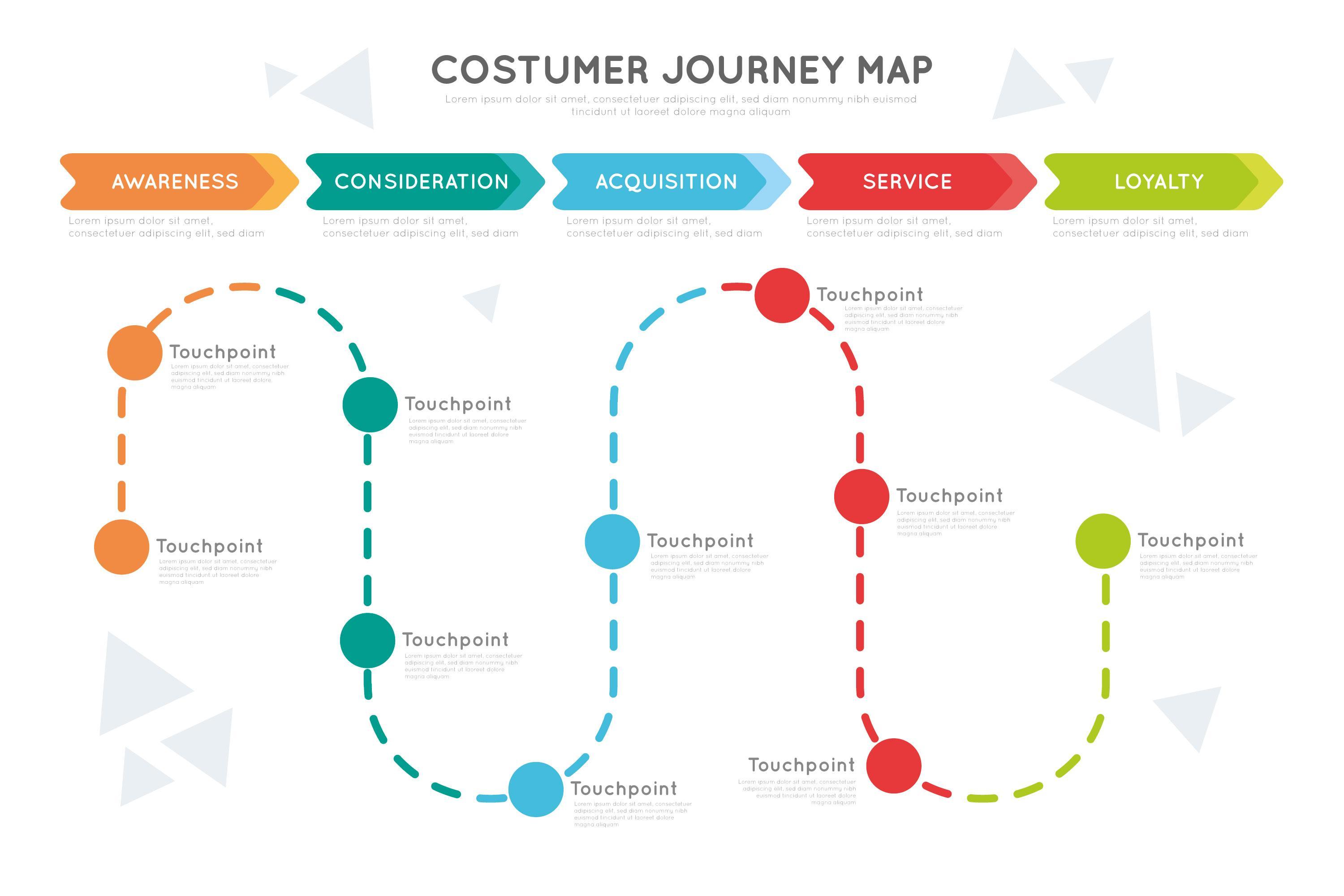
- Phases: Awareness, consideration, purchase, retention, advocacy.
- Touchpoints: Every place they interact with your brand, online or offline.
- Emotions & Pain Points: How they feel at each step, and what frustrates them.
- Opportunities: Where you can make improvements or delight them unexpectedly.
Once I began focusing on the emotional journey instead of just the functional path, my maps became far more valuable.
You can learn how to structure yours properly in Components of a Customer Journey Map.
Steps to Creating a Customer Journey Map
If you’re ready to create your own, here’s my step-by-step process, simple, practical, and human-centered.
- Define your goal: What do you want to understand or fix?
- Collect data: Use surveys, interviews, analytics, not just assumptions.
- Build personas: Represent your real customer types.
- List all touchpoints: Include ads, social, chat, email, checkout, and support.
- Visualize the journey: Make it easy to understand and story-like.
- Map emotions: Track when customers feel confused, excited, or anxious.
- Collaborate and refine: Keep your map alive, update it as you learn more.
This approach helped me identify friction points and redesign smoother, more human experiences.
For templates and detailed examples, read How to Create a Customer Journey Map.
Mapping a B2B Journey Versus a B2C Journey
One distinction I didn’t fully appreciate until I worked across both worlds: a B2B customer journey almost always involves multiple people, not one decision-maker moving through a single path. A purchasing manager, a department head, and a finance approver might each interact with your brand at different points and care about completely different things. Mapping a B2B journey without accounting for these separate roles produces a map that looks tidy but misses why deals actually stall.
B2C journeys tend to be faster and more emotionally driven, with a single decision-maker moving through a shorter timeline. That doesn’t make B2C mapping simpler, just different; the emotional stakes at each touchpoint tend to matter more than the logical, committee-based stakes that dominate a B2B path. Knowing which pattern applies to your business before you start mapping saves you from forcing a framework that doesn’t fit how your customers actually buy.
Overcoming Common Challenges in Customer Journey Mapping
My first few maps weren’t perfect, and that’s okay. I faced several challenges that taught me valuable lessons:
- Data Gaps: I didn’t have enough feedback, so I ran small surveys and customer interviews.
- Team Silos: Marketing and support weren’t aligned, so I brought everyone together for journey workshops.
- Assumptions: I used to rely on internal opinions, until I started validating with real users.
- Static Maps: I learned to update maps quarterly instead of letting them collect dust.
The key is to treat your journey map as a living document, one that grows and changes as your customers do.
You can explore real solutions in Real-World Examples of Customer Journey Maps
How Often I Actually Revisit a Journey Map
I mentioned earlier that maps should be treated as living documents, and I want to be specific about what that looks like in practice, since “keep it updated” is vague advice on its own. I run a lightweight check every month, mostly scanning recent support tickets and reviews for anything that suggests a new pain point is emerging. Quarterly, I do a deeper review with input from sales, support, and marketing, comparing what the map says against what each team has actually been hearing from customers. Once a year, or after a major product change, I rebuild the map closer to from scratch, since enough shifts in customer behavior and channel mix tend to accumulate that patching the existing map stops being enough.
That cadence isn’t a hard rule, smaller teams might stretch it, larger or fast-changing businesses might need to tighten it. But having some deliberate rhythm is what separates a map that stays useful from one that quietly becomes outdated without anyone noticing.
Mistakes That Quietly Derail a Journey Map Before It Starts
Beyond the challenges I already mentioned, a few subtler mistakes took me longer to notice. One was building a beautiful map that nobody outside my own team ever saw. A journey map sitting in a design file does nothing for the business; it only earns its keep once support, sales, and product teams are actually referencing it in day-to-day decisions.
Another was treating every customer segment as if they followed the same path. A first-time buyer and a returning customer experience your brand completely differently, and collapsing them into a single generic map hides exactly the differences that matter most. Once I started building separate, lighter maps for a handful of key segments instead of one giant map trying to represent everyone, the insights got sharper and far more actionable.
Who Should Actually Own the Journey Map
This is a question I didn’t think carefully about early on, and it cost me. A journey map with no clear owner tends to get built once, presented once, and then forgotten. In my experience, the strongest setup gives ownership to whichever team is closest to the customer relationship day to day, often customer success or product marketing, with clear input channels from sales and support rather than a document owned by a single department in isolation.
The owner’s job isn’t to redraw the map constantly. It’s to make sure the map stays a living reference: scheduling the quarterly reviews, pulling in fresh customer feedback, and flagging when a new channel or behavior pattern has emerged that the current map doesn’t capture.
How I Measure Whether a Journey Map Is Actually Working
A journey map that never gets tied back to real business metrics is easy to lose faith in after the initial excitement fades. I’ve found it useful to pick two or three metrics tied directly to the pain points the map identified, drop-off rate at a specific step, time-to-resolution for a support issue, repeat purchase rate for a segment, and track them before and after acting on the map’s insights.
This doesn’t mean every improvement is dramatic or immediate. But watching even a small, consistent movement in the right direction is what keeps a team believing the exercise was worth the time it took, and it gives you a concrete story to tell leadership about why journey mapping deserves a recurring place on the calendar rather than a one-off workshop.
Where the Data Actually Comes From
People often ask me where I pull the raw material for a journey map, since it can feel like conjuring insight out of thin air the first time you try. In practice, I lean on a mix of sources, and no single one is sufficient on its own. Website analytics show me the paths people actually take, not the paths I assume they take. Support ticket transcripts reveal the exact language customers use when something goes wrong, which is often far more specific and useful than a generic satisfaction survey score. Sales call notes surface the objections and hesitations that never make it into a CRM field. And short customer interviews, even just five or six per segment, tend to surface emotional context that no dashboard can show.
The combination matters more than any single source. Analytics tells you what happened; interviews tell you why. A map built from only one of those two categories is missing half the picture, no matter how much data went into it.
How AI Has Changed the Way I Build Maps
A few years ago, building a journey map meant manually combing through spreadsheets of support tickets and survey responses, a genuinely tedious process that limited how often teams could realistically refresh their maps. That’s shifted. Sentiment analysis tools can now scan large volumes of reviews, support chats, and social mentions and surface recurring emotional themes far faster than a human reading through everything line by line.
I still don’t let AI draw conclusions unsupervised. It’s excellent at surfacing patterns and flagging where sentiment shifted sharply, but deciding what those patterns actually mean for the business still takes a person who understands the context. The technology has mostly changed how quickly I can refresh a map, not how much judgment the process still requires. Speed is genuinely valuable here, a map that used to take weeks to update can now take days, which means the map stays closer to the actual, current state of the customer relationship instead of describing a moment that’s already six months out of date.
My Takeaway
For me, customer journey mapping isn’t just a tool, it’s a mindset. It’s the discipline of pausing before another campaign, another feature launch, another quarter of targets, and asking what the actual experience feels like from the other side of the screen or the phone line. It helps me see through the eyes of my customers and design experiences that feel real, relatable, and valuable.
Every map I’ve built has taught me something new, about empathy, storytelling, and human connection. Some of those lessons came from data. More of them, honestly, came from simply sitting with a customer’s words long enough to understand what they were actually trying to tell us.
If you’re just getting started, don’t worry about making it perfect. Start small. Map one experience, one product, one customer.
Once you begin to see your brand the way your customers do, your entire strategy becomes clearer, smarter, and more human. That shift doesn’t happen from a single workshop or a single map, it happens from making the habit of listening a permanent part of how the business operates, long after the first version of the map is finished.
You can start from the basics with What Is a Customer Journey Map or jump straight to Creating One Step-by-Step.
Looking back at that support call session that started all of this for me, I think about it differently now than I did at the time. It wasn’t a failure of the campaign. It was a gap in how we were listening. Journey mapping, at its core, is just a structured way of making sure that gap doesn’t stay invisible, so the next time the dashboard says one thing, someone on the team already knows to check what the customers are actually saying.
Interesting Read