Productized Services: What They Are and 12 Examples You Can Sell From Your Own Store
What a productized service is, how to build one in six steps, and 12 examples with what is and is not included.

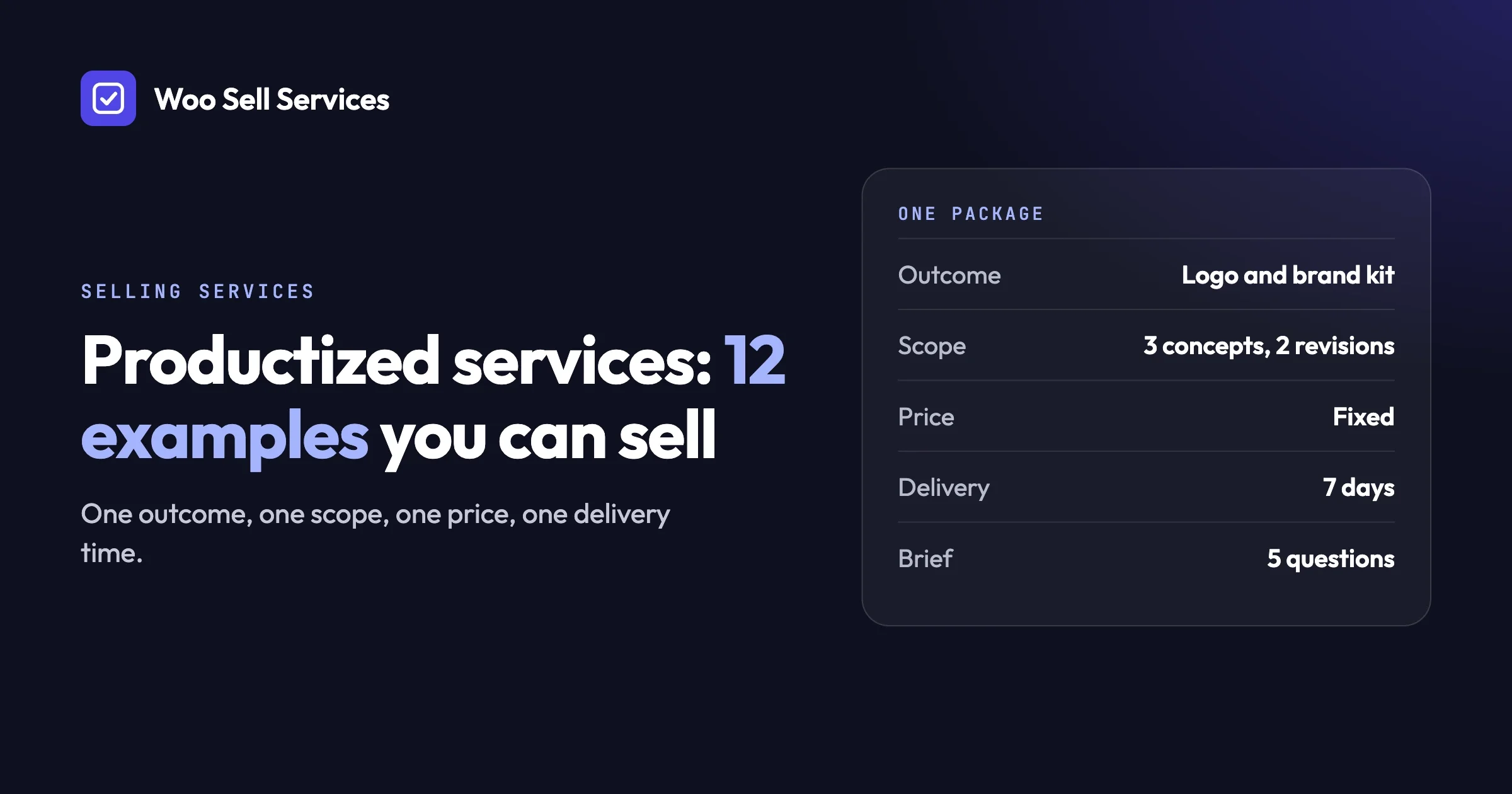
A productized service is a service sold like a product: one clear outcome, a fixed scope, a fixed price and a set delivery time. The customer picks it from a list, pays, and knows what they get. You skip the quote, the call and the haggling.
It differs from custom work, where every job is scoped and priced from scratch, and from a retainer, where the customer pays for your ongoing time or a monthly bundle of work. A productized service sits between the two: it is a repeatable one-off job with a menu price.
This guide explains how to turn what you already do into a productized service, gives twelve examples with what is and is not included, and compares the places you can sell them. We also show how a service runs on a WooCommerce store with Woo Sell Services, and how to sell recurring versions.
In this guide
- What a productized service is, and how it differs from custom work and retainers
- Why a fixed scope and price helps both sides
- How to turn a custom service into a productized one
- Twelve examples, grouped by trade
- How to think about pricing
- Common mistakes and how to fix them
- Where to sell: a marketplace, a hosted tool or your own store
- How it runs on WooCommerce with Woo Sell Services
- Recurring productized services
- Frequently asked questions
What is a productized service?
A productized service is a skill packaged into a fixed offer. It has a name, a list of what is included, a list of what is not, one price and a delivery time. The customer buys it in one step, the way they buy a book or a pair of shoes, but what they receive is your work.
Think of a barber’s price list. “Haircut” has a price. “Haircut and beard trim” has another. Nobody asks for a quote. You could still ask the barber for a custom wedding hairstyle, and that would be priced differently. The price list is the productized part.
How does it differ from custom work?
Custom work starts with a conversation and ends with a quote that is unique to that customer. A productized service starts with a page that already says what you do and for how much. Custom work fits unusual, large or unclear jobs. A productized service fits jobs you have done many times and can describe in a paragraph.
How does it differ from a retainer?
A retainer reserves your time or a monthly amount of work, and the tasks are decided as you go. A productized service has a defined deliverable. You can also productize a retainer, for example “four blog posts per month,” which we cover in the recurring section below.
Custom work | Productized service | Retainer | |
|---|---|---|---|
How it is sold | Conversation, then a quote | A page with a price, bought in one step | A monthly agreement |
Scope | Set per job | Fixed and written down | Flexible, agreed as you go |
Price | Different each time | The same each time | Usually monthly |
Best for | Large, unusual or unclear jobs | Jobs you repeat often | Ongoing needs |
Main risk | Time lost on quotes | Scope creep if the limits are vague | Unclear value from month to month |
Why does a fixed scope and price help both sides?
A fixed scope and price remove guessing. The customer knows what they will pay and what they will get before they buy. You know what you have to deliver before you start. Fewer surprises mean fewer arguments and a faster decision to buy.
What the customer gains
- Clarity. They can compare your offer with others without a call.
- Speed. They can buy at midnight without waiting for a reply.
- Safety. The price cannot grow without their say.
What you gain
- Less selling time. The page does the explaining.
- Better repeat work. You do the same job many times, so you get faster and your process improves.
- Easier planning. You can see how many orders you can handle in a week.
- A clear no. When a request falls outside the scope, you have a written reason to price it separately.
What you give up
You lose some flexibility. Customers with special needs may not fit, and you may under-price a job that turns out harder than usual. The fix is to write the limits plainly and to keep custom work as a separate option for those who need it.
How do you turn a custom service into a productized one?
Pick one outcome, fix the scope, fix the price, fix the delivery time, write the intake questions and decide how revisions work. Do these six steps in order. Each one removes a source of confusion for the customer and for you.
Step 1: Pick one outcome
Choose the single result your customer wants, not a list of tasks. “A one-page website that is live” is an outcome. “Design, development and hosting help” is a pile of tasks. Look at your last ten jobs and find the one you did most often with the least fuss. That is your first candidate.
How to spot a bad pick: you cannot describe the result in one sentence. What to do: split it into two services. How to prevent it: name the service after the result, such as “Logo Pack” instead of “Design Services.”
Step 2: Fix the scope
Write down exactly what is included and what is not. Count things: pages, words, revisions, formats. Counting is the best defence against scope creep because a number is hard to argue with.
How to spot a loose scope: the words “unlimited,” “as needed” or “and more.” What to do: replace each with a number or remove it. How to prevent it: add a short “Not included” list on the page. It feels odd at first, but customers read it and appreciate the honesty.
Step 3: Fix the price
Choose one price for the whole package. Work out how much time the job takes you on average, including the questions, the revisions and the admin around it. Then pick a price that pays you fairly for that time and for the risk of the jobs that run long.
How to spot a price that is too low: you feel dread when an order arrives. What to do: raise it for new orders. How to prevent it: track your actual time on your first ten orders and adjust.
Step 4: Fix the delivery time
State how long delivery takes from the moment you have what you need. Choose a time you can meet even in a busy week. A realistic time that you beat feels better to a customer than a fast one that you miss.
How to spot a risky promise: you only hit it when nothing else happens. What to do: lengthen it. How to prevent it: start the delivery clock only after the customer has sent their answers and files.
Step 5: Write the intake questions
List what you need from the customer to begin: their goals, their material, their limits. The questions are the bridge between a fixed offer and a job that fits the customer. Our guide to the service features shows where those questions live on an order, and a good set is usually ten to fifteen questions long.
How to spot missing questions: you start every job by emailing the same three queries. What to do: add them to the form. How to prevent it: after each job, add the question you wish you had asked.
Step 6: Decide how revisions work
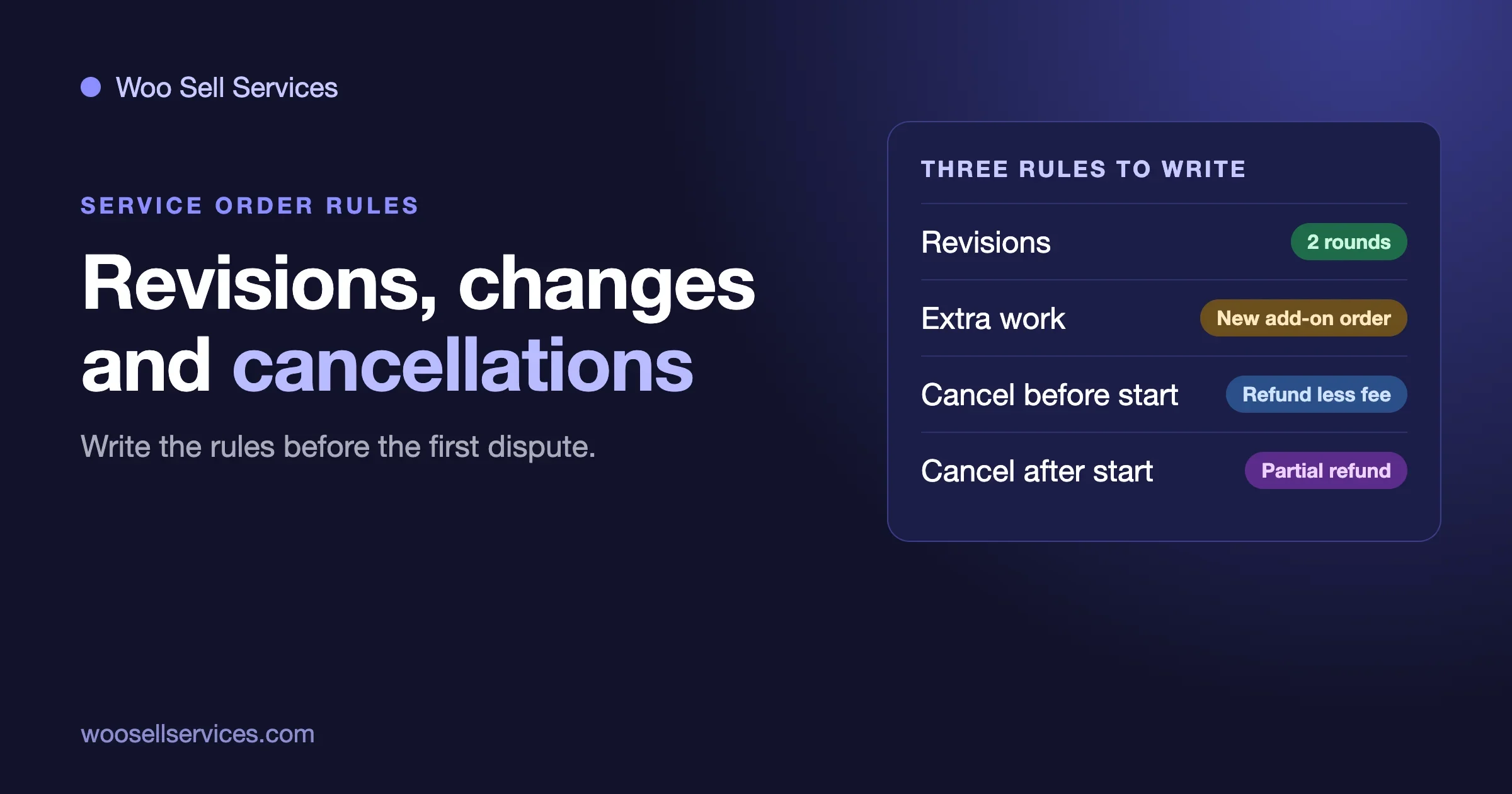
Say how many rounds of changes are included and what counts as a change. A revision is a tweak within the agreed direction. A new direction is a new job. Write that difference down in one sentence.
How to spot trouble: a customer asks for a complete redo after the second round. What to do: point to the revision rule and offer a new order. How to prevent it: state the number of rounds near the price.
What are examples of productized services?
Here are twelve examples across five trades. For each, we list what is included and what is not, so you can see how a fixed scope reads. Treat them as patterns to adapt, not as a price list. Your own numbers should come from your own time and skill.
Design
1. Logo pack
Included: a set number of initial concepts, a set number of revision rounds, and final files in the formats you list. Not included: a full brand guide, stationery, packaging, or a name for the business.
2. Social media template set
Included: a fixed number of post templates in the customer’s colours and fonts, ready to edit in a design tool they already use. Not included: writing the posts, scheduling them, or designing ads.
3. Landing page design
Included: one page, designed for desktop and phone, with one round of copy placement. Not included: extra pages, photography, or building the page on the customer’s site.
Writing
4. Blog post
Included: one article of an agreed length on a topic the customer picks, with a title and a short summary, plus one round of edits. Not included: keyword research, images, publishing, or a series of posts.
5. Product description pack
Included: descriptions for an agreed number of products, written to a short brief and a sample of the customer’s voice. Not included: product photography, translations, or uploading to the store.
Marketing
6. SEO audit
Included: a written review of one site, with a ranked list of fixes and plain-English reasons. Not included: doing the fixes, link building, or ongoing monitoring.
7. Email welcome sequence
Included: a set number of emails written for new subscribers, with subject lines and a suggested sending order. Not included: setting up the email tool, designing the layout, or managing the list.
8. Social media content month
Included: an agreed number of posts for named networks, delivered as a calendar the customer approves. Not included: answering comments, paid ads, or a strategy workshop.
Development and store work
9. Speed check and fix
Included: a review of one site’s loading speed, and the agreed fixes made on a copy or with a backup in place. Not included: a redesign, moving to another host, or fixes that need a paid tool the customer has not bought.
10. Store setup
Included: installing the shop plugin, setting up payments and shipping as the customer describes, and adding a set number of products. Not included: custom features, large imports, or branding work.
Admin and support
11. Inbox cleanup and setup
Included: sorting one email account into folders, setting up filters and templates for common replies, and a short written guide. Not included: reading or answering mail for the customer, or managing several accounts.
12. Monthly website care check
Included: a set list of checks each month, such as updates, backups and a short written report. Not included: fixing problems that need big changes, content writing, or emergency help outside the agreed list.
The twelve at a glance
Trade | Service | One-line scope |
|---|---|---|
Design | Logo pack | Concepts, set revisions, final files |
Design | Social media template set | A fixed number of editable templates |
Design | Landing page design | One page, desktop and phone |
Writing | Blog post | One article, one round of edits |
Writing | Product description pack | An agreed number of descriptions |
Marketing | SEO audit | A written review with ranked fixes |
Marketing | Email welcome sequence | A set number of emails |
Marketing | Social media content month | A calendar of approved posts |
Development and store | Speed check and fix | Review plus agreed fixes |
Development and store | Store setup | Payments, shipping, set number of products |
Admin and support | Inbox cleanup and setup | One account, filters, templates, guide |
Admin and support | Monthly website care check | A fixed checklist and report |
How should you price a productized service?
Price it from your own time, your skill and the value to the customer, then test it on real orders. We do not quote market prices here, because they vary by country, skill and niche, and a number copied from a stranger is a poor guide. There are three honest ways to set a price.
Price from your time
Add up the average hours the job takes, including questions, revisions and admin. Multiply by the hourly amount you need. Add a margin for the jobs that run long. This protects you from under-pricing.
Price from the value
Ask what the result is worth to the customer. A sales page that brings in orders is worth more to a shop than a one-off flyer is to a hobbyist. When the value is clear and large, your price can reflect it, even if the job takes you little time.
Price in tiers
Offer two or three versions of the same service: a basic one, a fuller one and a premium one. Each tier adds a clear extra, such as more revisions, a faster delivery or an added format. Tiers help customers choose and let you earn more from those who want more. Keep the number of tiers small, so the choice stays easy.
How to test and adjust
Start with a price you can live with and track the results. If every customer says yes at once, you may be too cheap. If nobody buys and people say the price is the issue, check whether the page explains the value. Change one thing at a time so you know what worked.
What are the common mistakes with productized services?
The common mistakes are a vague scope, a price that ignores your time, too many options, no intake questions and no plan for out-of-scope requests. Each is easy to spot and to fix. Here is how.
Mistake | How to spot it | The fix |
|---|---|---|
Vague scope | Customers say “I assumed that was included” | Count the deliverables and add a “Not included” list |
Price ignores your time | You resent the orders | Track real hours, raise the price for new orders |
Too many options | Customers ask which one to pick | Cut to one service or three tiers |
No intake questions | You email the same queries on every job | Collect them in a form after purchase |
Delivery clock starts too early | You are late because the customer is slow | Start the clock when answers and files arrive |
No rule for extras | You do free extras and then feel used | Offer add-ons as separate priced items |
Trying to productize everything
Not every job suits a fixed offer. If each customer needs something very different, keep that work as custom. Productize the repeatable parts and leave the rest as a conversation.
Promising too much in the title
A title like “Get Rich With Your New Website” invites disappointment. Name what you do and what you deliver. Let the result speak for itself, and never promise sales, rankings or growth that you do not control.
Forgetting the aftercare
Customers often come back with a small question a week later. Decide in advance whether you answer it free for a short period or sell a follow-up. Write the rule on the page, so a friendly gesture does not turn into unpaid work.
Where can you sell productized services?
You can sell them on a marketplace, with a hosted tool, or on your own store. A marketplace brings buyers but sets the rules. A hosted tool is fast to start but limits your design. Your own store gives you control but asks you to bring the visitors. Each wins in a different place.
Marketplace | Hosted tool | Your own store | |
|---|---|---|---|
Where it wins | Buyers are already there looking | Quick to set up with little to maintain | You control the brand, the rules and the customer relationship |
Where it loses | You compete with many similar sellers, and the platform sets terms and fees | Less freedom over the look and the buying flow | You must bring your own visitors and maintain the site |
Customer ownership | The platform sits between you and the buyer | You hold more of the relationship, within the tool’s limits | You hold the whole relationship |
Best for | Getting your first orders | Trying an idea cheaply | Building a lasting business |
How to choose
If you have no audience yet, a marketplace can bring your first orders while you learn what sells. If you want to test an idea fast, a hosted tool gets you started. If you already have visitors, such as readers, followers or past clients, your own store lets you keep the relationship and set your own terms. Many sellers use a marketplace to start and move to their own store as they grow.
Check the terms on any platform
Whichever you choose, read the platform’s current fees and rules on its own pages before you commit. They change, and we do not list them here for that reason.
How does a productized service run on WooCommerce with Woo Sell Services?
With Woo Sell Services, a productized service is a normal WooCommerce product with an estimated delivery time. The buyer pays at the usual checkout, answers your questions afterwards, then chats and shares files with you on the order until you deliver. The addon needs WooCommerce installed and active.
How the order moves
- You add the service to the catalog as a product and tick the Service checkbox in the Product data panel, beside Virtual and Downloadable. It works with simple, variable, grouped and external products.
- The buyer pays at the normal checkout.
- After payment, the buyer answers your requirement questions.
- You talk with the buyer in the order chat and share files there. A status tracker shows progress, and both sides get notifications. You get an email on each new order.
- You attach the final file and mark the order as delivered. The buyer can then rate the work.
Our features page lists each of these in detail. If you are new to adding products, the WooCommerce guide to managing products explains the basics.
Why this fits a productized offer
- It works on several product types. The Service checkbox works on simple, variable, grouped and external products, so you can list a single package or several.
- The delivery time is part of the product. You can change the delivery date later from the service page if a job needs it.
- The intake questions are reusable. Requirement question sets can be saved and used on your next service, which suits a catalog of similar offers.
- Everything for one job is in one place. Chat, files and status sit on the order.
Selling with a team
If other people sell on your site, Woo Sell Services works with Dokan, WCFM and WC Vendors, and vendors can create and manage services from the frontend. A vendor can add a co-author or a support agent to a service or a single order. A vendor’s rating syncs to the standard WooCommerce product review. If that is your plan, read about building a service marketplace on WooCommerce.
Cost and custom work
All plans include the full feature list, and the plan only sets how many sites you can use it on. See the pricing page for the details. If you want something the standard flow does not cover, our team starts with a short discovery call. Read about custom development to see how that works.
Can you sell recurring productized services?
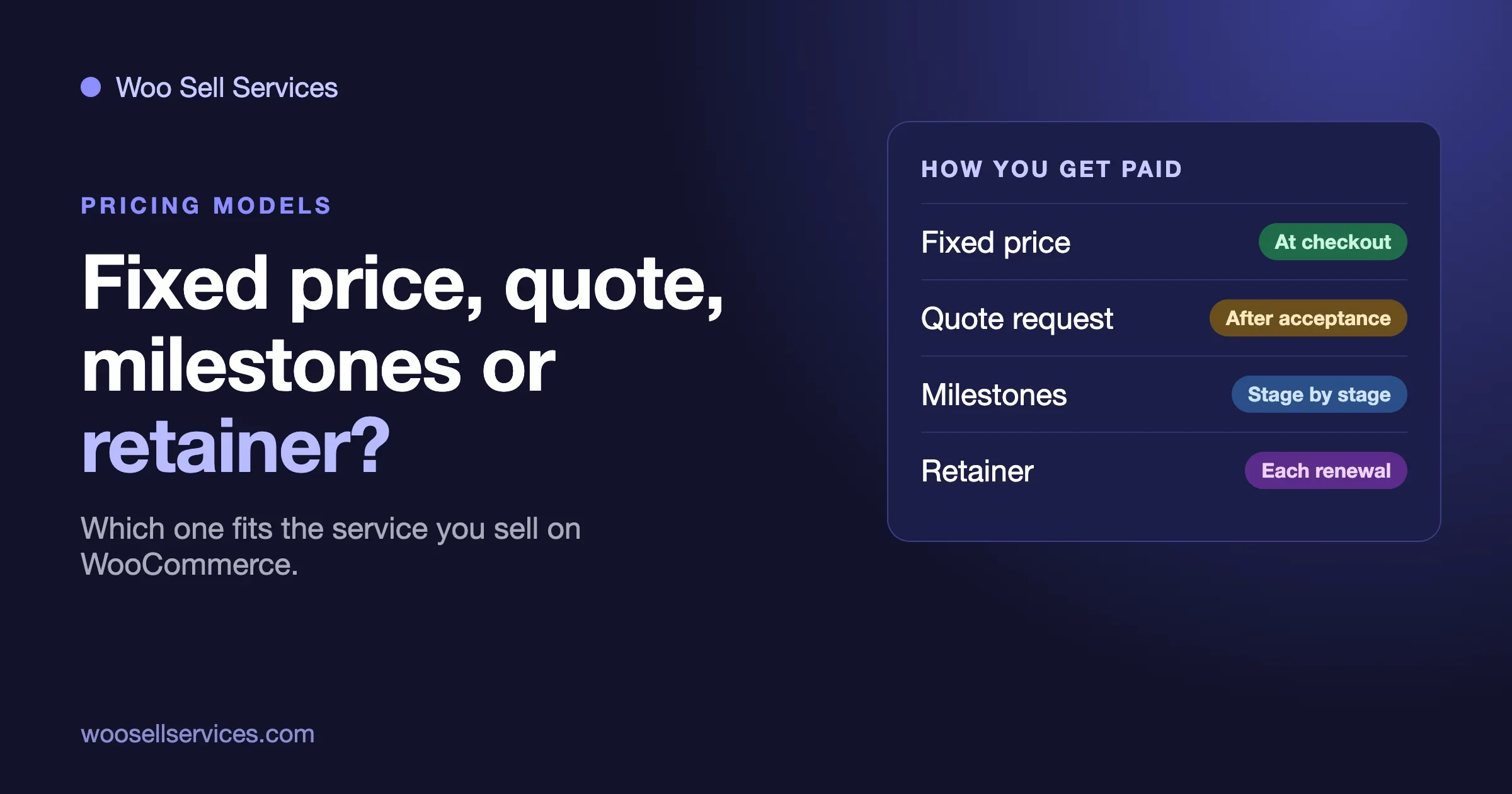
Yes. A recurring productized service is a fixed package that renews on a schedule, such as a monthly website care check or a monthly set of posts. With WooCommerce Subscriptions installed, Woo Sell Services supports recurring services and keeps every renewal in one conversation thread.
The thread matters. Without it, each month feels like a new job with no history. With it, you and the customer can scroll back and see what you delivered, what they asked for and what you agreed. That makes the service feel like a relationship, not a string of separate orders. You can read how subscriptions work in the WooCommerce Subscriptions documentation.
What makes a good recurring offer
- A defined monthly deliverable. “Four posts,” not “help with content.”
- A cap on extras. State that unused items do not carry over, or that they do, and be consistent.
- A clear way to stop. Say how the customer cancels. Honest cancellation builds trust.
- A review point. Check in now and then to confirm the work still fits their needs.
How to spot a recurring service that has drifted
If the customer asks for more each month while the price stays the same, the scope has grown without a decision. Raise it politely. Offer either to hold the scope or to move them to a larger package. Write the original list of deliverables on the order so you can point to it.
Frequently asked questions
What is a productized service in simple terms?
It is a service sold like a product, with a fixed scope, a fixed price and a delivery time. The customer buys it in one step, without a quote or a call.
Are productized services better than hourly work?
They suit repeatable jobs, because the customer pays for a result and you gain from getting faster. Hourly work suits unclear or changing jobs. Many sellers offer both, with productized services for common needs.
How many services should I start with?
Start with one, the job you have done most often and with the least trouble. Prove that it sells and that you can deliver it well, then add a second. A short menu is easier for customers to understand.
What if a customer wants more than the package includes?
Point to the written scope and offer the extra as a separate priced item or a custom quote. Staying calm and clear about the limit keeps the relationship friendly.
Do I need a form for a productized service?
Almost always. A fixed offer still needs the customer’s details to fit their business. A short set of questions asked after payment collects them without slowing the purchase.
Can I sell productized services on my own WooCommerce store?
Yes. WooCommerce lets you list a service as a product, and an addon such as Woo Sell Services adds the after-payment questions, order chat, file sharing and delivery steps that service work needs.
How we checked this
In October 2026 we checked the Woo Sell Services order flow, supported plugins and recurring-service behaviour against the product page on the Wbcom Designs store. We confirmed that the two WooCommerce documentation pages linked above load; we link them for further reading and did not review every detail on them. The twelve examples and the pricing approaches are general patterns, not recommendations from a survey, and we give no market prices on purpose. We did not run a new hands-on test of the plugin for this article, and we did not review the current fees or rules of any marketplace or hosted tool, so check those on their own pages before you decide.