WooCommerce Hold Payment Until Delivery, the Fiverr Way
How Fiverr holds payment until delivery, from its own help pages, and three ways to do the same on WooCommerce: authorise and capture, held payouts, and staged payments.


Here is a question buyers and store owners keep asking in nearly the same words: how does Fiverr hold the money until the work is delivered, and can I do that on my own site? In other words, can you make WooCommerce hold payment until delivery?
The short version. Fiverr takes payment when the order is placed, releases it to the freelancer only after the buyer accepts the delivery (or a review timer runs out), and then makes the freelancer wait before they can withdraw it. On WooCommerce you can copy the behaviour that matters, but you have to choose how, because three different tools do three different jobs. This guide explains Fiverr’s rules from its own help pages, then shows the three ways to build the same promise on a WooCommerce store, with what each one costs you in risk.
One thing up front, so nobody is misled. WooCommerce does not hold money for you out of the box, and neither does our Woo Sell Services plugin. The plugin runs the service order: requirement questions, chat, delivery, statuses and auto-complete. The money rules come from your payment gateway and, if you run a marketplace, your payout setup. We will show where each piece lives.
Key takeaways
- Fiverr takes payment at order, releases it only when the order completes, then makes the freelancer wait 14 days (7 for some levels) before withdrawing.
- Three things copy that on WooCommerce: authorise and capture, a held seller payout, or staged payments.
- Authorise and capture only lasts about seven days, so it suits quick services.
- Woo Sell Services runs delivery and auto-complete. Holding funds comes from your gateway and payout setup.
How does Fiverr hold the money until the work is delivered?
Short answer: the buyer pays when ordering, the freelancer is paid only when the order is completed, and completion happens when the buyer accepts the delivery or a short review window closes on its own. After that comes a second wait before the freelancer can withdraw.
We read these rules on Fiverr’s Help Center (the freelancer’s guide to the order process and how Fiverr works for clients) on 28 October 2026. Fiverr changes its terms from time to time, so check the pages yourself before you copy any number. Fiverr’s help pages do not use the word “escrow,” but the effect is the same.
| Stage | What Fiverr’s help pages say |
|---|---|
| Order placed | The client places the order, then submits the order requirements. The order process starts once requirements are in. The status shows as Incomplete until then. |
| Requirements never arrive | If the client does not submit requirements within 14 days of order creation, and the freelancer has not skipped them, the order is cancelled automatically. |
| Work in progress | The freelancer delivers within the agreed time. A freelancer can ask for more time, and the client has 48 hours to answer before the request is accepted automatically. |
| Delivery and review | The client has three days to accept, request revisions, or extend the review. If the client does nothing, the order completes automatically after three days. Milestone orders get eight days. Orders that need shipping get 14. |
| Extending the review | The client can extend the review period on their own, by up to five days at a time. |
| Payment release | When the client accepts the delivery, the order is complete and payment is released to the freelancer. |
| Clearing period | Revenue becomes available 14 days after the order is completed. For Seller Plus, TRS and Pro Talent freelancers the clearance period is 7 days. |
| Late or disputed orders | A late order can be cancelled by the client after it has been late for 24 hours. A very late order is cancelled automatically after 30 days from the order date. Disputes go through a Resolution Center. |
Read that table as a design. Fiverr protects the buyer in the early part (nothing is paid out until delivery is accepted) and protects itself in the late part (the clearing period leaves room for chargebacks and refunds). It also refuses to let either side stall forever: every waiting state has a timer that ends it.
That last point is the one most store owners miss. A hold with no deadline is just a dispute waiting to happen.
What does any “hold until delivery” system need?
Strip the brand away and you are left with five parts. If your WooCommerce setup has all five, your buyers get the same protection. If one is missing, the gap is where the arguments will start.
- The money is secured early. Either the card is charged at checkout, or the funds are reserved on the card.
- A clear delivery event. The seller presses a button that means “this is the finished work.”
- A review window with a timer. The buyer can accept, ask for changes or extend, and silence ends the window.
- A release rule. Money moves to the seller only after the window closes or the buyer accepts.
- A way out. A refund, partial refund or dispute path for work that is wrong or never arrives.
Most of the confusion about “escrow on WooCommerce” comes from treating part 1 and part 4 as the same thing. They are not. Securing the money is a payment gateway question. Releasing it later is an order and payout question. Keep them apart in your head and the options below become easy to compare.
Can you make WooCommerce hold payment until delivery?
Short answer: yes, in three ways. Authorise now and capture on delivery, charge now and hold the seller’s payout, or split the price into stages. Each fits a different kind of store.

Option 1: Authorise now, capture on delivery
With this method the customer’s card is checked and the amount is reserved, but no money moves until you capture it. It is the hotel model: the room is guaranteed on arrival, the charge lands at check-out.
The WooCommerce Stripe gateway supports this. According to WooCommerce’s documentation, you switch it on under WooCommerce, Settings, Payments, Stripe, Settings by ticking “Issue an authorization on checkout, and capture later.” Orders placed this way show as On hold. To capture, you move the order to Processing or Completed and update it, or capture in the Stripe dashboard. You can capture a smaller amount than you authorised, and the rest is released to the customer straight away. You can capture only once per order.
Here is the catch, and it decides whether this option is for you at all. The WooCommerce documentation gives you seven days from order placement to capture. After that the authorisation expires, the held funds go back to the customer, the order changes to Failed, and the money can no longer be captured. Stripe’s own documentation agrees that a card hold on an online payment is typically seven days, with some card brands shorter in certain cases, and it offers extended authorisations for eligible payments. PayPal holds are longer in Stripe’s description (ten days, with an automatic attempt to extend), but they are still holds, not a month-long safety net. The same WooCommerce page also warns that only some payment methods support this and recommends leaving it switched off unless you have a well-justified reason.
When it fits: services you deliver within a few days, such as a 48-hour logo revision or a same-week audit. The customer pays nothing final until you hand over the work.
When it does not: anything that takes longer than the hold. A three-week website build cannot sit on a seven-day authorisation.
Option 2: Charge now, hold the seller’s payout
This is how Fiverr actually works, and it is the right model for most services. The customer pays at checkout. The money lands in your account. You then pay the seller later, after delivery and a review window.
If you are the only seller, you do nothing special: the money is already yours, and your “hold” is simply your refund policy. If you run a marketplace with several sellers, you need something to split the payment and delay the seller’s share. Stripe describes one such pattern as separate charges and transfers: you charge the customer on your platform account, then transfer funds to the seller’s connected account when you decide to. In that model your platform account carries the Stripe fees, refunds and chargebacks. That is the cost of holding the money, and it is why marketplaces keep a clearing period like Fiverr’s. Stripe supports this charge type only in certain regions, so check yours.
The release rule then lives in your marketplace setup. Look for these controls in whichever vendor plugin you use: a withdrawal request queue the admin approves, a minimum balance, and a rule about which order statuses count as earned. Our post on running a services marketplace with Dokan, WCFM or WC Vendors covers how those fit with Woo Sell Services.
For a sense of the detail this needs, here is what we changed in our standalone sibling plugin WP Sell Services (the version for sites that do not use WooCommerce) in its 1.9.0 and 1.9.1 releases. An unpaid milestone, tip or extension no longer credits a vendor’s wallet when an admin marks the order completed. “Mark as Paid” credits the vendor once, even on an item already set to completed. Approving a withdrawal twice sends no second email and writes no second audit row. Hold and resume are admin-only. None of that is glamorous, and all of it is what stops a payout being counted twice. You can read the exact notes on the WP Sell Services release notes page.
When it fits: any service that takes more than a few days, and any marketplace with several sellers.
The risk is yours: you hold money that belongs to someone else, and you answer for refunds and chargebacks. More on that below.
Option 3: Split the price into stages
The oldest trick of all. Instead of holding one large payment, charge in parts: a first stage up front, the next when the first is approved. The buyer is never more than one stage exposed, and you are never more than one stage unpaid.
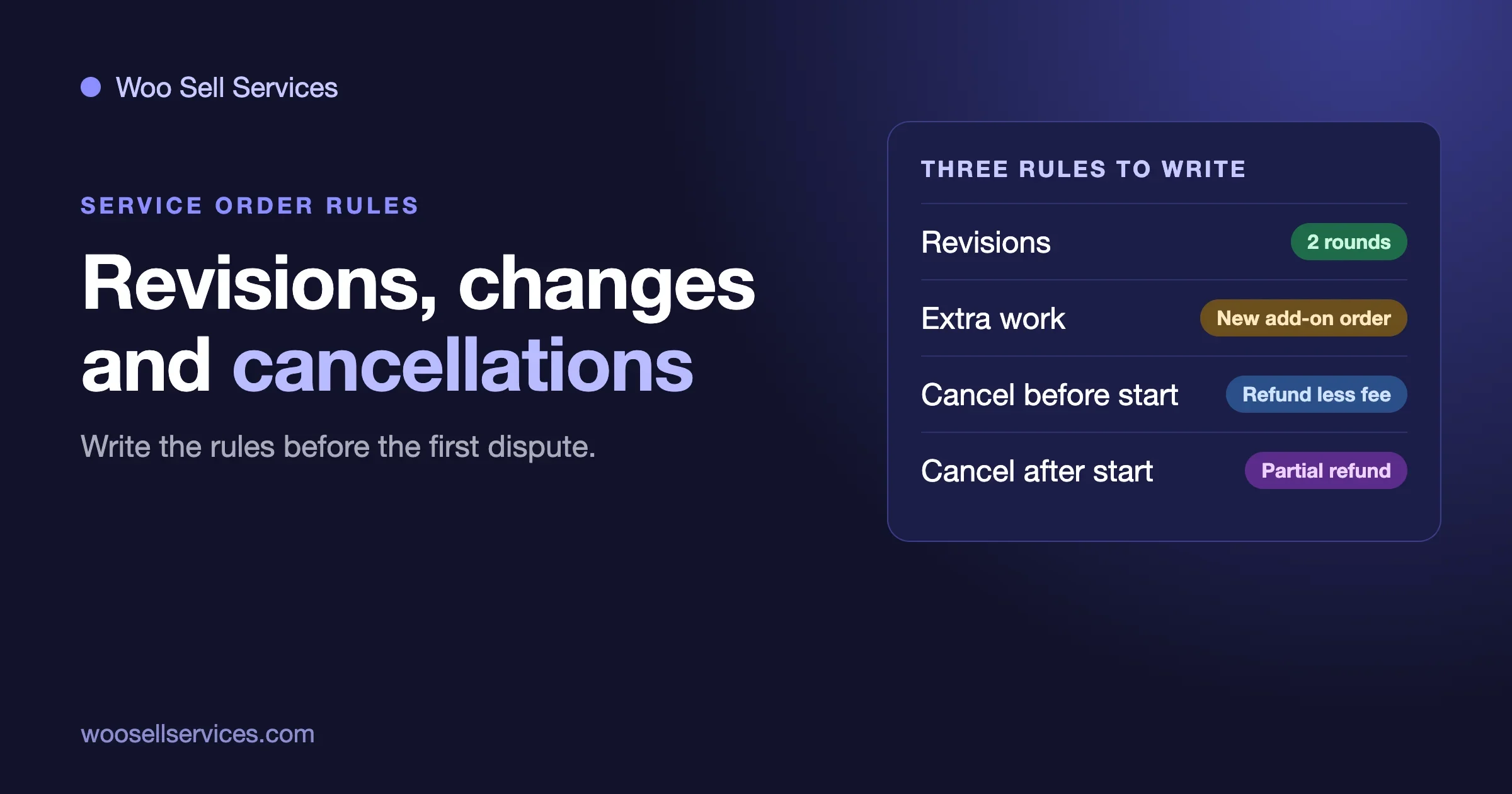
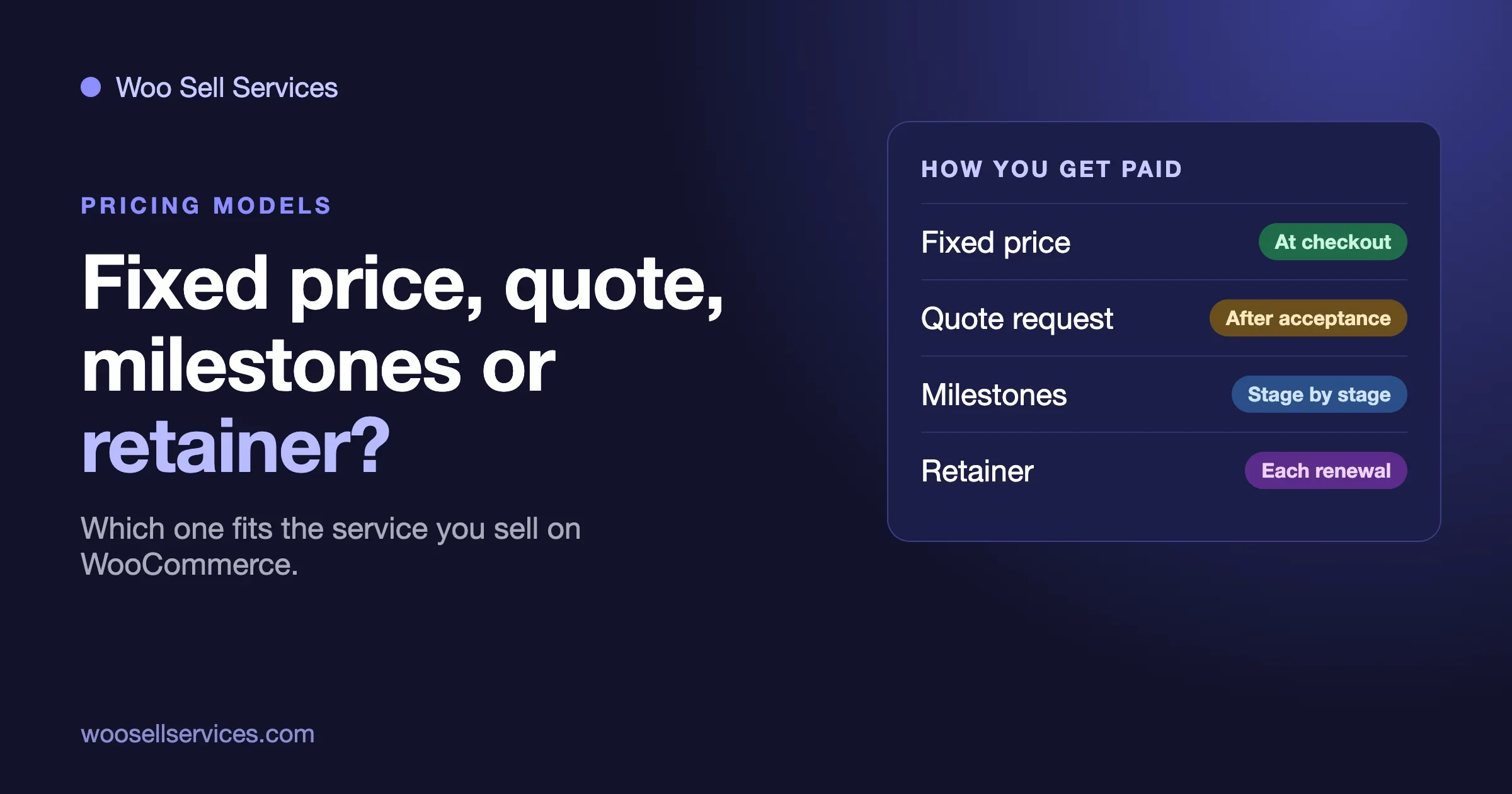
Be careful about what WooCommerce and our plugin do here. Neither WooCommerce core nor the Woo Sell Services product page mentions milestones or staged payments. In our guide to fixed price, quote, milestone and retainer models we suggest the practical workaround: one product per stage, each stage its own order with its own brief and delivery date, and the next stage’s link sent after the previous one is approved. It is manual, and it works.
When it fits: big projects, new clients, and any job where scope may change halfway.
Which option fits your store?
| Your situation | Best fit | Main risk |
|---|---|---|
| You sell quick services, delivered within a few days | Option 1: authorise, capture on delivery | Authorisation expires and the order fails |
| You are the only seller and jobs take longer | Option 2 without a marketplace: charge now, refund policy as the safety net | You must be able to refund |
| Several sellers, each paid separately | Option 2 with a marketplace payout flow | You hold funds for others and carry refunds and chargebacks |
| Large projects, new clients, changing scope | Option 3: stages, each paid on approval | Manual setup, and a stage can go quiet |
| Mixed catalogue | Combine: Option 1 for small jobs, stages for big ones | Confusing the buyer, so label each service clearly |
Not sure which option fits your services?
Tell us what you sell, how long a typical job takes and whether you have one seller or many. We will tell you which of the three fits, and whether you need custom work at all.
How do you copy Fiverr’s three-day review window?
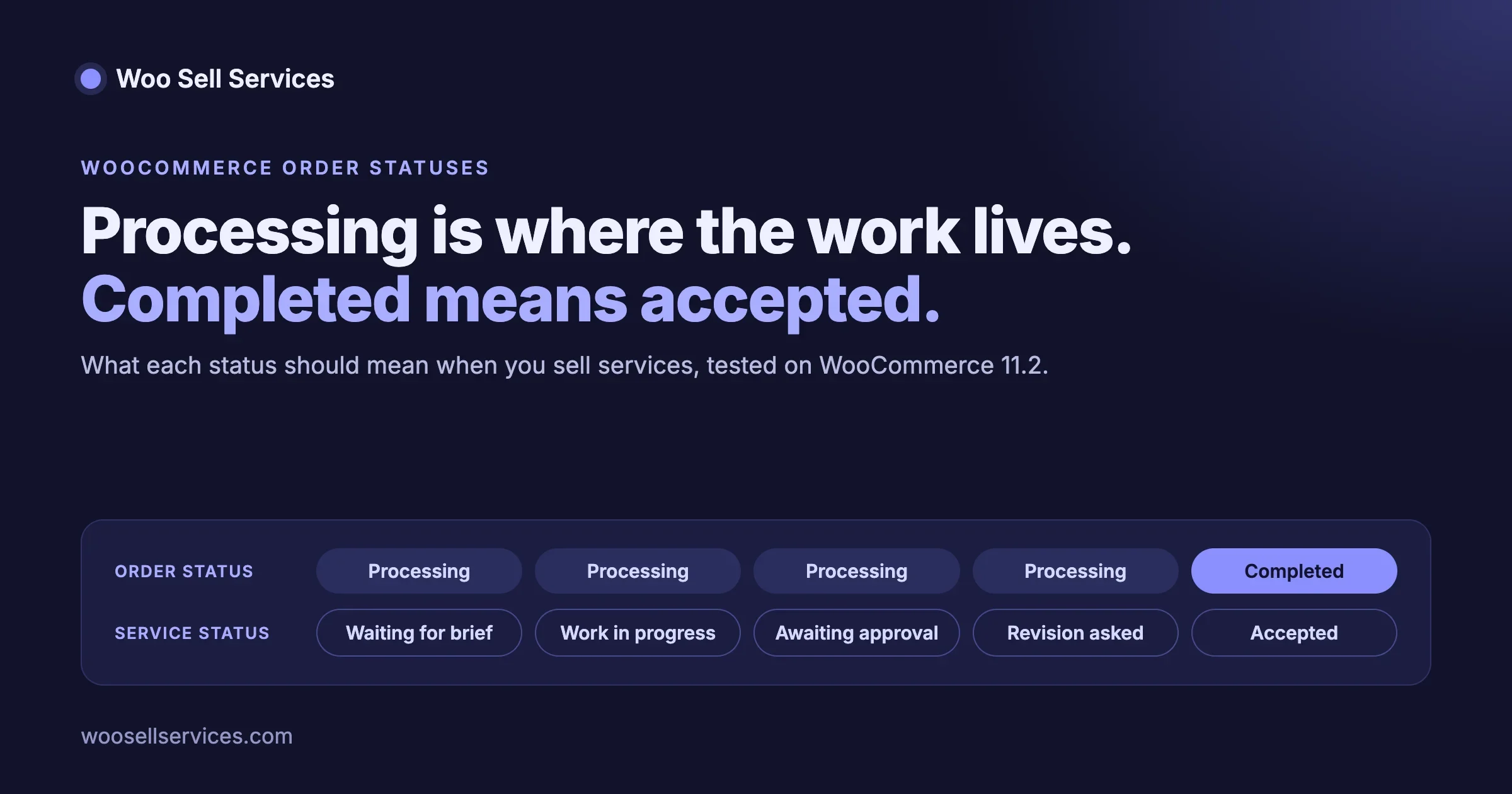
This is the part that stops payment sitting in limbo, and it needs no gateway at all. In Woo Sell Services the seller attaches the final file and marks the order delivered, and the buyer reviews it. The plugin has a setting named “Auto complete service order after” that completes the order a set number of days after final delivery if the buyer does not respond. In our order status guide we noted that the default on a fresh install was five days. You can set it to three if you want Fiverr’s timing.
That setting is only as good as the statuses it can see. In Woo Sell Services 5.8.8 we fixed a gap here: service orders in custom order statuses now stay under Active for buyers and vendors and are picked up by auto-complete. Before the fix they disappeared from every tab. If your store uses custom statuses and an older version of the plugin, update before you rely on auto-complete.
Whatever days you choose, write them down where the buyer can see them. A one-line rule at checkout and on the delivery message does the work of a full terms page:
When your order is delivered you have three days to accept it or ask for changes. If we hear nothing, the order is completed.
Also decide the equivalent of Fiverr’s extension rule. Fiverr lets the client extend their review in steps of up to five days. If you copy that, cap the number of extensions, because Fiverr’s design allows them without limit and a small store cannot afford an open-ended review.
What goes wrong, and how do you check?
The authorisation expired and the order shows Failed
Check: the order notes and the Stripe dashboard for a cancelled or expired authorisation. Fix: ask the customer to pay again, and either capture earlier next time or move that service to option 2. Prevent: only use authorise-and-capture on services you deliver inside the hold window.
The buyer pays by bank transfer and nothing happens
Check: whether the order is waiting on payment. Bank transfer and cheque orders cannot be authorised and captured, and WooCommerce hides unsupported payment methods when manual capture is on. Fix: in Woo Sell Services 5.8.8, bank transfer and cheque buyers now see the gateway’s payment instructions on the order-received page, and the awaiting-payment notice explains that work starts after payment is confirmed. Prevent: state this on the service page so the seller does not start early.
The buyer goes silent after delivery
Check: the order’s delivery date and your auto-complete setting. Fix: let the timer complete the order, then pay out as normal. Prevent: a reminder message on day two of the review window.
The buyer says the work is wrong
Check: the original requirement answers and the order conversation, both of which stay on the order. Fix: offer revisions first, then a partial refund if the work only partly meets the brief. Our post on revisions, scope changes and cancellations sets out the rules we suggest. Prevent: collect requirements properly. A good intake form removes most “that is not what I asked for” disputes.
The seller is paid, then the card is charged back
Check: whether the chargeback arrived inside your clearing period. Fix: deduct from the seller’s balance if they have one. Prevent: a clearing period. This is exactly why Fiverr waits 14 days after completion before a freelancer can withdraw. Our sister post on reading your payment fee statement shows what a dispute costs on top of the lost sale.
Is it safe to hold other people’s money?
It carries responsibility. When you hold money that belongs to a seller, you are doing something payment companies and, in many places, regulators treat seriously. We are not lawyers, and the rules differ by country and by how you structure the flow. In practice, the safe route for a store is to let a payments provider built for marketplaces do the regulated part, which is why products like Stripe Connect exist. Ask your provider and an adviser in your country before you take payments for third parties, and put the rules in your seller agreement and terms.
If you are the only seller, none of this applies. You hold your own money until you finish your own job, which is just a normal refund policy.
What should you set up before the first order?
- Write the rule in one sentence: when payment is taken, when it is released, and how long the review window is.
- Choose the option per service, not per store. Small fast jobs and large slow jobs need different tools.
- Set the auto-complete days to match the sentence you published.
- Test the failure paths on a staging site: an expired authorisation, a partial capture, a refund after delivery, a withdrawal approved twice.
- Decide who can refund and who can release funds, and keep that list short.
- Put the clearing period in your seller terms before the first payout, not after the first chargeback.
If you also sell on Easy Digital Downloads, the same payment questions apply there, and our sister site covers them in its post on Easy Digital Downloads payments, gateways, fees and refunds.
Can our team set this up for you?
Yes. The delivery side is what Woo Sell Services is built for: requirement questions after payment, chat and files on the order, a delivery step and auto-complete. If you need the payment side shaped around it, such as authorise-and-capture for fast services, staged payments, or a seller payout flow with an approval queue, that is custom work our team does on top of WooCommerce. See our services marketplace development page, then contact us.
Custom work starts with a short discovery call, and we do not quote a price or an approach before it. Tell us what you sell, how long a typical job takes and whether you have one seller or many, and we will say which of the three options fits. Sometimes the honest answer is “just charge at checkout and write a clear refund policy.”
Set up delivery, auto-complete and payment holds
Woo Sell Services runs the service order. We can shape the payment side around it: authorise and capture, a seller payout approval queue, or staged payments.
Frequently asked questions
How long does Fiverr hold the money?
Until the order is completed, which happens when the buyer accepts the delivery or the review window closes by itself. Fiverr’s help pages give three days for standard orders, eight for milestone orders and 14 for orders that need shipping. After completion, the freelancer’s revenue becomes available 14 days later, or 7 days for Seller Plus, TRS and Pro Talent freelancers.
Is Fiverr’s system really escrow?
Fiverr’s help pages describe payment being released to the freelancer when the order is completed, but they do not call it escrow. It behaves like escrow in effect. Whether it meets a legal definition of escrow is a question for lawyers, not for this guide.
Can WooCommerce hold a payment until delivery?
Yes, in two main ways. You can authorise a card payment and capture it on delivery, which the WooCommerce Stripe gateway supports for up to seven days. Or you can charge at checkout and delay what you pay the seller. For long projects, split the price into stages.
How long can I hold a card payment before capturing it?
Typically seven days for an online card payment. WooCommerce’s Stripe documentation gives seven days from order placement, after which the authorisation expires, the funds go back to the customer and the order is marked Failed. Stripe offers extended authorisations for some payments, so check eligibility with your provider.
Does Woo Sell Services hold funds in escrow?
No. Woo Sell Services runs the service order: requirement questions, chat, files, delivery and statuses. Payment is taken at the WooCommerce checkout you already use. Holding funds, if you want it, comes from your gateway settings and your payout setup.
What is the safest way to pay a seller on a services marketplace?
Pay after delivery and after a clearing period, through a provider built for marketplace payouts. Keep a record of every payout, make approvals single-use so nothing is paid twice, and write the release rule into your seller terms.
What happens if a buyer never responds after delivery?
Use a timer. In Woo Sell Services the “Auto complete service order after” setting completes the order a set number of days after final delivery when the buyer does not respond. Choose a number of days, publish it at checkout, and stick to it.
Can I take deposits or milestone payments?
WooCommerce core and the Woo Sell Services product page do not include milestones or deposits. The practical method is one product per stage, with each stage paid and approved before the next link goes out. A separate deposits extension is another route, and it should be tested on a staging site first.
Do I need a clearing period?
If you pay other people out of the money you collect, yes. Card payments can be disputed after the sale, and a clearing period leaves time for that before the money leaves your account. Fiverr uses 14 days for most freelancers.
Is it legal to hold a seller’s money?
It depends on where you operate and how the flow is structured. Use a payments provider designed for marketplaces and take advice in your own country before you launch. This guide is not legal advice.